

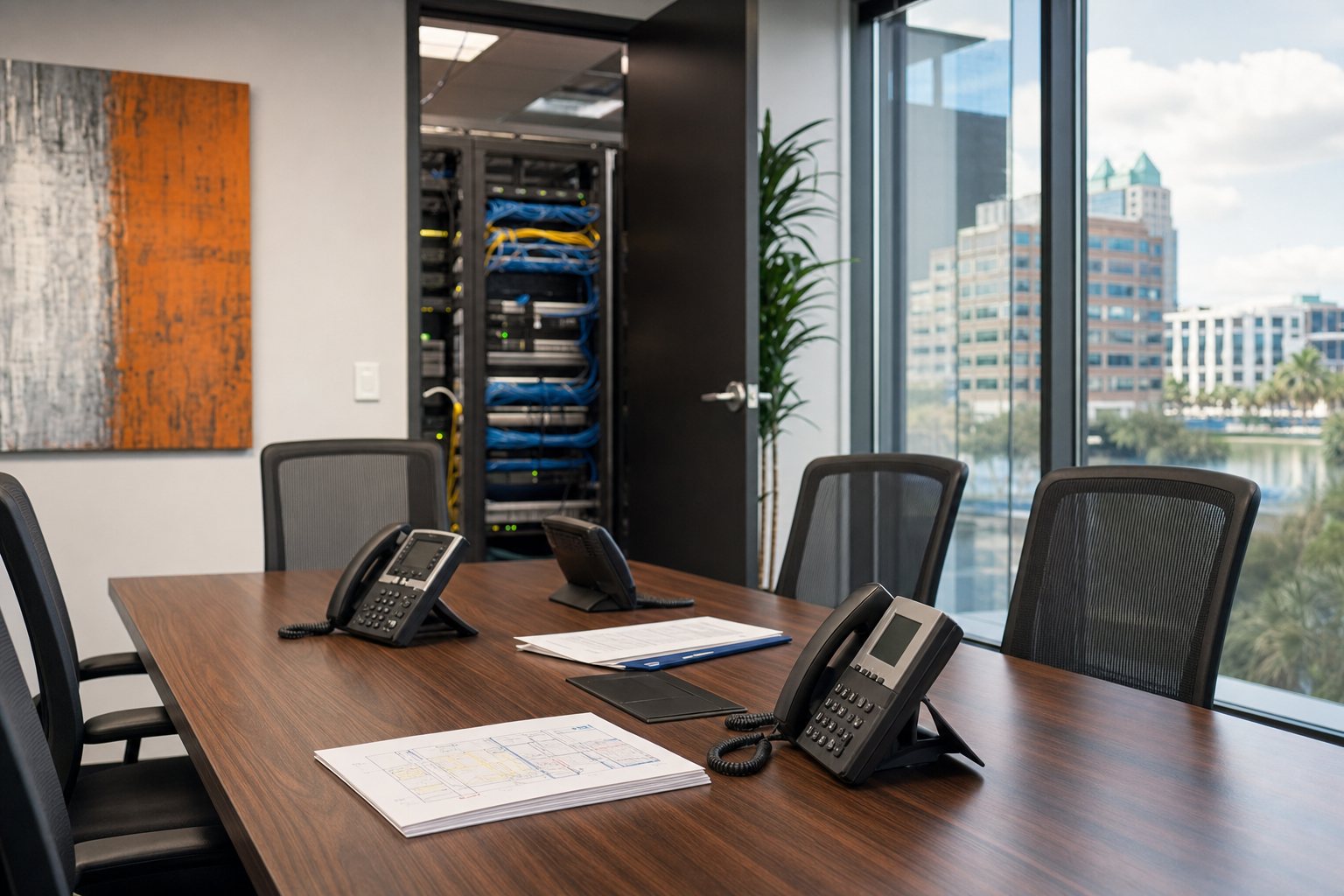
Orlando VoIP IT Plan for Offices Over 30 Employees
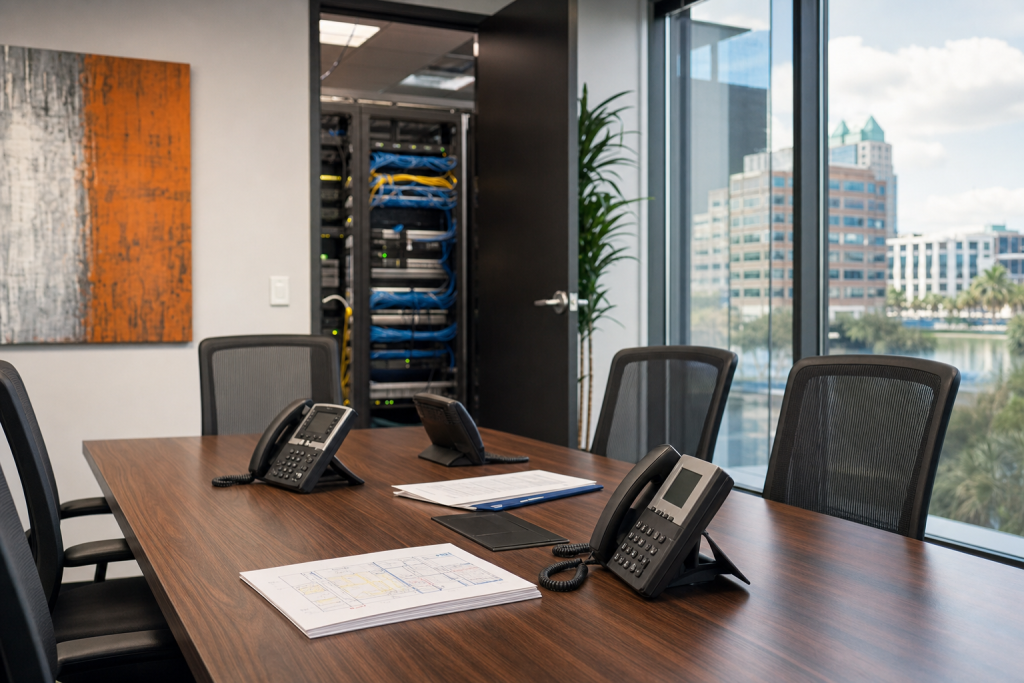
If your Orlando office has outgrown an aging phone system, replacing it is not just a telecom decision. For offices with more than 30 employees, call quality, network readiness, cabling, firewall performance, mobile calling, and post-cutover support all need to be planned together so the new system is built for uptime instead of finger-pointing.

Key takeaways
- Phone system replacement for 30 to 100 users should be treated as an IT and operations project, not just a carrier order.
- Call quality problems usually trace back to network congestion, poor cabling, weak Wi-Fi design, underpowered firewalls, or missing QoS.
- Number porting, failover, user training, and post-cutover support matter as much as phone features.
- Local Orlando-area support helps when a network closet is messy, documentation is missing, or multiple vendors are blaming each other.
Who this is for
Orlando, Winter Garden, and Central Florida decision-makers at offices with roughly 30 to 100 employees who need to replace an aging PBX, PRI, analog lines, or a patchwork phone setup and want one practical plan.
Who this is not for
Very small offices that only need a few lines and no network changes, or companies only looking for a generic online phone quote without cabling, support, security, or migration planning.
Why offices over 30 need a real plan
Once an office gets past 30 employees, voice becomes tied to every other moving part in the environment. Front desk routing, hunt groups, remote staff, conference rooms, mobile apps, internet failover, and support desk workflows all depend on the network being stable and documented. That is why a true hosted VoIP phone solution plan should include IT, telecom, and physical infrastructure from the start.
Many national vendors sell features first and deal with local network problems later. That is where Orlando businesses get burned. The service may be fine in theory, but the office still has old patch panels, unmanaged switches, weak Wi-Fi in certain wings, and no one clearly responsible for QoS, firewall policy, or user setup.
| Factor | National VoIP vendor | DIY or in-house rollout | Mynians managed IT |
|---|---|---|---|
| Network readiness | Often limited remote checks | Depends on internal bandwidth and experience | Reviewed with local IT and cabling context |
| Structured cabling | Usually outsourced or excluded | Can be missed until install day | Handled by the same team when needed |
| Cutover support | Remote scheduling windows | Internal staff carry the risk | Local coordination and user support |
| Vendor accountability | Phone vendor may blame ISP or LAN | Internal team must sort it out | One team for IT, VoIP, cabling, and security |
| Documentation | Varies widely | Often incomplete | Proper documentation is part of the process |
| Post-go-live help | Ticket queue, often not local | Depends on staff availability | Real techs, real answers |
If you are comparing options, the practical question is not just monthly cost. It is whether the provider can handle the full office phone system replacement in Orlando without surprise problems on cutover day.
Warning signs your current system is costing you
Old phone setups rarely fail all at once. They usually create small operational problems that pile up. Common signs include dropped calls during busy periods, voicemail issues, dead desk phones after office moves, trouble supporting remote staff, expensive line changes, and no clean documentation of what connects where.
Another major warning sign is vendor finger-pointing. The phone company blames the firewall. The ISP blames the switch stack. Internal staff blame the old PBX. Meanwhile, your team is still missing calls. For Florida offices adding staff, remodeling suites, or opening another location, this gets harder fast.
When you also have Microsoft 365, mobile users, or a hybrid workforce, old systems create workflow gaps. Calls are not where staff need them, onboarding takes too long, and business continuity communications are weak during outages or severe weather.

What your office needs before moving to hosted VoIP
A successful VoIP migration plan for midsize business starts before any phones are ordered. The environment needs to be assessed in the same way you would assess any important business system.
Start with network readiness
A proper network readiness assessment should review current internet service, switch capacity, VLAN design, QoS settings, firewall throughput, wireless coverage, and the likely voice traffic load during peak use. For many offices, the weak point is not the internet circuit itself. It is the LAN design around it.
Review phones, users, and call flows
List every user type: reception, sales, managers, warehouse, remote staff, conference rooms, and common areas. Then map how calls should actually flow. Auto attendants, ring groups, after-hours routing, voicemail-to-email, mobile calling, and emergency calling details should be designed before cutover.
Check physical infrastructure
VoIP runs on real hardware. That means switch ports, patch panels, cable quality, rack organization, UPS coverage, and PoE switches all matter. If the office has old or messy drops, a structured cabling review can prevent a lot of frustration later. Mynians handles this through its structured cabling solutions for reliable networks when the voice project needs cleanup or expansion.
How network, cabling, and Wi-Fi affect call quality
Call quality and QoS are where many generic VoIP pages fall short. Voice is sensitive to latency, jitter, packet loss, and local congestion. In midsize offices, the problem can come from many places: weak Wi-Fi design, old switches, bad uplinks, overworked firewalls, poor SIP handling, or cable runs that were never documented.
Not every phone must rely on Wi-Fi, and many offices should avoid that for fixed desk locations. Hardwired Ethernet with PoE is usually the cleaner path for desk phones. Wi-Fi can still play a role for mobile devices, softphones, and some flexible spaces, but the wireless environment must be designed for it.
For standards and cabling best practices, buyers should understand that voice quality is not just a software setting. Physical layer quality and network design matter, which is why organizations such as BICSI and IEEE remain relevant references in business network planning.
The best rollout plan for minimal downtime
The best office phone system replacement Orlando businesses can choose is one with a staged rollout and clear ownership. Number porting, device staging, failover planning, and user communication all need to be timed correctly.
- Assess the network, cabling, internet circuits, and firewall capacity.
- Document users, phone numbers, extensions, call routing, and special cases.
- Prepare switches, VLANs, QoS, desk drops, and any needed PoE upgrades.
- Stage phones, test call paths, and confirm number porting windows.
- Train key users, front desk staff, and managers before cutover day.
- Cut over in a planned window with fallback options and on-call support.
- Monitor call quality, fix issues fast, and update documentation after go-live.
For larger offices, it is also smart to discuss failover. That may mean a backup internet circuit, mobile app continuity, or temporary rerouting during an outage. If you are evaluating internet and telecom resiliency, the FCC is a useful authority for business communications topics, while internal planning should stay specific to your office layout and risk tolerance.
How security, Microsoft 365, and mobile calling fit in
Hosted voice should not sit outside the rest of your IT strategy. The same office replacing an old PBX is often also managing Microsoft 365 accounts, remote access, identity controls, and endpoint security. If these are handled in separate silos, onboarding gets messy and support slows down.
For many midsize businesses, Microsoft Teams calling or Microsoft 365 integration is part of the evaluation. The right answer depends on how your staff already work and whether desk phones, softphones, or a mixed model makes the most sense. Planning should account for user licensing, identity, mobile use, and support responsibilities. Official Microsoft documentation can help buyers understand Teams and Microsoft 365 calling considerations at a technical level.
Security also belongs in the plan. Firewalls, account controls, remote access policy, and business continuity communications all help reduce risk. Mynians supports this broader view through managed IT services, managed cybersecurity services, and IT strategy and consulting so voice is not treated like a standalone utility.

What to ask before you sign a contract
Before signing with any provider, ask practical questions that expose how deployment will really work in your office:
- Who checks network readiness and who owns fixing issues found during that review?
- Can you keep existing numbers, and how is number porting coordinated?
- What happens if your internet provider has an outage on cutover day?
- Will the provider support desk phones, mobile apps, conference rooms, and remote users together?
- Are cabling, switch upgrades, and firewall changes included, excluded, or handed off to someone else?
- What user training and post-go-live support are included?
- Are billing and support clear, or are there likely to be surprise bills?
This is also where local support matters. A national queue may be fine for simple account changes. It is less helpful when your patch panel is undocumented, your network closet is a mess, or your front desk call flow has to be rebuilt quickly before opening Monday morning.
Timeline, budget factors, and next steps
Timeline depends on the office condition more than buyers expect. If the network is documented, the switches are ready, and number porting is straightforward, projects move faster. If there are old analog devices, incomplete user lists, poor cabling, or office renovations happening at the same time, the schedule expands.
Budget factors usually include handsets, licensing, switch and PoE capacity, cabling corrections, firewall updates, internet redundancy, conference room devices, and support scope after deployment. The cheapest quote often leaves out the infrastructure work that actually determines whether the phones work well day to day.
For Orlando-area businesses, the best next step is a practical review of your current setup, your business requirements, and your office layout. If you want one local team that can fix the mess, secure the system, and keep it running, contact Mynians for a free IT assessment.
Frequently asked questions
How many internet circuits does a 30 plus employee office need for reliable VoIP?
Many offices can run voice well on a properly sized primary circuit if the LAN, firewall, and QoS are configured correctly. That said, a secondary circuit or another failover option is worth considering for business continuity, especially when phones are critical to sales, service, or front desk operations.
Can we keep our existing phone numbers when switching to hosted VoIP?
In most cases, yes. Number porting is a normal part of hosted VoIP migration, but it needs to be planned carefully so billing, routing, and cutover timing stay aligned.
Do all office phones need Ethernet cabling and PoE switches?
Not every user needs a desk phone, and some offices use mobile apps or softphones for part of the workforce. For fixed desk phones, hardwired Ethernet and properly planned PoE switches are usually the most reliable choice for consistent call quality and easier support.
Will hosted VoIP work with Microsoft 365 and Teams?
Yes, many businesses integrate hosted voice with Microsoft 365 workflows, and some use Teams calling as part of the design. The right approach depends on how your staff communicate, what devices they use, and who will support the environment after deployment.
How do we avoid downtime during a business phone system cutover?
Downtime risk drops when the project includes staging, testing, documented call flows, confirmed port dates, user training, and a fallback plan. The biggest problems usually happen when buyers skip prep work or spread responsibility across too many vendors.
What causes dropped VoIP calls in midsize offices?
Dropped calls usually trace back to network issues such as packet loss, jitter, congestion, weak Wi-Fi, poor switch performance, firewall limitations, or bad cabling. That is why hosted voice should be assessed as part of the full office environment, not treated like an isolated app.
Last updated September 2026.
Next step
Ready to see what managed IT would cost your business?
Calculate your MSP base in about a minute, review the written agreement, and sign online, or call the Winter Garden team and talk it through first.

