

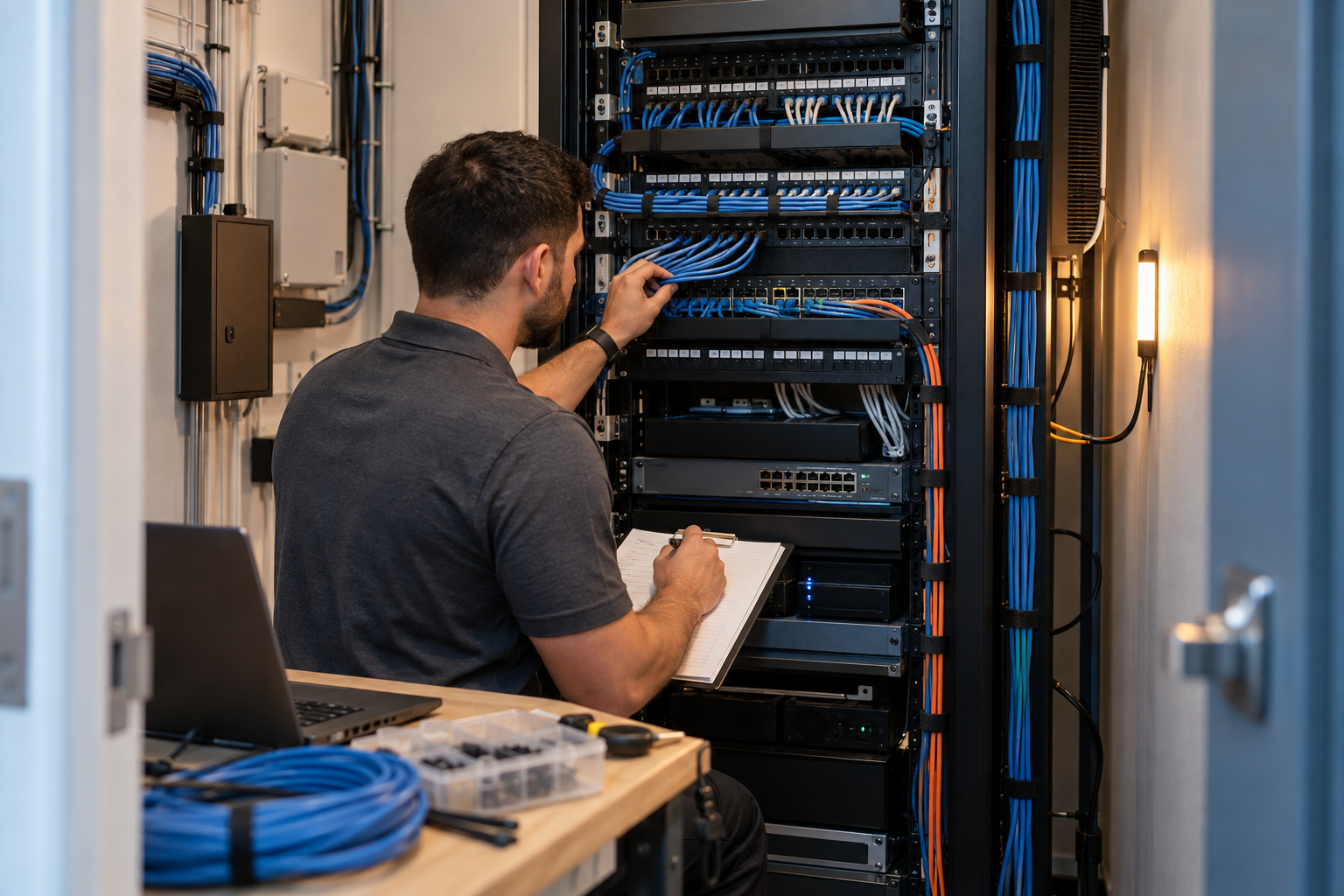
Network Closet Cleanup for Offices Over 30 Devices
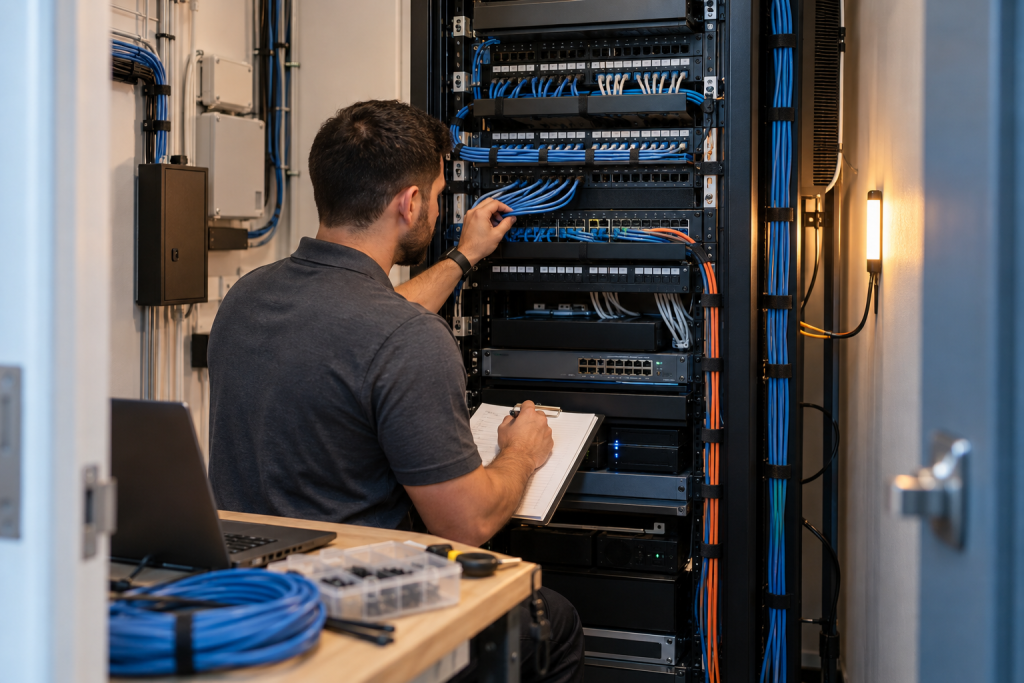
If your office has grown past 30 devices, a messy rack is usually more than an appearance problem. Unlabeled runs, old switches, unmanaged adds and moves, and poor documentation can create outages, dropped VoIP calls, slow Wi-Fi, and constant vendor finger-pointing. For Central Florida businesses, a proper network closet cleanup is often the first step toward stable day-to-day operations and a safer, easier-to-support environment.
Why network closets break down after 30 devices
In smaller offices, network growth tends to happen one patch cable and one device at a time. A printer gets added. Then a second switch. Then a few VoIP phones. Then a wireless access point gets moved during an office remodel. After enough changes, nobody is fully sure what port feeds what desk, what switch uplinks where, or which cables are abandoned.
That is when the closet starts causing business problems. Inherited racks are common in offices around Winter Garden, Orlando, Tampa, Miami, and Jacksonville, especially after expansion, tenant improvements, staff turnover, or an IT provider change.
| Option | Best for | Pros | Cons |
|---|---|---|---|
| Mynians integrated team | Offices needing IT, VoIP, and cabling aligned | One team, local techs, proper documentation, no surprise bills | Requires planning window instead of quick patchwork |
| DIY or in-house tidy-up | Very small changes and basic relabeling | Lower immediate spend | Often misses testing, power audit, firewall review, and root causes |
| Break-fix IT vendor | Businesses only reacting to outages | Can address urgent failures | No long-term documentation or cleanup standard |
| Separate cabling and phone vendors | Businesses already committed to multiple providers | Specialized scopes | Higher chance of finger-pointing when calls or connectivity fail |
| National remote-heavy provider | Multi-location firms prioritizing centralized contracts | Broad coverage model | Slower on-site response and less local accountability |
Who this is for: Owners, office managers, and operations leaders inheriting a messy rack, repeated internet or phone issues, undocumented moves, or an office with 30 to 75 devices that has clearly outgrown ad hoc wiring.
Who this is NOT for: Single-room offices with a basic router and a handful of endpoints, or companies only looking for decorative cable sleeves without testing, mapping, or infrastructure review.
If your team is tired of temporary fixes, Get a free IT assessment and have the closet reviewed as part of the wider network, not in isolation.
The warning signs your office needs more than a tidy-up
Some problems look cosmetic but point to deeper infrastructure issues. Common warning signs include:
- Internet outages that clear up only after rebooting switches or the firewall
- VoIP phones with one-way audio, jitter, or dropped calls
- Wi-Fi complaints that started after adding more devices or access points
- Patch cables hanging loose with no clear labels or port maps
- Mixed old and new switches with inconsistent speeds or unmanaged segments
- A UPS that alarms, has dead batteries, or does not protect critical gear properly
- No current network documentation for ports, VLANs, circuits, or rack equipment
- Confusion during onboarding, desk moves, or printer and camera installs
At that point, cleaning up the rack face alone will not solve the real problem. The office likely needs an IT and cabling review that connects the physical layer to network design, security, and voice traffic.
Mynians approaches this as a practical business project: we fix the mess, secure the system, and keep it running.
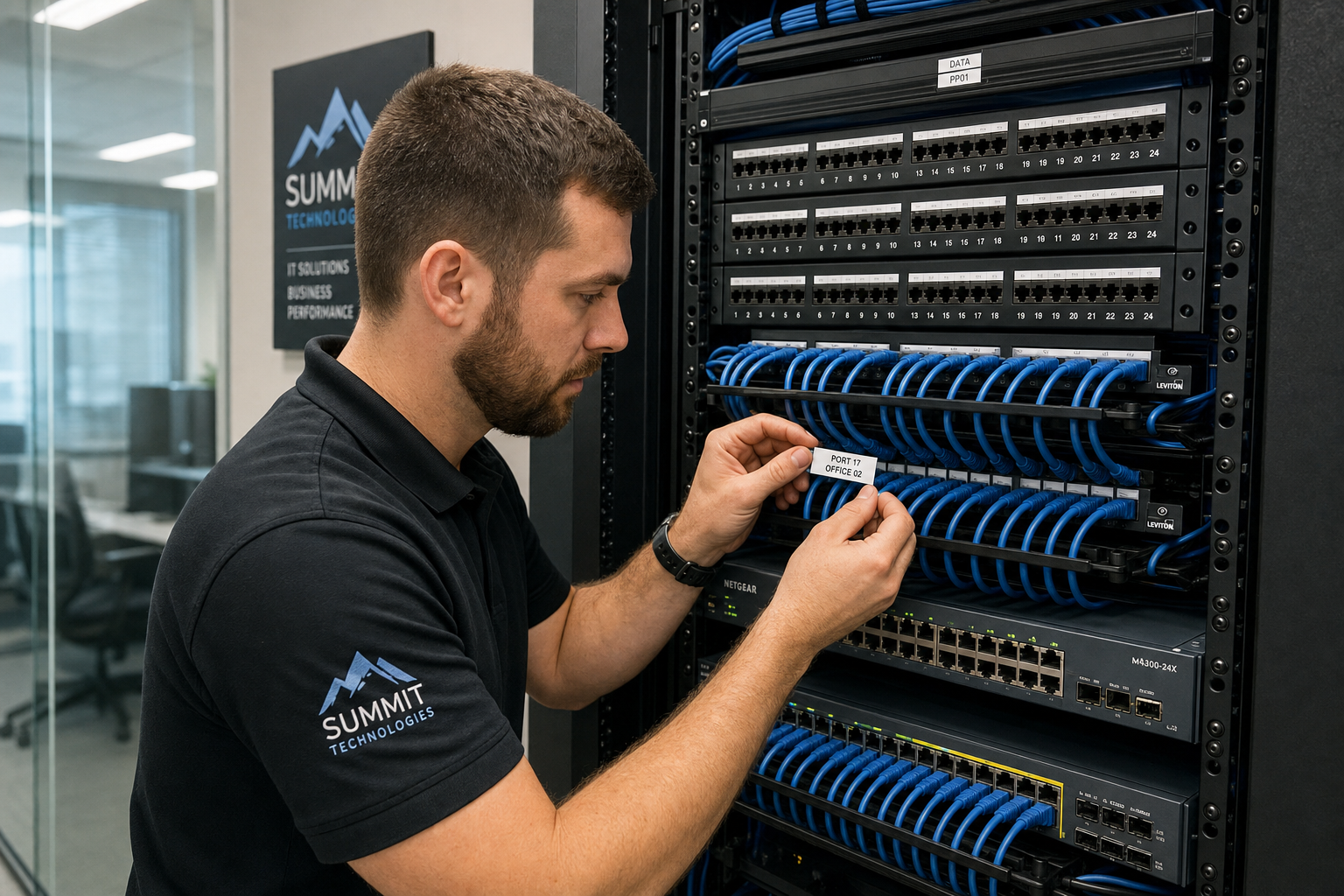
What a proper network closet cleanup and IT overhaul includes
A real network closet cleanup for offices over 30 devices should include both physical and logical work.
Physical cleanup and organization
- Rack organization and cable management
- Removal of abandoned patch leads and obvious dead runs
- Patch panel labeling and port identification
- Separation of power and data where appropriate
- Verification of mounting, ventilation, and usable rack space
Infrastructure review
- Switch inventory, age review, and replacement planning
- Firewall placement and policy review
- UPS audit for battery health, sizing, and protected outlets
- Internet handoff and modem or edge device review
- VoIP readiness checks including QoS and traffic prioritization
Documentation and testing
- Cable testing and basic validation of active runs
- Port maps for desks, phones, printers, access points, and cameras
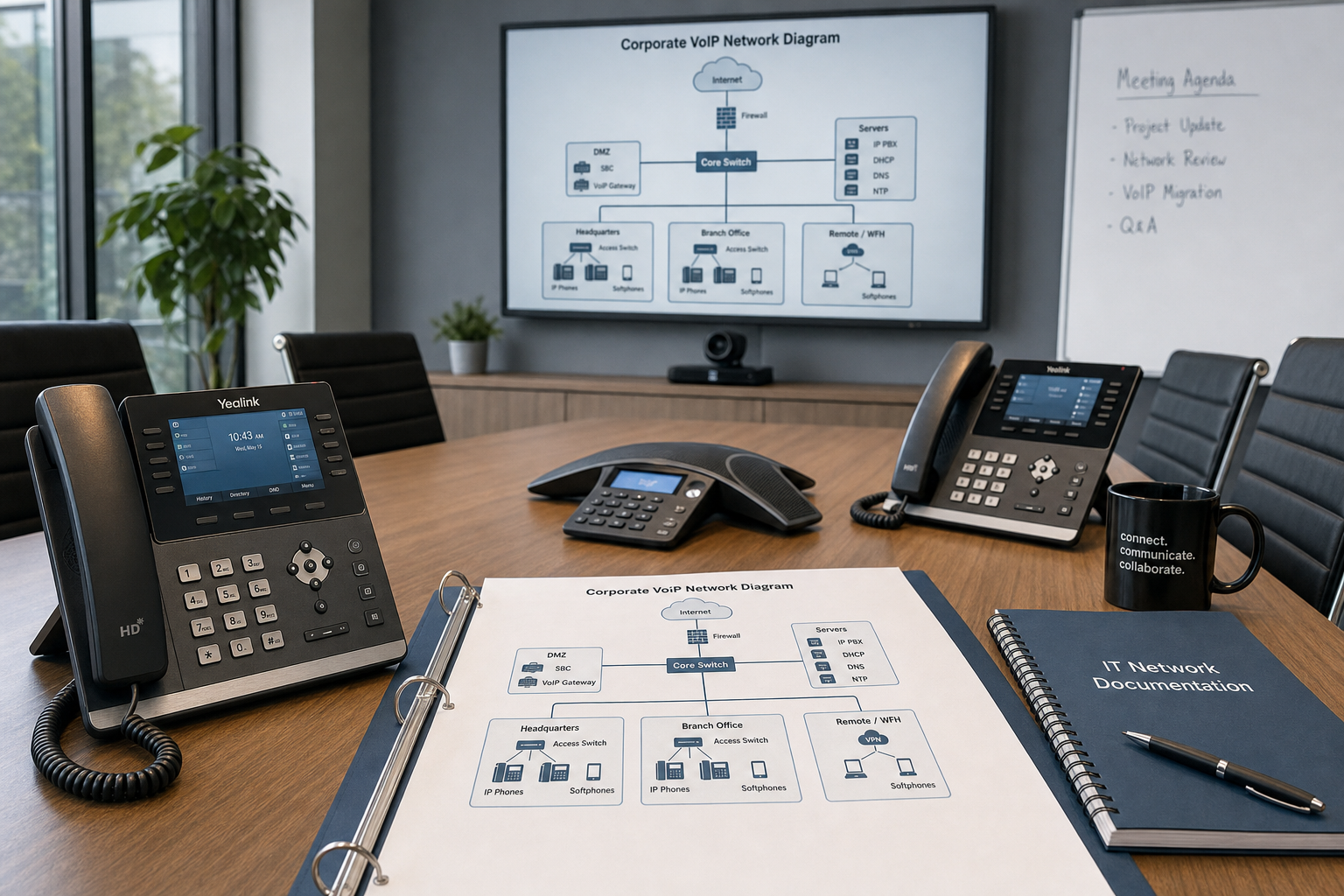
- Network diagrams and equipment lists
- Labeling standards for future adds, moves, and changes
- Issue tracking for anything that needs follow-up replacement
That documentation matters just as much as the cleanup itself. Without it, the closet drifts back into chaos the next time a workstation moves or a provider change happens.
How messy cabling affects Wi-Fi, cybersecurity, and VoIP calls
Messy closets create cross-system problems. That is why businesses often get bounced between internet, phone, and IT vendors without a clear answer.
Wi-Fi performance
When uplinks are saturated, switch ports are mismatched, or access points are patched through confusing chains, Wi-Fi problems show up as random slowness. Users blame wireless, but the real issue may be in the closet.
Cybersecurity gaps
Poorly documented racks make it harder to verify what is connected to the network and whether old hardware is still active. The Cybersecurity and Infrastructure Security Agency regularly emphasizes asset visibility and basic cyber hygiene. If nobody knows what devices are live, security gets weaker fast.
VoIP call quality issues
Bad patching, switch congestion, power instability, or missing prioritization can absolutely affect business phones. The FCC maintains consumer and business guidance around communications reliability, but in day-to-day offices the practical fix is usually hands-on: trace the ports, verify switch capacity, check power protection, and confirm the network is built for voice traffic.
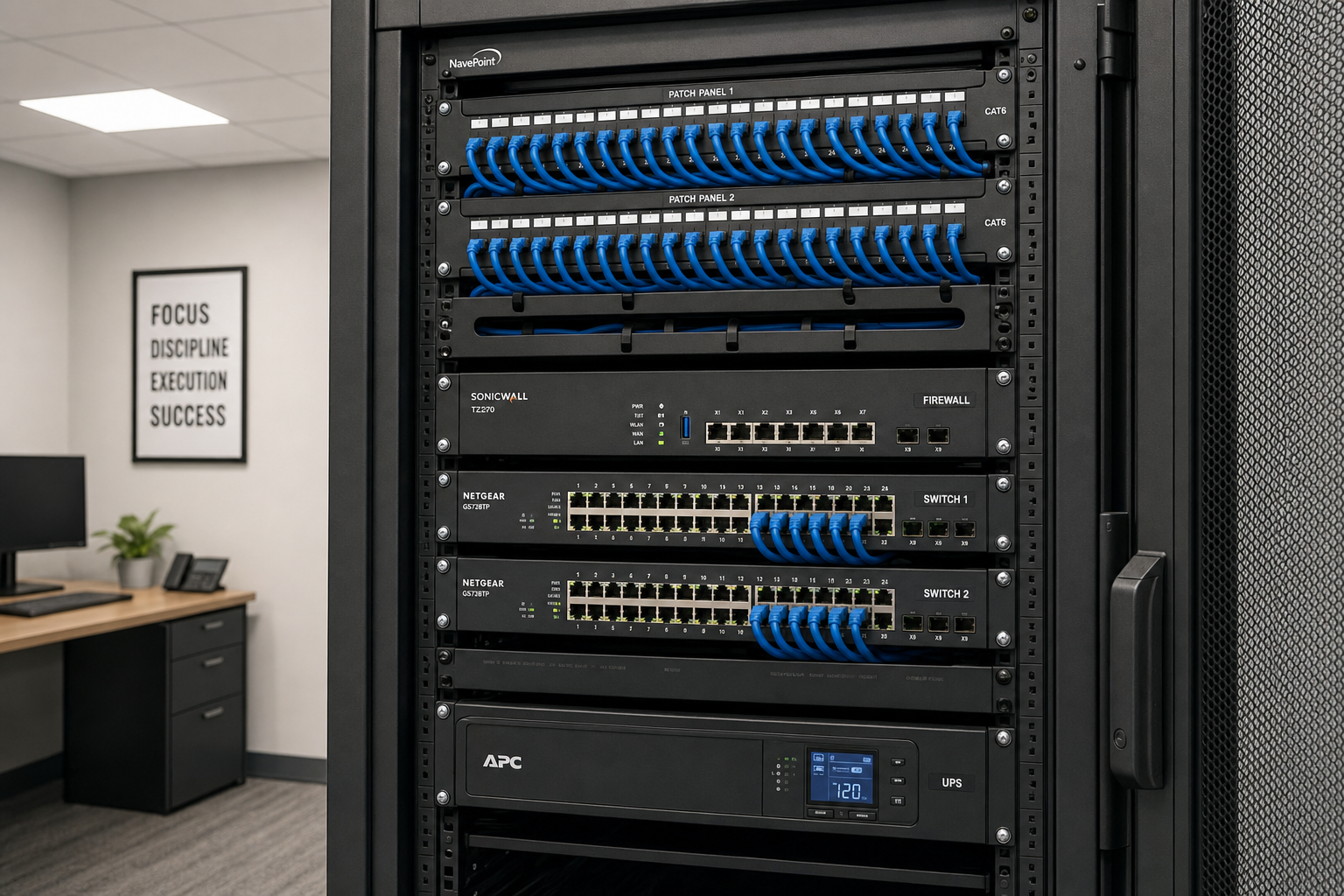
A step-by-step project plan for cleaning up the closet without downtime
The best closet projects are staged. Rushing can create avoidable interruptions.
1. Discovery and assessment
Start with photos, circuit details, switch inventory, internet and firewall info, and a quick list of user complaints. Document what is known before touching patching.
2. Labeling and mapping
Identify active ports, patch panel destinations, uplinks, WAN handoff, VoIP dependencies, and critical devices. This creates the foundation for safe changes.
3. Replacement planning
Decide what should stay, what should be retired, and what must be upgraded now. This may include switches, firewall, UPS units, or damaged patch panels.
4. Cleanup window
Perform physical rework in a planned maintenance window or in phases. Offices can often avoid major disruption by tackling noncritical sections first and scheduling cutovers after hours.
5. Testing and validation
Confirm internet access, LAN connectivity, Wi-Fi uplinks, printer access, camera feeds, and call quality before closing the project.
6. Final documentation
Deliver labels, diagrams, equipment notes, and recommended next steps. For many offices, this is the first time the closet has had a usable record.
For structured cabling standards and professional installation practices, BICSI is a useful authority and industry reference point: BICSI.
What should be replaced, relabeled, tested, or documented
Not every project requires a full rip-and-replace. The key is knowing the difference between cleanup work and end-of-life infrastructure.
- Replace: failing switches, undersized UPS units, damaged patch panels, unsupported firewalls, brittle patch leads, or gear with no clear purpose.
- Relabel: patch panels, switch ports, uplinks, WAN circuits, phone patching, wireless access point runs, printer drops, and conference room connections.
- Test: suspect cable runs, uplinks, phone quality, access point backhaul, and internet edge performance.
- Document: rack layout, IP scheme where relevant, VLAN notes, circuit info, device ownership, passwords and access procedures handled under proper internal controls, and service-provider contacts.
If your business is preparing for Microsoft 365 migration, Wi-Fi upgrades, or a phone refresh, this groundwork reduces rework later. Microsoft’s official admin and network guidance can also help frame downstream planning: Microsoft documentation.
When to involve managed IT, structured cabling, and VoIP specialists
An electrician can be important for electrical issues, but most office network closet overhauls need more than power work. They need coordinated support across cabling, switching, firewalling, wireless, and phones.
This is where a one-team model helps. Mynians supports Central Florida businesses with managed IT, hosted/cloud VoIP, structured cabling, cybersecurity, and related on-site work. Instead of separate vendors blaming each other, you get real techs, real answers, and one project path.
This local approach matters when your office cannot wait days for remote scheduling or generic ticket routing. It also matters when the cleanup affects multiple systems at once, such as phones, surveillance, Wi-Fi, and user onboarding.
What Florida businesses should expect in timeline, budget, and outcomes
Timeline depends on closet condition, device count, documentation quality, and whether replacement hardware is needed. A straightforward cleanup and relabeling project can move faster than a closet that also needs switch changes, firewall redesign, or UPS improvement.
Budget also varies based on whether the project is mostly labor and documentation or includes new hardware and cabling remediation. The right expectation is not a flat internet number. It is a scoped assessment that separates immediate needs from nice-to-have improvements.
What should you expect after the work is done?
- Fewer mystery outages caused by accidental disconnects or bad patching
- Clearer support ownership across IT, phones, and cabling
- Faster desk moves and onboarding
- Better readiness for VoIP, Wi-Fi upgrades, and cloud changes
- A closet that is built for uptime instead of constant guesswork
Frequently Asked Questions
What causes repeated internet outages in an office with a messy network closet?
Common causes include loose patching, failing switches, poor uplinks, weak power protection, and undocumented changes that create loops or disconnect critical gear. The visible mess is often a sign of deeper infrastructure drift.
How do I know if my business needs a network closet cleanup or a full IT overhaul?
If the issue is mainly labeling, abandoned cables, and basic organization, cleanup may be enough. If you also have old switches, firewall concerns, VoIP problems, recurring outages, or no documentation, you likely need a broader office IT overhaul.
Can poor cabling really cause dropped VoIP calls and slow network speeds?
Yes. Bad patching, damaged runs, weak uplinks, and switch congestion can affect both call quality and data performance. Voice traffic is especially sensitive to instability and misconfiguration.
How long does a network closet cleanup take for a 30 to 75 device office?
It depends on how much documentation exists, how crowded the rack is, and whether hardware replacement is part of the job. Some projects are mostly cleanup and labeling, while others require staged after-hours work to avoid downtime.
Should we replace switches, firewall, and patch panels during the same project?
Sometimes yes, but only where age, reliability, compatibility, or support status justify it. A good project plan separates must-replace items from components that can stay in service with better organization and documentation.
Is it possible to clean up a network closet without disrupting daily operations?
Often yes. The key is discovery first, staged work, and scheduling higher-risk changes during maintenance windows. Blind repatching during business hours is what usually creates trouble.
What should be labeled and documented in a business network closet?
Patch panels, switch ports, uplinks, WAN handoff, phone connections, access point runs, printer drops, rack equipment, and power protection should all be labeled. Documentation should also include diagrams, inventories, and support contacts.
Do we need structured cabling before upgrading Wi-Fi or moving to Microsoft 365?
Not always, but you do need confidence that critical runs, uplinks, and closet infrastructure are sound. Upgrading wireless or cloud systems on top of bad cabling usually carries old problems forward.
What is the average cost of a network closet cleanup for a small business office?
There is no reliable one-size-fits-all price because scope varies widely. Cost depends on device count, condition, documentation, hardware replacement needs, and whether the work includes testing and redesign.
Who should handle a network closet overhaul: electrician, cabling company, or managed IT provider?
For most offices over 30 devices, the best outcome comes from a provider that can coordinate cabling, switching, firewall review, and VoIP dependencies together. Electrical help may still be needed for power issues, but it is rarely the full answer by itself.
Update Log
- September 2026: Created and reviewed for Mynians managed IT, hosted VoIP, and structured cabling accuracy.
Next step
Ready to see what managed IT would cost your business?
Calculate your MSP base in about a minute, review the written agreement, and sign online, or call the Winter Garden team and talk it through first.

