

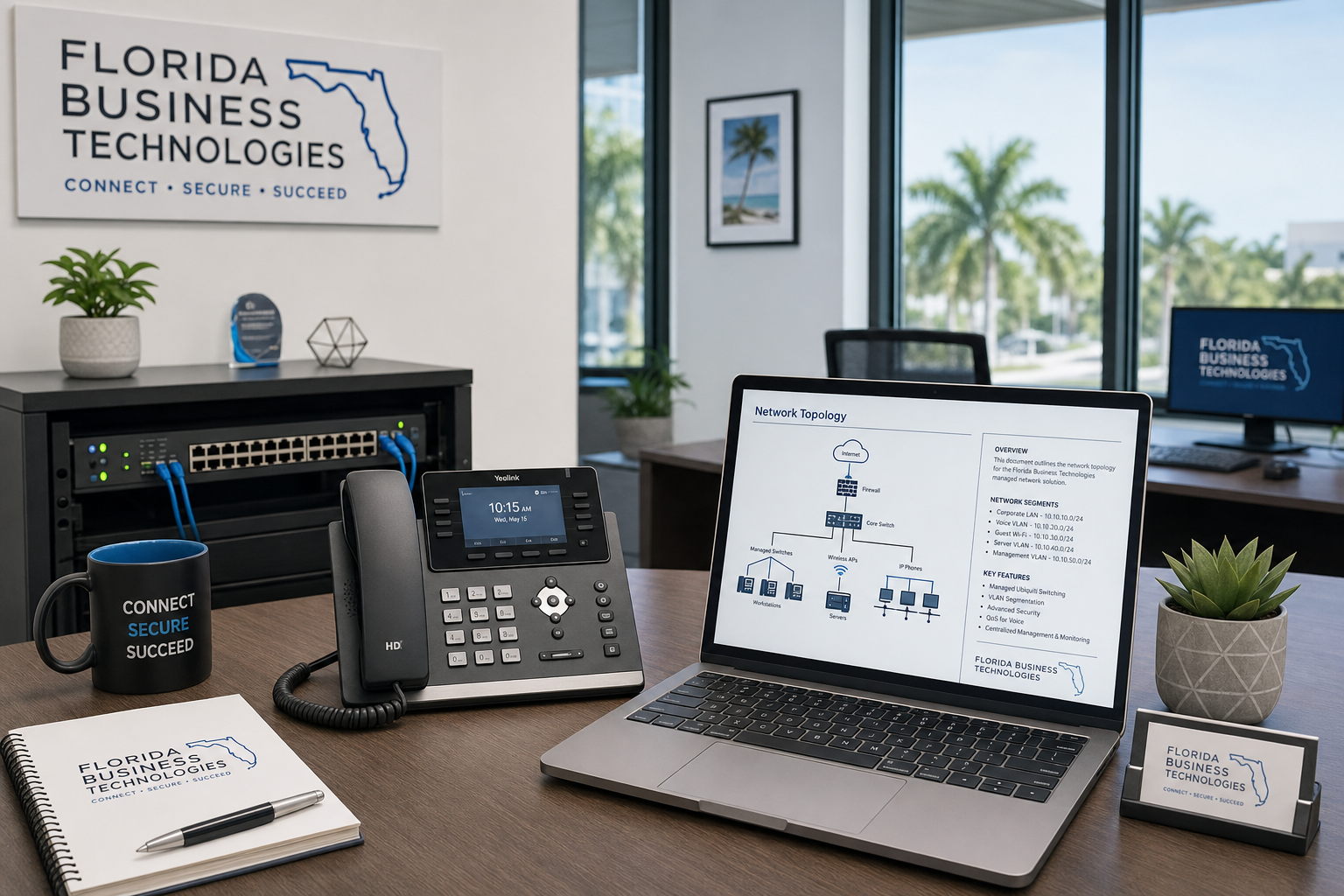
Hosted VoIP Reliability Tune-Up for Remote Teams
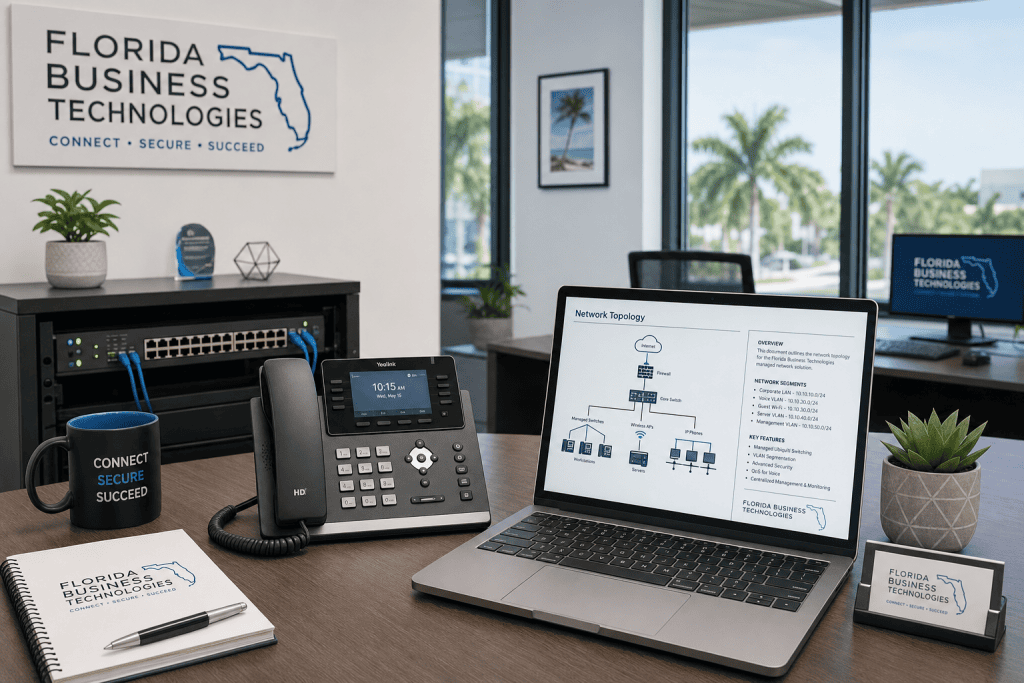
If your hybrid team is dealing with dropped calls, choppy audio, or remote staff who sound like they’re calling from a tunnel, the problem usually isn’t the VoIP platform itself. It’s everything underneath it — the network, the cabling, the router configuration, and the lack of anyone actually managing it. This guide walks you through a practical reliability tune-up for hosted VoIP, built specifically for team leaders managing a mix of in-office and remote staff across Central Florida and beyond.
Who This Is For — and Who It’s Not
This guide is for you if:
- You manage a hybrid or fully remote team of 10 or more people across multiple locations in Florida or beyond.
- Your staff regularly complains about call drops, echo, or audio lag on business calls.
- You’re using a hosted VoIP platform (RingCentral, 8×8, Microsoft Teams Phone, or similar) but getting inconsistent results.
- You’ve had your ISP or VoIP provider tell you “everything looks fine on our end” while your team still has problems.
- You’re opening a new office, onboarding remote staff, or moving locations and want to get VoIP right from the start.
This guide is NOT for you if:
- You’re a solo operator with a single location and no remote staff — a basic VoIP setup is probably all you need.
- You’re looking for a DIY fix with no IT support — VoIP reliability at scale requires hands-on network work, not just app settings.
- You want to switch VoIP providers without fixing the underlying network — a new provider won’t solve a QoS or cabling problem.
Your Options at a Glance
Before diving into the tune-up steps, it helps to understand what your real options are when hosted VoIP reliability becomes a problem for your team.
| Option | What You Get | What You Risk | Best For |
|---|---|---|---|
| Mynians (local managed IT + VoIP) | One team handles network, VoIP, cabling, and support. Real techs on-site in Central Florida. | Requires a conversation and assessment upfront | Hybrid teams in Orlando, Winter Garden, Tampa, and surrounding areas who want one accountable partner |
| National VoIP provider only | Hosted platform with remote support | No one owns the network layer. Finger-pointing when calls drop. | Single-location businesses with a strong internal IT team |
| DIY / in-house IT | Full control | VoIP + network + cabling expertise is rare in one person. Gaps lead to outages. | Large enterprises with dedicated telecom staff |
| Break-fix support | Help when something breaks | Reactive, not proactive. Problems recur. No documentation. | Businesses with very low call volume and low reliability needs |
| Legacy phone provider (PBX) | Familiar hardware | No remote worker support, high maintenance costs, limited features | Businesses not yet ready to move to cloud — though the window is closing |
Why Hosted VoIP Fails Remote Teams
Hosted VoIP is reliable technology when the environment underneath it is set up correctly. The platform itself — whether it’s Microsoft Teams Phone, RingCentral, or another cloud system — is rarely the root cause of call quality problems. What breaks reliability is almost always one of these five issues:
1. No QoS Rules on the Router or Firewall
Quality of Service (QoS) tells your network to prioritize voice traffic over everything else. Without it, a large file upload or a video stream from someone on the same network can degrade a phone call in real time. Most small business routers ship without QoS configured. Most IT setups never touch it. This is one of the most common and most fixable VoIP problems we see.
2. Insufficient or Unmanaged Bandwidth
VoIP calls don’t require massive bandwidth, but they do require consistent, low-latency bandwidth. A 100 Mbps connection that’s saturated by cloud backups, video conferencing, and file syncing at 9 AM will cause call drops even though the speed test looks fine. Bandwidth planning — not just buying more speed — is what solves this.
3. Jitter and Packet Loss on the Local Network
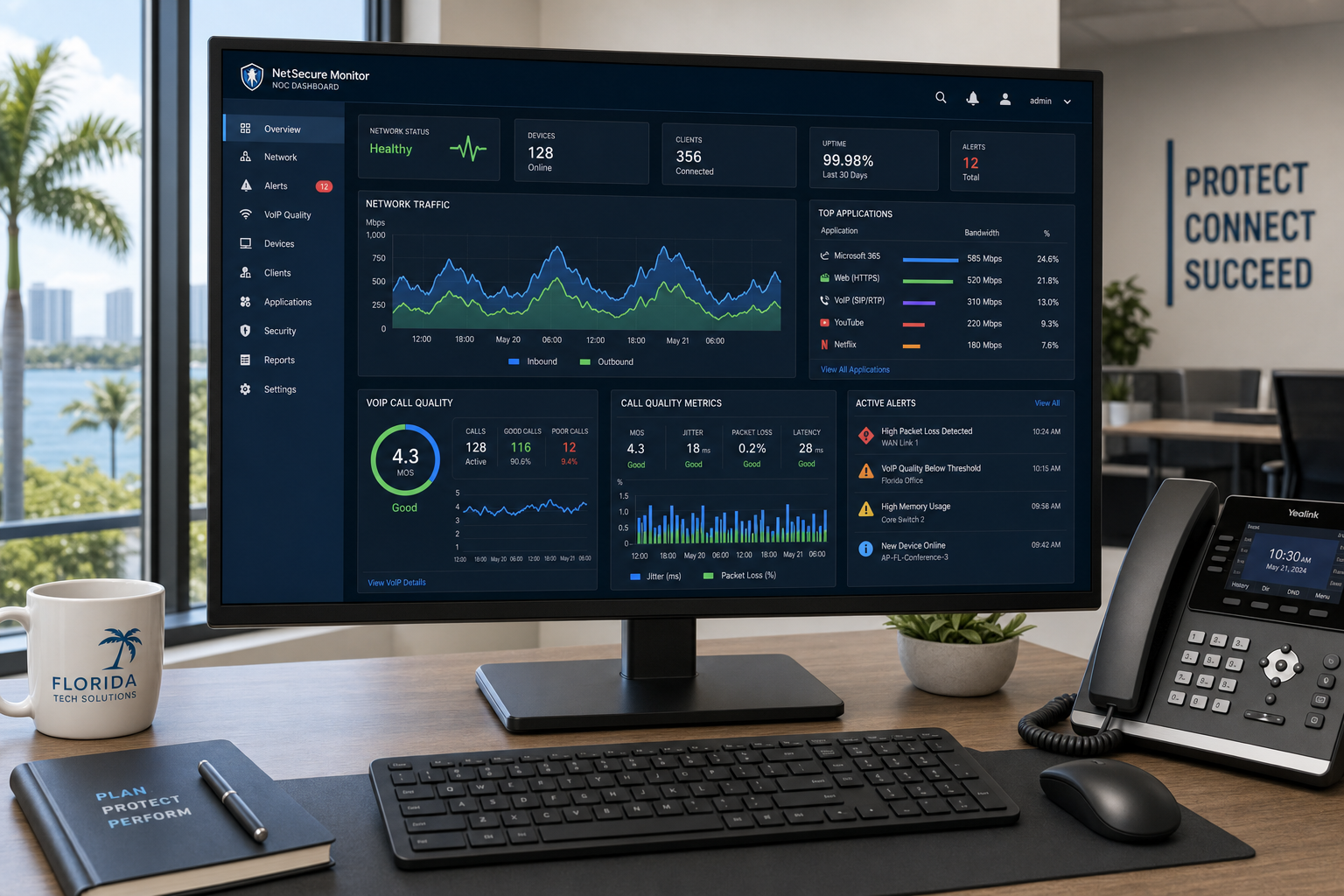
Jitter is the variation in packet arrival time. Packet loss is when voice data simply doesn’t arrive. Both cause choppy audio and echo. These problems often originate inside the office — from aging switches, bad patch cables, or a network closet that was never properly structured. The IETF’s standards for real-time communications make clear that VoIP is highly sensitive to these conditions in ways that regular web traffic is not.
4. Remote Workers on Unmanaged Home Networks
A remote employee with fast home internet isn’t automatically set up for reliable VoIP. Consumer-grade routers, shared household bandwidth, Wi-Fi interference, and no QoS configuration all create the same problems as a poorly configured office network — just harder to diagnose remotely.
5. No One Owns the Problem
This is the most expensive failure mode. Your VoIP provider says the platform is fine. Your ISP says the connection is fine. Your IT person says the computers are fine. Meanwhile, your team can’t make a clean call. When no single vendor owns the full stack — network, VoIP, and cabling — finger-pointing fills the gap where accountability should be.
The Reliability Tune-Up: Step by Step
A VoIP reliability tune-up isn’t a single setting change. It’s a structured review of every layer that voice traffic touches, from the ISP handoff to the desk phone or softphone app. Here’s how a proper tune-up works:
Step 1: Run a VoIP-Specific Network Assessment
A standard speed test won’t catch jitter, packet loss, or latency spikes. Use tools designed for VoIP readiness — or have a technician run them — to get a real picture of your network’s voice performance. The FCC’s broadband guidance outlines baseline expectations for business internet, but VoIP needs go beyond raw speed.
Step 2: Configure QoS on Every Router and Managed Switch
Tag voice traffic with DSCP markings so your network hardware knows to prioritize it. This applies at the office router, any managed switches in the stack, and ideally at the firewall level. Consumer-grade equipment often can’t do this properly — which is a signal that a hardware upgrade may be part of the fix.
Step 3: Audit Your Cabling Infrastructure
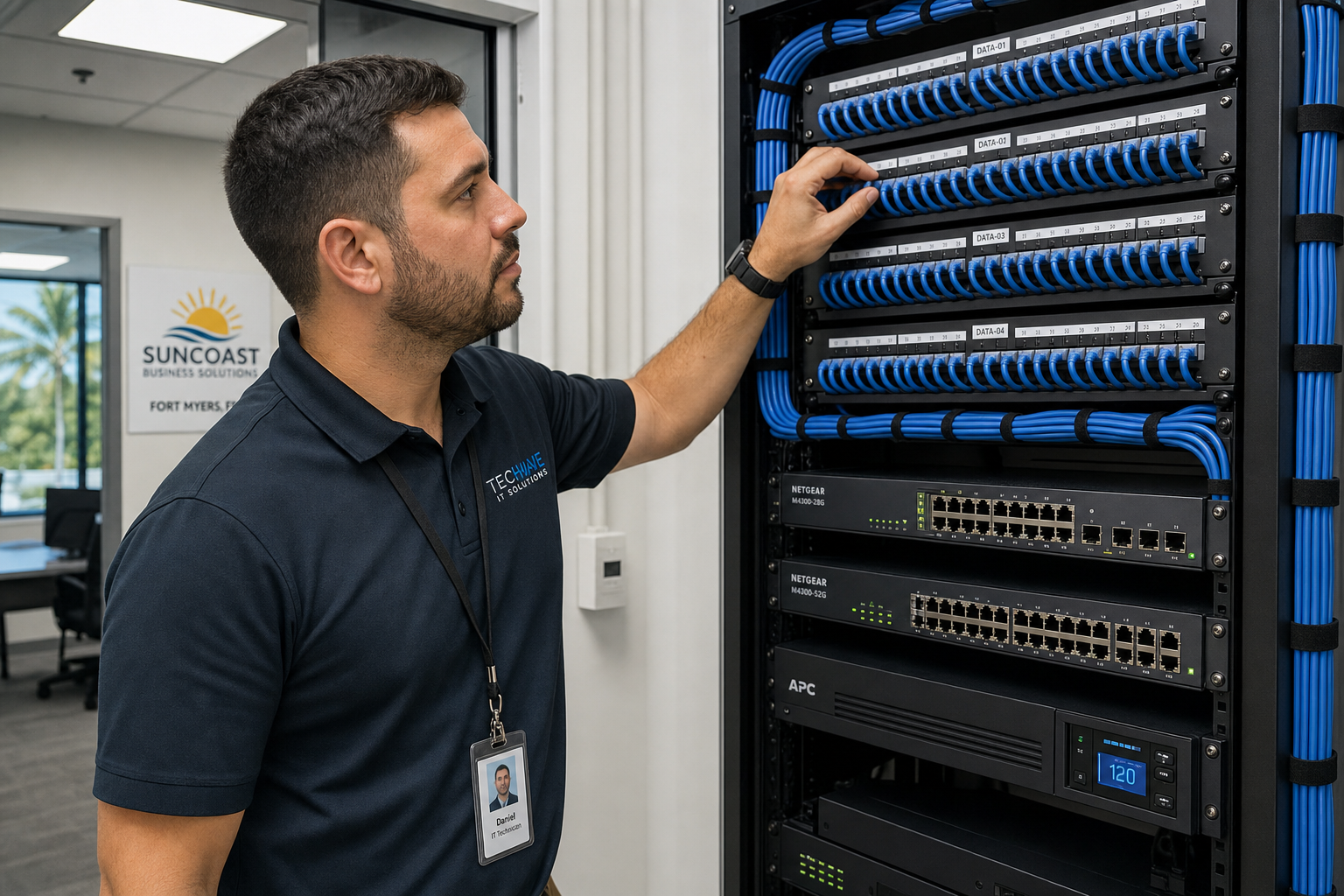
Structured cabling problems are invisible until they cause intermittent failures. Loose patch cables, unlabeled runs, overloaded patch panels, and cable runs that exceed spec all introduce signal degradation. A physical audit of your network closet — with proper documentation of every run — is a standard part of any serious VoIP tune-up. BICSI’s cabling standards define what a properly installed low-voltage infrastructure should look like.
Step 4: Segment Voice Traffic with a Dedicated VLAN
Putting VoIP traffic on its own VLAN separates it from general data traffic, reduces interference, and makes troubleshooting dramatically easier. This is a standard practice that many small business networks skip entirely.
Step 5: Review SIP ALG Settings
SIP Application Layer Gateway (SIP ALG) is a feature on many routers that’s supposed to help VoIP traffic but frequently causes call drops, one-way audio, and registration failures instead. Disabling SIP ALG is one of the first things a VoIP-experienced technician checks.
Step 6: Test and Document Every Remote Worker’s Setup
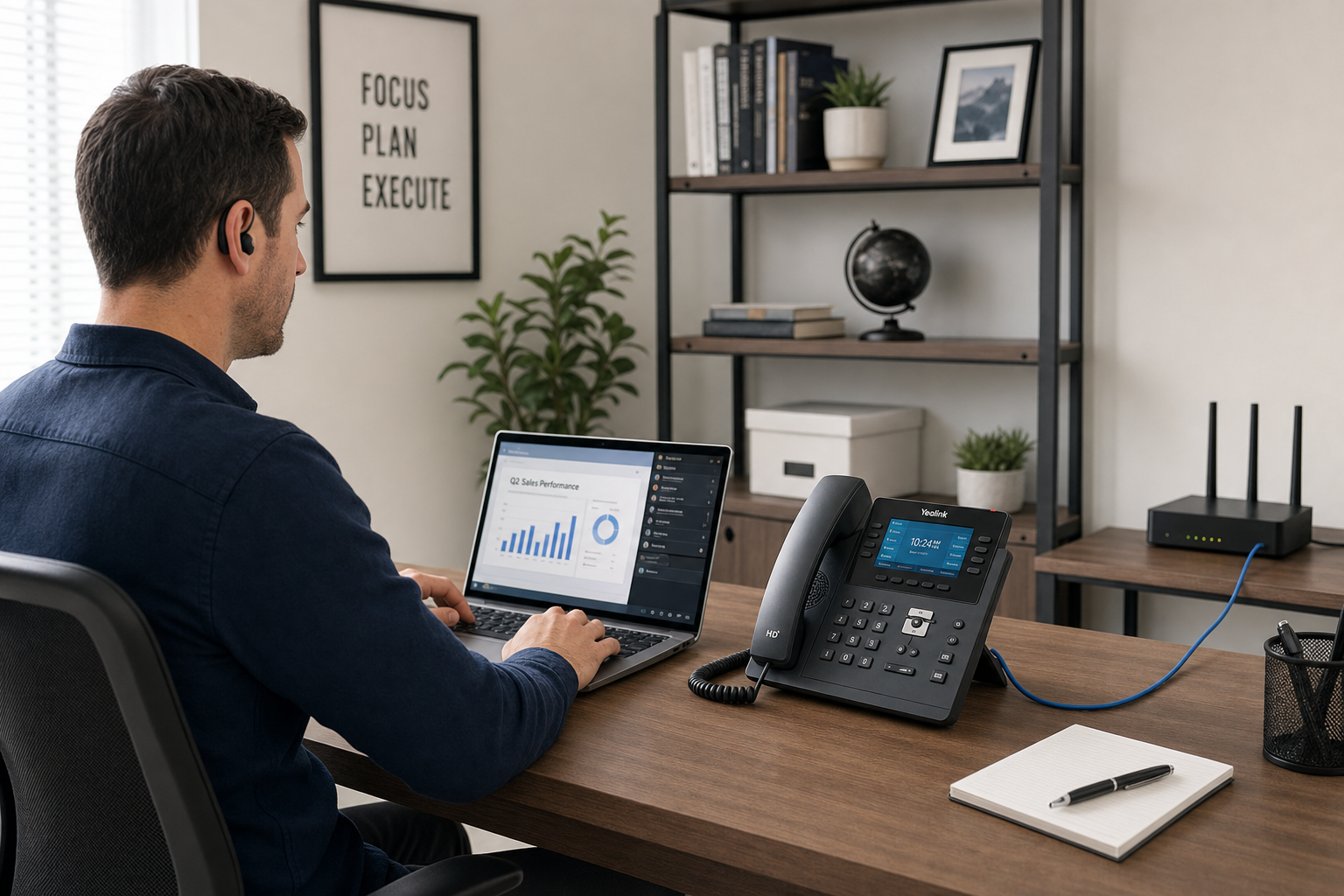
Each remote employee’s home network should be assessed individually. This includes their router model, Wi-Fi vs. wired connection, available bandwidth, and whether QoS can be configured on their equipment. In some cases, a business-grade router shipped to a remote worker’s home is the right call.
Remote Worker VoIP Setup Checklist
Use this checklist when onboarding a new remote team member or troubleshooting an existing one:
- Wired Ethernet connection to router (not Wi-Fi if possible)
- Router supports QoS configuration
- Minimum 10 Mbps dedicated upload bandwidth available during peak hours
- SIP ALG disabled on home router
- VoIP softphone or desk phone firmware is current
- Headset is business-grade with noise cancellation (consumer earbuds cause audio quality complaints)
- Microsoft 365 or Google Workspace integration tested and confirmed
- Emergency 911 address registered with VoIP provider for remote location
- Call forwarding and voicemail tested end-to-end
- IT contact and escalation path documented for the employee
Why Local Support Matters for VoIP Reliability
National VoIP providers are good at selling platforms. They’re not set up to walk into your Winter Garden office, look at your network closet, trace a cable run, and fix the physical problem causing your call drops. That requires a local technician who can actually show up.
Businesses across Orlando, Winter Garden, Tampa, Miami, and Jacksonville run into the same pattern: they buy a hosted VoIP platform, get it provisioned remotely, and then spend months dealing with call quality issues that no one will take ownership of. The ISP blames the VoIP provider. The VoIP provider blames the network. The network was set up by someone who’s no longer around.
Mynians has over two decades of hands-on experience with exactly this kind of situation. We handle the network, the VoIP configuration, the cabling, and the ongoing support — so there’s no finger-pointing, because one team owns the whole stack. Real techs, real answers, built for uptime.
Cybersecurity is also part of this picture. VoIP systems are increasingly targeted by toll fraud and SIP brute-force attacks. The Cybersecurity and Infrastructure Security Agency (CISA) has published guidance on securing VoIP infrastructure that most small businesses have never reviewed. A proper tune-up includes checking your VoIP system’s security posture, not just its call quality.
Common Objections Answered
“We already pay for a VoIP platform. Why do we need more support?”
Your VoIP platform subscription covers the software. It doesn’t cover your network configuration, your cabling, your remote workers’ home setups, or on-site troubleshooting. Those layers are what actually determine call quality, and they require separate, hands-on attention.
“How long does a tune-up take?”
A focused VoIP reliability tune-up for a small to mid-size business typically takes a few days of assessment and implementation work, not weeks. The timeline depends on how many locations and remote workers are involved and how much remediation the network needs.
“What if we’re already locked into a VoIP provider contract?”
Most tune-up work is platform-agnostic. We work with the VoIP system you already have. The goal is to fix the network and configuration environment around it, not replace the platform.
“Is this going to be expensive?”
Mynians uses published base pricing with separate support and project charges. You’ll know what the assessment and any remediation work costs before anything starts. The more relevant question is what ongoing call quality problems are costing your team in lost productivity and missed client calls — that number is usually higher than the fix.
“What happens after we reach out?”
You’ll talk to a real person, not an overseas call center. We’ll ask about your current setup, your team size, your locations, and what problems you’re experiencing. From there, we schedule an assessment and give you a clear picture of what needs to be fixed and what it will cost. No pressure, no vague proposals.
Frequently Asked Questions
What causes choppy audio on hosted VoIP calls?
Choppy audio is almost always caused by jitter, packet loss, or insufficient bandwidth prioritization on the network. The most common fixes are enabling QoS on your router and managed switches, disabling SIP ALG, and ensuring voice traffic is on a dedicated VLAN. A VoIP-specific network test will identify which of these is the primary cause in your environment.
Can remote workers use hosted VoIP reliably from home?
Yes, but it requires more than just a fast internet connection. Remote workers need a wired connection when possible, a router that supports QoS, and a business-grade headset. In some cases, deploying a managed router to a remote worker’s home is the right solution. Each remote setup should be assessed individually rather than assumed to be fine.
Do I need to switch VoIP providers to fix call quality?
In most cases, no. The majority of call quality problems are network and configuration issues, not platform failures. Switching providers without fixing the underlying network will usually result in the same problems on the new platform. A proper network and VoIP audit should happen before any provider change is considered.
What is SIP ALG and should it be disabled?
SIP ALG (Application Layer Gateway) is a feature built into many consumer and small business routers that attempts to modify SIP packets as they pass through the firewall. In practice, it frequently causes call drops, one-way audio, and registration failures with hosted VoIP systems. Most VoIP technicians recommend disabling it as a first troubleshooting step.
Is hosted VoIP secure for business use?
Hosted VoIP can be secure, but it requires active configuration. SIP brute-force attacks and toll fraud are real threats. Your VoIP system should have strong authentication, geographic call restrictions, and monitoring in place. CISA has published guidance on VoIP security that outlines the key risks and mitigations for business environments.
Does Mynians serve businesses outside of Winter Garden?
Yes. Mynians serves businesses across Central Florida including Orlando, Winter Garden, Tampa, Miami, and Jacksonville. If you’re in Florida and dealing with VoIP reliability or managed IT challenges, reach out and we’ll let you know how we can help.
Update Log
- May 2026: Created and reviewed for Mynians managed IT, hosted VoIP, and structured cabling accuracy.
Next step
Ready to see what managed IT would cost your business?
Calculate your MSP base in about a minute, review the written agreement, and sign online, or call the Winter Garden team and talk it through first.

