

Backup and Disaster Recovery Plan for Small Business
At 10 devices, a cloud sync and a weekly backup might be enough to sleep at night. At 30 devices and beyond, that approach becomes a liability. More endpoints mean more failure points, more data spread across more locations, and a much longer road back if something goes wrong. If your business in Central Florida is growing and your device count is climbing, this guide explains exactly what changes, what breaks, and what a real backup and disaster recovery plan for small business actually looks like at your scale.
Why 30 Devices Is the Turning Point
Small businesses often grow into their IT problems gradually. You add a workstation here, a laptop there, a few tablets for the field team, a server for QuickBooks, and before long you have 30 or more devices touching your network and your data every day.
At that scale, several things become true simultaneously:
- Data is no longer in one place. Files live on desktops, laptops, a file server, Microsoft 365, and possibly a local NAS. If one system fails, you may not even know what you lost until someone asks for a file that no longer exists.
- Manual backup processes break down. Someone forgets to run the backup. The external drive fills up. The cloud sync fails silently. Nobody checks the logs.
- Recovery takes longer. Restoring one laptop is manageable. Restoring 30 devices after a ransomware attack or a flooded server room is a multi-day event without a documented plan.
- Compliance exposure increases. Depending on your industry, data loss at this scale can trigger regulatory consequences. The FTC and CISA both publish guidance on data protection obligations for businesses handling customer information.
The 30-device threshold is not arbitrary. It is the point where informal IT habits stop scaling and structured systems become necessary.
BDR Options Compared
Before committing to any approach, it helps to understand what your real options are and what each one actually delivers at the 30-plus device level.
| Option | Coverage | Recovery Speed | Tested Restores | Local Support | Predictable Cost |
|---|---|---|---|---|---|
| Mynians Managed BDR | All endpoints, servers, cloud data | Availability and timing per written scope | Yes — scheduled tests | Yes — Central Florida techs on-site | Yes — flat-rate pricing |
| National MSP / Big Box IT | Varies by contract | Moderate — remote-first | Sometimes | No — overseas or remote call center | Often variable |
| DIY / In-House | Inconsistent | Slow — no documented plan | Rarely | Depends on staff skill | Hidden labor costs |
| Cloud Sync Only (e.g., OneDrive) | Files only — not full system | Very slow for full recovery | No | No | Low upfront, high recovery cost |
| Break-Fix IT | Reactive only | Unknown — billed by hour | No | Sometimes local | No — unpredictable bills |
The table above is honest. Cloud sync tools like Microsoft OneDrive or Google Drive are useful for file access, but they are not disaster recovery systems. They do not capture full system states, do not restore operating environments, and do not have defined recovery time objectives. For a deeper look at what a real BDR framework should include, the NIST Cybersecurity Framework provides a solid reference point.
Who This Is For
- Business owners in Central Florida with 30 or more devices on their network
- Companies that have grown quickly and know their IT has not kept pace
- Owners who have never tested their backup or are not sure what their backup actually covers
- Businesses that experienced a scare — a ransomware attempt, a hardware failure, a power event — and want to get serious before the next one
- Organizations in Orlando, Winter Garden, Tampa, Miami, or Jacksonville that want a local team, not a remote call center
Who This Is NOT For
- Solo operators with fewer than five devices who can manage with a simple cloud backup
- Businesses with a full in-house IT department already running a documented, tested BDR program
- Companies that are not yet ready to move away from break-fix IT and want to stay reactive
What a Real BDR Plan Includes
A backup and disaster recovery plan for small business at the 30-plus device level is not a product you buy. It is a system you build and maintain. Here is what that system needs to include.
1. Defined Recovery Objectives
Before you choose any tool, you need two numbers: your Recovery Time Objective (RTO) and your Recovery Point Objective (RPO). RTO is how long your business can survive without its systems. RPO is how much data loss is acceptable — measured in hours or days of work. These numbers drive every other decision in your BDR plan.
2. On-Site and Off-Site Backup
A solid BDR strategy uses both. On-site backup — typically a local appliance or NAS — allows fast restores for individual files or systems. Off-site or cloud backup protects against physical disasters: fire, flood, theft, or a power surge that takes out your server room. Relying on only one of these is a single point of failure.
3. Full System Image Backups
File-level backup is not enough. You need full system image backups that capture the operating system, applications, configurations, and data together. This is what allows you to restore a server or workstation to a working state, not just recover a folder of documents.
4. Scheduled, Verified Restore Tests
An untested backup is not a backup. It is a hope. Restore tests should be scheduled, documented, and reviewed. If a restore fails during a test, that is a problem you can fix. If it fails during an actual disaster, that is a crisis you cannot.
5. Documented Recovery Procedures
When a disaster happens, the people handling recovery may be stressed, short-staffed, or unfamiliar with the systems. Written, step-by-step recovery procedures remove guesswork and reduce recovery time. This documentation should live somewhere accessible even when your primary systems are down.
6. Coverage for Microsoft 365 and Cloud Data
Many business owners assume Microsoft 365 backs up their email and files automatically. It does not — not in the way a BDR plan requires. Microsoft’s shared responsibility model places data protection obligations on the customer. A proper BDR plan includes third-party backup for Microsoft 365 mailboxes, SharePoint, and Teams data.
Common Mistakes That Kill Recovery Efforts
These are the patterns Mynians sees repeatedly when businesses come to us after a data loss event or a failed recovery attempt.
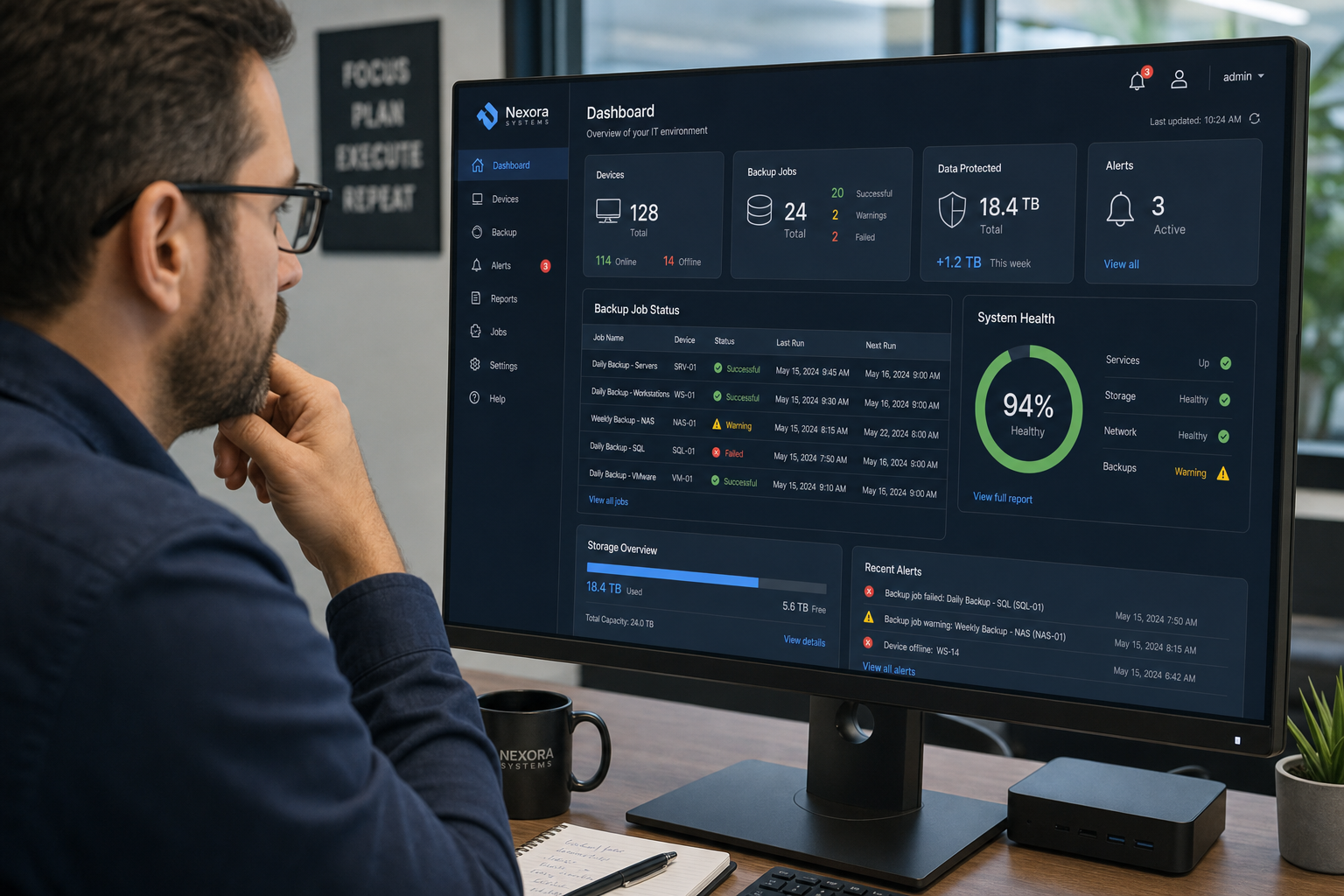
- Backup jobs that silently fail. The backup software throws an error, nobody gets an alert, and the last good backup is three weeks old.
- External drives left on-site. A fire or flood that takes out the server also takes out the drive sitting next to it.
- No documentation of what is being backed up. When recovery starts, nobody knows which systems are covered and which are not.
- Vendor finger-pointing. The backup vendor says it is a network issue. The network vendor says it is a backup configuration issue. Nobody owns the problem. This is exactly the kind of situation that a single managed IT provider eliminates.
- Recovery tested once at setup, never again. Systems change. New servers get added. Applications get updated. A restore test from two years ago does not reflect your current environment.
Why Local Support Matters in a Disaster
When a server goes down at 7 AM on a Monday and your team cannot access anything, the last thing you want is to be on hold with a national call center routed through an overseas support desk. You want a real technician who can be on-site in Winter Garden, Orlando, or wherever your office is located — someone who already knows your environment.
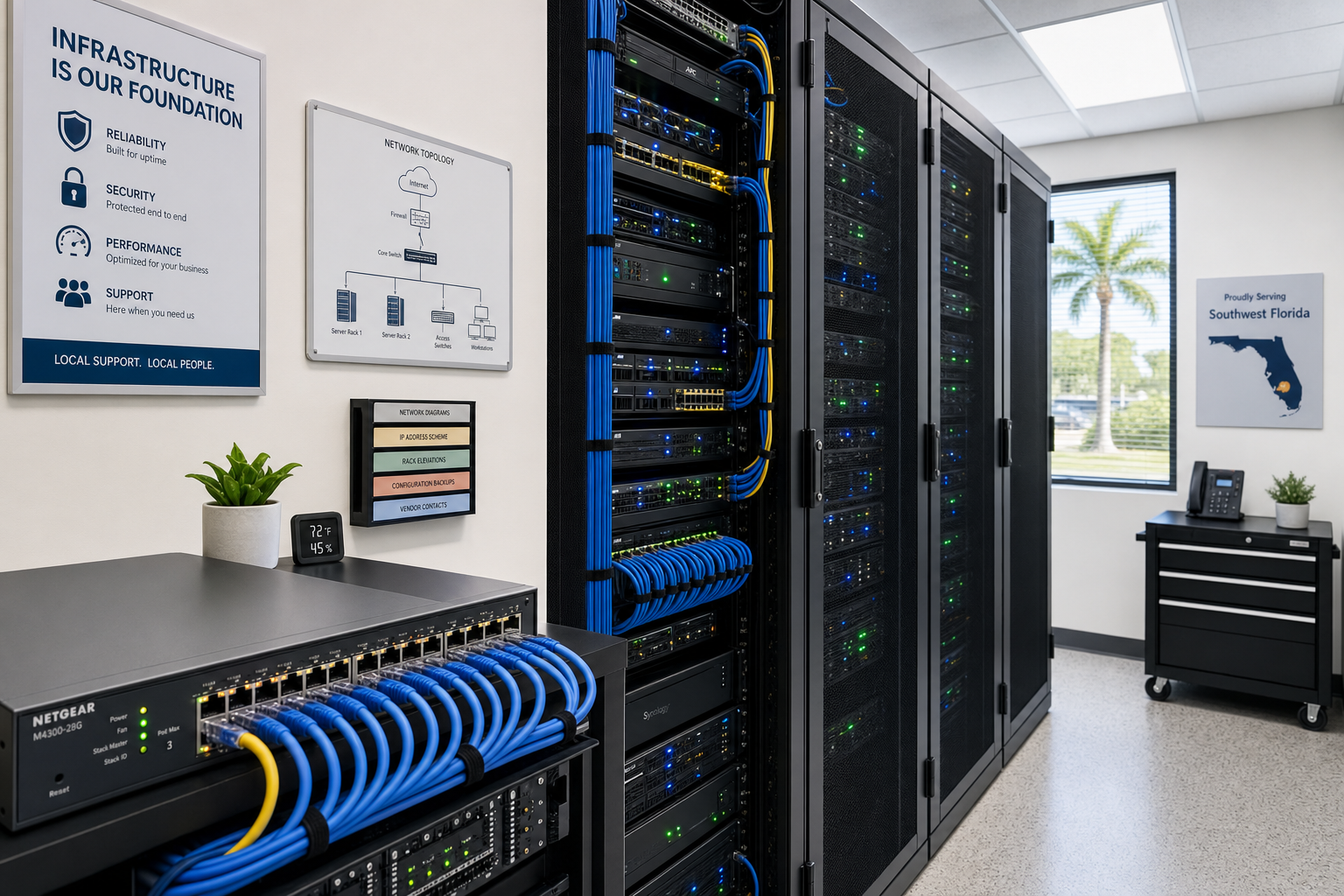
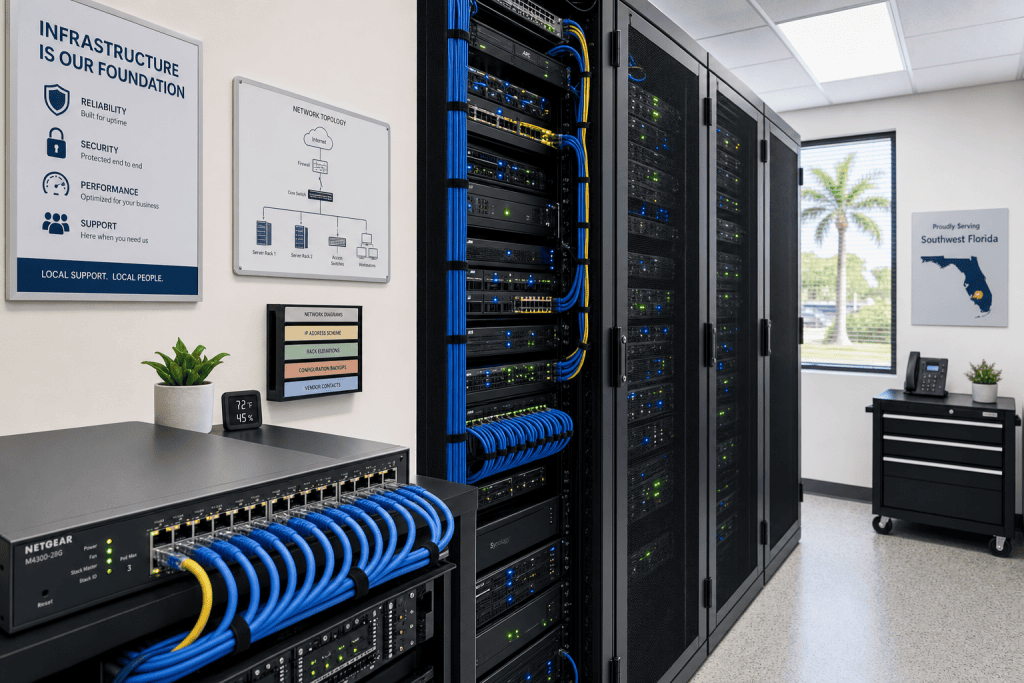
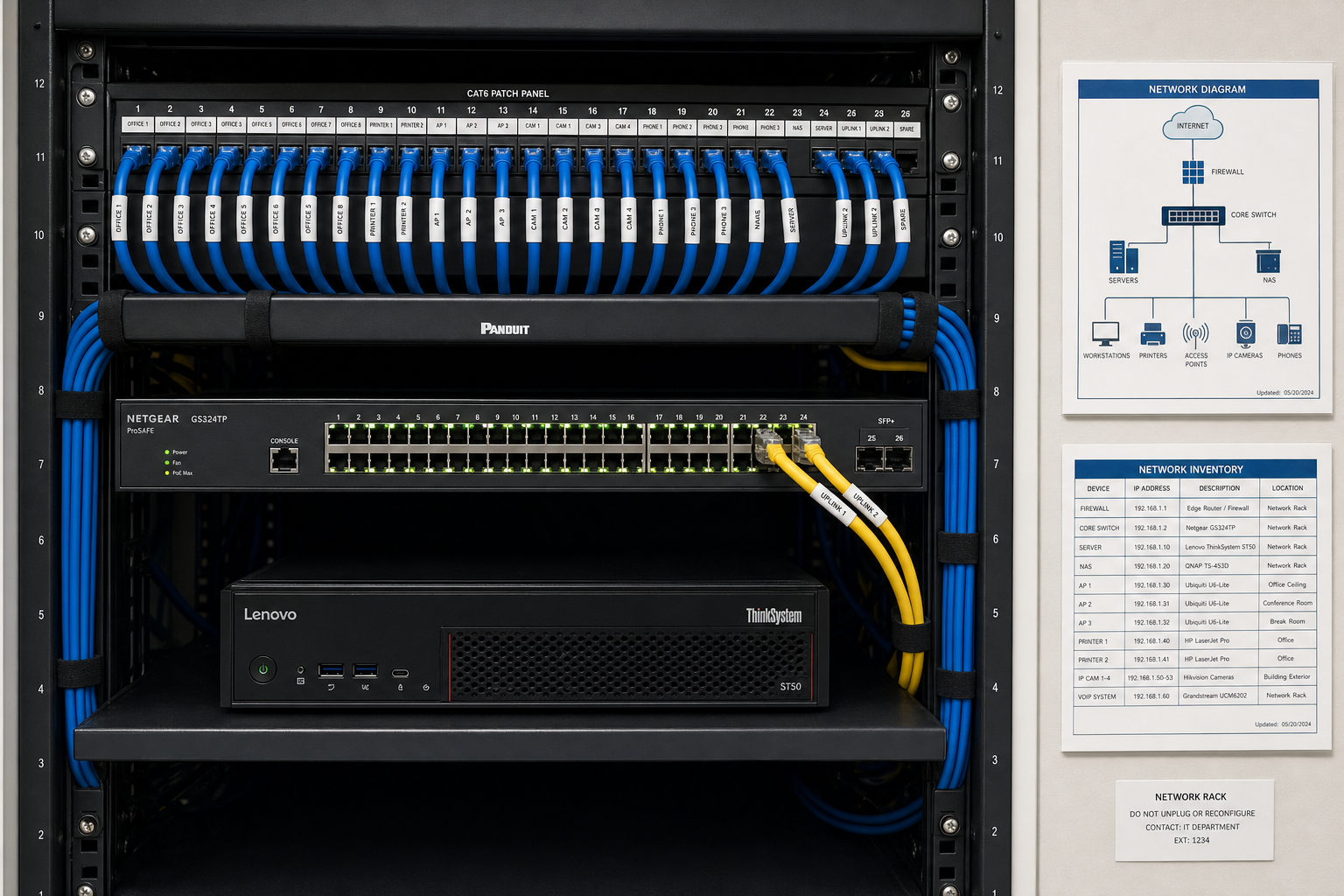
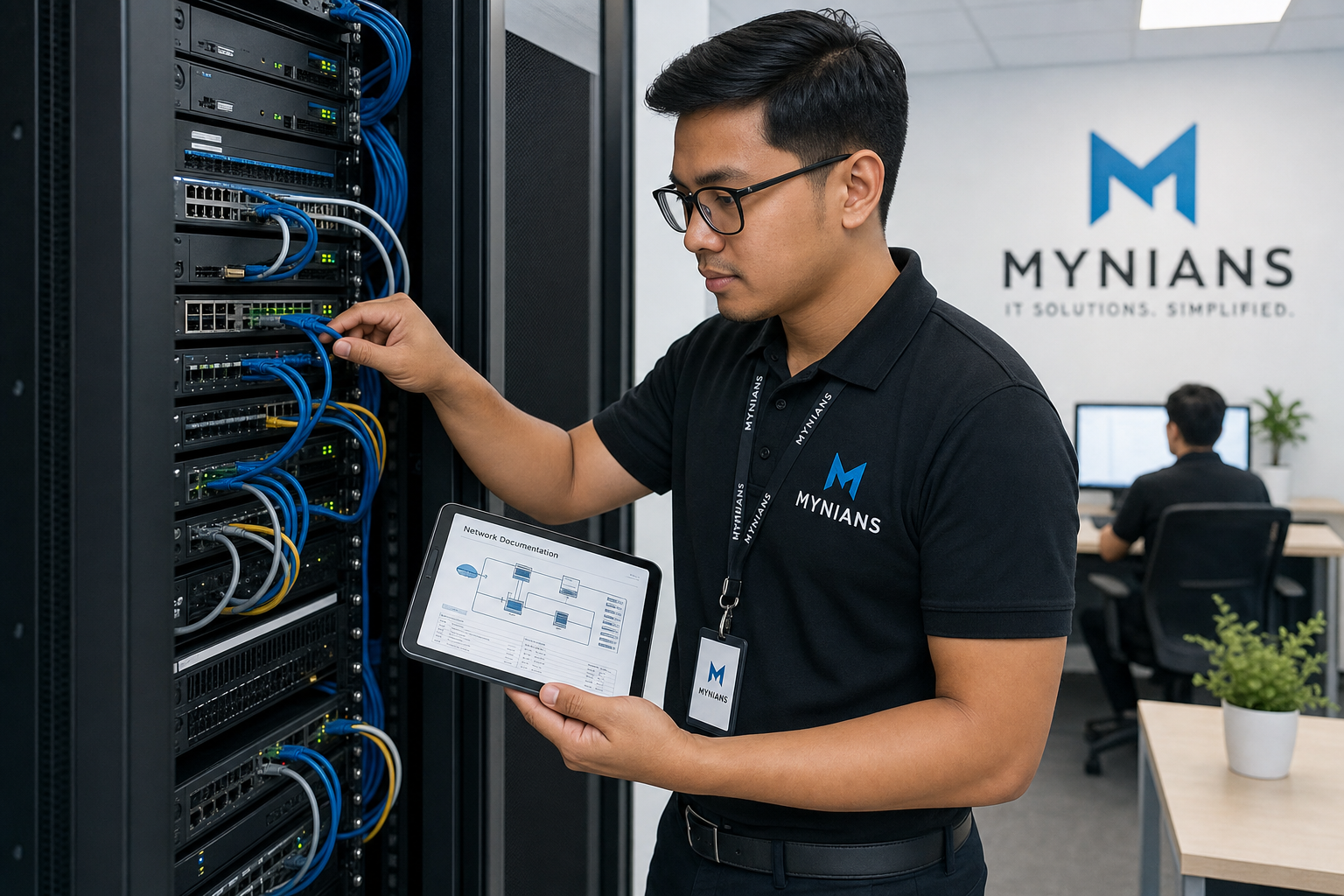
Mynians serves businesses across Central Florida with real local technicians. We know the difference between a network closet that was built properly and one that was thrown together over five years of growth. We have seen the messy patch panels, the unlabeled cables, the switches stacked on top of each other with no airflow. Those physical infrastructure problems directly affect how fast you can recover from a disaster.
Structured cabling done right — with proper documentation and clean runs — is not just about aesthetics. It is about knowing exactly what connects to what when you are trying to restore systems under pressure. That is why Mynians handles IT, VoIP, cabling, and security as one team, not four separate vendors pointing fingers at each other.
Cost, Setup Time, and What to Expect
What does a managed BDR solution cost?
Backup and disaster recovery require a separate written quote. Requested recovery labor is billed separately under Schedule B: standard labor is $129.99 per technician per hour and after-hours labor is $185 per hour. No recovery outcome or resolution time is guaranteed. Compare the written backup and recovery scope with the cost of unplanned downtime, lost data, and emergency recovery work billed by the hour.
How long does setup take?
For most businesses in the 30-to-75 device range, a properly scoped BDR implementation takes a few weeks from assessment to fully operational. That includes documenting your environment, configuring backup jobs, setting retention policies, and running the first restore test. Rushing this process creates the same gaps you were trying to close.
What happens after I reach out?
When you contact Mynians, we start with a free IT assessment. We look at your current backup setup, your device count, your data locations, and your recovery objectives. We give you a clear picture of where your gaps are and what it would take to close them. No pressure, no jargon, no surprise scope creep.
What if I already have some backup in place?
That is a good starting point. We will assess what you have, test it, and identify what it does and does not cover. In many cases, businesses have partial coverage — servers backed up but workstations not, or cloud files covered but on-premise application data missed entirely. We document what exists and build from there.
Frequently Asked Questions
What is the difference between backup and disaster recovery?
Backup is the process of copying data so it can be restored later. Disaster recovery is the broader plan for how your business gets back to normal operations after a major disruption — including who does what, in what order, and how long it should take. You need both. A backup without a recovery plan is just data sitting somewhere with no clear path to using it under pressure.
Does Microsoft 365 back up my business data automatically?
Not in the way most business owners expect. Microsoft provides some data retention and recycle bin features, but these are not the same as a full backup. Microsoft’s shared responsibility model places the obligation for data protection on the customer. A third-party backup solution for Microsoft 365 is a standard part of any serious BDR plan.
How often should backups run for a 30-plus device business?
This depends on your Recovery Point Objective — how much data loss your business can tolerate. For most small businesses, daily backups are a minimum. Businesses with active databases, point-of-sale systems, or high transaction volumes often need backups running every few hours. Your RPO drives the answer, and that number should be defined before you configure anything.
What happens if my backup fails during a real disaster?
If your backup fails during a disaster and you have never tested it, you are starting from scratch. Data may be unrecoverable, systems may need to be rebuilt from the ground up, and downtime can stretch from hours to days or longer. This is why scheduled restore testing is not optional — it is the only way to know your backup actually works before you need it.
Can Mynians help businesses outside of Winter Garden?
Yes. Mynians serves businesses across Central Florida, including Orlando, Tampa, Miami, and Jacksonville. If you are in the region and need a local IT team that can be on-site when it matters, we can help. Call us at (407) 374-2782 or reach out through our contact page to get started.
Update Log
- May 2026: Created and reviewed for Mynians managed IT, hosted VoIP, and structured cabling accuracy.
Next step
Ready to see what managed IT would cost your business?
Calculate your MSP base in about a minute, review the written agreement, and sign online, or call the Winter Garden team and talk it through first.

