

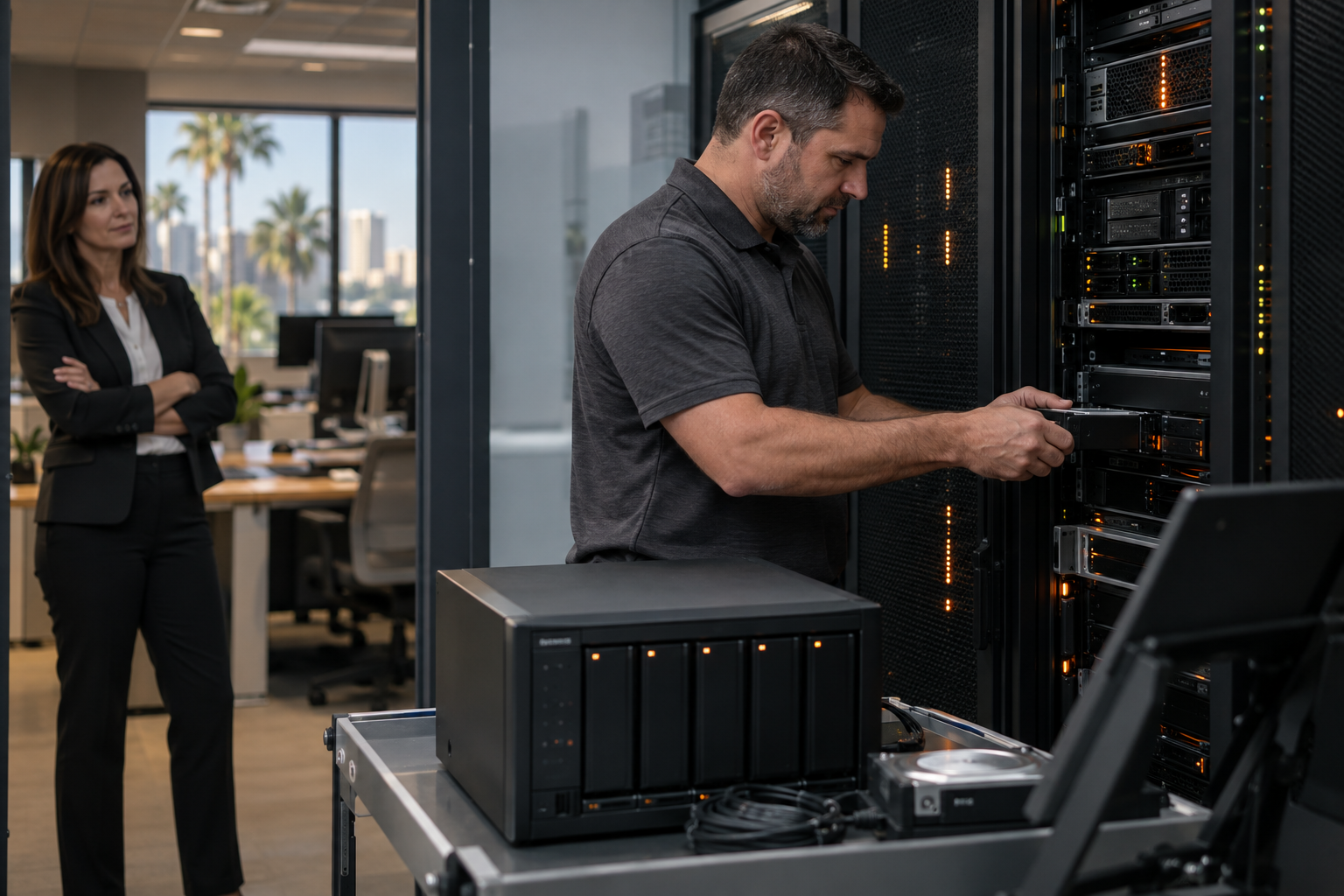
Ransomware Recovery Plan for Small Business
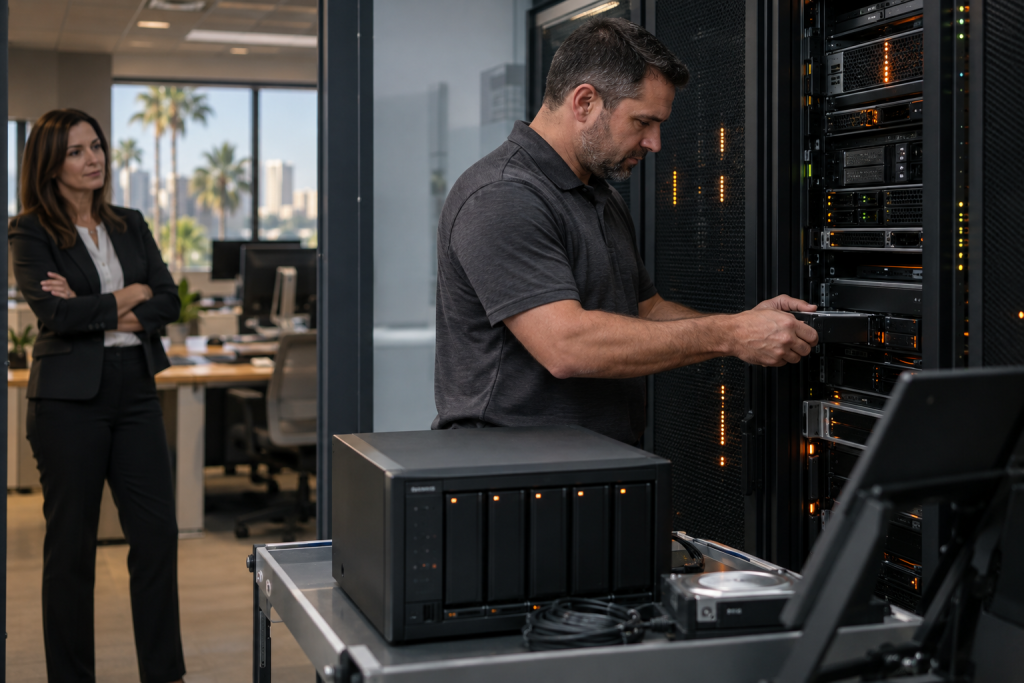
When you’re running 30 or more PCs across your office, one employee clicking the wrong email attachment can lock every machine on your network within minutes. Ransomware doesn’t care that you’re a small business. It cares that you’re unprepared. This guide gives you a practical ransomware recovery plan for small business environments—what to do before an attack, during one, and after—so you can get your team back to work fast instead of paying a ransom or rebuilding from scratch.
Who This Is For
This guide is built for you if:
- You run a business in Central Florida—Orlando, Winter Garden, Tampa, Miami, Jacksonville, or surrounding areas—with 30 or more Windows or Mac workstations.
- You’ve heard about ransomware attacks on other local businesses and you’re not confident your current setup would survive one.
- You have some IT support in place but no formal, tested recovery plan.
- You’re responsible for keeping the office running and you can’t afford days of downtime.
This guide is NOT for you if:
- You’re a solo operator with two or three machines and no shared network—your risk profile and recovery steps are different.
- You already have a fully documented, tested, and managed incident response plan with immutable backups and 24/7 monitoring in place.
- You’re looking for a generic national IT checklist with no local implementation support.
Why 30+ PCs Changes the Risk Profile
At 10 PCs, ransomware is painful. At 30 or more, it can be catastrophic. Here’s why the scale matters:
- Lateral movement is faster. Modern ransomware strains scan your local network automatically. Once one machine is infected, the malware moves to shared drives, mapped network folders, and other endpoints within minutes—not hours.
- Recovery takes longer. Rebuilding 30 machines manually, even with good backups, takes days. Without a plan, it can take weeks.
- More users means more attack surface. Every employee is a potential entry point through phishing emails, bad downloads, or compromised credentials. The Cybersecurity and Infrastructure Security Agency (CISA) consistently identifies phishing as the top ransomware delivery method.
- Shared infrastructure multiplies the damage. If your file server, VoIP phone system, and workstations all sit on the same flat network, one infection can take all of them down simultaneously.
This is exactly the kind of environment Mynians works in every day across Central Florida—offices with 30 to 150 workstations, shared servers, VoIP systems, and structured cabling that was installed years ago without proper documentation. The risk is real, and the fix is practical.
Recovery Options Compared
Before you build a plan, you need to know what kind of support structure you’re working with. Here’s an honest comparison of the most common options for small businesses in Florida:
| Option | Response Speed | Local On-Site Support | Documented Recovery Plan | IT + VoIP + Cabling Available Separately | Predictable Cost |
|---|---|---|---|---|---|
| Mynians Managed IT | Availability and timing per written scope | Yes — Central Florida | Available by separate written quote | Yes — one team | Yes — flat-rate pricing |
| National MSP / Call Center | Variable — often slow | Rarely — overseas or remote only | Sometimes — generic templates | No — separate vendors | Sometimes — watch for overages |
| Break-Fix (call when broken) | Slow — reactive only | Depends on local availability | No | No | No — unpredictable bills |
| In-House IT Staff Only | Depends on staff capacity | Yes | Only if built proactively | Only if skilled across all areas | Fixed salary — but gaps exist |
| No Plan (current state) | None — improvised response | No | No | No | No — ransom or rebuild costs |
The honest takeaway: break-fix and no-plan options look cheap until the day you need them. At 30+ PCs, the cost of a single unplanned outage—lost productivity, ransom demands, emergency IT labor, and potential data loss—almost always exceeds the cost of a managed plan.
Before the Attack: What Your Plan Must Include
A ransomware recovery plan for small business is built before anything goes wrong. If you’re waiting until after an attack to figure this out, you’ve already lost. Here’s what needs to be in place:
1. Layered, Tested Backups
The 3-2-1 backup rule is the baseline: three copies of your data, on two different media types, with one copy offsite or in the cloud. But for ransomware specifically, you also need immutable backups—copies that cannot be encrypted or deleted by ransomware even if it reaches your backup system. Your backups should be tested on a schedule, not just assumed to work. The National Institute of Standards and Technology (NIST) recommends regular backup restoration tests as a core part of any cybersecurity framework.
2. Network Segmentation
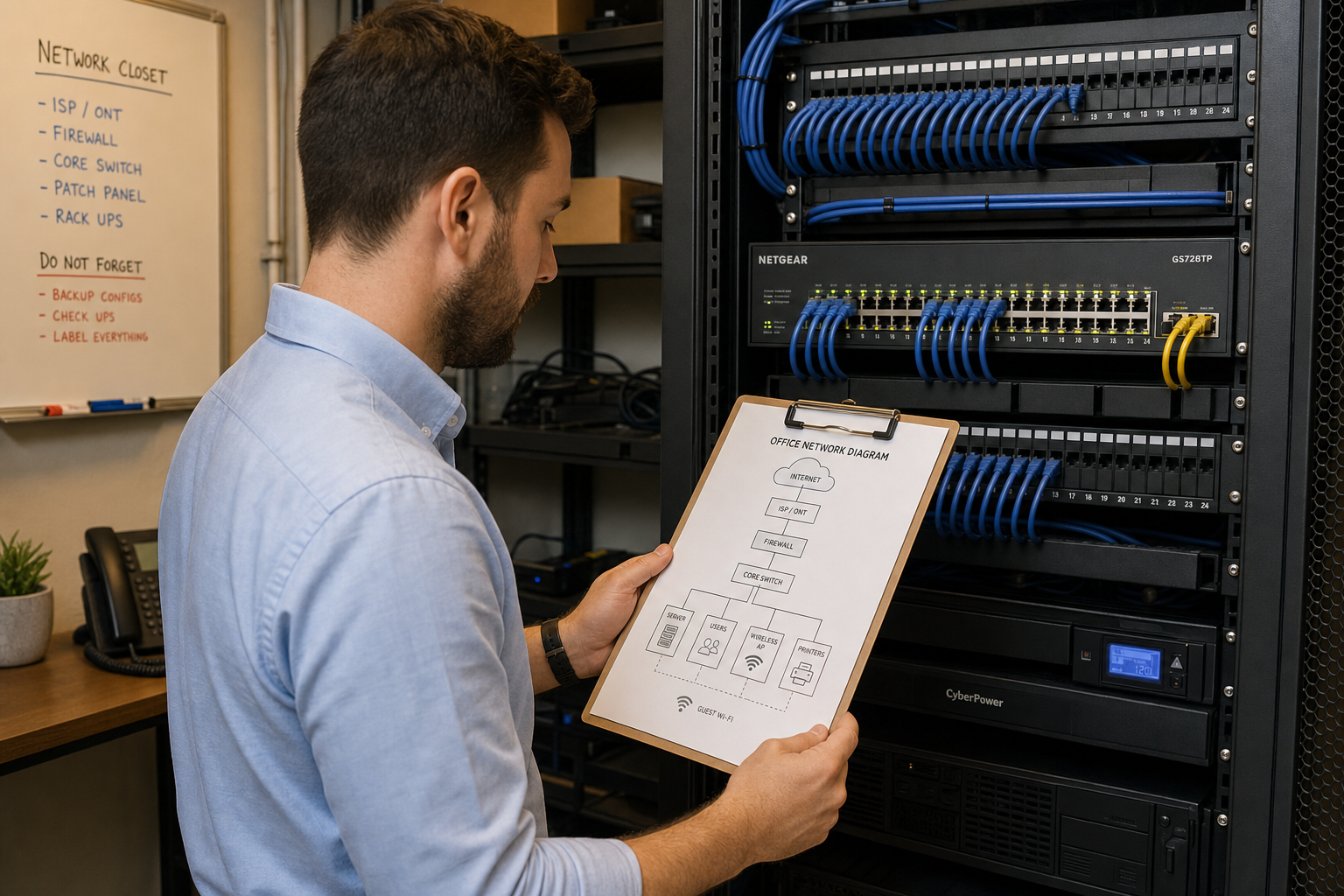
If every device on your network can talk to every other device, ransomware spreads freely. Segmenting your network—separating workstations, servers, VoIP phones, and guest Wi-Fi into different VLANs—limits how far an infection can travel. This is structured cabling and switching work that Mynians handles as part of a full IT buildout, not an afterthought.
3. Endpoint Protection and Monitoring
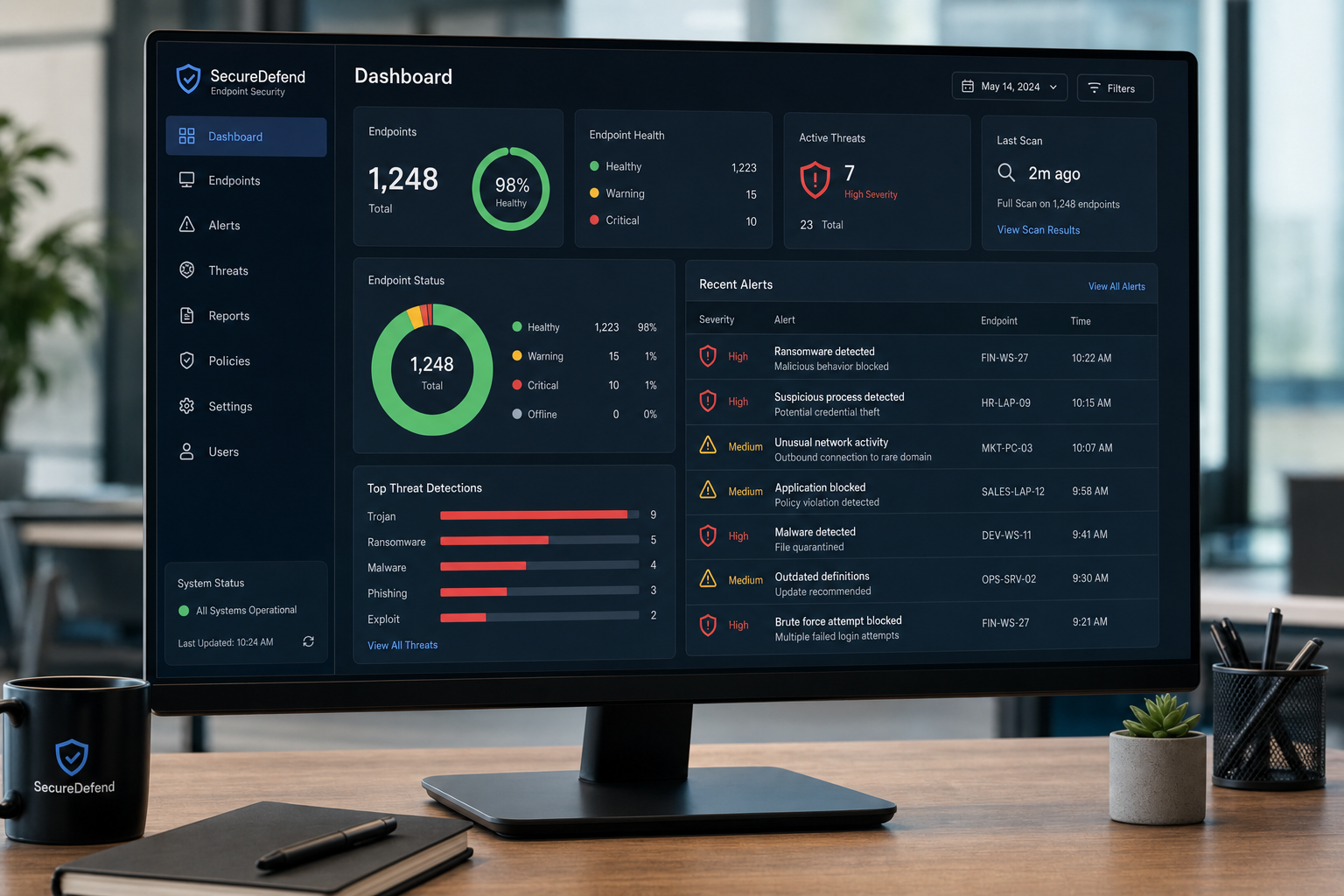
Basic antivirus is not enough. You need endpoint detection and response (EDR) tools that can identify ransomware behavior—like mass file encryption—and isolate a machine before the infection spreads. Pair that with centralized monitoring so someone is actually watching the alerts.
4. A Written Incident Response Checklist
When ransomware hits, your team will be panicked. A written, printed checklist removes the guesswork. It should include: who to call first, how to isolate infected machines, how to notify leadership, and where your backup credentials are stored. This document should live somewhere that doesn’t require a working computer to access.
5. Defined RTO and RPO
Your Recovery Time Objective (RTO) is how long you can afford to be down. Your Recovery Point Objective (RPO) is how much data loss you can tolerate. If you don’t know these numbers, your backup and recovery strategy is a guess. A business running 30+ PCs typically needs an RTO measured in hours, not days.
During the Attack: Your First 60 Minutes
Speed and discipline in the first hour determine how bad the damage gets. Here’s the sequence:
- Isolate immediately. Disconnect affected machines from the network—unplug the ethernet cable or disable Wi-Fi. Do not shut down the machine yet; forensic data may still be recoverable from memory.
- Do not pay the ransom yet. Payment does not guarantee decryption. The Federal Trade Commission (FTC) advises against paying ransoms as it funds criminal operations and provides no guarantee of data recovery.
- Call your IT provider. If you’re a Mynians client, call (407) 374-2782 immediately. Your incident response plan should have this number on the printed checklist.
- Identify the scope. Which machines are affected? Is the file server hit? Are VoIP phones still working? Document what you know.
- Preserve evidence. Don’t wipe machines before your IT team has a chance to assess. Forensic analysis can identify the attack vector and prevent reinfection.
- Notify leadership and key staff. Keep communication internal until you understand the scope. Premature public statements can create additional problems.
After the Attack: Recovery Steps That Actually Work
Once the immediate threat is contained, the real work begins. Here’s what a structured recovery looks like for a 30+ PC environment:
Step 1: Identify and Contain the Source
Before restoring anything, find out how the ransomware got in. Was it a phishing email? An unpatched vulnerability? A compromised remote desktop connection? Restoring to an environment that still has the same vulnerability means you’ll get hit again.
Step 2: Restore from Clean Backups
Start with your most critical systems—file servers, line-of-business applications, and anything that keeps revenue flowing. Restore from your most recent clean backup point. This is where your tested, immutable backups pay off. If your backups weren’t isolated, you may be restoring from an older point than you’d like—which is why RPO planning matters.
Step 3: Rebuild Affected Endpoints
For workstations that were encrypted, a clean rebuild is often faster and safer than trying to decrypt in place. With 30+ PCs, this is where having a documented standard build—software list, settings, user profiles—saves enormous time. Mynians maintains this documentation for managed clients so rebuilds are methodical, not chaotic.
Step 4: Reset Credentials
Assume all passwords on affected systems are compromised. Reset Active Directory credentials, Microsoft 365 accounts, VPN access, and any application logins. Enable multi-factor authentication everywhere it wasn’t already active.
Step 5: Patch and Harden Before Going Live
Before bringing systems back online, apply all outstanding patches, review firewall rules, and confirm your endpoint protection is active and updated. Going live on a partially hardened network invites a second attack.
Step 6: Document and Debrief
Write down what happened, what worked, what didn’t, and what needs to change. Update your incident response checklist. This is how your plan gets better over time.
Common Mistakes That Make Recovery Worse
Mynians has seen these patterns repeatedly across Central Florida businesses. Avoid them:
- Paying the ransom without consulting IT first. Sometimes decryption tools already exist for the ransomware strain you’ve been hit with. Check resources like the No More Ransom project before paying anything.
- Restoring to the same vulnerable environment. If you don’t fix the entry point, you’re setting up for round two.
- Assuming cloud storage is a backup. Microsoft 365 and Google Workspace sync your files—including encrypted ones. They are not a substitute for a proper backup with versioning and retention policies.
- Vendor finger-pointing. When your IT provider, your VoIP provider, and your cabling vendor are three different companies, nobody owns the problem during a crisis. One team—like Mynians—means one point of accountability.
- No printed documentation. If your recovery plan only exists on the network that just got encrypted, it’s useless when you need it most.
How Mynians Builds Your Recovery Plan
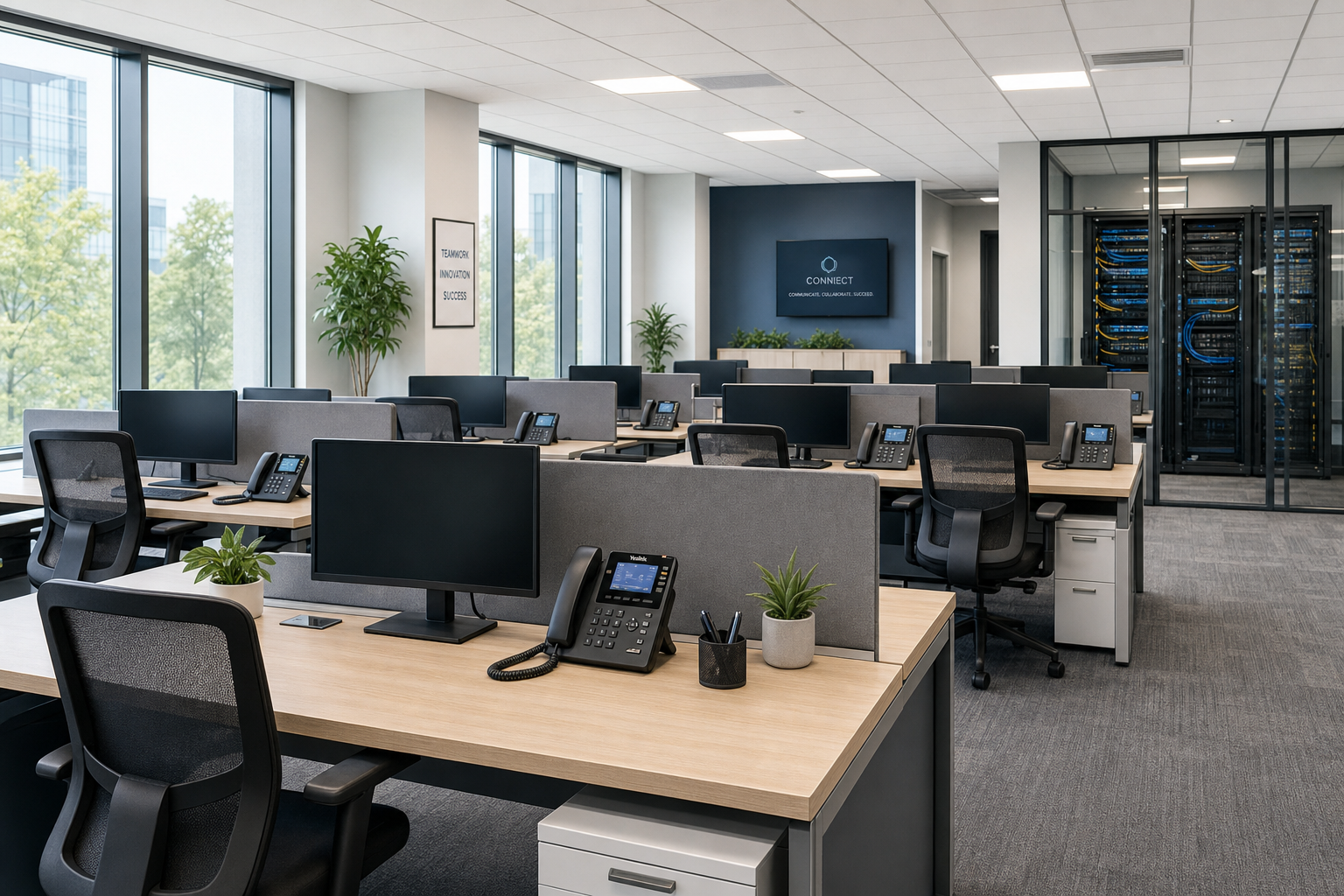
Mynians is a Winter Garden, Florida IT company with over two decades of hands-on experience serving businesses across Central Florida—Orlando, Winter Garden, Tampa, Miami, Jacksonville, and surrounding areas. We’re not an overseas call center. We’re real local technicians who show up, document your environment, and build systems that hold up under pressure.
Here’s what working with Mynians on a ransomware recovery plan looks like in practice:
- Free IT assessment: We start by understanding your current environment—how many PCs, how your network is structured, what backups exist, and where the gaps are.
- Backup audit and remediation: We verify your backups are actually working, test restores, and implement immutable offsite copies where needed.
- Network segmentation: We separate your workstations, servers, VoIP phones, and guest traffic so an infection can’t spread freely across your whole office.
- Endpoint protection deployment: We deploy and manage EDR tools across all 30+ machines with centralized monitoring—not just install-and-forget antivirus.
- Written incident response plan: We document your specific environment, your RTO and RPO targets, your escalation contacts, and your step-by-step recovery checklist.
- Ongoing managed IT: Flat-rate pricing, published base rates and separate support charges, and a single team that handles IT, VoIP, cabling, and cybersecurity. When something goes wrong, you call one number.
We fix the mess, secure the system, and keep it running. That’s the job.
Frequently Asked Questions
How long does it take to recover from ransomware with 30+ PCs?
Recovery time depends heavily on preparation. Businesses with tested backups, documented recovery plans, and segmented networks can often restore critical systems within hours and full operations within one to three days. Businesses without those elements in place can face weeks of downtime, manual rebuilds, and data loss. The investment in preparation is almost always less than the cost of an unplanned recovery.
Should I pay the ransom if my business gets hit?
The general guidance from the FTC and CISA is to avoid paying ransoms. Payment funds criminal operations, does not guarantee you’ll receive a working decryption key, and may mark you as a target for future attacks. Before making any payment decision, consult your IT provider and check whether a free decryption tool exists for the specific ransomware strain. Having good backups removes the pressure to pay entirely.
Is Microsoft 365 or Google Workspace a sufficient backup?
No. Both platforms sync your files, which means if ransomware encrypts your local files and those changes sync to the cloud, your cloud copies are also encrypted. You need a separate backup solution with versioning, retention policies, and isolation from your primary network. Mynians can set this up and verify it’s working correctly.
What is network segmentation and why does it matter for ransomware?
Network segmentation means dividing your office network into separate zones—workstations, servers, VoIP phones, printers, guest Wi-Fi—so that traffic between zones is controlled and restricted. When ransomware infects one zone, segmentation prevents it from automatically spreading to every other device on the network. Without segmentation, a single infected laptop can encrypt your entire file server and every other workstation within minutes.
How much does a managed ransomware recovery plan cost?
Mynians publishes MSP base rates; all user-requested helpdesk labor is billed separately and projects require written quotes. The exact cost depends on the size of your environment, your current infrastructure, and what needs to be built or remediated. The best starting point is a free IT assessment, which gives you a clear picture of your current gaps and what a project plan would look like. Call (407) 374-2782 or visit our contact page to schedule yours.
Does Mynians serve businesses outside of Winter Garden?
Yes. Mynians serves businesses across Central Florida, including Orlando, Winter Garden, Tampa, Miami, and Jacksonville. Our technicians are local and can provide on-site support across these areas—not just remote help desk calls.
Update Log
- May 2026: Created and reviewed for Mynians managed IT, hosted VoIP, and structured cabling accuracy.
Next step
Ready to see what managed IT would cost your business?
Calculate your MSP base in about a minute, review the written agreement, and sign online, or call the Winter Garden team and talk it through first.

