

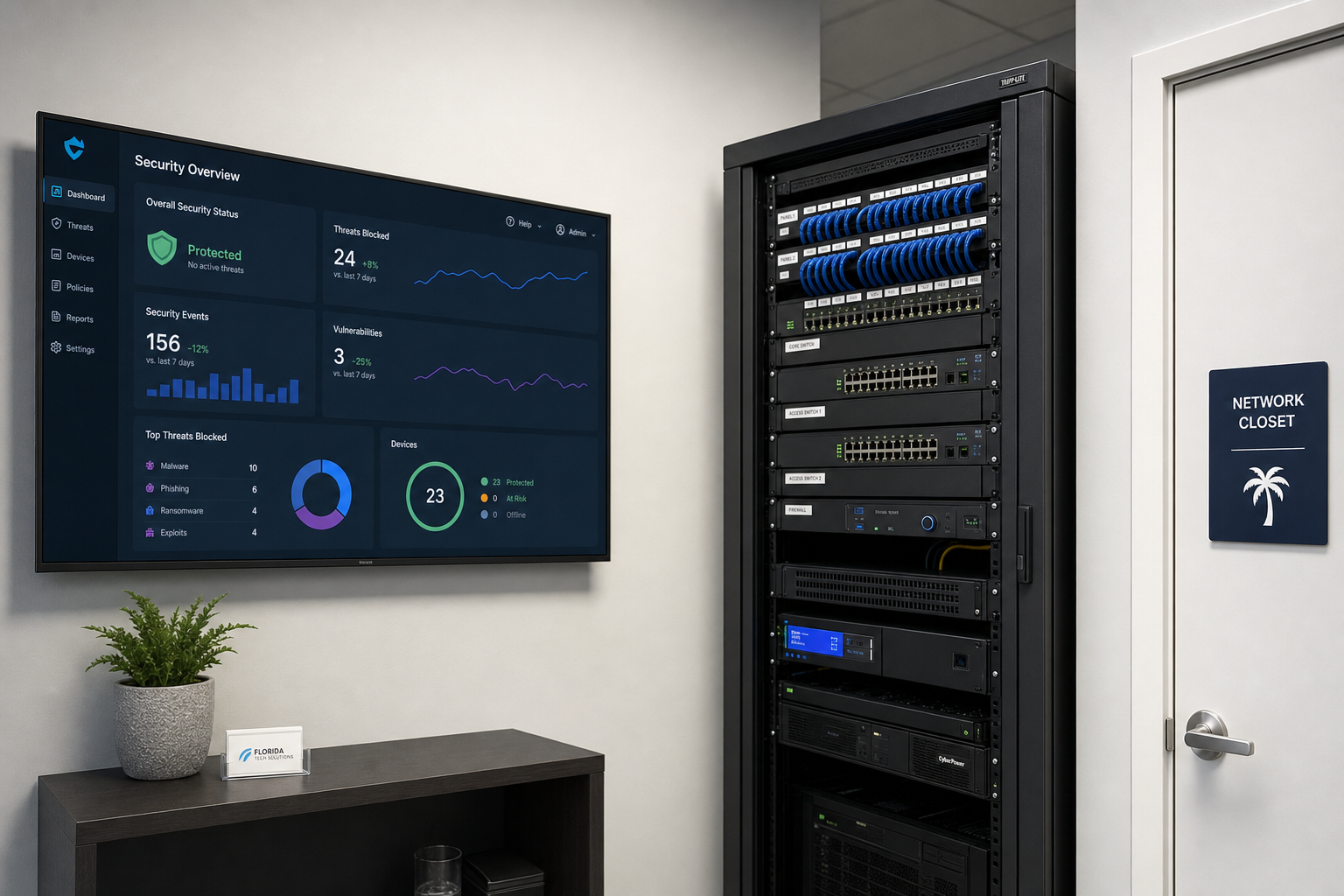
Small Business Cybersecurity Reset After 30 Devices
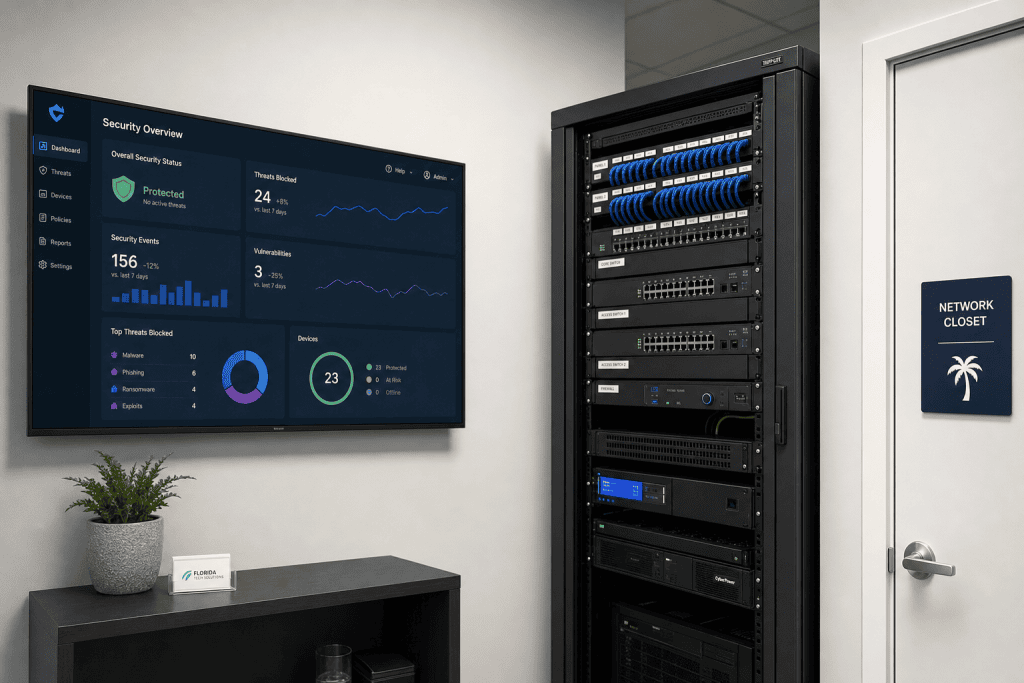
At some point between hiring your tenth employee and your twentieth, the network that used to feel manageable starts feeling like a liability. Printers, laptops, tablets, VoIP phones, point-of-sale terminals, security cameras—they accumulate fast. By the time you hit 30 devices, the informal IT habits that worked at five employees are actively creating risk. This guide walks you through what a real small business cybersecurity reset looks like, who needs one, and how to get it done without shutting down your operation.
Why 30 Devices Is the Tipping Point
Most small business owners do not plan their IT environment—it grows around them. A new hire needs a laptop. The front desk gets a VoIP phone. Someone sets up a tablet for the conference room. The owner’s personal phone connects to the office Wi-Fi. A vendor installs a networked camera system. Before long, you have 30 or more devices on a network that was never designed to handle them securely.
The problem is not the number itself. The problem is what that number represents: multiple operating systems, multiple firmware versions, multiple user accounts, and multiple entry points—most of which have never been audited. According to the Cybersecurity and Infrastructure Security Agency (CISA), small businesses are frequent targets precisely because attackers know internal security controls are often minimal or inconsistent.
At 30 devices, you are no longer managing a small network. You are managing a medium-complexity environment with small-business resources. That gap is where breaches happen.
Who This Is For (and Who It Is Not)
This guide is for you if:
- You own or manage a Florida business with 30 or more networked devices and no dedicated internal IT staff.
- Your current security setup is a mix of whatever came with the router, a consumer antivirus subscription, and good intentions.
- You have had a close call—a phishing email that almost worked, a ransomware warning, or a vendor telling you your system is outdated.
- You are growing and want to get the security foundation right before adding more staff or locations.
- You are in Orlando, Winter Garden, Tampa, Miami, Jacksonville, or anywhere across Central Florida and want local hands-on support.
This guide is NOT for you if:
- You have a full internal IT department already managing endpoint security and network monitoring.
- You are a solo operator with fewer than five devices and no plans to grow.
- You are looking for a one-time fix with no ongoing maintenance—that approach does not work at this device count.
Your Options: Honest Comparison
Before diving into the reset process, it helps to understand your realistic options. Here is a straightforward look at how different approaches stack up for a Florida small business managing 30+ devices.
| Approach | Cost Structure | Response Time | Documentation | Ongoing Monitoring | Best For |
|---|---|---|---|---|---|
| Mynians Managed IT | Published MSP base; helpdesk labor billed separately | Local techs, fast on-site response | Full network documentation provided | Yes, proactive | Growing FL businesses without internal IT |
| National MSP | Variable, often tiered | Remote-first, slower on-site | Varies widely | Yes, but generic | Businesses comfortable with remote-only support |
| Break-Fix / On-Call | Per-incident billing | Reactive only | Rarely included | No | Very low-risk environments only |
| DIY / In-House | Staff time + tool costs | Depends on staff availability | Inconsistent | Only if staff is trained | Businesses with a dedicated IT employee |
| Separate Vendors | Multiple contracts | Vendor finger-pointing common | Fragmented | Partial, siloed | Nobody—this creates gaps |
The Cybersecurity Reset: Step by Step
Step 1: Full Device Inventory
You cannot secure what you have not documented. A proper reset starts with a complete inventory of every device on your network—computers, phones, tablets, printers, cameras, VoIP handsets, smart TVs in conference rooms, and anything else with an IP address. Each device gets logged with its make, model, operating system version, assigned user, and current patch status. The National Institute of Standards and Technology (NIST) identifies asset management as the foundational control in its Cybersecurity Framework—and for good reason. If your inventory is incomplete, every other step is guesswork.
Step 2: Access Control Audit
Who has admin rights on your network? If the answer is “most people” or “I am not sure,” that is a problem. Every user account should have only the permissions required for their role. Former employees should have zero active accounts. Shared passwords need to be eliminated. Multi-factor authentication (MFA) should be enforced on every account that touches business data—especially Microsoft 365 or Google Workspace logins.
Step 3: Network Segmentation
At 30+ devices, your network should not be one flat environment where every device can talk to every other device. Guest Wi-Fi should be isolated from your internal network. VoIP phones should run on their own VLAN. Point-of-sale systems should be separated from general office traffic. Security cameras should be on their own segment. This is not complicated to implement with the right managed switches and firewall configuration—but it does require someone who knows what they are doing.
Step 4: Firewall and Endpoint Protection Review
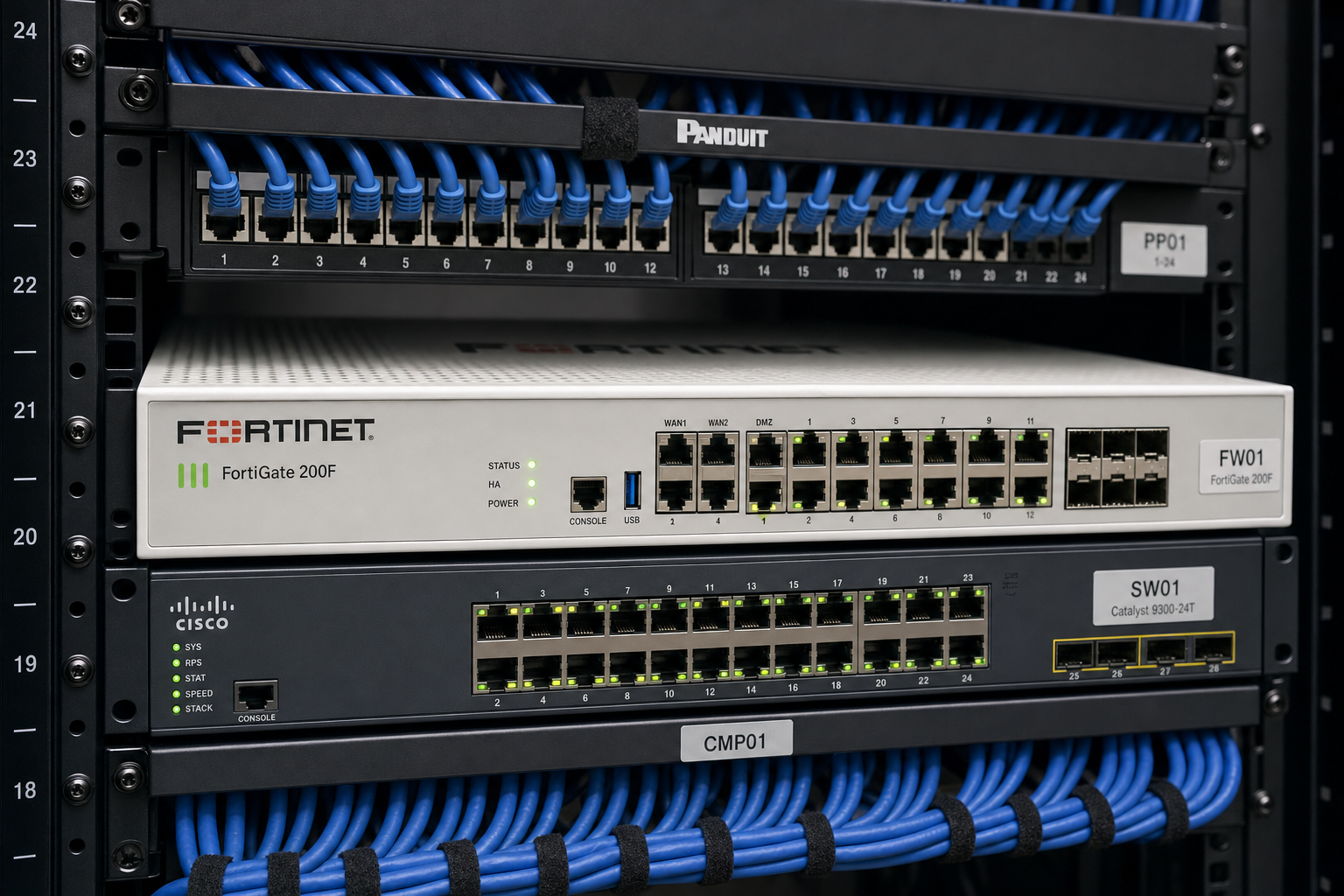
Consumer-grade routers are not firewalls. If your network edge is a device you bought at a big-box store, it needs to be replaced with a business-grade firewall that supports proper rule sets, intrusion detection, and content filtering. Every endpoint—every laptop, every workstation—needs managed endpoint protection, not a consumer antivirus subscription that nobody monitors.
Step 5: Patch Management
Unpatched software is one of the most common attack vectors for small businesses. At 30 devices, manually checking for updates is not realistic. A managed patch process ensures that operating systems, applications, and firmware are updated on a defined schedule—automatically, with logging, so you have proof it happened.
Step 6: Backup Verification
Backups are not optional. But having a backup is not the same as having a working backup. Your reset should include a verified restore test. If you cannot restore from your backup in a reasonable timeframe, you do not actually have a backup—you have a false sense of security.
Step 7: Ongoing Monitoring
A one-time reset is not a security program. After the initial cleanup, you need continuous monitoring—alerts when something unusual happens on the network, regular vulnerability scans, and a team that reviews and responds. This is where managed IT pays for itself. Instead of finding out about a problem after the damage is done, you get ahead of it.
Common Mistakes That Create Bigger Problems
Skipping the inventory and going straight to tools
Buying a new firewall or endpoint protection platform without first knowing what is on your network means you are securing an incomplete picture. Tools without documentation are just expensive guesses.
Treating the reset as a one-time project
Security is not a project with a finish line. New devices get added. Employees leave. Software gets updated. Threats change. A reset gets you to a clean baseline—but without ongoing management, you will be back in the same position within 12 months.
Using multiple vendors with no single point of accountability
When your internet goes down and your VoIP phones stop working, the last thing you want is your ISP blaming your phone provider, your phone provider blaming your firewall vendor, and your firewall vendor blaming your cabling. Vendor finger-pointing is one of the most common and most expensive problems we see in small business IT. One team managing IT, VoIP, cabling, and security eliminates that problem entirely.
Ignoring physical security
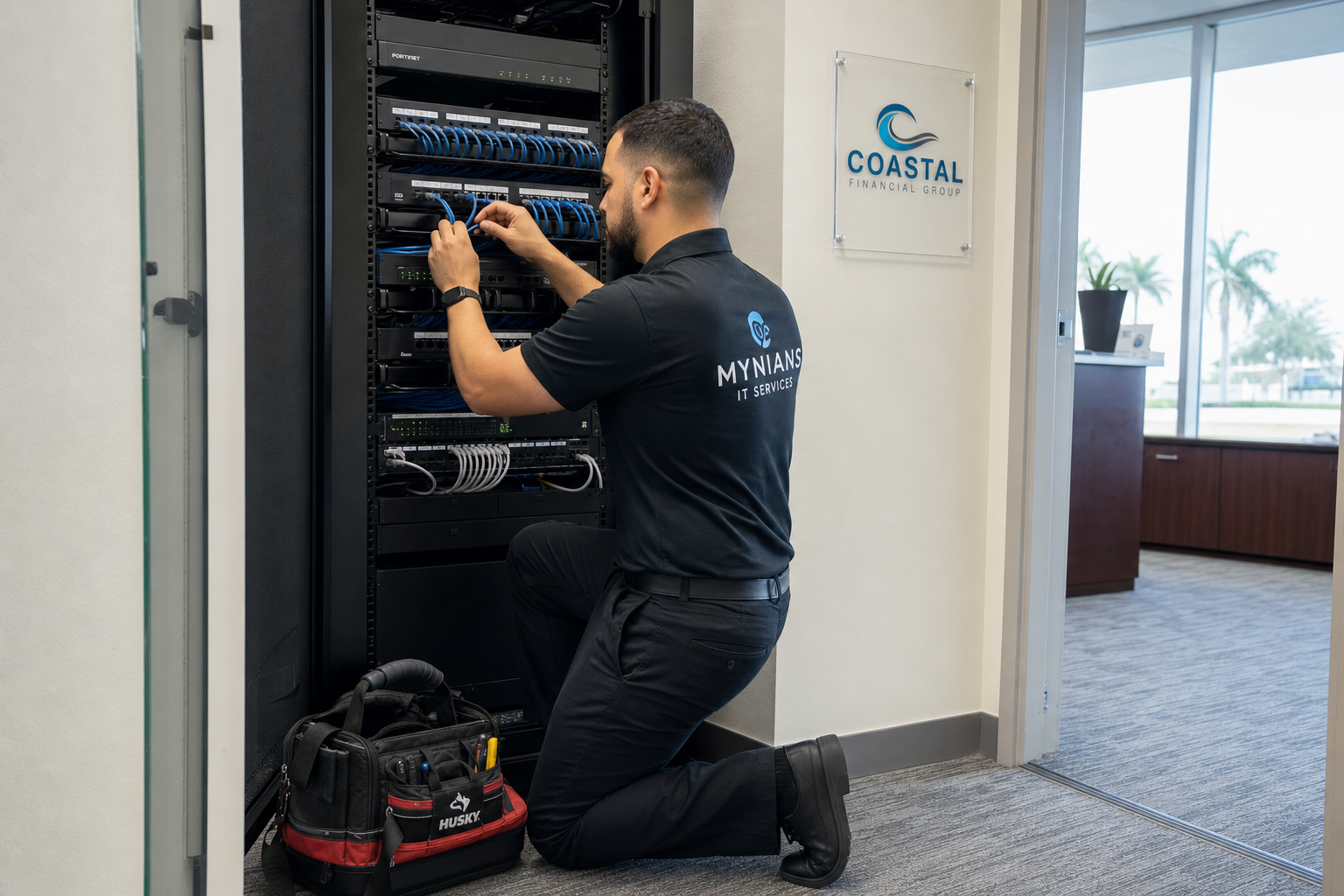
Network closets with unlocked doors, patch panels with no documentation, and cabling that nobody has touched in years are physical security risks. A cybersecurity reset should include a look at the physical layer—not just the software.
Why Local IT Support Matters in Florida
Remote IT support has its place, but there are things that simply require a technician on-site. Structured cabling issues, hardware failures, network closet cleanup, and new office setups all need hands in the building. When you are in Winter Garden, Orlando, Tampa, Miami, or Jacksonville, onsite support is available by arrangement, subject to technician availability and the written scope. Same-day dispatch is not guaranteed.
Mynians has been working with Central Florida businesses for over two decades. Our technicians are local, our pricing is based on published base rates plus separately billed support and projects, and we handle IT, hosted VoIP, structured cabling, and cybersecurity under one roof. When something goes wrong, you call one number and get real answers—not a ticket number and a three-day wait.
The Federal Trade Commission has published guidance specifically for small businesses on protecting sensitive data and responding to security incidents. The steps they outline—inventory, access controls, monitoring, and response planning—are exactly what a proper managed IT engagement covers. The difference is having a local team that actually implements and maintains those controls for you.
If your business is growing and your device count is climbing, the right time to do a cybersecurity reset is before something goes wrong. Reach out to the Mynians team at https://mynians.com/contact-us/ or call us at (407) 374-2782 to schedule a free IT assessment.
Frequently Asked Questions
How long does a small business cybersecurity reset take?
It depends on the size and current state of your environment. For a 30-device network that has never been formally audited, expect the initial assessment and documentation phase to take several days. Full implementation of segmentation, endpoint protection, and access controls can take one to three weeks depending on complexity and how much remediation is needed. Ongoing monitoring begins immediately after the baseline is established.
What does a cybersecurity reset cost for a small business?
Costs vary based on your current infrastructure, the number of devices, and what needs to be replaced or upgraded. Mynians publishes MSP base rates; all user-requested helpdesk labor is billed separately and projects require written quotes. The best way to get an accurate number for your specific environment is to schedule a free IT assessment—we will walk through what you have and give you a clear picture of what it takes to secure it properly.
Do I need to replace all my hardware during a cybersecurity reset?
Not necessarily. The audit will identify which devices are end-of-life, which are unpatched, and which are simply misconfigured. Many businesses find that a significant portion of their security gaps can be closed through configuration changes and software updates rather than hardware replacement. Where hardware does need to be replaced—typically consumer-grade routers or very old workstations—we will tell you exactly why and what the risk is if you defer it.
Can Mynians handle VoIP and cabling as part of the same engagement?
Yes. Mynians manages IT, hosted VoIP, structured cabling, and cybersecurity under one roof. If your cybersecurity reset reveals cabling issues in your network closet or your VoIP phones need to be moved to a dedicated VLAN, we handle all of it with one team. You do not need to coordinate multiple vendors or deal with finger-pointing when something does not work.
What happens after I reach out to Mynians?
We start with a free IT assessment—a real conversation about your environment, your concerns, and your goals. From there, we give you a clear picture of what we find and what we recommend. If it makes sense to move forward together, we put together a flat-rate proposal with no hidden fees. If you are not ready to commit, you still walk away with useful information about your network. Call us at (407) 374-2782 or visit https://mynians.com/contact-us/ to get started.
Update Log
- May 2026: Created and reviewed for Mynians managed IT, hosted VoIP, and structured cabling accuracy.
Next step
Ready to see what managed IT would cost your business?
Calculate your MSP base in about a minute, review the written agreement, and sign online, or call the Winter Garden team and talk it through first.

