

Auto Attendant and Call Routing Reset After 30
If your business has been running the same phone menu for years — or you set it up yourself and never touched it again — there is a real chance callers are hitting dead ends, getting lost in confusing options, or simply hanging up. For business owners over 30 who built their company on relationships and referrals, a broken phone system is a quiet revenue leak. This guide walks you through what a proper auto attendant and call routing reset looks like, what goes wrong without one, and how Mynians helps Central Florida businesses fix it the right way.
Why Phone Menus Break Over Time
When a business first sets up a phone system, the call routing usually reflects the team structure at that moment. Press 1 for sales, press 2 for support, press 3 for billing. That made sense on day one. But businesses change. Staff turns over. Departments merge or split. New locations open. Someone leaves and their extension still rings — to no one.
By the time a business owner hits 30 or more employees, or 30-plus months of operation, the original phone menu is often a patchwork of old extensions, outdated department names, and voicemail boxes that nobody checks. Callers who press the wrong option get dead air or a generic voicemail. Callers who press the right option sometimes still reach the wrong person because the routing was never updated after a staff change.
This is not a technology failure. It is a maintenance failure. And it is extremely common across small and mid-sized businesses in Orlando, Winter Garden, Tampa, and the rest of Central Florida.
Signs Your Auto Attendant Needs a Reset
- Callers frequently say they could not reach anyone or got sent to voicemail unexpectedly.
- Your menu still references a department or person who no longer works there.
- You have more than five menu options and no one can remember what each one does.
- After-hours routing sends calls to a phone that is never answered.
- You have added staff or locations but never updated the call flow to match.
- Your voicemail greeting still mentions a promotion or event from two years ago.
Your Options: Comparing Approaches
When it comes to fixing auto attendant and call routing, business owners typically have four realistic paths. Here is an honest look at each one.
| Approach | Setup Quality | Ongoing Support | Local Accountability | Best For |
|---|---|---|---|---|
| Mynians (local managed VoIP) | Configured by real techs, tested end-to-end | Available from the same team; quoted separately | Yes — Winter Garden, FL office | Businesses that want it done right and kept running |
| National VoIP provider (self-serve) | You configure it yourself via portal | Ticket-based, overseas call center | No | Tech-savvy owners with time to manage it |
| Legacy phone provider (on-premise PBX) | Often outdated hardware, limited features | Slow, expensive service calls | Sometimes | Businesses not ready to move to cloud |
| DIY / in-house IT | Varies widely, often undocumented | Whoever set it up, if still employed | Internal only | Businesses with a dedicated, experienced IT staff member |
Who This Is For (and Who It Is Not)
This guide is for you if:
- You are a business owner or office manager in Central Florida who suspects your phone system is costing you calls.
- Your current phone menu was set up by a previous employee, a vendor who no longer supports you, or yourself years ago.
- You have grown past 10 employees and your call routing has not kept pace.
- You are planning an office move, adding a second location, or onboarding a new team and need the phone system to reflect that.
- You are already on a hosted VoIP platform but the configuration was never properly documented or tested.
This guide is NOT for you if:
- You are a solo operator with a single line and no need for menu routing.
- You are a large enterprise with a dedicated internal telecom team already managing call flow.
- You are looking for a free DIY tutorial with no intention of professional support — the risk of misconfiguration is real and this guide will not walk you through a specific vendor portal.
What a Call Routing Reset Actually Looks Like
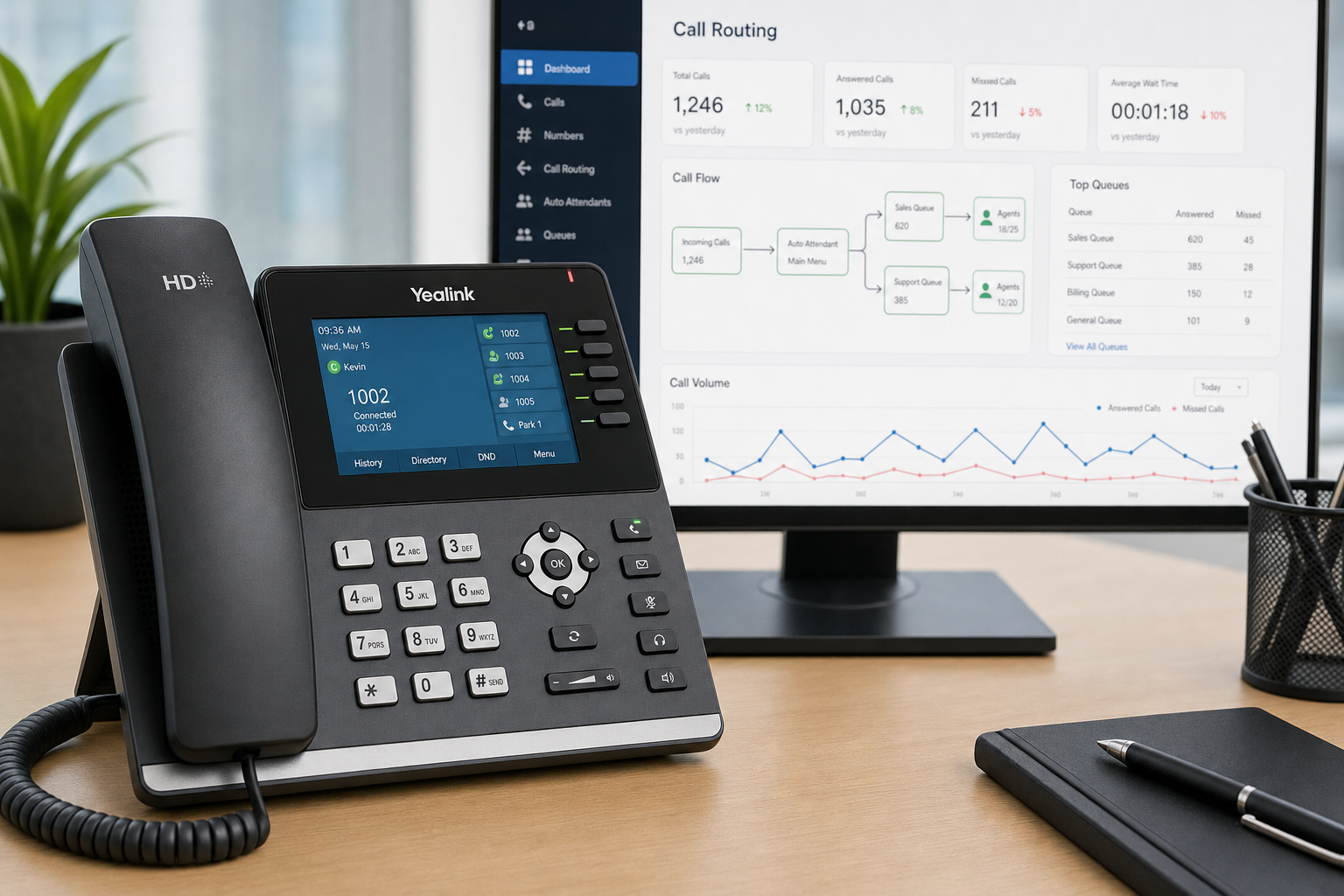
A real reset is not just re-recording your greeting. It is a structured process that starts with understanding how your business actually handles calls today — not how you think it does.
Step 1: Call Flow Audit
Before changing anything, Mynians maps your existing call flow. That means documenting every menu option, every extension, every ring group, every voicemail box, and every after-hours rule currently in the system. Most businesses are surprised by what they find — extensions pointing to disconnected phones, ring groups with former employees still listed, after-hours routing that sends calls to a personal cell that is never answered.
Step 2: Business Logic Review
The next step is sitting down with the business owner or office manager and asking the right questions. Who actually answers calls? What happens when that person is unavailable? Do you want calls to roll to a team or to voicemail? What are your true business hours, including holidays? Do you have multiple locations that need separate routing? This is where the new call flow gets designed — on paper, before anything is touched in the system.
Step 3: Menu Rebuild
With the new logic approved, the auto attendant menu is rebuilt. That includes recording or uploading new greetings, setting up menu options with clear, plain-language labels, configuring ring groups and hunt groups correctly, and setting voicemail routing with proper notification delivery — whether that is email-to-voicemail, a mobile app alert, or a shared inbox.
Step 4: End-to-End Testing
Every path gets tested before the system goes live. That means calling in from an outside line and walking through every menu option, including the ones callers are not supposed to use. After-hours routing gets tested at the actual cutover time. Voicemail delivery gets confirmed. This step is where most DIY setups fall apart — the configuration looks right in the portal but behaves differently on a real call.
Step 5: Documentation and Handoff
Mynians documents the final call flow and leaves the business with a clean record of how the system is configured. That documentation matters when staff changes, when you add a location, or when something needs to be updated six months from now. No more guessing what the previous person set up.
Common Mistakes That Kill Call Flow
These are the configuration errors Mynians finds most often when auditing a business phone system for the first time.
Too Many Menu Options
Research from the FCC and general telecom best practices consistently show that callers abandon menus with more than four or five options. If your auto attendant has seven choices, callers will either guess or hang up. Keep it simple: route to the most common needs first, and use a fallback option to reach a live person.
No Fallback to a Live Person
Every auto attendant should have a clear path to reach a real human being. Whether that is pressing 0 or simply waiting through the menu, callers who cannot find what they need should always have an escape route. Removing that option frustrates callers and damages your reputation.
After-Hours Routing That Goes Nowhere
If your after-hours greeting says “leave a message and we will call you back” but the voicemail box is full or notifications are turned off, that message is a lie. After-hours routing needs to be tested and monitored just like daytime routing.
Undocumented Hunt Group Order
Hunt groups — where a call rings through a sequence of extensions until someone answers — only work if the order is intentional and current. A hunt group that starts with the person who is always in meetings and ends with the person who is always at their desk is backwards. Document the order and review it whenever staff roles change.
Voicemail Notifications Nobody Receives
Hosted VoIP platforms can deliver voicemail to email, to a mobile app, or to a shared inbox. If those notification settings were never configured — or were set up for an email address that no longer exists — voicemails pile up unheard. This is a configuration problem, not a platform problem.
Why Local Support Matters in Florida
When your auto attendant breaks — and at some point, something will need to change — the difference between a local team and a national provider’s support line is significant. With a national provider, you open a ticket, wait for a callback from an overseas support center, explain your setup from scratch, and hope the person on the other end has the access and authority to fix it.
With Mynians, you call (407) 374-2782 and reach a real tech who already knows your system. We serve businesses across Winter Garden, Orlando, Tampa, Miami, and Jacksonville. For urgent routing changes, contact us to confirm availability. Requested configuration work is billed separately, and same-day completion is not guaranteed.
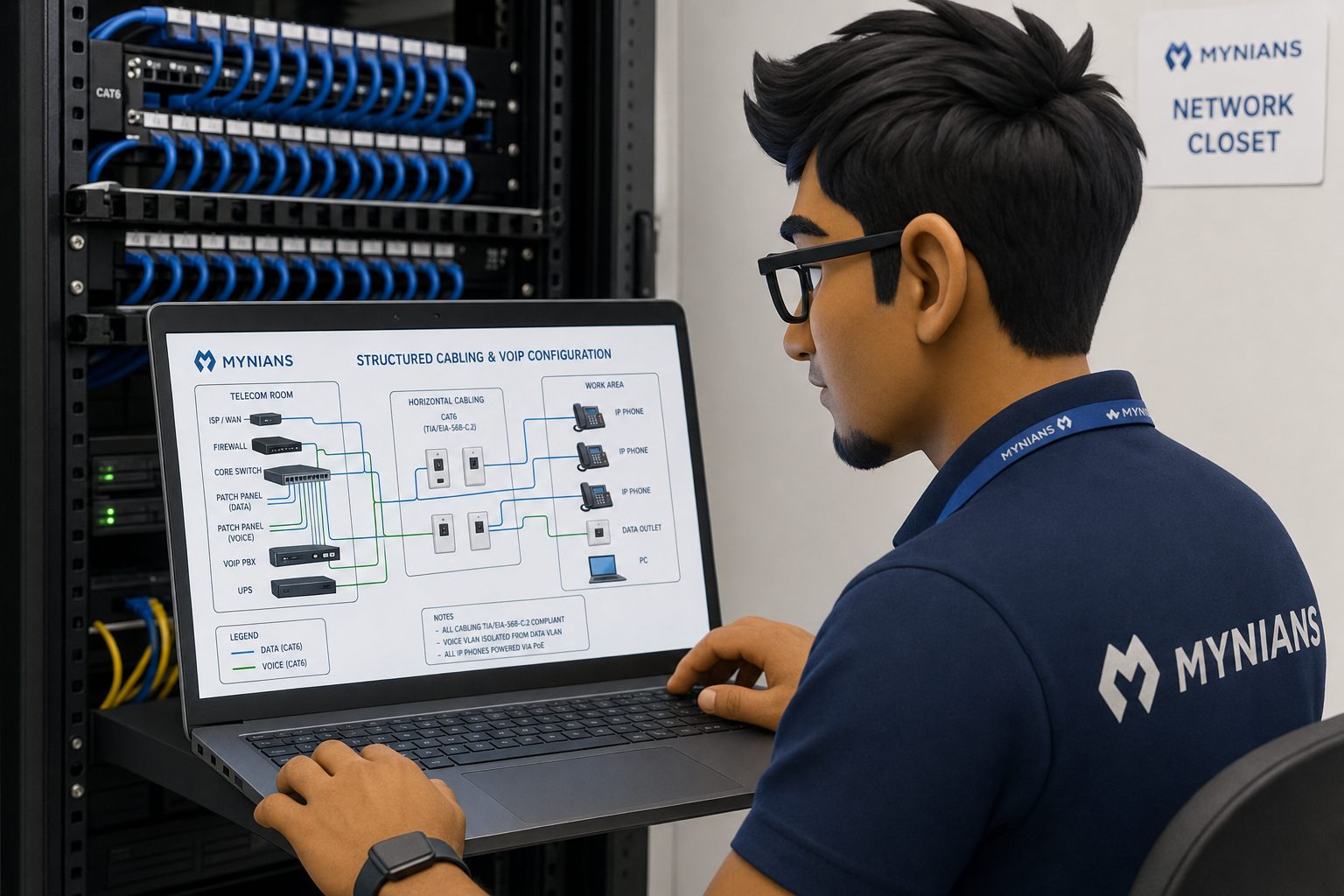
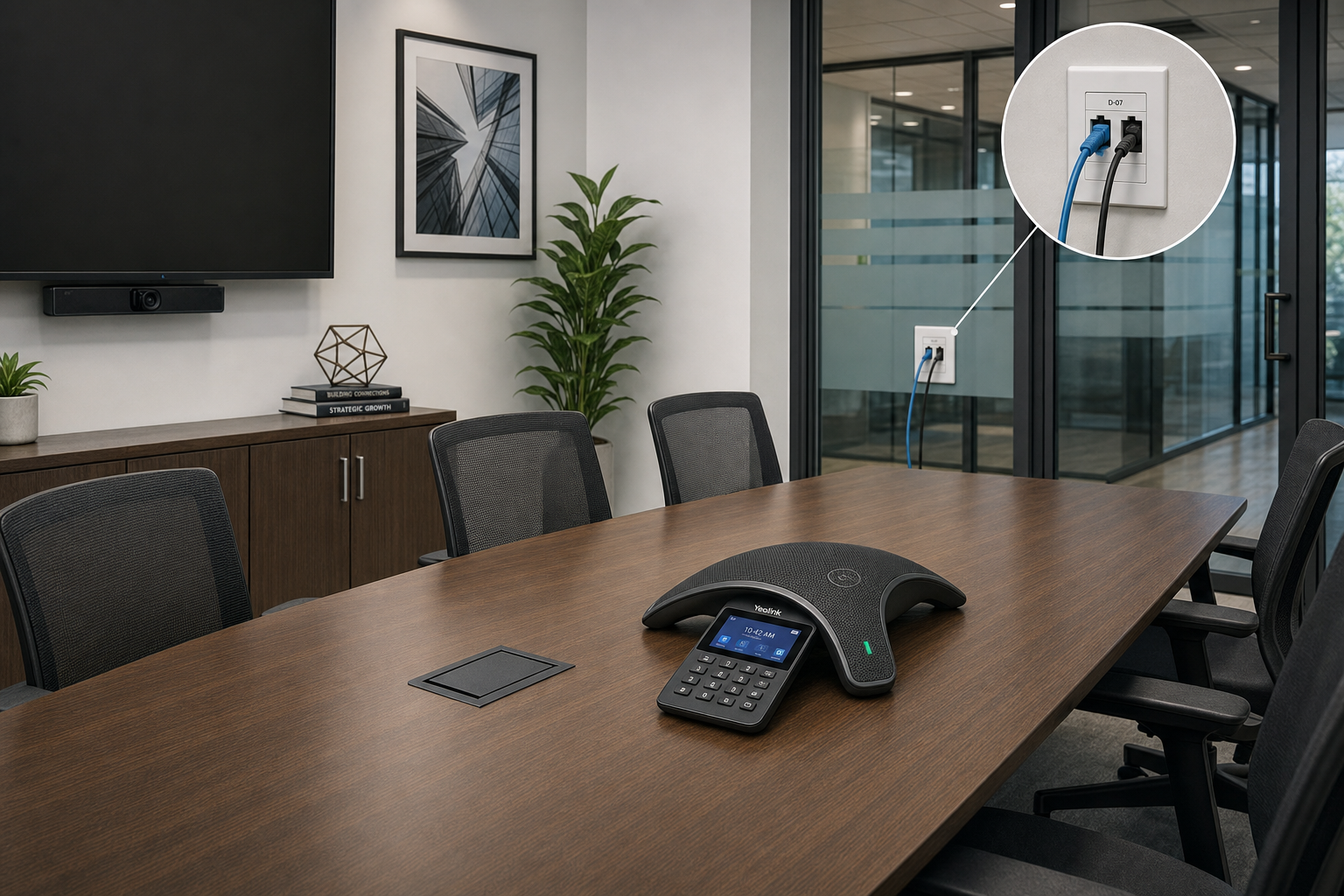
That local accountability also matters for new office moves and expansions. Structured cabling, VoIP configuration, and network setup all need to work together. When those are handled by separate vendors, you get finger-pointing when something does not work. When Mynians handles IT, VoIP, and cabling as one team, there is one number to call and one team responsible for the outcome.
Cost, Setup Time, and What Happens After You Call Us
What does a call routing reset cost?
Mynians publishes MSP base rates; all user-requested support is billed separately under Schedule B and additional services require written quotes. The cost of a VoIP configuration reset depends on the size of your system — number of extensions, locations, and complexity of your call flow. The best way to get an accurate picture is to start with a free IT assessment, which includes a review of your current phone setup.
How long does a reset take?
For most small to mid-sized businesses, a full call flow audit and rebuild takes one to three business days from the initial review to go-live. More complex setups with multiple locations or custom integrations take longer, but Mynians will give you a realistic timeline before any work begins.
Will there be downtime?
A properly managed VoIP configuration change should not require downtime. Changes are staged and tested before being pushed live. In most cases, the cutover happens during off-hours or low-traffic periods to minimize any risk.
What happens after I reach out?
When you contact Mynians through the contact page or call (407) 374-2782, a real tech reviews your current setup and asks the right questions. You get a clear picture of what is working, what is not, and what a fix looks like — before you commit to anything. No pressure, no sales script.
Why Mynians instead of a bigger national provider?
National providers sell you a platform and leave the configuration to you. Mynians configures it, documents it, tests it, and supports it. Over two decades of hands-on experience in Central Florida means we have seen the same problems across hundreds of business setups — and we know how to fix them without creating new ones. Built for uptime. The written scope distinguishes base fees, support labor, and project charges. Real techs, real answers.
Frequently Asked Questions
What is an auto attendant and how is it different from a live receptionist?
An auto attendant is an automated phone menu that greets callers and routes them to the right department or extension based on their input. Unlike a live receptionist, it operates 24/7 without staffing costs. The tradeoff is that it must be configured correctly — a poorly designed auto attendant frustrates callers more than no menu at all. Many businesses use both: an auto attendant for initial routing and a live person as a fallback option.
Can I update my auto attendant myself, or do I need a technician?
Most hosted VoIP platforms give you a web portal where you can update greetings and basic settings. However, changes to ring groups, hunt group order, after-hours rules, and voicemail routing involve interdependent settings that are easy to misconfigure. A technician is not always required for simple greeting updates, but any structural change to your call flow should be reviewed and tested by someone who understands the full system.
How many menu options should my auto attendant have?
Best practice is to keep your main menu to four options or fewer, with a fifth option to reach a live person or operator. Callers lose patience quickly with long menus. If your business genuinely needs more routing paths, consider a two-level menu — a short main menu with sub-menus for specific departments — rather than listing everything at the top level.
What is the difference between a hunt group and a ring group?
A ring group rings all extensions in the group simultaneously — whoever picks up first gets the call. A hunt group rings extensions in a defined sequence, moving to the next extension only if the previous one does not answer within a set number of rings. Ring groups work well for small teams where anyone can handle the call. Hunt groups are better when you want calls to reach a specific person first, with others as backup.
Does Mynians support businesses outside of Winter Garden?
Yes. Mynians serves businesses across Central Florida, including Orlando, Tampa, Miami, and Jacksonville. Hosted VoIP configuration and support can be handled remotely for most changes, and on-site visits are available throughout the service area for cabling, hardware, and complex setups.
What VoIP standards should I know about when evaluating a phone system?
The core protocol behind most VoIP systems is SIP (Session Initiation Protocol), maintained by the IETF. Understanding SIP trunking, codec selection, and QoS (Quality of Service) settings on your network are all relevant when evaluating call quality and reliability. Mynians handles these technical details as part of every VoIP deployment.
Update Log
- May 2026: Created and reviewed for Mynians managed IT, hosted VoIP, and structured cabling accuracy.
Next step
Ready to see what managed IT would cost your business?
Calculate your MSP base in about a minute, review the written agreement, and sign online, or call the Winter Garden team and talk it through first.

