

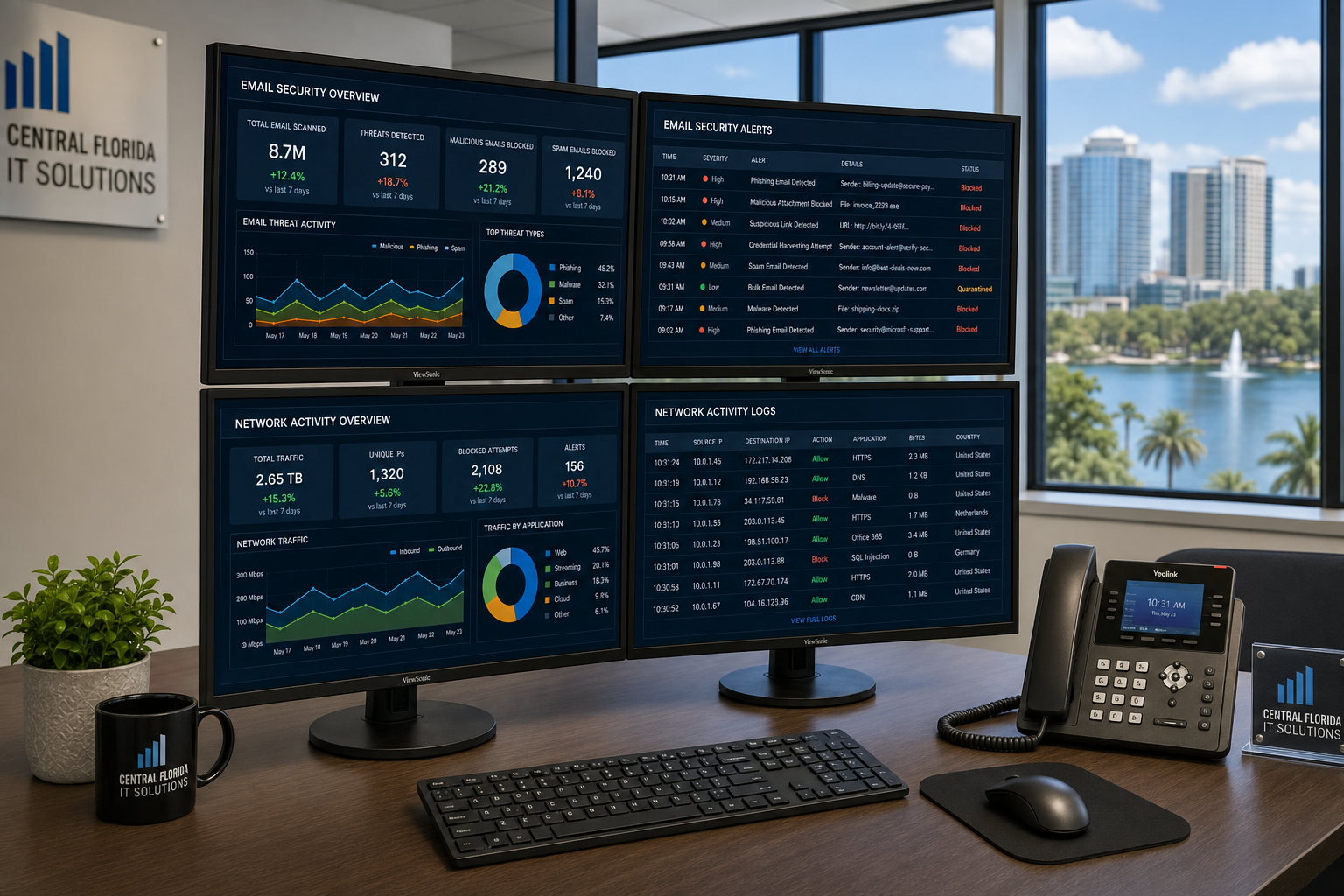
Phishing Response Plan for Small Business
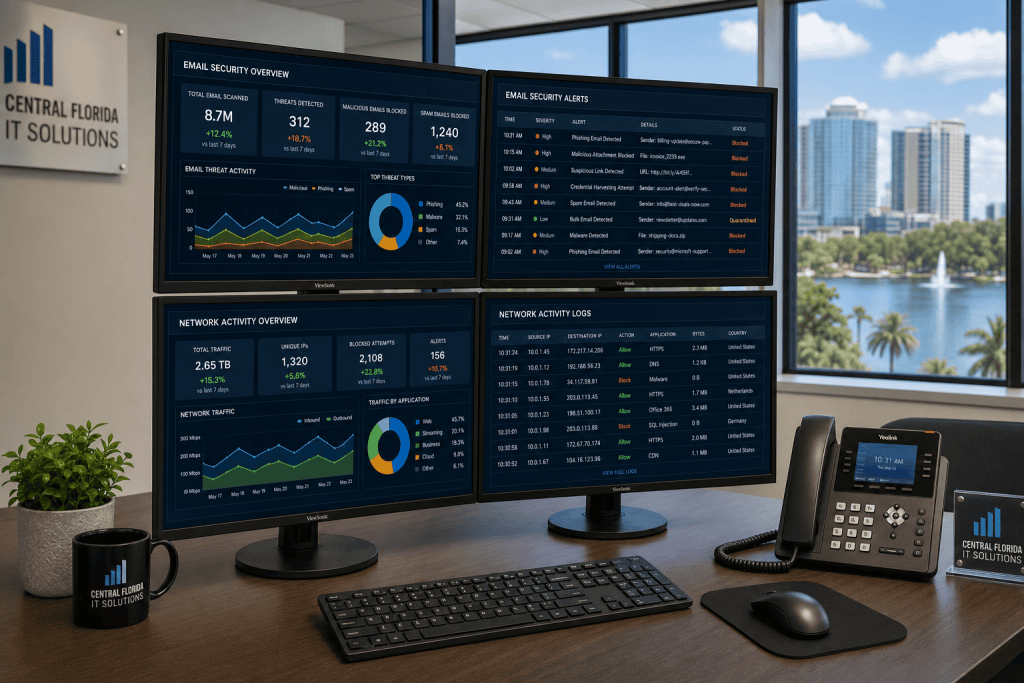
If your team has been hit with a wave of phishing emails and some of them got clicked, you are not alone and you are not out of options. This guide gives business owners and managers in Central Florida a clear, practical phishing response plan for small business — covering what to do right now, what to fix in the next 30 days, and how to make sure it does not happen again.
Who This Is For — and Who It Is Not
This guide is for you if:
- Your team has received a high volume of phishing emails in a short period and some were opened or clicked.
- You are a business owner or office manager in Central Florida — Orlando, Winter Garden, Tampa, Miami, Jacksonville — responsible for keeping operations running.
- You are running Microsoft 365 or Google Workspace and are not sure whether your current settings are actually protecting you.
- You have had a break-fix IT relationship and realize you need something more structured after this incident.
- You want a real plan, not a generic checklist that does not account for your actual environment.
This guide is NOT for you if:
- You have a full internal IT security team already running a documented incident response program.
- You are looking for enterprise-level SIEM or SOC deployment guidance for a 500-person organization.
- You have already completed a full security audit in the last 90 days and are only looking for fine-tuning.
Your Response Options Compared
When phishing hits your team repeatedly, you have a few paths forward. Here is an honest look at each one so you can make a clear decision.
| Option | Speed of Response | Ongoing Protection | Local Accountability | Cost Predictability | Best For |
|---|---|---|---|---|---|
| Mynians Managed IT (Central Florida) | Availability and timing per written scope | Continuous monitoring and patching | Yes — one team, one number | MSP base plus separately billed helpdesk labor | Small to mid-size Florida businesses wanting full coverage |
| National MSP / Remote-Only Provider | Variable — often overseas call center first | Depends on contract tier | No — ticket queues, no local presence | Often tiered with add-on fees | Businesses comfortable with fully remote support |
| DIY / In-House IT Staff | Depends on staff availability and skill | Inconsistent without dedicated security role | Yes — but limited bandwidth | Salary-based, unpredictable incident costs | Larger teams with dedicated IT headcount |
| Break-Fix (Call When Broken) | Slow — reactive only | None between incidents | Varies by vendor | Unpredictable per-incident billing | Very small operations with minimal risk tolerance |
| Do Nothing / Hope It Stops | N/A | None | N/A | Low now, very high after a breach | Not recommended for any business handling client data |
Immediate Steps After a Phishing Wave
When 30 phishing emails hit your team in a short window, the instinct is to send a warning email and move on. That is not enough. Here is what actually needs to happen in the first 24 to 72 hours.
1. Identify Who Clicked and What They Accessed
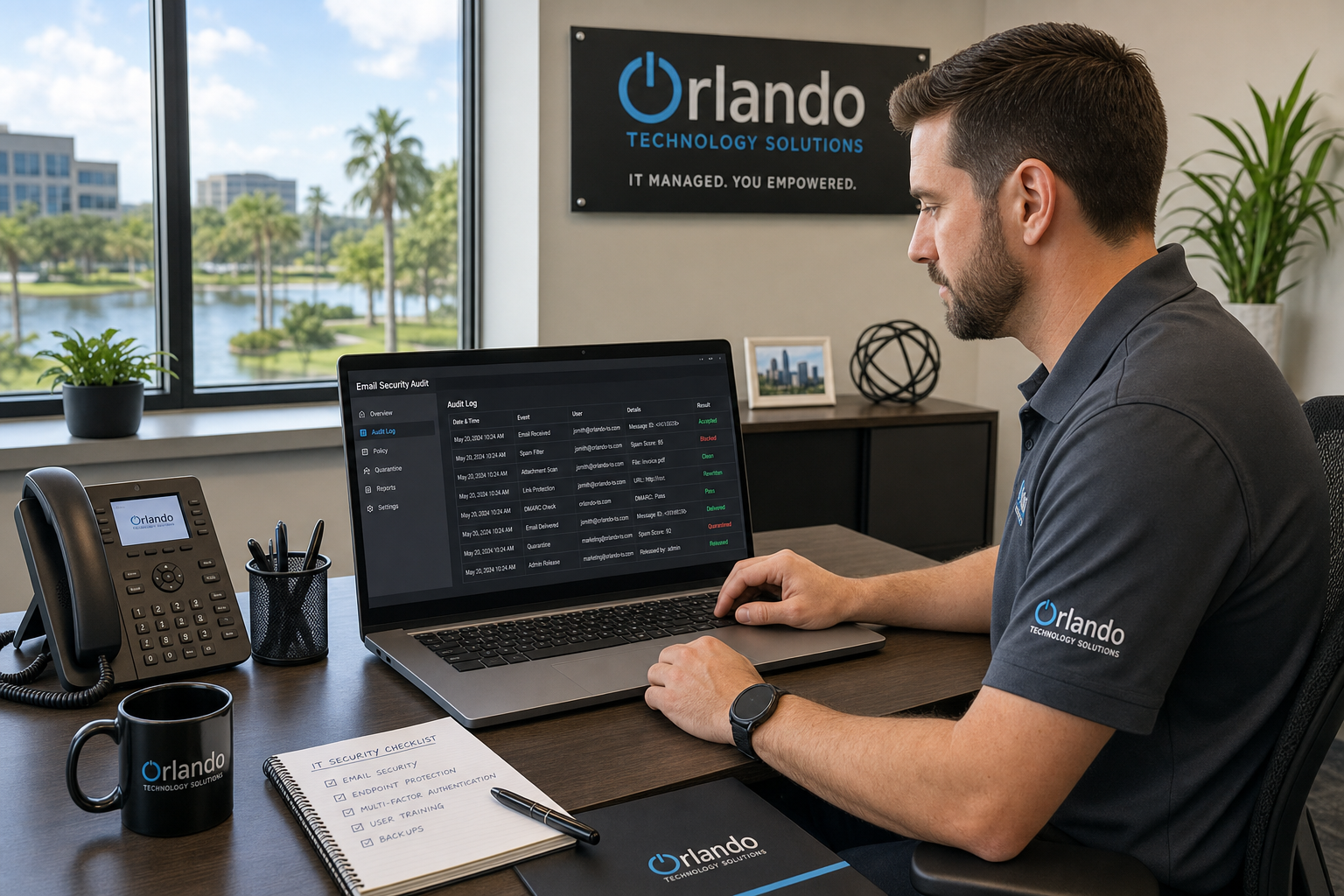
Pull your email platform logs — Microsoft 365 or Google Workspace both have audit log tools. You need to know which users opened links, which entered credentials on external pages, and whether any accounts show unusual sign-in activity from unfamiliar locations or devices. The Cybersecurity and Infrastructure Security Agency (CISA) recommends treating any clicked phishing link as a potential credential compromise until proven otherwise.
2. Isolate and Reset Compromised Accounts
Force a password reset on every account that interacted with a suspicious email. Do not wait for the user to report a problem. If you are on Microsoft 365, revoke active sessions immediately through the admin center — a password reset alone does not terminate existing authenticated sessions.
3. Enable Multi-Factor Authentication Across the Board
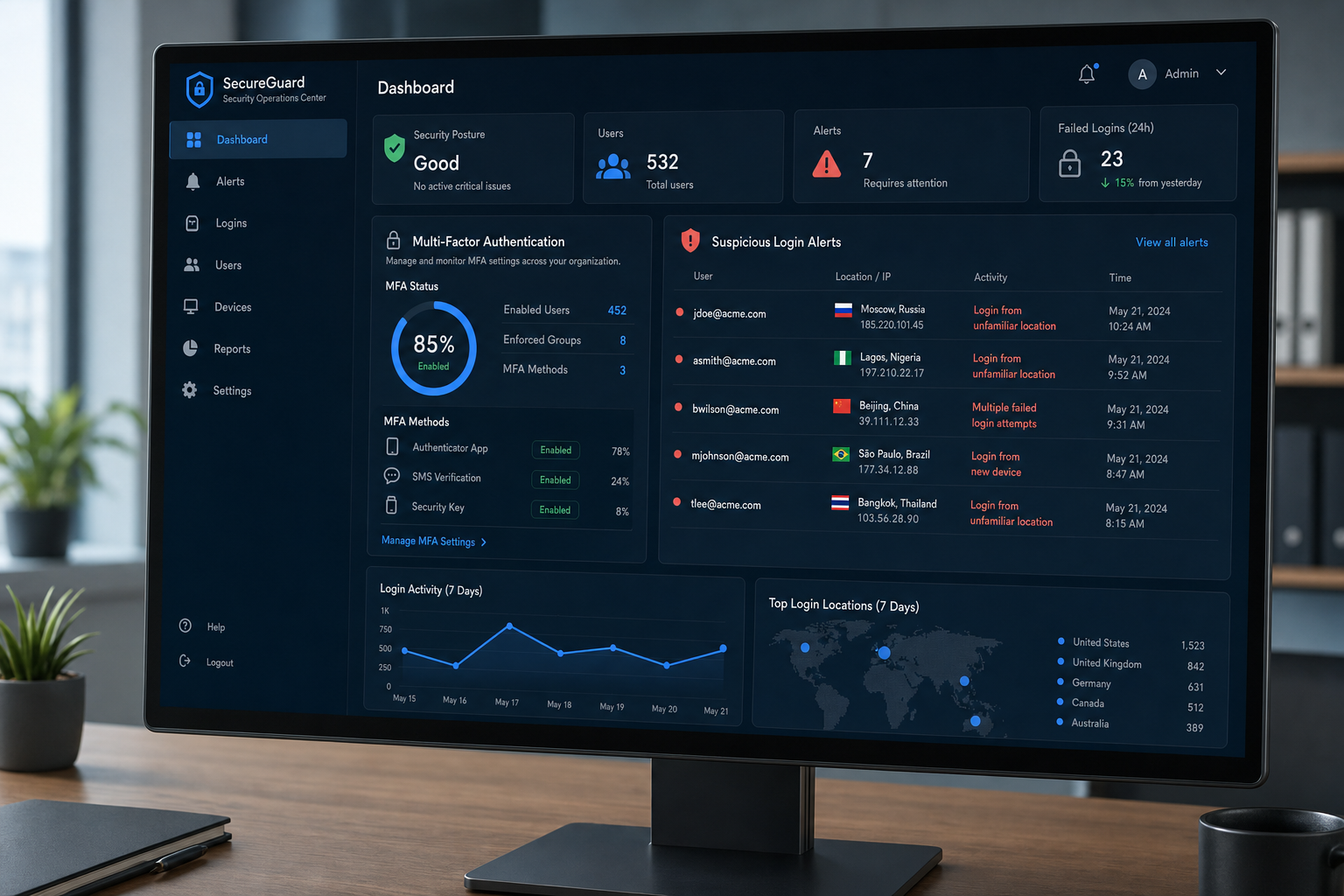
If MFA is not already on for every user, this is the moment to turn it on. This is the fastest single control that reduces the damage from stolen credentials. Microsoft and Google both support app-based authenticators. Do not rely on SMS-only MFA for high-privilege accounts.
4. Notify the Right People
Depending on your industry and the data involved, you may have reporting obligations. The Federal Trade Commission provides guidance on data breach notification requirements for small businesses. If you handle payment data, healthcare records, or client financial information, talk to your legal counsel before assuming no notification is needed.
5. Document Everything
Keep a written record of every phishing email received, every account affected, every action taken, and every timestamp. This documentation matters if you face a client inquiry, an insurance claim, or a regulatory review later.
The 30-Day Cybersecurity Reset Plan
Immediate containment stops the bleeding. The 30-day reset is what actually closes the door so this does not repeat. Here is how to structure it.
Week 1: Audit Your Email Filtering Configuration
Most small businesses using Microsoft 365 or Google Workspace have email filtering turned on but not properly configured. Default settings are not the same as hardened settings. Review your anti-phishing policies, safe links, safe attachments, and external sender warnings. The National Institute of Standards and Technology (NIST) publishes practical guidance on email security controls that apply directly to small business environments.
Week 2: Run Security Awareness Training
A single all-hands email warning does not change behavior. Structured security awareness training — even a 20-minute session with simulated phishing tests — measurably reduces click rates over time. This is not about blaming employees. It is about giving them the pattern recognition to spot spoofed sender addresses, urgency language, and mismatched URLs before they click.
Week 3: Harden Endpoints and Review Access Controls
Check that every device connecting to your network has endpoint protection running and up to date. Review which users have admin-level access — most employees do not need it and reducing privilege levels limits the damage any single compromised account can do. Also review any third-party app integrations connected to your Microsoft 365 or Google Workspace tenant. Attackers sometimes use OAuth app grants to maintain access even after password resets.
Week 4: Set Up Ongoing Monitoring
A one-time cleanup is not a security program. You need ongoing log monitoring, alert rules for suspicious sign-in behavior, and a defined process for what happens when the next phishing attempt lands. If you do not have the internal staff to manage this, a local managed IT provider can handle monitoring, alerting, and response as part of a flat-rate agreement — separate helpdesk charges when something needs attention.
Document Your Phishing Response Plan
Write down the steps your team will follow the next time a phishing wave hits. Who gets notified first? Who has admin access to pull logs? Who makes the call on account isolation? A written phishing response plan for small business does not need to be long — it needs to be clear and accessible when someone is stressed and the clock is running.
Common Mistakes Businesses Make After Phishing Attacks
Treating It as a One-Time Event
Phishing campaigns are often automated and persistent. If your business was targeted once at volume, the same infrastructure may try again. Treating the incident as closed after a password reset leaves you exposed to the next wave.
Skipping the Log Review
Many business owners assume that if nothing obvious went wrong — no ransom note, no locked files — then nothing happened. Email account compromise is often quiet. Attackers may sit inside a mailbox for weeks, reading communications, setting up forwarding rules, or waiting for the right moment to impersonate an executive in a wire transfer request.
Relying on One Security Tool
Email filtering alone is not a security program. Endpoint protection alone is not a security program. Effective protection layers email filtering, MFA, endpoint detection, access controls, and user training together. Removing any one layer increases risk across the others.
Vendor Finger-Pointing
A common problem for Florida businesses working with multiple separate vendors — one for IT, one for email, one for phones — is that when something goes wrong, nobody owns the problem. Each vendor points at the other. Working with one team that covers IT, security, and communications eliminates that runaround.
Why Local IT Support Matters for Phishing Recovery
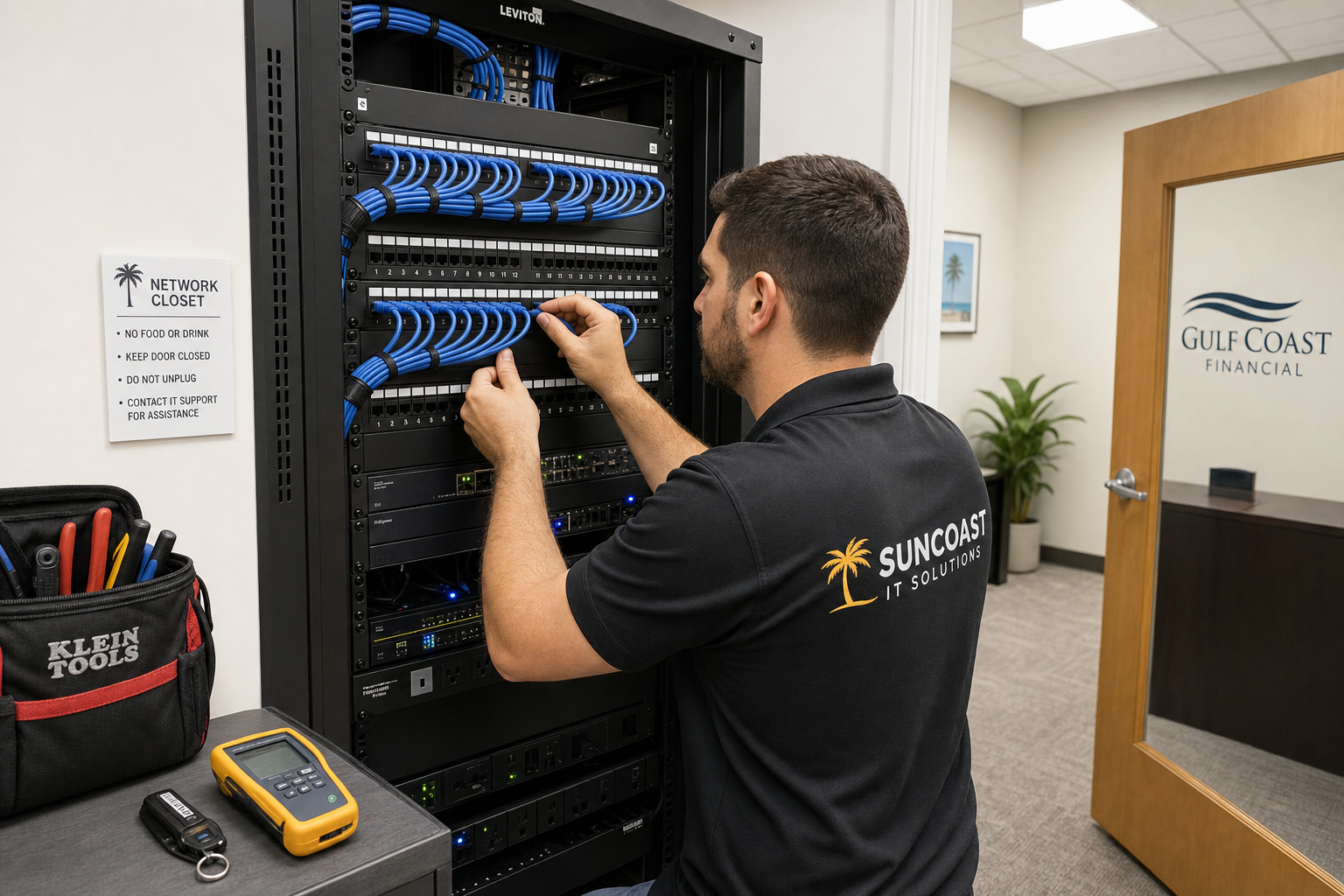
When you are dealing with a live phishing incident, response time is not a nice-to-have. It is the difference between a contained problem and a full breach. A local managed IT provider in Central Florida can coordinate onsite work in Winter Garden, Orlando, and surrounding areas subject to availability and an accepted scope; same-day attendance is not guaranteed. That matters when you need someone physically at a workstation, not walking an employee through a remote session over the phone.
Mynians has over two decades of hands-on experience supporting Florida businesses. Our team handles managed IT, cybersecurity, hosted VoIP, and structured cabling — all under one roof. When your email security, your phone system, and your network are all managed by the same team, there is no finger-pointing and no gap between vendors where problems hide.
We serve businesses across Central Florida including Orlando, Winter Garden, Tampa, Miami, and Jacksonville. Real local technicians. Real answers. No overseas call center. Flat-rate pricing so you know what you are paying before anything goes wrong.
If your team has been hit with repeated phishing attempts and you want a real assessment of where your security stands, reach out through our contact page or call us directly at (407) 374-2782.
Frequently Asked Questions
What should I do first if my employees have been clicking phishing links?
Start by pulling your email platform audit logs to identify which accounts interacted with suspicious messages. Force password resets on those accounts and revoke active sessions — a password reset alone does not end an existing authenticated session. Then enable multi-factor authentication across all accounts before doing anything else. Speed matters here because attackers may already be inside the mailbox.
How do I know if an account was actually compromised after a phishing click?
Check your Microsoft 365 or Google Workspace sign-in logs for unusual activity — logins from unfamiliar locations, unfamiliar devices, or at unusual hours. Also look for changes to mailbox rules, forwarding settings, or delegated access that the user did not set up. These are common signs that an attacker has been inside the account.
Is security awareness training actually effective for small businesses?
Yes, when it is done consistently. A single training session has limited impact. Ongoing training combined with simulated phishing tests — where employees receive fake phishing emails and get immediate feedback when they click — builds the pattern recognition that reduces real click rates over time. It does not need to be expensive or time-consuming to be effective.
How much does a phishing response and cybersecurity reset cost for a small business?
Costs vary depending on the size of your team, the platforms you use, and how much remediation is needed. Managed IT providers like Mynians offer flat-rate pricing that covers the Elite Cybersecurity Suite with 24/7 MDR, monitoring, and automated patching. User-requested troubleshooting and recovery labor are billed separately; additional security projects require written quotes. A free IT assessment is the best starting point to understand what your environment actually needs.
Do I need to report a phishing incident to anyone?
It depends on what data may have been exposed. The FTC provides guidance for small businesses on breach notification obligations. If your business handles payment card data, healthcare information, or personal data covered by state privacy laws, you may have reporting requirements. You can also report phishing emails directly to CISA at phishing-report@us-cert.gov. When in doubt, consult your legal counsel before assuming no action is required.
Why is Mynians a better choice than a national IT provider for phishing response?
National providers often route support through overseas call centers with long ticket queues. When you are dealing with a live phishing incident, that delay has real consequences. Mynians is a local Central Florida team — real technicians who can respond quickly, come on-site when needed, and give you a direct answer without the runaround. One team covers IT, security, VoIP, and cabling, so there is no vendor finger-pointing when something goes wrong.
Update Log
- May 2026: Created and reviewed for Mynians managed IT, hosted VoIP, and structured cabling accuracy.
Next step
Ready to see what managed IT would cost your business?
Calculate your MSP base in about a minute, review the written agreement, and sign online, or call the Winter Garden team and talk it through first.

