
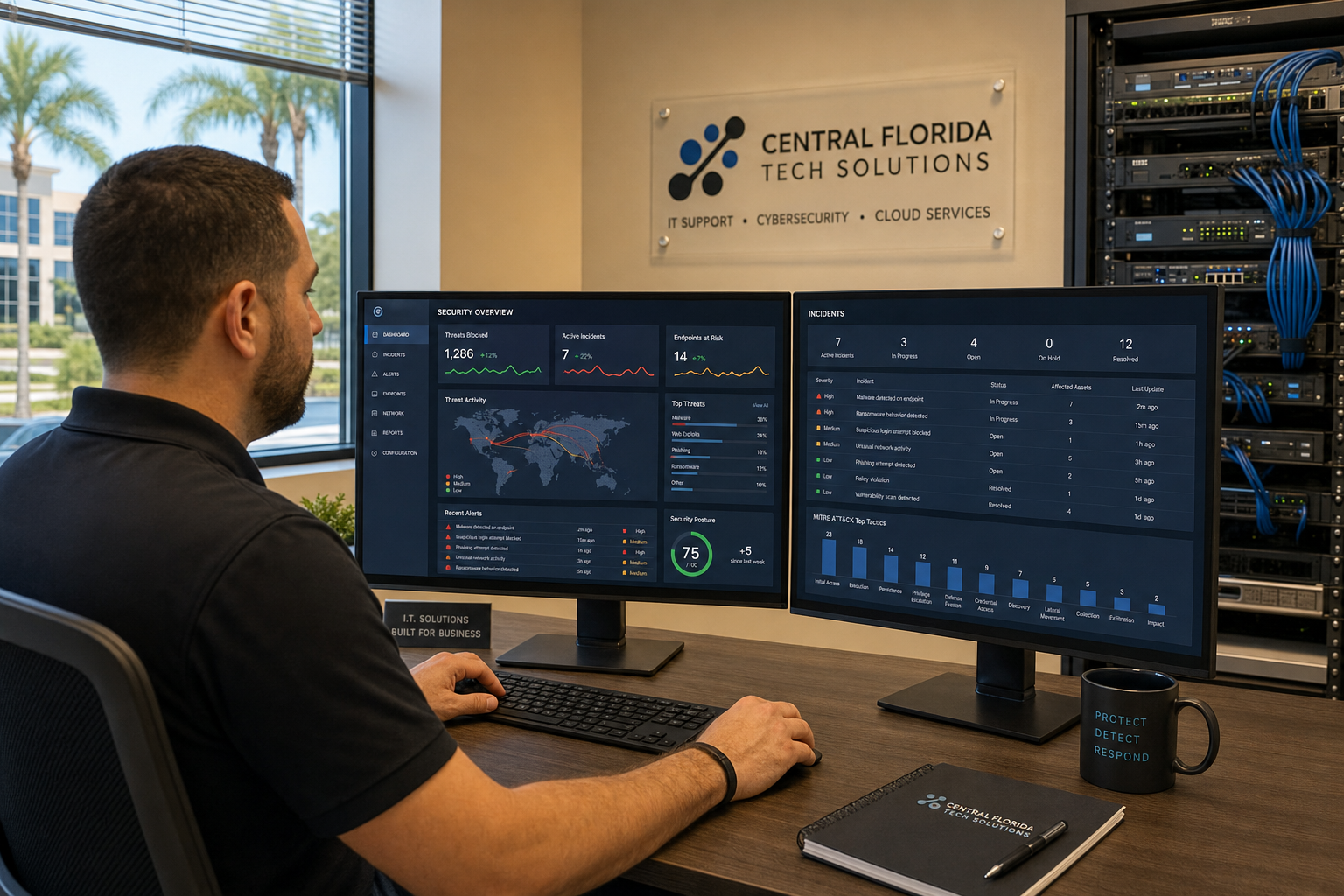
30-Day Cybersecurity Plan After a Phishing Attack
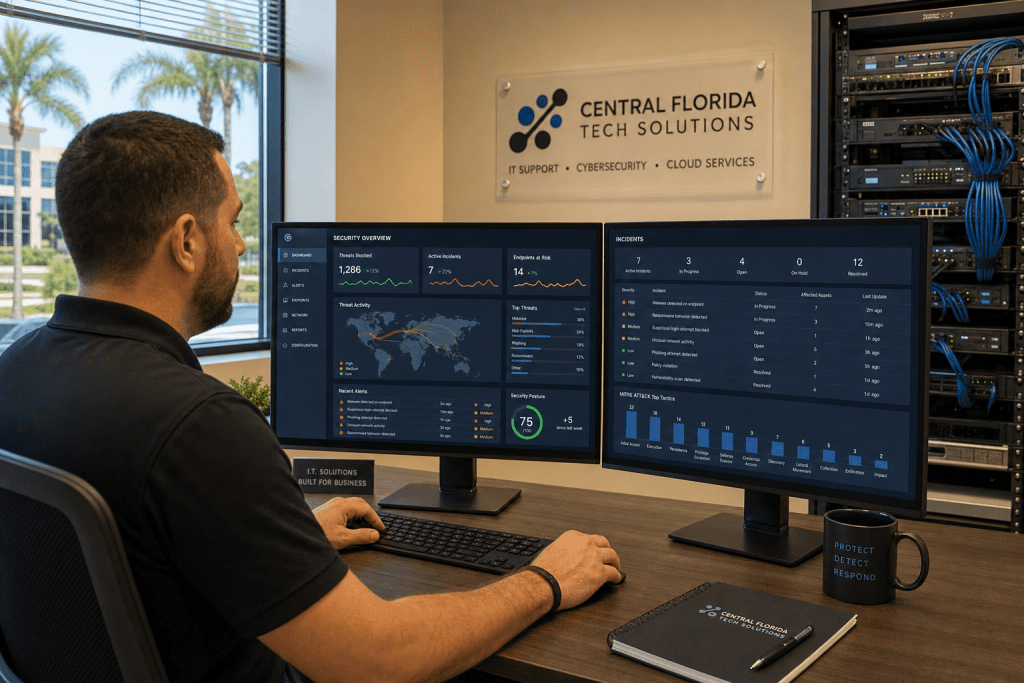
30-Day Cybersecurity Plan After a Phishing Scare
Someone on your team clicked a suspicious link. Maybe credentials got entered before anyone realized what happened. Maybe nothing obvious went wrong — yet. Either way, a phishing scare is a warning shot, and the next 30 days are your window to close the gaps before a real breach turns into a real problem. This guide gives you a week-by-week action plan built for office leaders in Central Florida who need practical steps, not security jargon.
Who This Plan Is For — and Who It Is Not
This plan is built for you if:
- An employee clicked a phishing link or submitted credentials to a fake login page
- You received a suspicious email that made it past your spam filter
- You have no formal security policy and want to build one after a wake-up call
- You manage a team of 5 to 150 people and do not have a dedicated internal IT security staff
- You are a business owner or office manager in Central Florida looking for local, hands-on support
This plan is NOT for you if:
- You have already confirmed a full data breach and need immediate forensic incident response (call us directly at (407) 374-2782 — that situation needs faster action than a 30-day plan)
- You are a large enterprise with a dedicated internal SOC team already running structured response protocols
- You are looking for a one-time fix with no ongoing monitoring — phishing threats are continuous, not one-time events
Your Response Options Compared
Before diving into the plan, it helps to understand what your realistic options look like when responding to a phishing incident as a small or mid-size Florida business.
| Approach | Speed of Response | Cost Profile | Ongoing Protection | Local Support | Best For |
|---|---|---|---|---|---|
| Mynians Managed IT | Availability and timing per written scope | MSP base plus separately billed helpdesk labor | Yes — monitoring, patching, email security | Yes — Central Florida on-site | SMBs wanting one team for IT, security, VoIP, and cabling |
| National MSP | Slower — remote-only, overseas tiers common | Variable, often add-on fees | Yes — but generic, not local-aware | No on-site in Florida | Businesses comfortable with fully remote support |
| DIY / In-House | Depends on staff skill level | Low upfront, high risk cost | Only if staff has time and expertise | Internal only | Businesses with a dedicated IT security employee |
| Break-Fix Only | Reactive — after damage is done | Unpredictable per-incident billing | No proactive monitoring | Sometimes local | Businesses willing to accept higher breach risk |
| No Action | N/A | Zero now, potentially very high later | None | N/A | Not recommended after any phishing incident |
Week 1: Contain and Assess (Days 1–7)
The first week is about stopping any active exposure and understanding exactly what happened. Do not skip steps here to save time — a missed access point now becomes a bigger problem in 60 days.
Day 1–2: Immediate Containment
- Reset all passwords for the affected account and any shared accounts that user had access to. Use a password manager to generate strong, unique credentials.
- Enable multi-factor authentication (MFA) on every account immediately — Microsoft 365, Google Workspace, banking portals, VPN, and any cloud tools your team uses. The Cybersecurity and Infrastructure Security Agency (CISA) lists MFA as one of the single most effective controls against phishing-based account takeovers.
- Check email forwarding rules. Attackers who gain inbox access often set up silent forwarding rules to a personal address. In Microsoft 365, check the mail flow rules in the admin center and the individual account’s forwarding settings.
- Revoke active sessions. Force sign-out on all devices for the compromised account so any attacker holding an active token loses access.
Day 3–5: Access Audit
- Pull a full list of who has admin rights across your systems. Most offices have too many admin accounts from past IT setups that were never cleaned up.
- Check sign-in logs in Microsoft 365 or Google Workspace for unusual locations, times, or devices associated with the affected account.
- Review shared drives, file permissions, and any sensitive folders the compromised account could reach.
- If you use a VPN, check whether the affected credentials were also used for VPN access.
Day 6–7: Document What You Found
- Write down a plain-language summary of what happened, what was accessed, and what you changed. This matters for your own records and for any cyber insurance claim if one becomes necessary.
- Notify your cyber insurance carrier if you have a policy — most require prompt notification of potential incidents.
Week 2: Harden Email and Access Controls (Days 8–14)
Once the immediate fire is out, week two is about making your environment harder to attack the next time a phishing email lands in someone’s inbox.
Email Security Configuration
- Enable DMARC, DKIM, and SPF on your domain. These three DNS-based email authentication standards tell receiving mail servers whether email claiming to be from your domain is legitimate. Many Florida small businesses have these misconfigured or missing entirely. The Federal Trade Commission recommends these controls as baseline protections for business email.
- Turn on advanced phishing and malware filters in Microsoft 365 Defender or Google Workspace’s advanced protection settings. Default spam filters are not enough — they miss sophisticated spear-phishing attempts.
- Enable safe links and safe attachments in Microsoft 365. These features scan URLs and file attachments in real time before the user’s browser or application opens them.
Access Control Cleanup
- Remove admin rights from any account that does not specifically need them for daily work. Standard users should not have local admin rights on their workstations.
- Implement a policy requiring unique passwords for every system — no shared passwords across platforms.
- If you do not already have a password manager deployed across the team, week two is the time to set one up.
Endpoint Protection Review
- Confirm that every workstation and laptop has active, updated endpoint protection software — not just Windows Defender on default settings.
- Check that automatic OS and application updates are enabled. Unpatched systems are a common secondary attack vector after phishing credentials are used.
Week 3: Train Your Team (Days 15–21)
Technology controls only go so far. The employee who clicked the link last week will face another phishing attempt next month. Training is not optional — it is the layer that makes every other control more effective.
Security Awareness Training
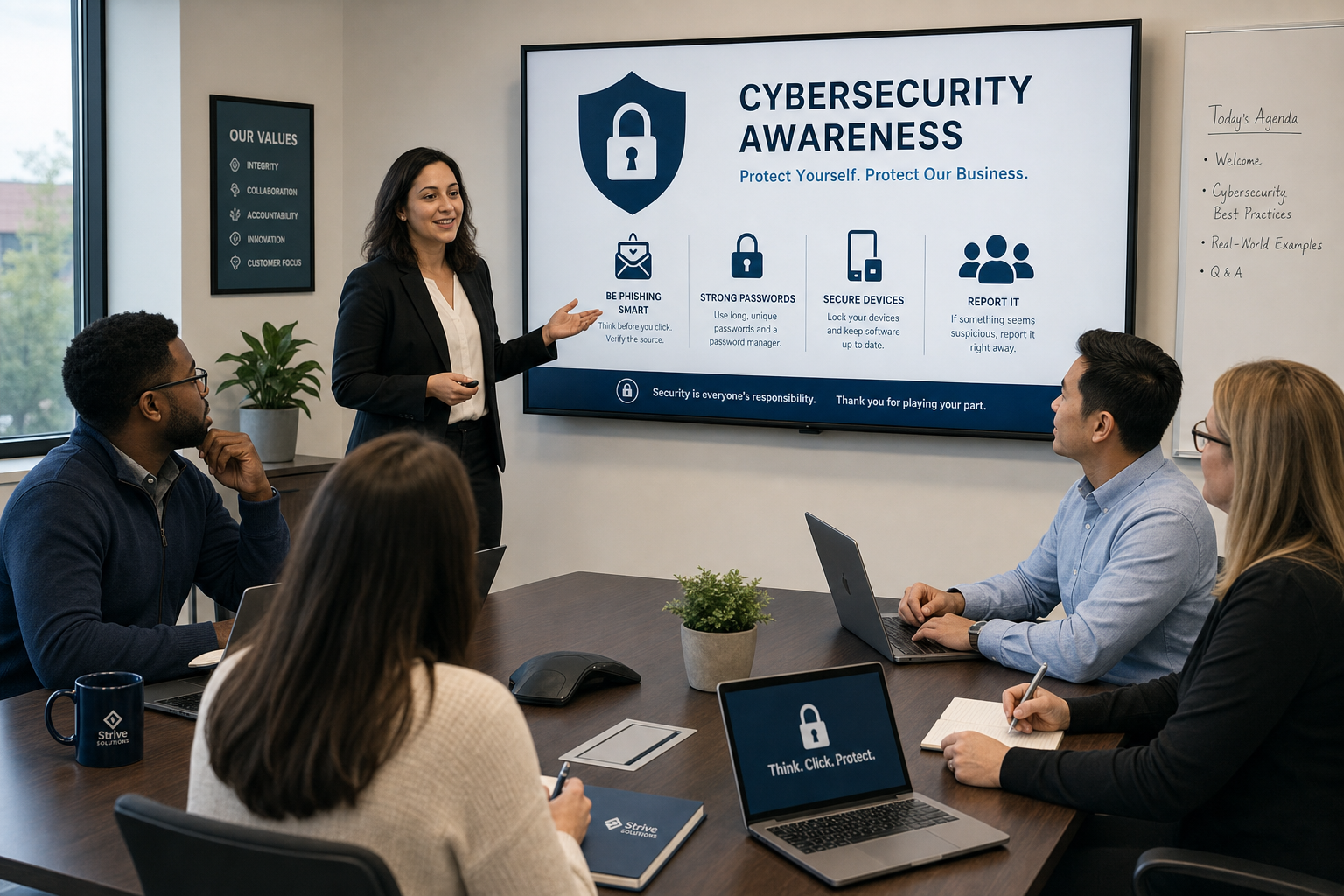
- Run a structured security awareness training session for all staff. Cover how to identify phishing emails, what to do when something looks suspicious, and how to report it without fear of punishment.
- Keep sessions short and practical — 20 to 30 minutes with real examples works better than a two-hour compliance lecture.
- Use the actual phishing email your team received as a teaching example if possible. Real examples land harder than generic ones.
Phishing Simulation
- Run a controlled phishing simulation using a platform like Microsoft Attack simulation training (requires Defender for Office 365 Plan 2 or a suite that includes it, such as Microsoft 365 E5) or a third-party tool. Send a fake phishing email to your team and track who clicks.
- Use the results to identify who needs additional coaching — not to punish, but to target follow-up training where it is actually needed.
- The National Institute of Standards and Technology (NIST) includes simulated phishing as a recommended component of organizational security awareness programs.
Establish a Reporting Process
- Create a simple, clear process for employees to report suspicious emails. A dedicated email address or a one-click reporting button in Outlook is enough — the key is making it easy and removing any stigma around reporting.
- Respond to every report, even if it turns out to be a false alarm. Staff who report and hear nothing back stop reporting.
Week 4: Monitor and Document (Days 22–30)
The final week shifts from reactive fixes to ongoing visibility. You want to finish day 30 with systems that will catch the next attempt automatically.
Set Up Monitoring and Alerts
- Enable sign-in alerts for unusual activity in Microsoft 365 or Google Workspace — logins from new countries, multiple failed attempts, or access outside business hours.
- If your managed IT provider offers dark web monitoring, activate it. This service scans breach databases for your company’s email addresses and credentials so you know if employee data has already been exposed in a prior breach.
- Review your firewall and DNS filtering settings. A DNS filtering layer blocks known malicious domains before a connection is even made — it is one of the quietest and most effective controls available.
Document Your New Baseline
- Write a one-page security policy that covers password requirements, MFA expectations, acceptable use, and the phishing reporting process. It does not need to be a 40-page document — it needs to exist and be signed by every employee.
- Schedule a quarterly review of admin accounts, access permissions, and security settings. Things drift over time, especially after staff changes.
Review Your Backup Status
- Confirm that your business data is being backed up regularly and that backups are stored separately from your primary systems. Ransomware — which often follows a successful phishing attack — targets connected backup drives first.
- Test a restore. A backup you have never tested is a backup you cannot trust.
After Day 30: What Comes Next
Finishing this 30-day plan puts you in a significantly stronger position than most small businesses in Central Florida. But cybersecurity is not a project you complete — it is an ongoing practice. Here is what to build toward after the first month:
- Ongoing managed security monitoring so threats are caught before they become incidents
- Regular phishing simulations — quarterly is a reasonable cadence for most offices
- Annual security policy review as your team, tools, and threat landscape change
- Cyber insurance review — many policies now require documented security controls as a condition of coverage
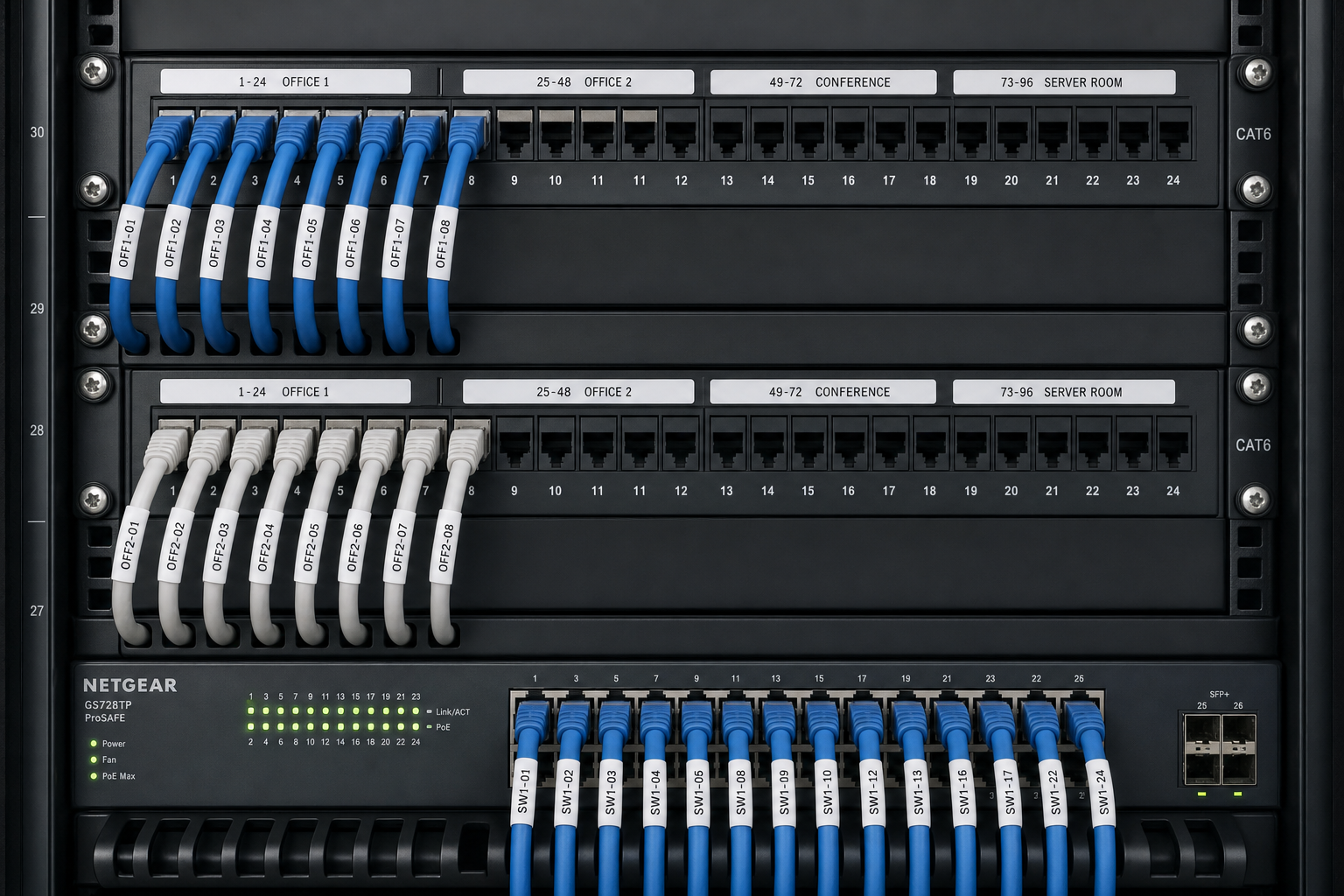
- Structured cabling and network documentation — if your network closet is a mess, your security visibility is limited. Mynians handles clean installs and proper documentation so your IT infrastructure supports your security posture, not undermines it.
Businesses across Winter Garden, Orlando, Tampa, Miami, and Jacksonville trust Mynians because we show up in person, we document what we do, and we do not hand you off to an overseas call center when something goes wrong. One team handles your IT, VoIP, cabling, and security — no vendor finger-pointing, published base rates and separate support charges.
Frequently Asked Questions
What should I do in the first 24 hours after a phishing attack at the office?
Reset the compromised account’s password immediately, enable multi-factor authentication on that account and all others, check for unauthorized email forwarding rules, and revoke active sessions. Do not wait to see if anything bad happens — act first, investigate second. If you are unsure whether credentials were actually entered, treat it as a confirmed compromise and respond accordingly.
How do I know if the phishing attack actually caused a breach?
Check sign-in logs in Microsoft 365 or Google Workspace for logins from unfamiliar locations or devices around the time of the incident. Look for new email forwarding rules, changes to account recovery settings, or unusual file access. If you do not have the tools or access to check these logs yourself, a managed IT provider can pull and interpret them for you quickly.
Is multi-factor authentication really enough to stop phishing?
MFA stops the majority of credential-based attacks, but it is not a complete solution on its own. Sophisticated phishing kits can intercept MFA codes in real time using adversary-in-the-middle techniques. That is why MFA needs to be paired with email filtering, employee training, endpoint protection, and monitoring. Think of MFA as a strong lock — it matters, but you still need the rest of the security system.
How much does it cost to work with Mynians on a cybersecurity plan?
Mynians publishes MSP base rates; all user-requested helpdesk labor is billed separately and projects require written quotes. The best starting point is a free IT assessment where we look at your current environment and give you a clear picture of what needs attention. Call us at (407) 374-2782 or visit our contact page to get started.
Can Mynians help businesses outside of Winter Garden?
Yes. Mynians serves businesses across Central Florida including Orlando, Winter Garden, Tampa, Miami, and Jacksonville. We send real local technicians on-site — we do not route your support calls through overseas call centers.
What is the difference between a phishing simulation and real phishing training?
A phishing simulation is a controlled test where your IT team or managed IT provider sends a fake phishing email to employees to see who clicks. It is not a punishment — it is a diagnostic tool. Real security awareness training teaches employees what to look for and what to do. The two work together: training builds knowledge, simulations test whether that knowledge is being applied in the moment.
Update Log
- May 2026: Created and reviewed for Mynians managed IT, hosted VoIP, and structured cabling accuracy.
Next step
Ready to see what managed IT would cost your business?
Calculate your MSP base in about a minute, review the written agreement, and sign online, or call the Winter Garden team and talk it through first.