

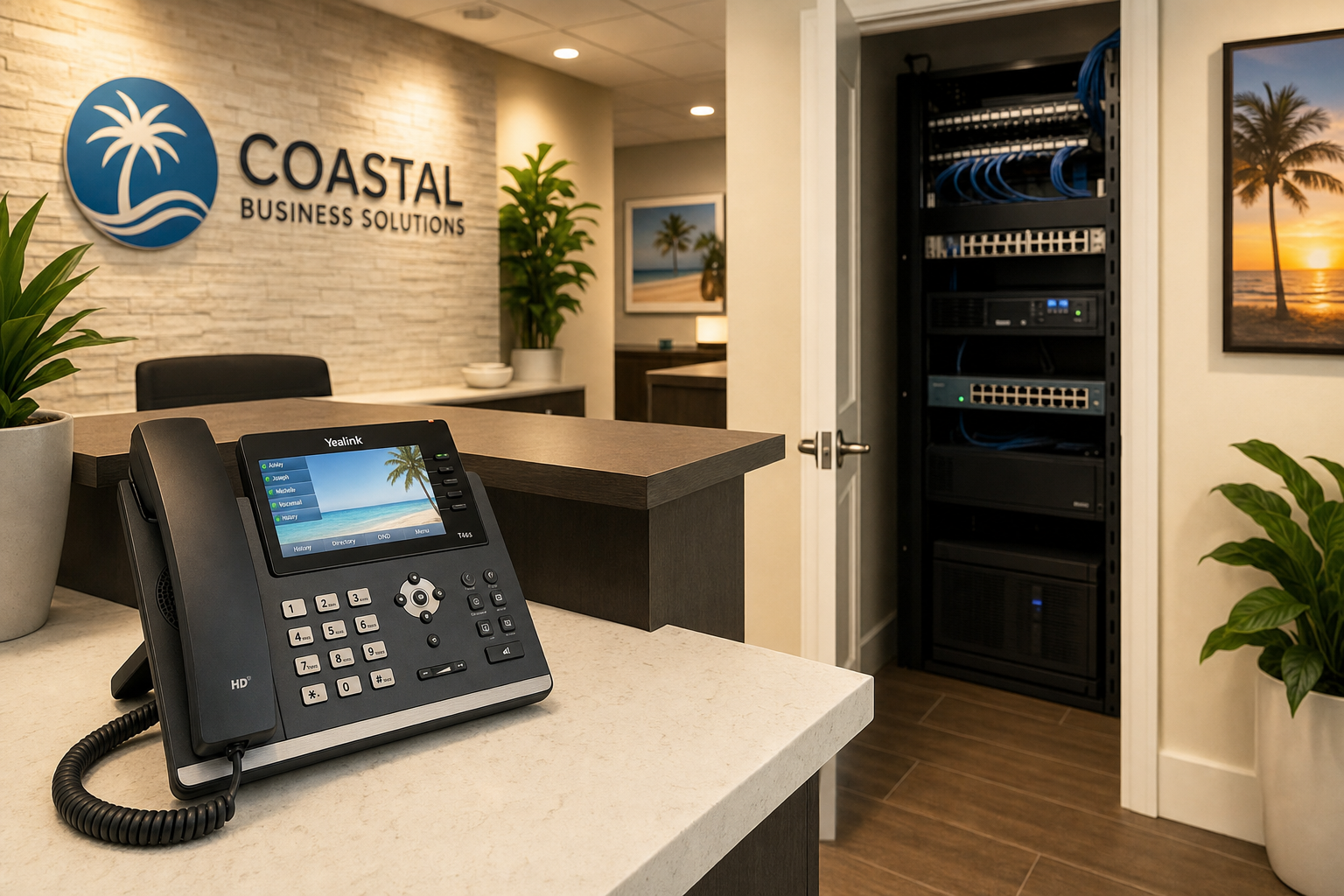
Hosted VoIP for Businesses Tired of Dropped Calls
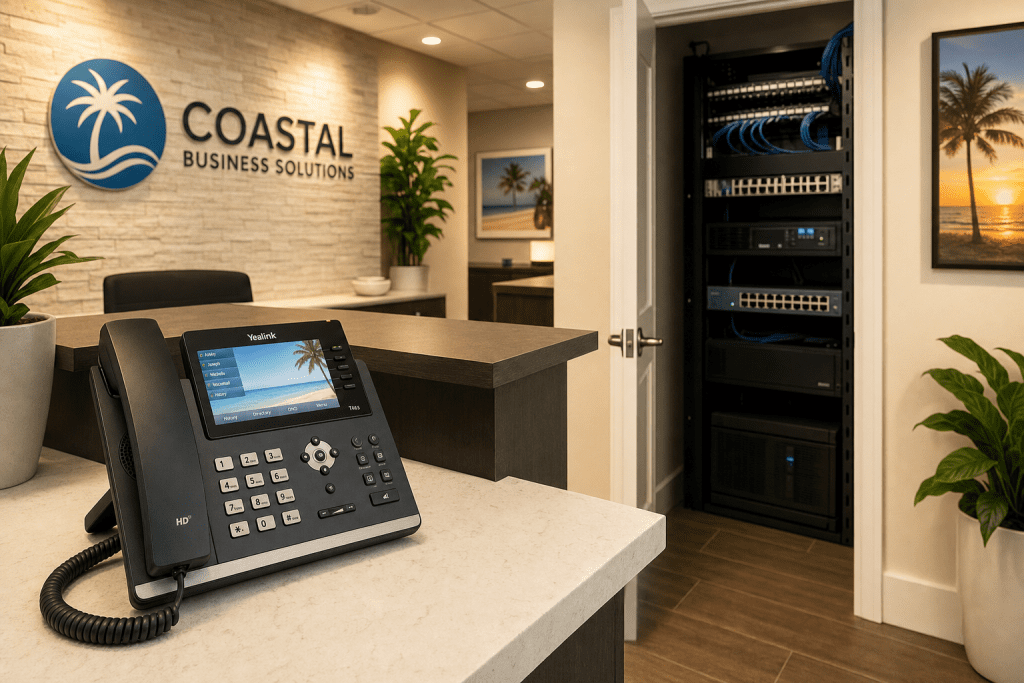
Hosted VoIP Reset for Businesses Tired of Dropped Calls
If your business phones drop calls, cut out mid-sentence, or leave customers listening to dead air, you already know the cost. Missed sales. Frustrated clients. Staff apologizing for something they cannot fix. This guide is for business owners across Central Florida who are done tolerating unreliable phone systems and want a practical path to something that actually works.
Why Business Calls Keep Dropping
Most business owners assume dropped calls mean a bad phone carrier. In reality, the carrier is rarely the problem. The culprit is almost always somewhere between the wall jack and the router.
Here are the real reasons calls drop in Florida business environments:
- No Quality of Service (QoS) rules on the router. Without QoS, your VoIP traffic competes equally with file downloads, video streams, and software updates. Voice packets lose that fight and calls break up.
- Undersized or misconfigured internet connection. VoIP requires consistent, low-latency bandwidth. A shared cable connection without traffic shaping will cause jitter and dropped calls during peak hours.
- Old or damaged structured cabling. Cat5e runs from 2005, improperly terminated keystones, and unmanaged patch panels introduce packet loss that destroys call quality before the signal ever reaches the cloud.
- Consumer-grade networking gear. A $90 router from a big-box store was not built to prioritize real-time voice traffic across a 20-person office.
- No failover plan. When the primary internet circuit goes down, calls go with it unless a secondary connection or cellular failover is in place.
The FCC has published guidance on VoIP service quality factors, and the core message is consistent: the quality of the underlying network determines the quality of the call. Fixing the phone system without fixing the network is like replacing a faucet without checking the pipes.
Your Options Compared
Before committing to any solution, it helps to see your real options side by side. The table below reflects what Central Florida business owners actually encounter.
| Option | Call Reliability | Local Support | Pricing Clarity | Network + Cabling Included | Best For |
|---|---|---|---|---|---|
| Mynians Hosted VoIP | High — network, cabling, and VoIP aligned | Real local techs, Central Florida | Flat-rate, no surprise bills | Yes — one team handles all three | Businesses wanting one accountable local provider |
| National VoIP Provider | Moderate — depends on your local network | Remote only, overseas call centers common | Variable — add-on fees common | No — you manage your own network | Businesses with strong in-house IT already |
| Legacy PBX / On-Premise | Moderate — hardware ages, parts scarce | Depends on local vendor availability | High upfront cost, unpredictable maintenance | No | Businesses not ready to move to cloud |
| DIY / Self-Managed VoIP | Low to moderate — depends on staff skill | None — you are the support | Low software cost, high time cost | No | Tech-savvy owners with time to manage it |
| Separate IT + Separate VoIP Vendor | Variable — vendors blame each other | Split — two vendors, two ticket queues | Two invoices, two contracts | Partial — rarely coordinated | Businesses comfortable managing multiple vendors |
Who This Is For and Who It Is Not
This is a strong fit if you are:
- A business owner in Central Florida with 5 to 100 employees who relies on phones to serve customers
- Running an office in Winter Garden, Orlando, Tampa, Miami, or Jacksonville and tired of calling your phone vendor only to be told the problem is your internet provider’s fault
- Paying for a legacy PBX system that requires expensive maintenance and lacks modern features like mobile apps, voicemail-to-email, or auto-attendants
- Opening a new office or moving locations and want phones, IT, and cabling handled by one team
- Using Microsoft 365 and want your phone system to integrate cleanly with Teams or Outlook
- Frustrated by slow support from an overseas call center that cannot send a technician to your building
This is NOT the right fit if you are:
- A solo operator with one phone line and no staff — a basic consumer VoIP app may be sufficient
- In a location with no reliable broadband and no cellular backup option available
- Under a long-term contract with a legacy provider and not yet at a renewal window
- Looking for a self-managed open-source PBX you want to configure and maintain yourself

What a Hosted VoIP Reset Actually Looks Like
A hosted VoIP reset is not just swapping phones. It is a structured process that addresses every layer responsible for call quality. Here is how Mynians approaches it:
Step 1: Network and Cabling Assessment
Before any phone is touched, the network is evaluated. This includes reviewing your internet circuit, router configuration, switch capacity, and existing structured cabling. Problems found here are documented and prioritized. The BICSI standards for structured cabling exist precisely because poor cabling is one of the most overlooked causes of VoIP degradation.
Step 2: QoS and Network Configuration
Business-grade routers and managed switches are configured with Quality of Service rules that prioritize voice traffic. This ensures that a large file upload or a video call in the conference room does not degrade the phone call happening at the front desk simultaneously.
Step 3: Hosted VoIP Platform Setup
Your phone numbers are ported, extensions are configured, auto-attendants are built, and voicemail-to-email is activated. If your team uses Microsoft 365, integration points are set up so the phone system works alongside your existing tools rather than against them.
Step 4: Hardware Deployment
Desk phones, conference room units, and softphone apps for mobile staff are deployed and tested. Every device is confirmed working before the cutover date. There is no day-one scramble.
Step 5: Documentation and Handoff
Every configuration is documented. Network diagrams, extension lists, call flow maps, and cabling labels are delivered as part of the project. This is not optional — it is standard. Clean documentation means faster support when something needs attention later.
Network and Cabling Readiness
Hosted VoIP runs over your internet connection. That means the quality of your network infrastructure directly determines the quality of every call your business makes or receives. This is not a detail — it is the foundation.
The IETF defines the technical standards for real-time voice over IP, including the protocols that govern how voice packets are prioritized and delivered. What those standards make clear is that latency above 150 milliseconds, jitter above 30 milliseconds, or packet loss above 1 percent will produce audible call quality problems. These are network metrics, not phone metrics.
What Mynians checks before any VoIP deployment:
- Internet circuit speed and consistency — not just advertised speed, but actual measured throughput under load
- Router and firewall capability — can it enforce QoS policies for voice traffic?
- Switch configuration — are VoIP VLANs properly segmented from general data traffic?
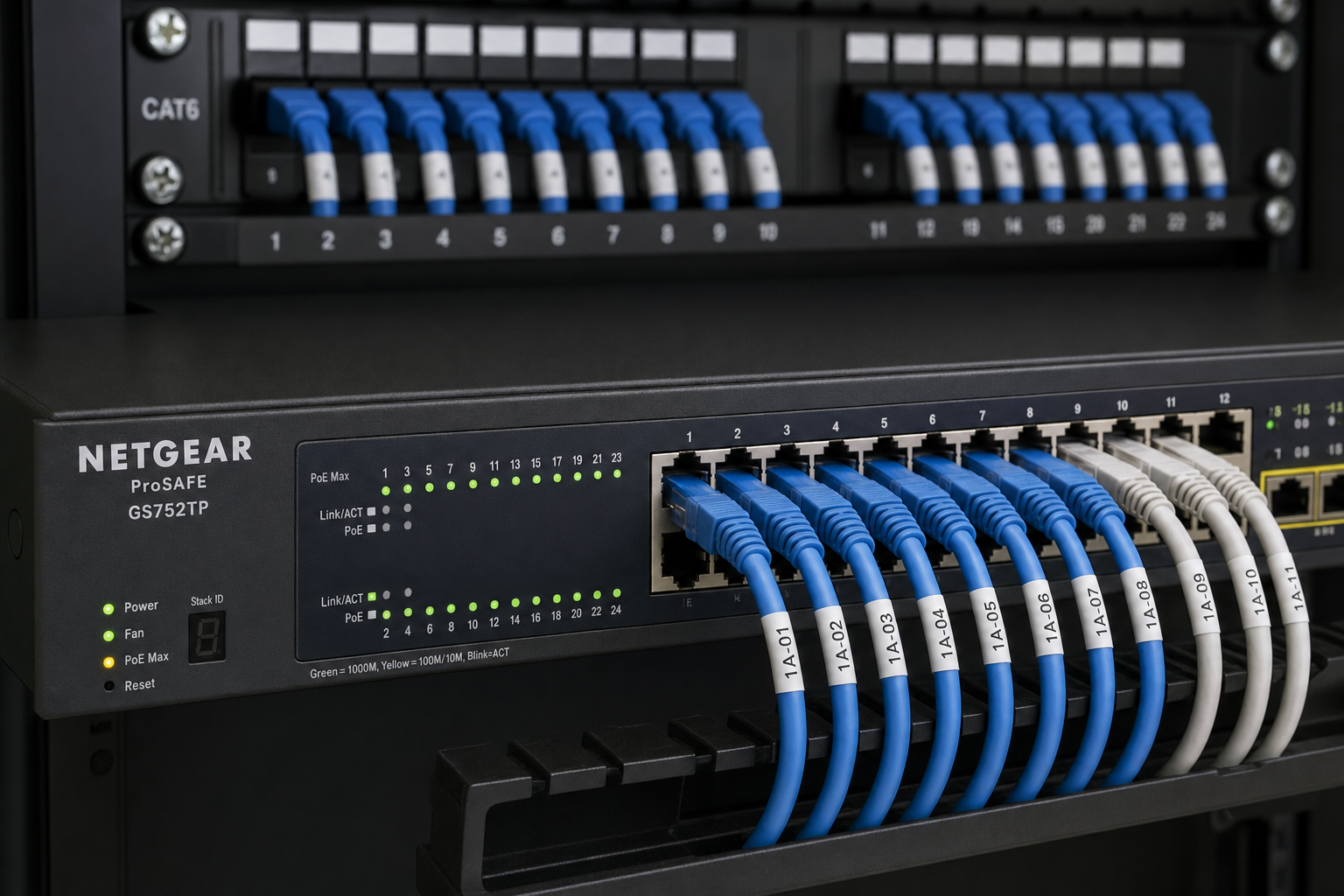
- Structured cabling condition — are runs properly terminated, labeled, and within spec?
- Patch panel organization — is the network closet documented or a tangled mess?
- Failover capability — what happens to calls if the primary internet circuit goes down?
Florida businesses in older commercial buildings often have cabling that was installed before VoIP was a consideration. Running a hosted phone system over Cat5 with bad terminations in a humid Florida building is a recipe for ongoing call quality complaints. Mynians fixes the infrastructure first, then deploys the phones.
Cost, Setup Time, and Common Concerns
What does hosted VoIP cost?
Hosted VoIP is typically priced per user per month, which makes it predictable. You are not buying a $15,000 PBX system and hoping it lasts a decade. Mynians uses flat-rate pricing so you know exactly what you are paying each month. No surprise bills when you add a new employee or open a second location.
How long does setup take?
For most small to mid-size businesses, a full VoIP reset including network assessment, configuration, and phone deployment takes one to three weeks depending on the size of the office and whether cabling work is needed. Number porting from your existing carrier typically takes seven to ten business days and is coordinated so there is no gap in service.
What can go wrong?
The most common problems during a VoIP migration are number porting delays, undiscovered cabling issues, and routers that cannot support QoS policies. All three are manageable when identified early. That is why the assessment phase matters. Skipping it to save time is how businesses end up with a new phone system that sounds worse than the old one.
What if my internet goes down?
A properly configured hosted VoIP system can route calls to mobile numbers or a secondary location automatically when the primary internet circuit fails. This is a configuration decision made during setup, not an afterthought. Mynians builds failover into the plan from day one.
Why not just use a national provider?
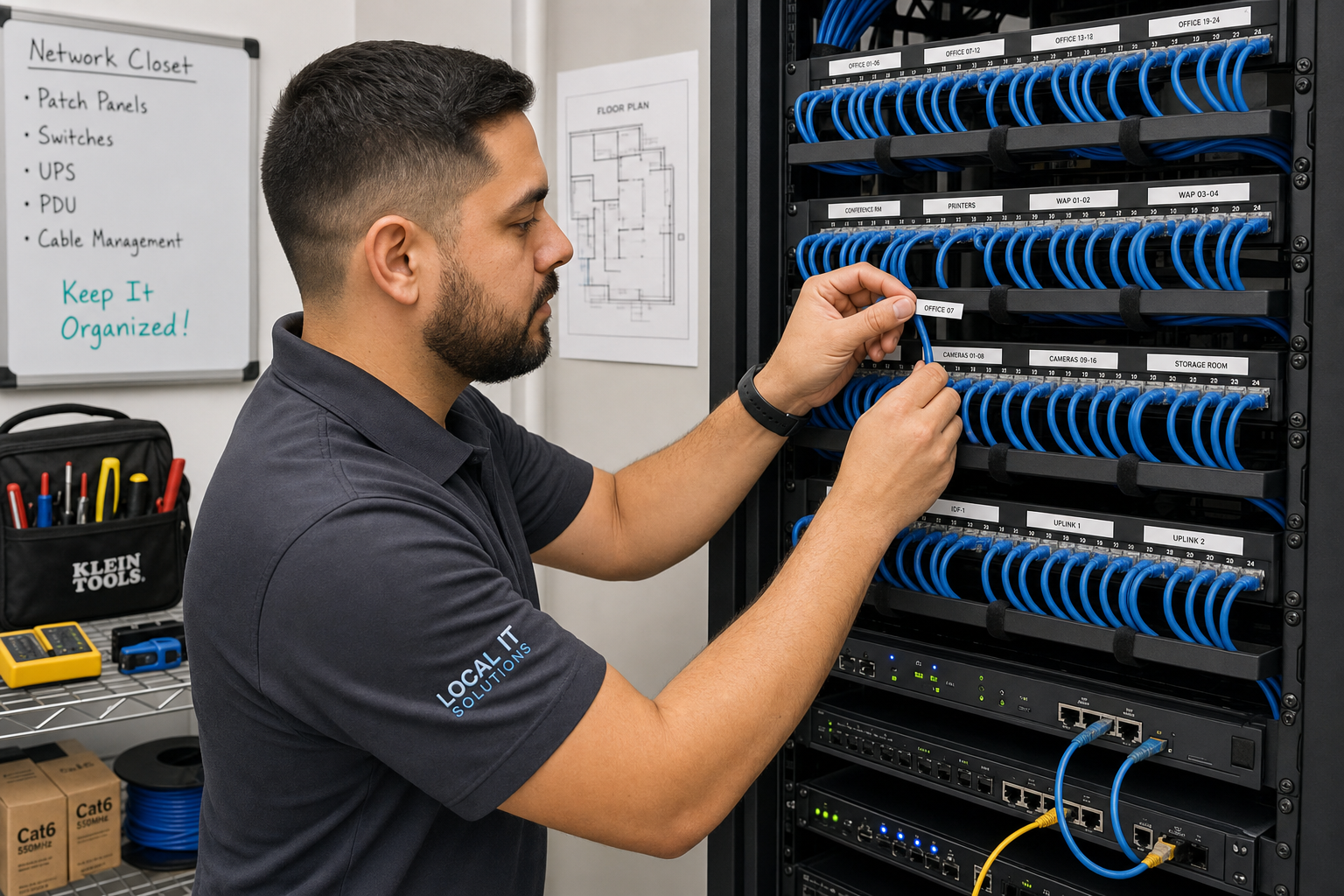
National providers can deliver a functional VoIP platform. What they cannot deliver is a local technician who shows up at your Winter Garden or Orlando office, looks at your network closet, and fixes the actual problem. When calls drop and you call a national provider, you get a remote agent reading from a script. When you call Mynians, you get a real tech who knows your setup.
Why Local Support Beats a National 800 Number
Mynians has been working with Central Florida businesses for over two decades. The team handles managed IT, hosted VoIP, structured cabling, cybersecurity, and video security surveillance — all under one roof. That matters for phone systems because call quality problems rarely live in just one layer of the technology stack.
When a call drops at your Orlando law firm or your Winter Garden medical supply company, the problem might be in the cabling, the router, the switch, the internet circuit, or the VoIP platform configuration. If you have separate vendors for each of those, every one of them will point at someone else. With Mynians, there is one team, one point of contact, and one accountability structure.
The Cybersecurity and Infrastructure Security Agency (CISA) consistently emphasizes that unified infrastructure management reduces both downtime and security risk. That principle applies directly to business phone systems — fragmented ownership of your network stack creates gaps that hurt both reliability and security.
Mynians serves businesses across Winter Garden, Orlando, Tampa, Miami, and Jacksonville. Whether you are a 10-person accounting firm in Winter Garden or a 60-person distribution company in the Orlando metro, the approach is the same: assess the full environment, fix what is broken, document everything, and keep it running.
Frequently Asked Questions
What is hosted VoIP and how is it different from a traditional phone system?
Hosted VoIP (Voice over Internet Protocol) routes your business calls over your internet connection through a cloud-based platform managed by a provider. Unlike a traditional PBX system that requires expensive on-site hardware, hosted VoIP has no major upfront equipment cost, scales easily as your team grows, and includes features like auto-attendants, voicemail-to-email, and mobile apps. The trade-off is that call quality depends heavily on your network infrastructure, which is why a proper network assessment before deployment is essential.
Can I keep my existing business phone numbers when switching to hosted VoIP?
Yes. Your existing phone numbers can be ported to the new hosted VoIP platform. Number porting typically takes seven to ten business days and is coordinated so there is no gap in service. Mynians manages the porting process as part of the deployment and confirms all numbers are active before the cutover date.
How much bandwidth does hosted VoIP require?
Each active VoIP call typically requires between 85 and 100 kilobits per second of dedicated bandwidth in each direction. For a business with 20 employees who might have 10 simultaneous calls, that is roughly 1 Mbps of voice traffic. The larger concern is not raw bandwidth but consistency — jitter, latency, and packet loss matter more than total speed. A proper QoS configuration on your router ensures voice traffic is prioritized even when the network is under load.
What happens to our phones if the internet goes down?
With a properly configured hosted VoIP system, calls can be automatically rerouted to mobile numbers, a secondary office location, or a cellular failover connection when your primary internet circuit fails. This failover behavior is configured during setup. Mynians includes failover planning as a standard part of every VoIP deployment rather than treating it as an optional add-on.
Does hosted VoIP work with Microsoft 365?
Yes. Hosted VoIP platforms can integrate with Microsoft 365 in several ways, including voicemail delivery to Outlook, presence status syncing, and in some configurations, direct routing through Microsoft Teams. The right integration depends on your platform and how your team uses 365. Mynians reviews your existing Microsoft 365 setup during the assessment and configures the integration to match how your business actually works.
Why do my VoIP calls sound choppy even though my internet speed test looks fine?
Speed test results measure peak throughput, not the consistency that VoIP requires. Choppy calls are almost always caused by jitter (inconsistent packet delivery timing), high latency, or packet loss — none of which show up clearly on a basic speed test. The fix is typically a QoS policy on your router that prioritizes voice packets, combined with a check of your structured cabling for any termination issues introducing packet loss at the physical layer.
Update Log
- October 1, 2026: Published.
- October 1, 2026: Corrected the article’s publication-date labels.
Next step
Ready to see what managed IT would cost your business?
Calculate your MSP base in about a minute, review the written agreement, and sign online, or call the Winter Garden team and talk it through first.

