
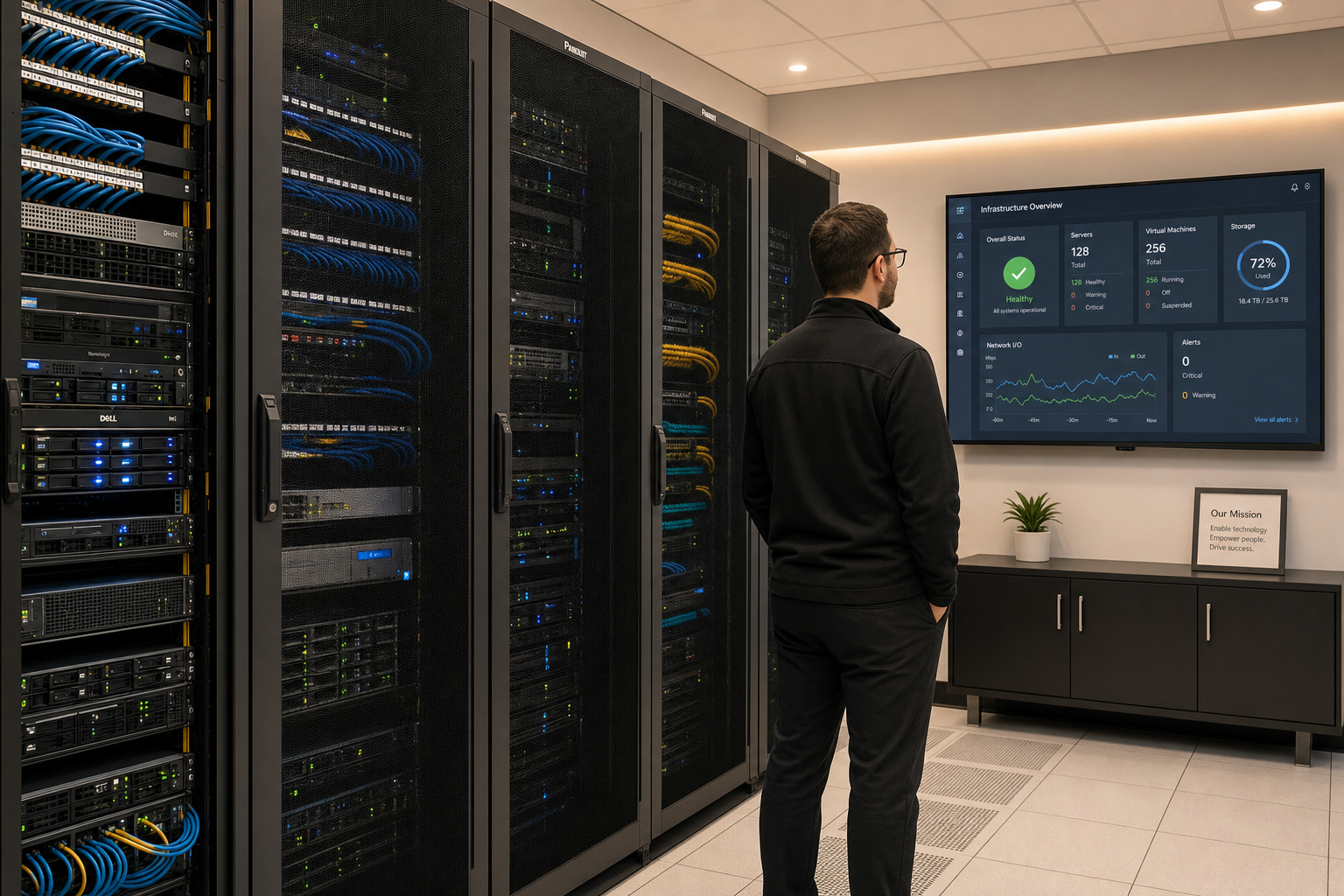
Backup & Disaster Recovery Reset for SMBs
You set up a backup years ago. The drive is still plugged in, the cloud subscription is still active, and you assume everything is fine. But when did you last actually restore a file from that backup? If the answer is “never” or “I’m not sure,” your business is more exposed than you think. This guide walks Florida small business owners through what a real backup and disaster recovery plan looks like, what most SMBs are missing, and how to fix it before a real outage forces your hand.
Who This Is For — and Who It Is Not
This guide is for you if:
- You run a small or mid-sized business in Florida with 5 to 100 employees.
- You have some form of backup in place but have never run a full restore test.
- You experienced a scare — a ransomware alert, a failed hard drive, a power surge — and realized you were not as prepared as you thought.
- You are responsible for IT decisions but do not have a dedicated internal IT team.
- You want a practical plan, not a 60-page policy document no one will read.
This guide is NOT for you if:
- You already have a documented, tested, and regularly reviewed disaster recovery plan with defined RTOs and RPOs.
- You have a full-time internal IT team actively managing and verifying your backups.
- You are a large enterprise with a dedicated business continuity officer.
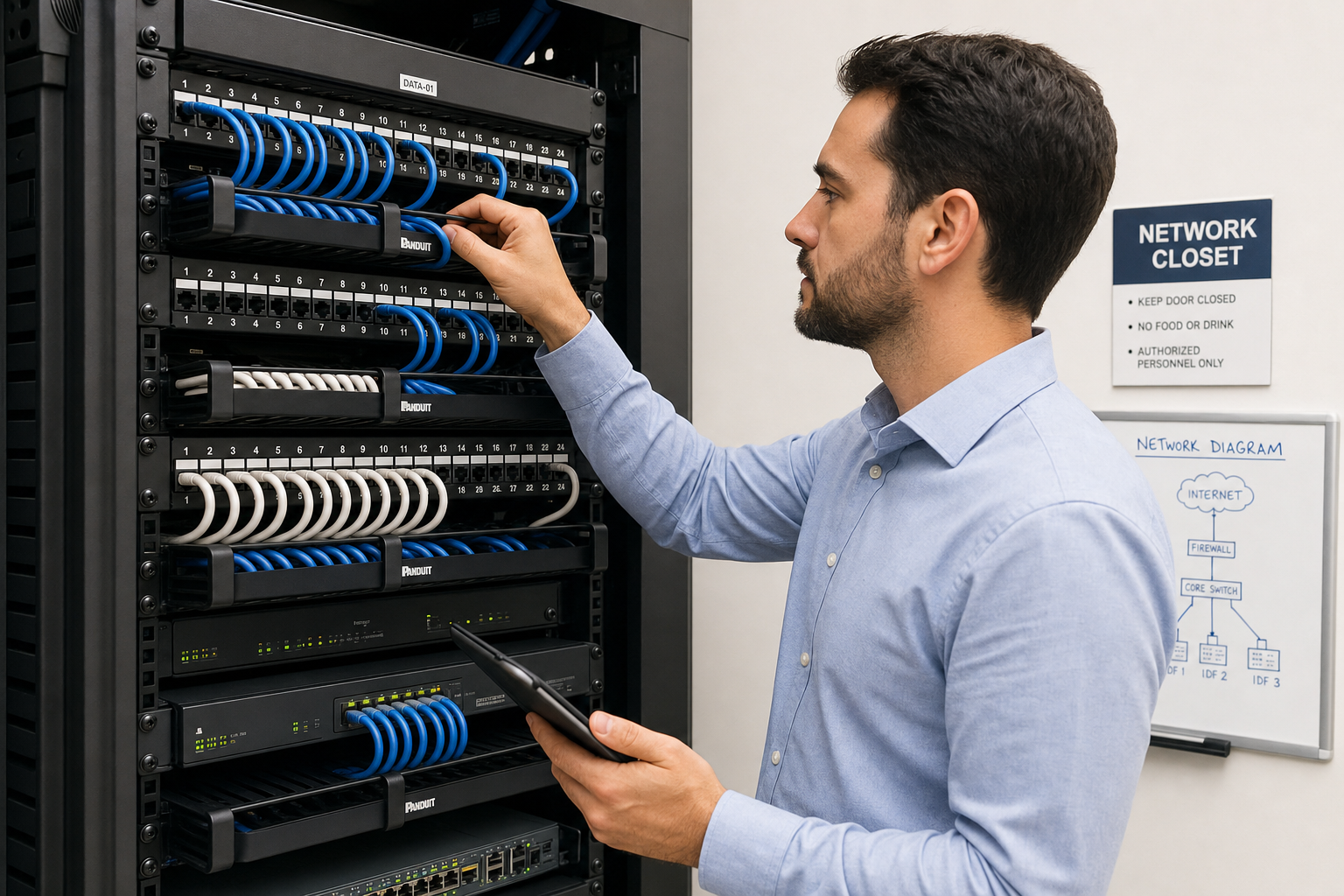
Your Recovery Options Compared
Before diving into the framework, it helps to understand what your options actually look like side by side. This table compares the most common approaches Florida SMBs use.
| Approach | Backup Verification | Recovery Speed | Local On-Site Support | Documented Plan | Typical Cost Structure |
|---|---|---|---|---|---|
| Mynians Managed IT | Yes, monitored and tested | Fast, defined RTO | Yes, real local techs | Yes, maintained | Flat-rate monthly, no surprise bills |
| DIY / In-House | Rarely verified | Unpredictable | Depends on staff | Usually missing | Low upfront, high risk cost |
| National MSP / Call Center | Varies widely | Slow remote-only | No, overseas or remote | Sometimes | Variable, often per-incident |
| Break-Fix IT | No | Very slow | Only when called | No | Hourly, unpredictable |
| Backup Software Only (No MSP) | Rarely | Unknown until tested | No | No | Low subscription, high gap risk |
What Most SMBs Get Wrong About Backups
The most dangerous assumption in small business IT is this: “We have a backup, so we are covered.” Here is what that statement usually misses.
1. Backups that have never been restored
A backup job that runs every night and reports “success” in a dashboard does not mean your data is actually recoverable. Backup files can be corrupted, incomplete, or stored in a format that requires software you no longer have. The only way to know a backup works is to restore from it. Most SMBs have never done this.
2. No offsite or cloud copy
If your only backup is a drive sitting next to your server, a fire, flood, or theft takes both at the same time. Florida businesses face real weather risks — hurricanes, flooding, and power surges from summer storms. An offsite or cloud copy is not optional; it is the minimum.
3. Backup scope that misses critical data
Many backup jobs are configured once and never updated. When a new application is added, a new shared folder is created, or staff start saving files to a new location, that data often falls outside the backup scope entirely. Nobody notices until something is lost.
4. No recovery plan — only a backup plan
A backup is where your data lives. A recovery plan is the documented process for getting your business operational again. Who calls whom? Which systems come back first? How long will it take? Without answers to those questions, even a perfect backup leaves your team scrambling.
The Disaster Recovery Reset Framework
If you are starting from scratch or rebuilding a plan that has not been touched in years, use this five-step framework to get your business to a defensible position.
Step 1: Audit what you actually have
List every system, application, and data location your business depends on. This includes servers, workstations, cloud applications like Microsoft 365, VoIP phone systems, point-of-sale systems, and any industry-specific software. You cannot protect what you have not mapped.
Step 2: Apply the 3-2-1 rule
The CISA-recommended 3-2-1 backup rule is the baseline standard: keep three copies of your data, on two different types of media, with one copy stored offsite or in the cloud. If your current setup does not meet this standard, that is your first fix.
Step 3: Run a restore test
Pick a non-critical file or folder and restore it from your backup right now. Document how long it took, whether the file was intact, and what steps were required. This single exercise will tell you more about your actual recovery capability than any dashboard report.
Step 4: Define your RTO and RPO
See the next section for a full breakdown. These two numbers drive every other decision in your recovery plan.
Step 5: Document and assign roles
Write down who is responsible for each step of the recovery process. Include vendor contact numbers, account credentials storage location (use a password manager, not a sticky note), and the order in which systems should be restored. Store this document somewhere accessible even if your main systems are down — a printed copy in a secure location is not a bad idea.
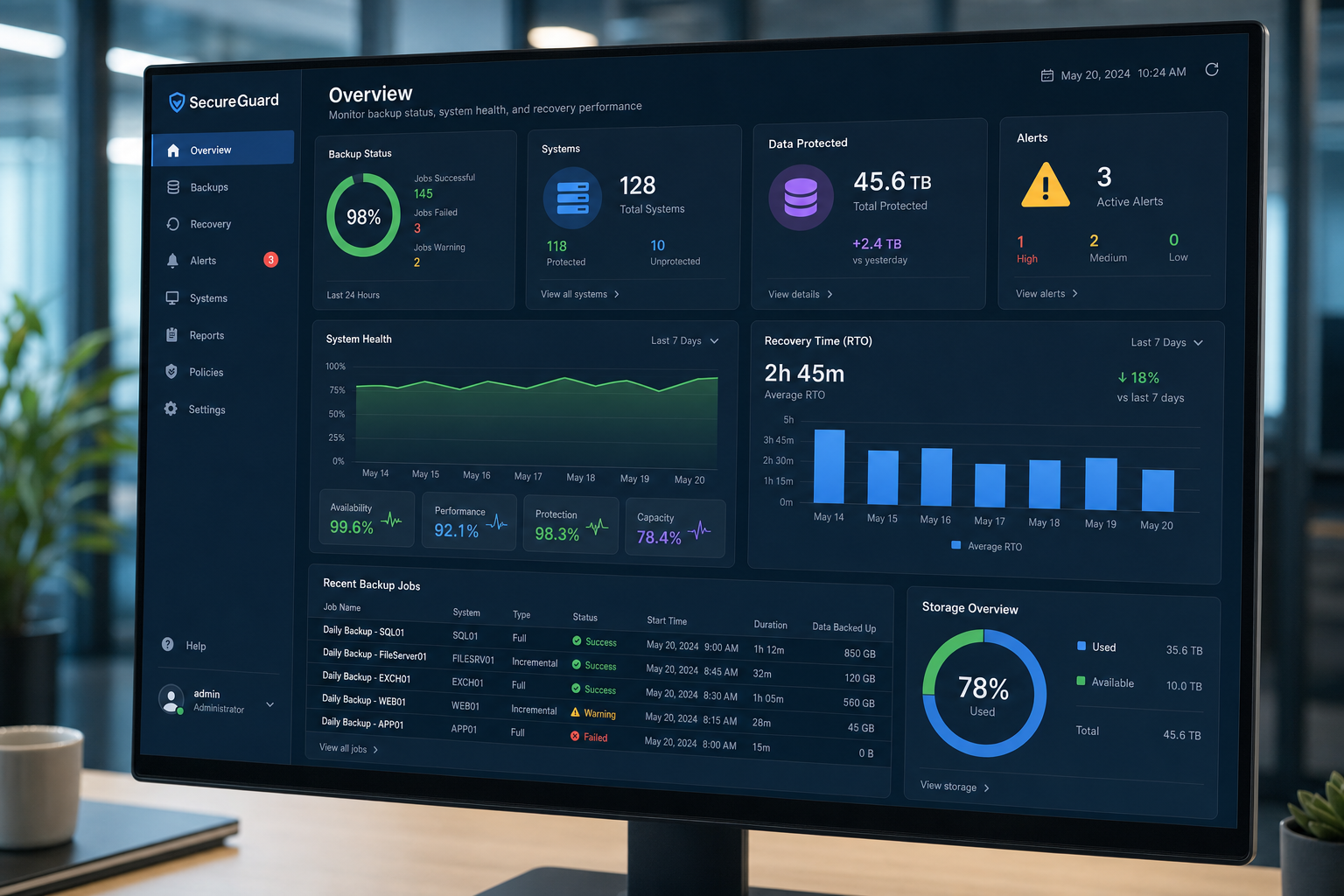
RTO and RPO: The Two Numbers That Actually Matter
Most small business owners have never heard of RTO and RPO. Once you understand them, you will use them to make every backup and recovery decision more clearly.
Recovery Time Objective (RTO)
RTO is the maximum amount of time your business can be down before the impact becomes unacceptable. For a retail business, that might be two hours. For a law firm, it might be four hours. For a business that can operate partially on paper, it might be a full day. Your RTO determines how fast your recovery solution needs to work — and how much it will cost to achieve that speed.
Recovery Point Objective (RPO)
RPO is the maximum amount of data loss your business can tolerate, measured in time. If your backup runs once a day at midnight and your server fails at 4 PM, you lose up to 16 hours of data. If that is acceptable, a daily backup may be enough. If losing even one hour of transactions is a serious problem, you need more frequent backups or continuous data protection.
The NIST Cybersecurity Framework recommends that businesses formally define both metrics as part of their overall resilience planning. Most SMBs skip this step entirely, which means their backup solution was chosen without knowing what it actually needs to accomplish.
Local Florida Risks That Change Your Recovery Plan
Running a business in Central Florida, Orlando, Winter Garden, Tampa, or anywhere along the Florida coast means your disaster recovery plan has to account for risks that businesses in other states do not face at the same frequency.
Hurricane season and power events
Extended power outages, flooding, and physical damage to office space are real possibilities every year from June through November. Your recovery plan needs to address what happens if your physical office is inaccessible for days. Cloud-based systems and VoIP phone solutions that can route calls to mobile devices are not just conveniences — they are continuity tools.
Ransomware targeting SMBs
Ransomware attacks on small businesses have increased significantly, and Florida businesses are not exempt. The CISA StopRansomware resource outlines why offline and immutable backups are critical — because ransomware can encrypt or delete connected backup drives just as easily as your primary data. If your backup is always mounted and accessible from your network, it is not protected from ransomware.
Vendor finger-pointing during outages
One of the most frustrating experiences Florida business owners describe is calling their internet provider, then their IT company, then their phone provider during an outage — and each one blaming the other. When your IT, VoIP, and cabling are managed by one team, that problem disappears. There is one number to call and one team accountable for getting you back up.
What Mynians Does Differently
Mynians has been working with Florida businesses for over two decades. We are not a national call center. We are a local team based in Winter Garden, Florida, serving businesses across Orlando, Tampa, Miami, Jacksonville, and the surrounding Central Florida region.
When it comes to backup and disaster recovery, here is what working with Mynians actually looks like:
- We audit your current backup setup and tell you honestly what is working and what is not — including whether your backups have ever been verified.
- We implement the 3-2-1 framework with monitored, tested backups that include scheduled restore verification, not just job completion reports.
- We define your RTO and RPO based on your actual business operations, not a generic template.
- We document everything — your network, your recovery steps, your vendor contacts — so your team is not guessing during an incident.
- We handle IT, VoIP, cabling, and cybersecurity as one team, which means no vendor finger-pointing when something goes wrong.
- Flat-rate pricing means you know what you are paying every month. No surprise bills when you need help most.
Real techs, real answers. Built for uptime. That is how we operate.
Common Objections Answered
“We already have a backup. Isn’t that enough?”
A backup without a tested recovery plan is like a fire extinguisher you have never checked. It might work. It might not. The only way to know is to test it — and most businesses have not. The backup is step one. The recovery plan is the rest of the work.
“This sounds expensive.”
The cost of a managed backup and disaster recovery plan is predictable and flat-rate with Mynians. The cost of recovering from an unplanned outage — lost revenue, emergency IT labor, potential data loss, and reputational damage — is not. Most business owners who have been through a real data loss event say they wish they had invested in prevention.
“How long does it take to set this up?”
A basic audit and backup verification can happen within days. A full documented recovery plan with defined RTOs, RPOs, and tested restore procedures typically takes two to four weeks depending on the complexity of your environment. We work around your schedule and your operations.
“Why Mynians instead of a bigger national provider?”
National providers route your support calls through overseas call centers. When you have an outage at 8 AM on a Monday and your team cannot work, you do not want to be on hold explaining your setup to someone who has never seen your network. You want a local tech who knows your environment and can be on-site if needed. That is what Mynians provides.
“What happens after I reach out?”
You start with a free IT assessment. We review your current backup setup, identify gaps, and give you a clear picture of where you stand. No pressure, no jargon, no surprise fees. From there, you decide whether you want to move forward. Contact us at mynians.com/contact-us or call (407) 374-2782.
Frequently Asked Questions
What is the difference between a backup and a disaster recovery plan?
A backup is a copy of your data stored somewhere safe. A disaster recovery plan is the documented process for restoring your business operations after a failure — including which systems come back first, who is responsible for each step, how long recovery should take, and how much data loss is acceptable. You need both. Most SMBs only have the backup.
How often should a small business test its backups?
At minimum, restore tests should be performed quarterly. For businesses with high data volume or critical operations, monthly testing is more appropriate. The test should include actually restoring files or a system image — not just checking that the backup job completed successfully.
What is the 3-2-1 backup rule?
The 3-2-1 rule means keeping three copies of your data, stored on two different types of media, with one copy stored offsite or in the cloud. This approach protects against hardware failure, local disasters, and ransomware that targets connected backup drives. It is the baseline standard recommended by CISA for businesses of all sizes.
Does Microsoft 365 back up my business data automatically?
Microsoft 365 provides some data retention and recovery features, but it is not a full backup solution. Microsoft’s shared responsibility model places the responsibility for data backup on the customer. Deleted files, ransomware-encrypted data, and accidental overwrites may not be recoverable through Microsoft’s native tools alone. A dedicated third-party backup for Microsoft 365 data is strongly recommended.
How does Mynians handle backup and disaster recovery for Florida businesses?
Mynians audits your existing backup setup, identifies gaps, implements a 3-2-1 compliant backup strategy with monitored and tested restores, defines your RTO and RPO, and documents your full recovery process. We serve businesses across Winter Garden, Orlando, Tampa, Miami, Jacksonville, and Central Florida with local on-site support and flat-rate managed IT pricing.
What causes most data loss events for small businesses?
The three most common causes are ransomware attacks, hardware failure (particularly aging hard drives and servers), and human error such as accidental deletion or overwriting of files. Florida businesses also face weather-related risks including power surges and flooding during hurricane season. A solid backup and disaster recovery plan addresses all of these scenarios.
Update Log
- May 2026: Created and reviewed for Mynians managed IT, hosted VoIP, and structured cabling accuracy. Content reflects current backup and disaster recovery best practices for Florida small businesses.
