

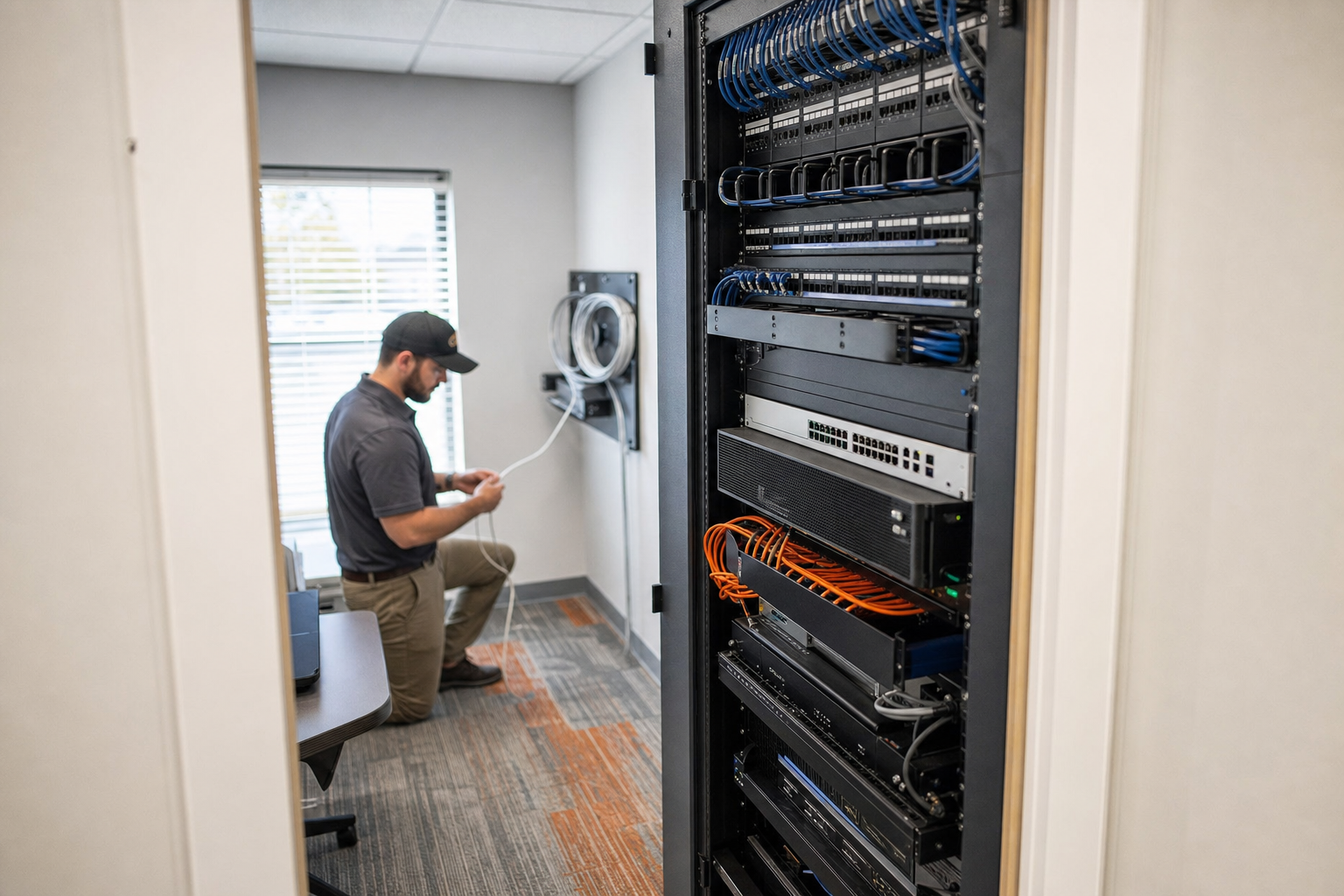
Cybersecurity Checklist After 30 Employees
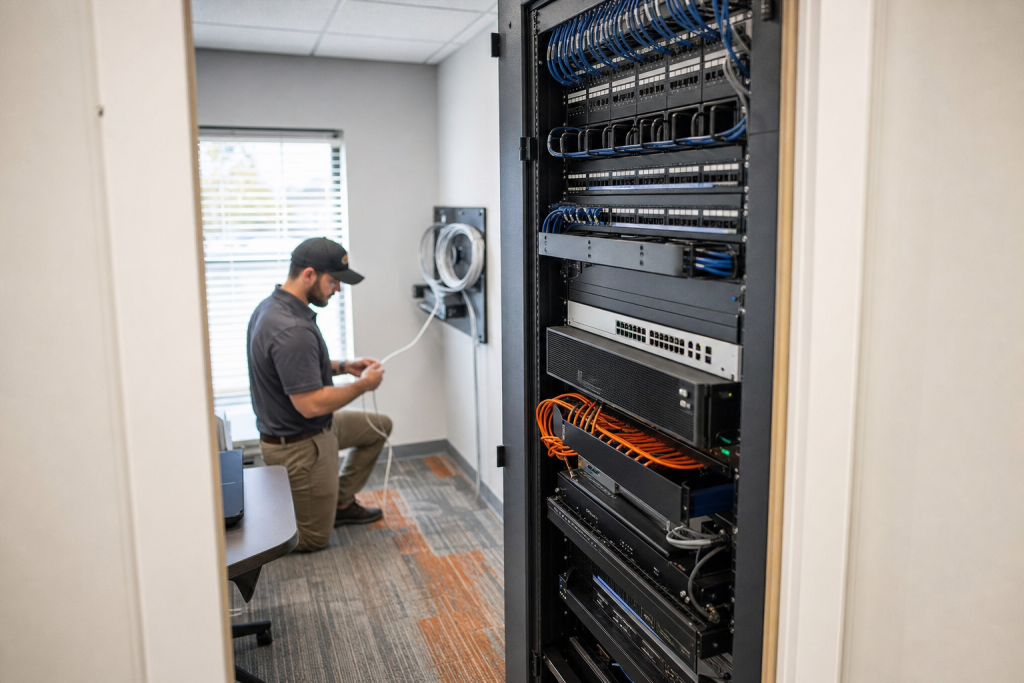
When a small business grows past 30 employees, cybersecurity usually stops being a side task and starts affecting daily operations. This guide helps Florida business owners decide which security controls matter first, what needs to be standardized, and when informal IT habits become a real business risk.
Key takeaways
- At 30-plus users, shared logins, inconsistent laptop setup, and ad hoc onboarding become security problems, not just annoyances.
- Start with identity controls, device standards, backup verification, and role-based access before buying more tools.
- Your Wi-Fi, VoIP, switches, and structured cabling affect cybersecurity and uptime together.
- One accountable local team can reduce vendor finger-pointing during outages, moves, and staff changes.
Who this is for
Florida business leaders with a growing office, mixed remote work, Microsoft 365, business phones, and a small internal IT presence or no dedicated IT staff.
Who this is not for
Large enterprises with mature security teams, or very small firms that still have only a handful of users and minimal shared systems.
Why 30 employees changes the risk
Before 30 employees, many businesses get by with informal workarounds. A manager approves access in a text message. A former employee account sits unused. One person knows which closet has the switch. Wi-Fi passwords get reused. New laptops are configured however the last one was done.
Once your staff grows, those habits become expensive. Turnover increases. More devices connect to the network. Microsoft 365 permissions drift. File access spreads wider than intended. A single phishing click or stolen password can affect accounting, operations, email, phones, and remote staff at the same time.
For Florida SMBs, growth also intersects with storm readiness, office moves, hybrid work, and continuity planning. If your internet drops, cabling is undocumented, or your phone provider blames your network vendor, security and uptime suffer together.
| Factor | DIY or in-house light support | Separate vendors | Mynians managed IT |
|---|---|---|---|
| Accountability | Depends on one internal person | Often split across providers | One local team owns the handoff |
| Microsoft 365 security | Usually basic setup only | May be handled inconsistently | Standardized administration and review |
| Device onboarding | Varies by employee or office | Can differ by vendor scope | Documented process for every user |
| VoIP and network issues | Hard to troubleshoot fast | Finger-pointing is common | IT, phones, and cabling under one team |
| Documentation | Often incomplete | Stored in different places | Built and maintained for support |
| Storm and outage readiness | Reactive | Varies by provider | Planned around continuity and recovery |
| Billing clarity | Unpredictable projects | Multiple invoices | Flat-rate pricing with no surprise bills |
Lock down identities and Microsoft 365
If you do only one thing first, tighten identity security. Password-only access is too weak once your staff count rises and more users work from home, on personal phones, or across multiple locations.
What to standardize now
- Enable multi-factor authentication for every employee, with special attention to email, file access, and admin accounts.
- Remove shared logins and create an individual account for each user.
- Separate administrator accounts from everyday user accounts.
- Review Microsoft 365 access, forwarding rules, shared mailboxes, inactive accounts, and external sharing settings.
- Use a documented onboarding and offboarding checklist so access is added and removed the same way every time.
This is also the point where many businesses need help with IT strategy and Microsoft 365 planning. The problem is rarely just licensing. It is governance: who has access, how access is approved, and whether the setup still matches the business.
For technical reference, Microsoft publishes security guidance for Microsoft 365, and both CISA and NIST offer practical frameworks for access control and account protection.

Standardize device security
Growing businesses cannot rely on every laptop, office PC, and phone being set up by memory. A real cybersecurity checklist for growing business teams includes a repeatable device standard.
Your baseline should include
- Endpoint protection on company-managed devices.
- Automatic operating system and application patching.
- Disk encryption where appropriate.
- Screen lock and idle timeout rules.
- Inventory tracking for laptops, desktops, and mobile devices.
- A plan for lost or stolen devices.
Many Florida offices reach this stage after opening a second location, hiring faster, or supporting more remote staff. If half your devices are managed one way and half another, support slows down and risk grows quietly in the background.
Protect files, email, and backups
Email and shared files are still where many small businesses feel the pain first. One bad attachment, one fake invoice, or one accidental file deletion can interrupt operations fast if backups and access controls are weak.
Priorities for this stage
- Review who can access finance, HR, and customer data.
- Reduce unnecessary shared-drive access.
- Protect email with stronger filtering and user awareness training.
- Confirm backups cover the systems and cloud data your business actually depends on.
- Test backup restoration on a schedule instead of assuming recovery will work.
If your current setup is mostly reactive, this is where managed cybersecurity services and ongoing oversight can help reduce risk. The point is not to add complexity. It is to make sure email, endpoints, and backups are monitored and reviewed consistently.
Secure network, VoIP, and cabling
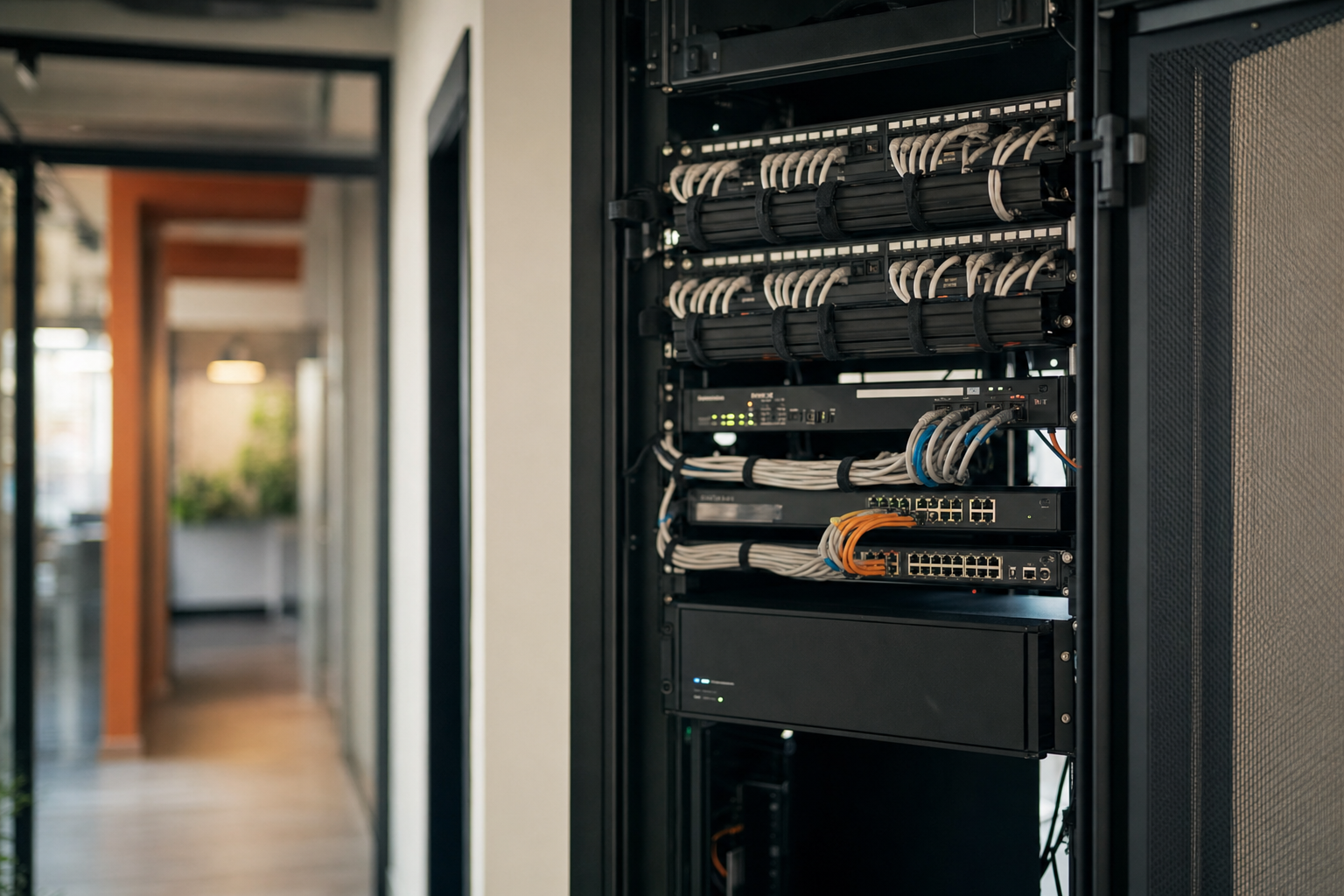
Cybersecurity does not stop at user accounts. Once a business reaches 30 employees, the office network itself needs more structure. That means documented switches, better Wi-Fi design, cleaner rack and patch panel layout, and separation between critical systems where appropriate.
What often needs attention
- Replace flat, everything-on-one-network layouts with sensible network segmentation.
- Separate business devices from guest Wi-Fi.
- Review switch, firewall, and wireless configuration ownership.
- Check whether VoIP phones are sharing unstable or poorly documented network paths.
- Label and document cabling so moves, adds, and troubleshooting do not become guesswork.
This is where national blog posts usually miss the real-world problem. Your cybersecurity, phone quality, and office uptime are connected. If your phones crackle during heavy network use, your Wi-Fi fades in part of the office, and no one knows which cable feeds which desk, you do not just have an IT issue. You have an infrastructure issue.
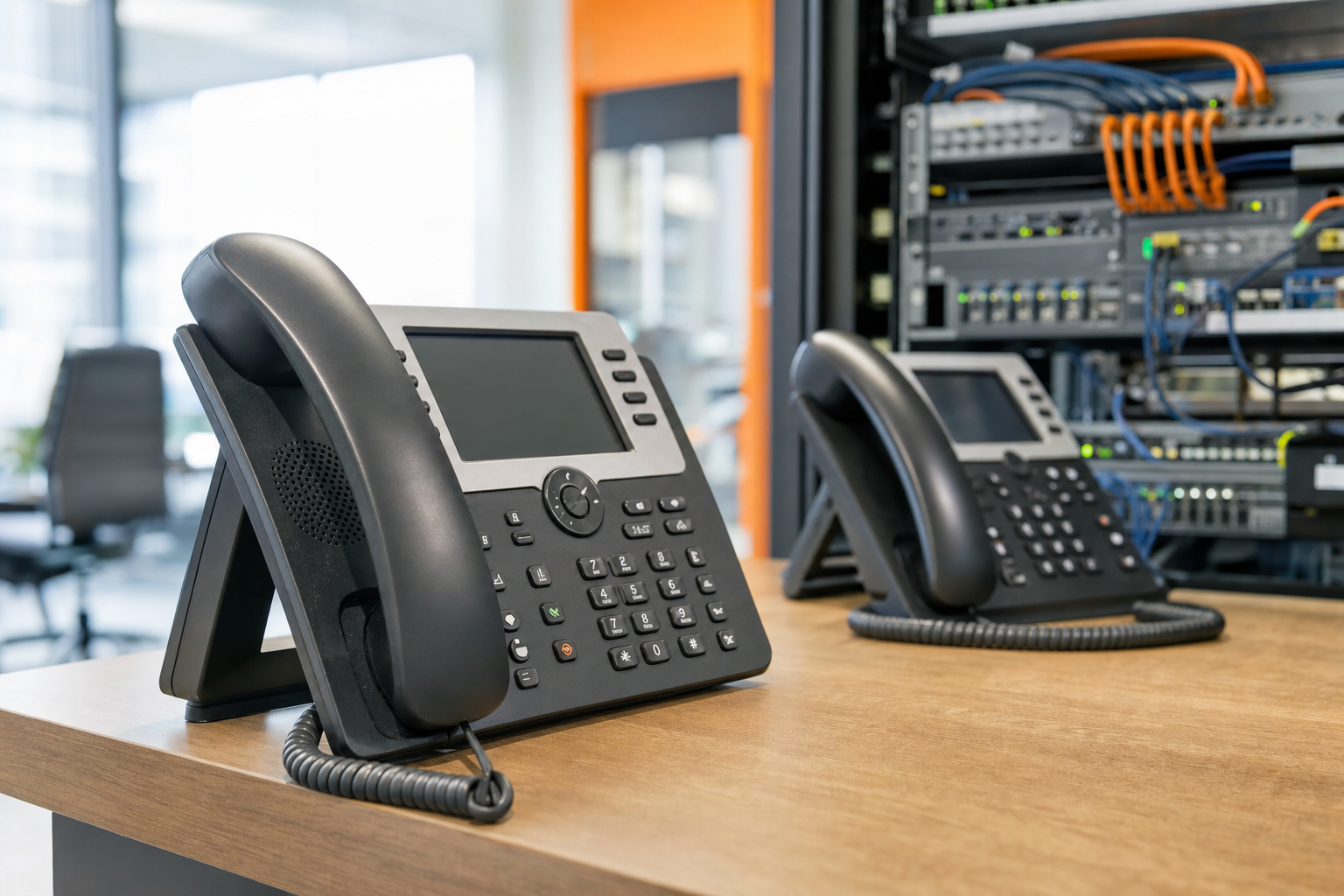
Mynians handles hosted VoIP phone solutions and structured cabling for reliable networks alongside managed IT, which helps eliminate finger-pointing when one provider blames another.
Train staff and limit access
As teams grow, trust is not a security model. People should have access based on their role, not because they have always had it or because it is easier during a busy week.
Security awareness training should cover phishing, password habits, suspicious attachments, reporting procedures, and basic remote-work discipline. Keep it practical. Employees are more likely to follow a clear process than a long policy document nobody reads.
Use this order of operations
- List your critical systems: email, files, accounting, phones, line-of-business apps, and remote access.
- Map which roles truly need access to each system.
- Remove broad permissions that no longer make sense.
- Create a simple approval process for new access requests.
- Train staff on how to report suspicious messages or device issues.
- Review access again whenever someone changes roles or leaves.
If your onboarding still depends on verbal instructions and your offboarding depends on memory, your current setup is too informal for your size.
Build an incident response plan
Your incident response plan does not need to be long. It does need to exist. When email is compromised, a laptop is lost, or ransomware is suspected, confusion wastes time.
A practical SMB plan should answer these questions:
- Who reports the issue and to whom?
- Who can disable accounts or isolate devices?
- Where is your vendor contact list?
- How do you communicate if email is down?
- Which systems need to come back first?
For Florida companies, include storm-related continuity steps too. If the office loses power or internet, your team still needs a basic communication path and a recovery sequence.
When to bring in a partner
If your business has passed 30 employees and any of this sounds familiar, it may be time to stop patching around the edges: shared passwords, slow onboarding, messy network closets, random Wi-Fi dead spots, undocumented phone changes, or support split between too many vendors.
A local managed partner makes sense when you need real techs, real answers, and one accountable team across IT, phones, cabling, and security. That is especially valuable for businesses in Winter Garden, Orlando, Tampa, Miami, Jacksonville, and across Central Florida that need on-site help, clean installs, proper documentation, and support that understands the office layout as well as the software.
If you want a clearer picture of what ongoing support includes, review Mynians managed IT services or reach out through the contact page to talk through your current setup.
Frequently asked questions
What is the most important cybersecurity step after a business reaches 30 employees?
Start with identity security. Enable multi-factor authentication for every user, eliminate shared logins, and review Microsoft 365 permissions and inactive accounts. Those steps reduce risk quickly and create a better base for every other control.
How do I secure Microsoft 365 for a growing small business?
Focus on admin account separation, MFA, mailbox and forwarding rule review, access cleanup, and a documented onboarding and offboarding process. The biggest issue is usually not the platform itself. It is inconsistent administration as the business grows.
Should every employee have MFA enabled?
Yes, for almost every growing SMB the answer is yes. Email, file access, remote access, and any cloud admin role should be protected with MFA. It adds a strong layer of protection against stolen passwords, though it still needs to be backed by good account management and user training.
How often should a small business test backups?
Backups should be tested on a regular schedule that fits the importance of the systems being protected. What matters is proving that recovery works, not just seeing that a backup job completed. Many SMBs discover too late that they backed up the wrong data or cannot restore it fast enough.
Do VoIP phone systems create cybersecurity risks for SMBs?
They can if the network, access, or provider handoffs are poorly managed. VoIP depends on reliable switching, Wi-Fi or cabling design, account controls, and clean documentation. That is why many growing businesses do better with one team handling IT, phones, and network infrastructure together.
How do I know if our current IT setup is too informal for our size?
If onboarding varies by employee, offboarding depends on memory, Wi-Fi and cabling are undocumented, or support issues bounce between vendors, the setup is likely too informal. Past 30 employees, those gaps start affecting uptime, accountability, and business risk in a much more visible way.
Last updated October 5, 2026.
Next step
Ready to see what managed IT would cost your business?
Calculate your MSP base in about a minute, review the written agreement, and sign online, or call the Winter Garden team and talk it through first.

