

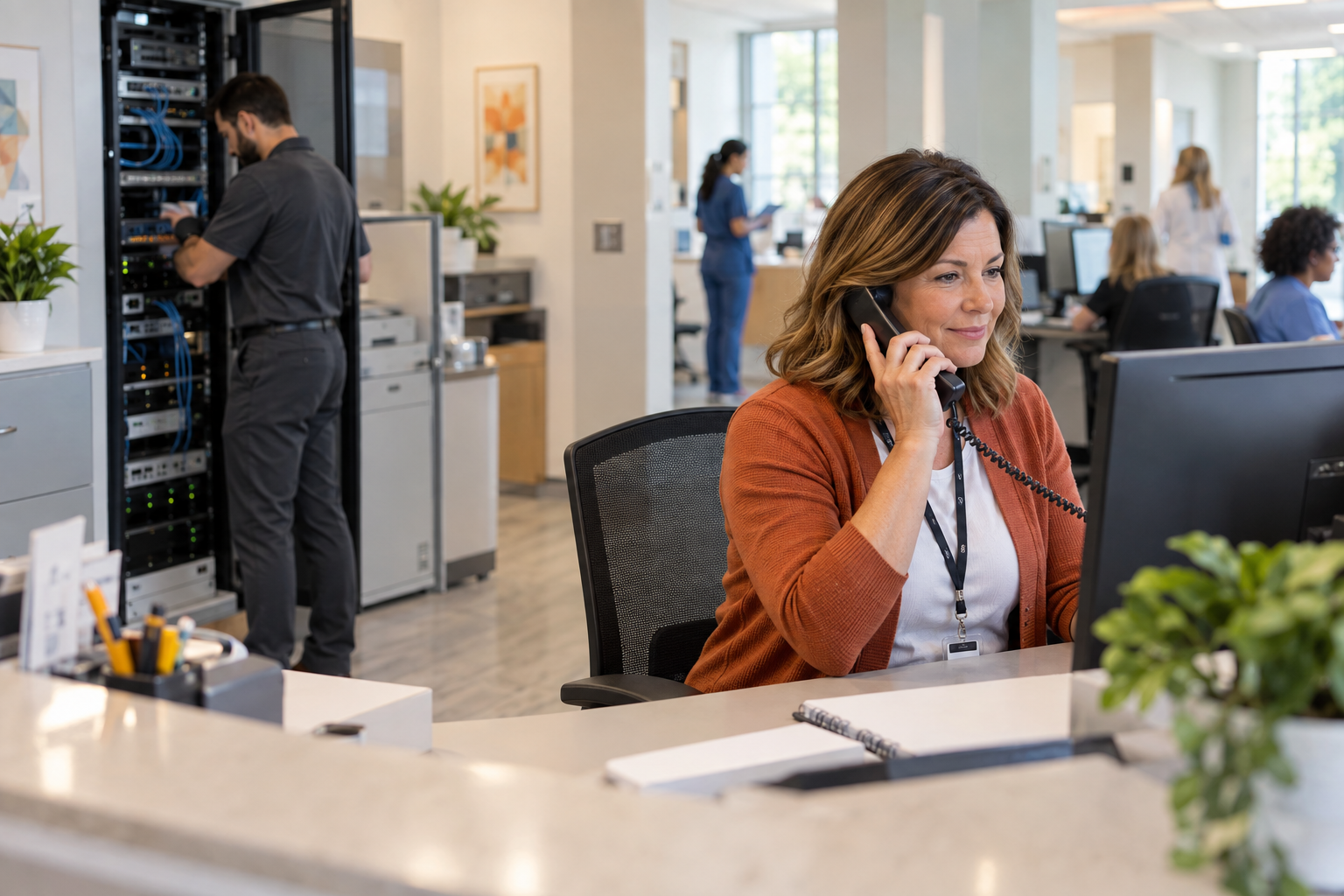
HIPAA-Compliant VoIP for Medical Offices With 30+ Staff
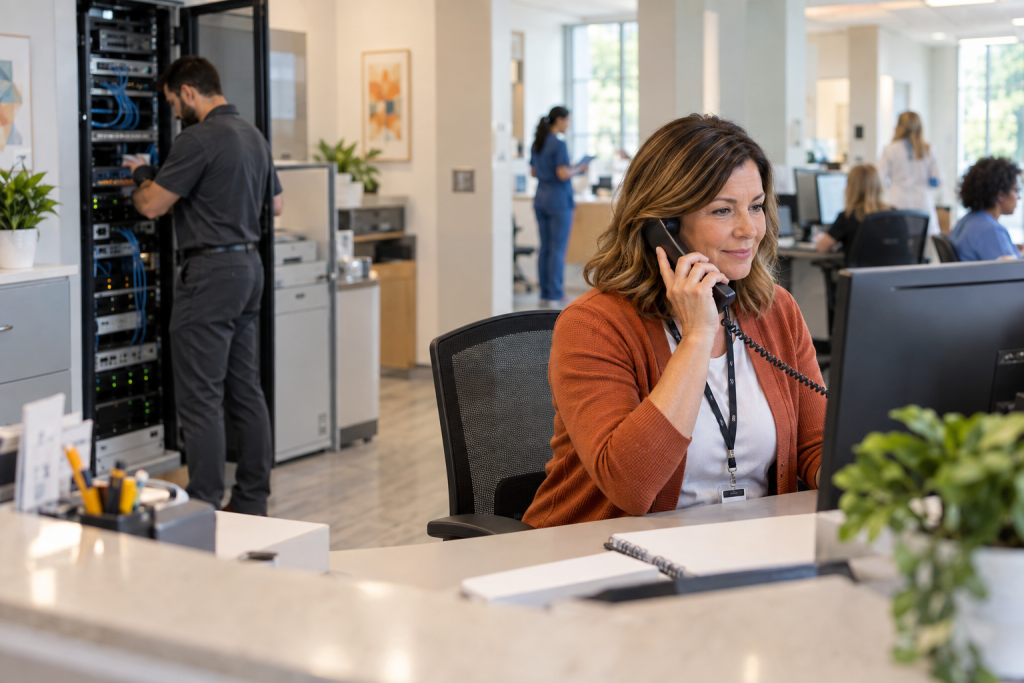
HIPAA-Compliant VoIP After 30 Staff
When your medical or dental practice crosses the 30-staff mark, your phone system stops being a convenience and starts being a compliance liability. A consumer-grade VoIP app or an aging PBX box in the back closet is not built for the call volume, the documentation requirements, or the ePHI exposure that comes with a busy front desk. This guide walks practice managers through what HIPAA-compliant VoIP for medical offices actually requires at scale—and what goes wrong when you skip the hard parts.
Why 30 Staff Is the Inflection Point
Below 30 staff, many practices get by with a basic hosted phone system and a general IT vendor who set it up years ago. Call volume is manageable, the network is simple enough, and compliance gaps stay hidden. Once you cross 30 staff, the cracks show fast.
You are now running multiple concurrent calls at the front desk, scheduling lines, nurse triage lines, and billing calls—often simultaneously. Your network is carrying VoIP traffic, electronic health records, insurance portals, and staff devices all at once. If your cabling is unorganized, your switches are unmanaged, and your VoIP provider never signed a BAA, you have a compliance and operational problem that will not fix itself.
Florida medical and dental offices in Orlando, Winter Garden, Tampa, and Jacksonville are not immune to this. A busy multi-provider practice with 35 staff and a phone system that was installed by whoever was cheapest three years ago is a very common situation—and a very fixable one.
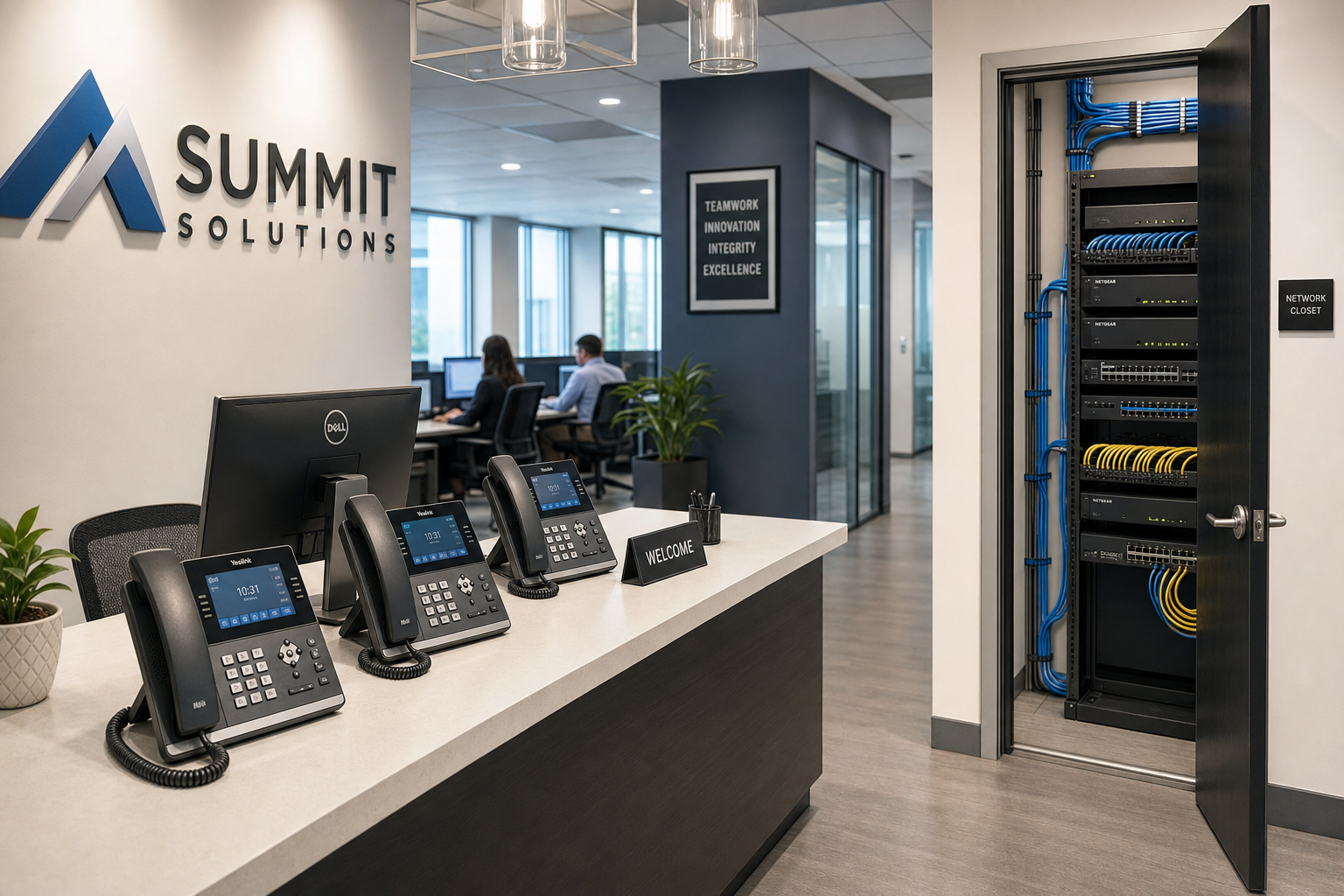
Comparing Your Options
Before diving into requirements, it helps to see how the main deployment paths compare for a 30-plus-staff medical office.
| Option | BAA Available | Local On-Site Support | Cabling by Separate Quote | IT + VoIP Quoted Separately | Flat-Rate Pricing | Best For |
|---|---|---|---|---|---|---|
| Mynians (local managed IT + VoIP) | Yes | Yes — real local techs | Yes | Yes | Yes | Practices wanting one accountable team |
| National VoIP-only provider | Sometimes | No — remote or overseas support | No | No | Rarely | Practices with strong in-house IT |
| Legacy PBX / on-premise system | N/A | Depends on local vendor | Sometimes | No | No | Practices not ready to move to cloud |
| DIY / consumer VoIP app | Rarely | No | No | No | No | Not appropriate for HIPAA environments |
| Separate IT + separate VoIP + separate cabling vendors | Depends | Fragmented | Separate contract | No | No | Practices comfortable managing multiple vendors |
What HIPAA Actually Requires for VoIP
HIPAA does not ban VoIP. It requires that any system transmitting or storing protected health information meet specific administrative, physical, and technical safeguards. For a hosted VoIP system in a medical office, that means four things must be in place.
1. A Signed Business Associate Agreement
Your VoIP provider is a business associate under HIPAA if their system carries calls that include ePHI. Before you go live, you need a signed BAA. No BAA means no HIPAA compliance, full stop. Many national providers offer one—but you need to ask for it, review it, and keep it on file. Some consumer-grade VoIP platforms do not offer a BAA at all, which disqualifies them immediately for medical use.
2. Encryption in Transit and at Rest
Voice calls that carry patient information must be encrypted. This means SRTP (Secure Real-time Transport Protocol) for the audio stream and TLS (Transport Layer Security) for the signaling channel. If your VoIP system is not using both, your calls are potentially exposed on the network. The National Institute of Standards and Technology publishes encryption guidance that applies directly to this requirement.
3. Access Controls and Call Logging
HIPAA requires that you know who accessed what and when. For VoIP, this means role-based access to the phone system portal, documented user provisioning and deprovisioning, and call logs that are retained and protected. When a staff member leaves, their extension and voicemail access must be revoked immediately—something that gets missed constantly in practices without a managed IT process.
4. Network Segmentation and Infrastructure
Your VoIP traffic should run on a dedicated VLAN, separated from general staff traffic and guest Wi-Fi. This is not optional at 30-plus staff—it is the difference between a phone system that works reliably and one that drops calls every time someone runs a large file transfer. Proper network segmentation also limits the blast radius if a device on your network is compromised. The Cybersecurity and Infrastructure Security Agency recommends network segmentation as a baseline security control for any organization handling sensitive data.
Implementation: What a Real Rollout Looks Like
A proper HIPAA-compliant VoIP rollout for a 30-plus-staff medical office is not a one-afternoon job. Here is what a realistic implementation sequence looks like.
Step 1: Network and Cabling Assessment
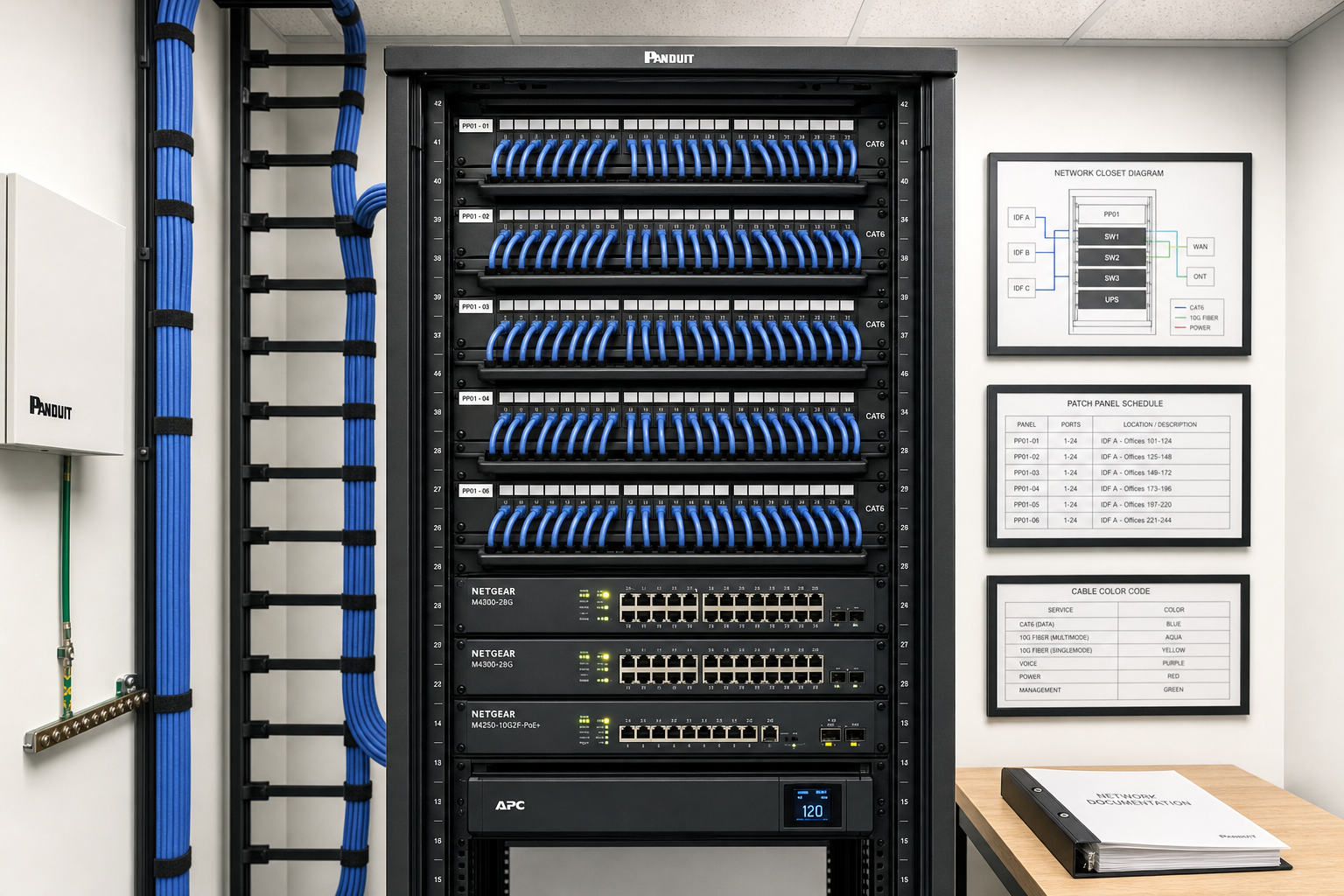
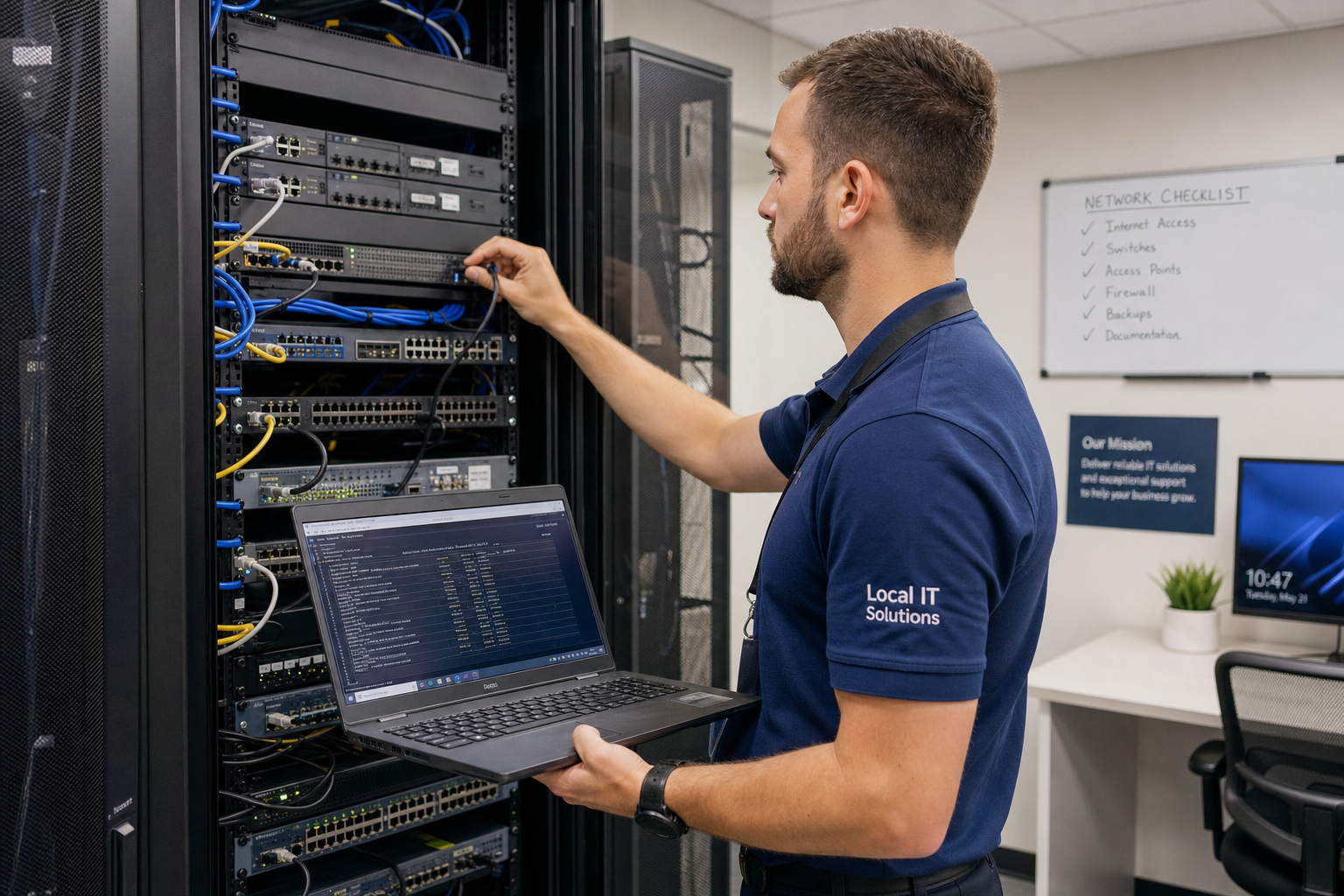
Before any VoIP system is configured, someone needs to walk the building and assess the existing cabling, switch infrastructure, and internet connection. Structured cabling that meets current standards—Cat6 or better, properly terminated and labeled—is the foundation. If your network closet looks like a bowl of spaghetti, that gets fixed first. Standards from BICSI define best practices for low-voltage cabling in commercial environments, and a clean install matters for both performance and documentation.
Step 2: Internet Bandwidth and Redundancy
Hosted VoIP runs over your internet connection. At 30-plus staff with multiple concurrent calls, you need adequate upload bandwidth and ideally a secondary connection for failover. A single cable modem with no backup is a single point of failure for your entire phone system.
Step 3: VLAN and QoS Configuration
Your managed switches need to be configured to prioritize VoIP traffic using Quality of Service rules. This prevents call quality degradation when the network is busy. This step requires someone who understands both networking and VoIP—not just one or the other.
Step 4: VoIP System Provisioning
Extensions, hunt groups, auto-attendants, voicemail-to-email, call recording settings, and hold music all need to be configured to match how your front desk actually operates. This is where practices lose time when they try to self-configure a national provider’s portal without local support.
Step 5: BAA Execution and Documentation
Before go-live, the BAA is signed, access controls are documented, and a process for user provisioning and deprovisioning is established. This documentation is what you hand to an auditor if you are ever asked to demonstrate compliance.
Step 6: Staff Training and Go-Live
Front desk staff need to know how to transfer calls, check voicemail, use the mobile app if applicable, and escalate issues. A go-live with no training is a go-live with a lot of frustrated staff and missed calls.
Common Mistakes That Create Compliance Gaps
These are the problems Mynians finds most often when a Central Florida medical or dental practice calls after a bad VoIP experience or a compliance scare.
- No BAA on file. The VoIP provider was never asked for one, or the practice assumed it was handled automatically.
- Consumer VoIP apps on staff phones. Apps like personal calling apps or free softphone tools are not HIPAA-ready and should not be used for patient-related calls.
- Voicemail-to-email without encryption. Voicemail messages forwarded to email can contain ePHI. If the email system is not properly secured, that is a disclosure risk.
- No offboarding process. Former employees still have active extensions and voicemail access weeks after leaving.
- Flat network with no VLAN separation. VoIP, EHR traffic, guest Wi-Fi, and staff devices all on the same network segment.
- Vendor finger-pointing. The IT company blames the VoIP provider, the VoIP provider blames the internet connection, and nobody fixes the actual problem while your front desk is down.
- No call recording policy. Recording calls without a documented retention and access policy creates its own compliance exposure.
Who This Is For and Who It Is Not
This guide is for you if:
- You manage a medical, dental, or specialty practice with 30 or more staff in Central Florida.
- Your current phone system is aging, unreliable, or was never properly assessed for HIPAA compliance.
- You are opening a new location or expanding and need to build the phone infrastructure correctly from the start.
- You are tired of calling three different vendors and getting three different answers when something breaks.
- You want flat-rate pricing and a local team that picks up the phone.
This is NOT the right fit if:
- You have a dedicated in-house IT team with VoIP and compliance expertise already on staff.
- Your practice has fewer than 10 staff and a very simple phone setup that is already compliant.
- You are looking for the absolute lowest-cost option with no regard for compliance or support quality.
- You are outside of Florida and need on-site support that Mynians cannot reach.
Why Local Support Matters in Central Florida
When your front desk phones go down at 8:45 on a Monday morning and you have a full schedule, you do not want to open a ticket with an overseas call center and wait for a callback. You want a real technician who knows your building, your network, and your phone system—and can be on-site if needed.
Mynians has been working with businesses across Central Florida for over two decades. We serve medical and dental offices in Orlando, Winter Garden, Tampa, Miami, and Jacksonville. Our team handles IT, hosted VoIP, structured cabling, and cybersecurity under one roof. That means when something goes wrong, there is one number to call and one team that owns the problem from the network closet to the handset on the front desk.
The written scope distinguishes base fees, support labor, and project charges. No overseas support queues. Real techs, real answers.
If you want to know exactly where your current setup stands, reach out at mynians.com/contact-us or call us at (407) 374-2782.
Frequently Asked Questions
Does every VoIP provider offer a HIPAA-compliant option?
No. Many consumer-grade and small-business VoIP providers do not offer a Business Associate Agreement, which is a baseline requirement for HIPAA compliance. Before signing up with any VoIP provider for a medical office, confirm in writing that they will execute a BAA and that their platform supports encrypted voice transmission using SRTP and TLS.
How long does it take to deploy a compliant VoIP system for a 30-staff practice?
A realistic timeline for a full deployment—including network assessment, cabling work if needed, system configuration, BAA execution, and staff training—is typically two to four weeks depending on the condition of your existing infrastructure. Practices with clean, documented cabling and managed switches move faster. Practices with unmanaged switches and undocumented wiring take longer because the foundation has to be fixed first.
Can we keep our existing phone numbers when switching to hosted VoIP?
Yes. Number porting allows you to transfer your existing phone numbers to a new VoIP provider. The process typically takes one to three weeks and requires coordination between your current carrier and the new provider. During the porting window, your existing lines remain active so there is no gap in service when handled correctly.
What happens to our phones if the internet goes down?
Hosted VoIP depends on your internet connection. If your primary connection fails and you have no backup, your phones go down. The right answer is a secondary internet connection—either a separate ISP or a cellular failover device—configured to take over automatically. For a busy medical front desk, this is not optional; it is part of building a system that is actually reliable.
Is call recording allowed under HIPAA?
Call recording is not prohibited by HIPAA, but recorded calls that contain patient information are subject to the same safeguards as any other ePHI. You need a documented retention policy, access controls on who can retrieve recordings, and secure storage. Many practices record calls for quality and training purposes without realizing they need a formal policy around those recordings.
Why does structured cabling matter for VoIP performance?
VoIP is sensitive to network latency, jitter, and packet loss in a way that most other office applications are not. Poor cabling—damaged runs, improper terminations, or cables that do not meet current standards—introduces exactly those problems. A call that sounds choppy or drops mid-conversation is often a cabling or switch configuration issue, not a problem with the VoIP platform itself. Clean, documented structured cabling is the foundation that everything else runs on.
Update Log
- May 2026: Created and reviewed for Mynians managed IT, hosted VoIP, and structured cabling accuracy.
Next step
Ready to see what managed IT would cost your business?
Calculate your MSP base in about a minute, review the written agreement, and sign online, or call the Winter Garden team and talk it through first.

