

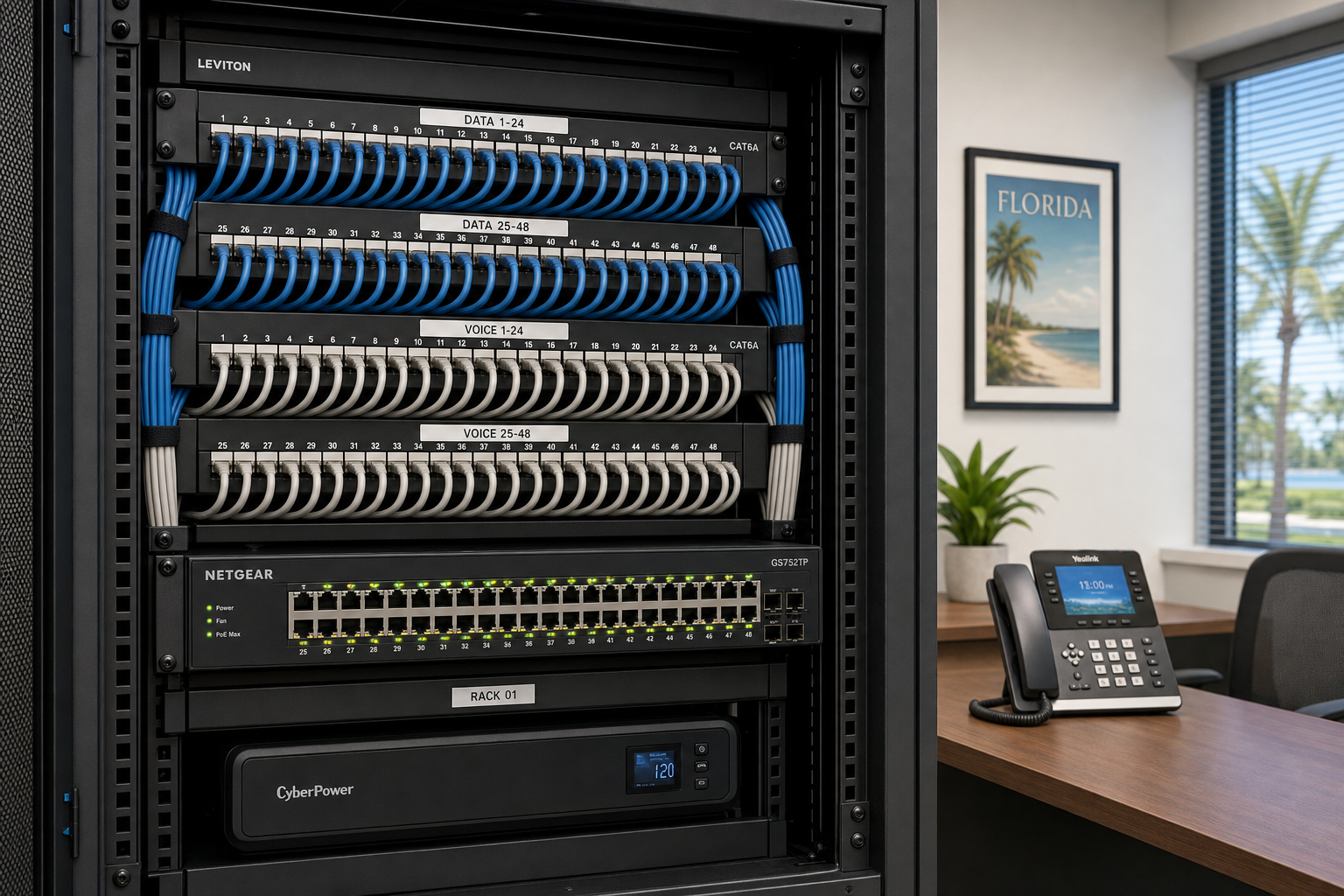
Hosted VoIP for 30+ Employee Offices in Florida
Hosted VoIP After 30 Extensions in Florida
When your office grows past 30 employees, your phone system stops being a background detail and starts being a daily operational risk. Legacy PBX hardware gets expensive to maintain, call quality degrades under load, and adding extensions becomes a project instead of a five-minute task. This guide explains what hosted VoIP for 30+ employee offices actually looks like in practice, what can go wrong during the transition, and how Florida businesses can make the switch without losing a single business day to phone outages.
Why 30 Extensions Is the Inflection Point
Most small offices tolerate an aging phone system because the pain is manageable. A few dropped calls, a clunky voicemail setup, a phone that needs rebooting once a week — none of it feels urgent enough to fix. That changes around 30 extensions.
At that size, you are running enough concurrent calls that call quality problems become visible across the whole office. You are onboarding staff often enough that adding extensions manually becomes a recurring IT ticket. You likely have remote workers, a second location, or both — and legacy PBX systems were not built for either. You are also spending real money on hardware maintenance contracts for equipment that a hosted system would replace entirely.
Hosted VoIP moves your phone system to the cloud. Extensions are managed through a web portal. New users are added in minutes. Feature availability, call recording, usage allowances, licensing, hardware, and support depend on the selected VoIP plan and must be stated in a separate written quote. And because the system runs over your internet connection, it scales with your headcount without requiring new hardware every time you grow.
The catch is that “runs over your internet connection” is doing a lot of work in that sentence. If your network is not ready, your VoIP will not work well. That is where most migrations go sideways.
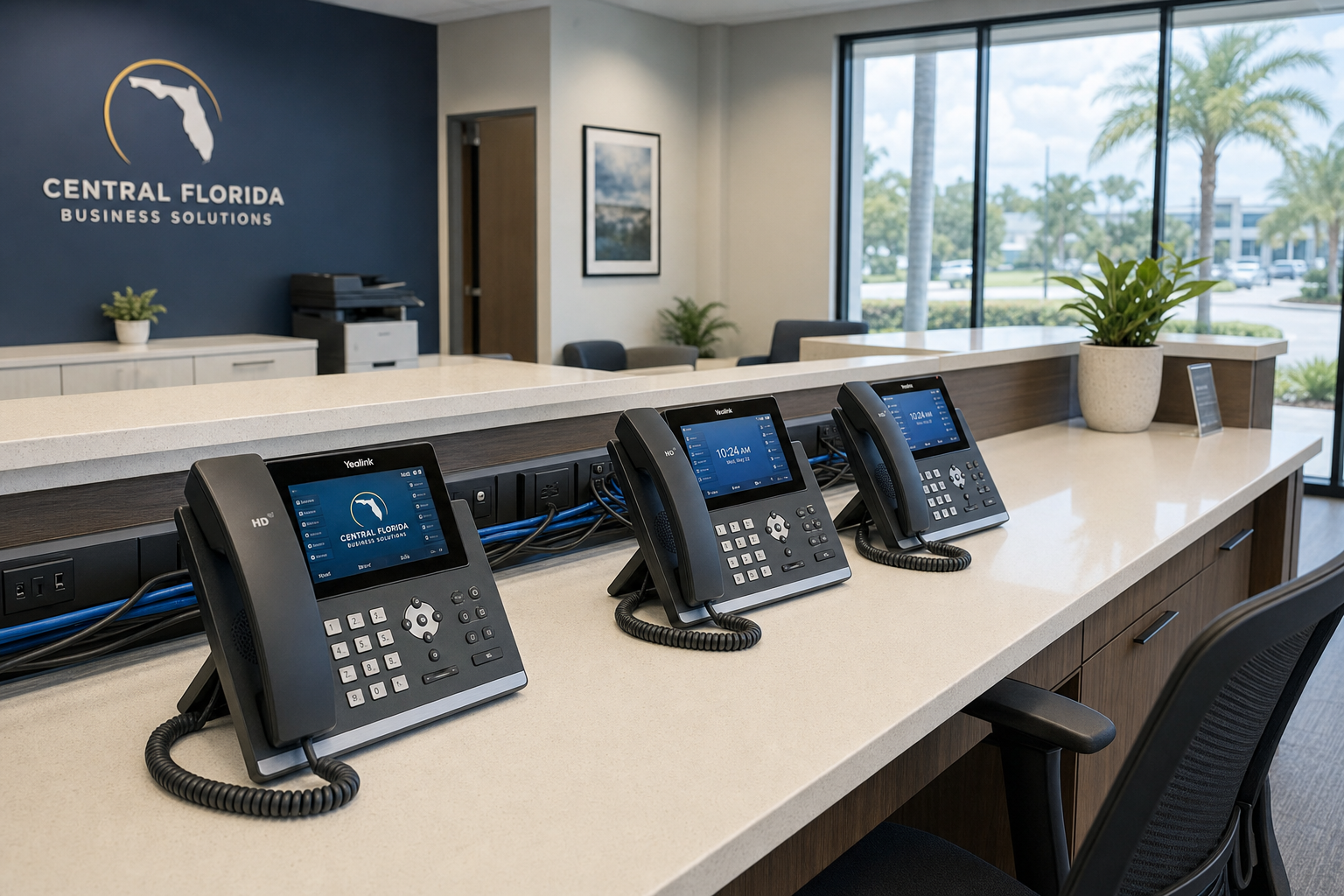
Hosted VoIP vs. Your Other Options
Before committing to any phone system approach, it helps to see the real tradeoffs side by side. The table below compares the most common options Florida businesses at the 30+ extension stage actually consider.
| Option | Upfront Cost | Scalability | Support Model | Best For | Main Risk |
|---|---|---|---|---|---|
| Hosted VoIP with local IT provider (Mynians) | Low to moderate (phones + cabling if needed) | High — add extensions in minutes | Local techs, one team for IT + VoIP + cabling | Growing Florida offices 30–200+ seats | Requires solid network foundation |
| National hosted VoIP provider (self-managed) | Low | High | Remote call center, ticket queue | Tech-savvy teams with in-house IT | No local hands when things break |
| Legacy on-premise PBX (keep or upgrade) | High | Low — hardware limits extensions | Vendor maintenance contracts | Regulated industries with strict data control needs | Expensive to maintain, hard to scale |
| Microsoft Teams Calling (standalone) | Low (if already on M365) | High | Microsoft support + your IT team | Offices already deep in Microsoft 365 | Requires proper Direct Routing or Operator Connect setup |
| Separate vendors (ISP + VoIP + IT + cabling) | Varies | Medium | Multiple vendors, no single owner | Nobody — this is the default, not a strategy | Finger-pointing when calls drop |
The separate-vendor row deserves attention. Most Florida businesses at the 30-extension stage are already living in that last row without realizing it. Their ISP blames the VoIP provider. The VoIP provider blames the network. The IT company says it is not their problem. Nobody fixes the dropped calls.
Who This Is For and Who It Is Not
This is a strong fit if you are:
- A Florida business with 30 to 200+ employees outgrowing a legacy PBX or aging key system
- Opening a second location in Orlando, Tampa, Miami, Jacksonville, or anywhere in Central Florida
- Onboarding staff frequently and tired of phone extension setup being a multi-day IT project
- Running remote or hybrid workers who need a business phone number that is not their personal cell
- Dealing with poor call quality, dropped calls, or voicemail systems that nobody checks
- Already paying for Microsoft 365 and wondering if Teams Calling makes sense alongside it
- Tired of getting a different answer from every vendor when something breaks
This is NOT the right move if you are:
- Running on internet service that cannot reliably support voice traffic — fix the connection first
- In a facility with unresolved cabling problems, unlabeled patch panels, or no network documentation
- Looking for the cheapest possible option with no interest in proper setup — consumer VoIP apps exist, but they are not a business phone system
- In a highly regulated environment with specific call recording or data residency requirements that need legal review before any cloud migration
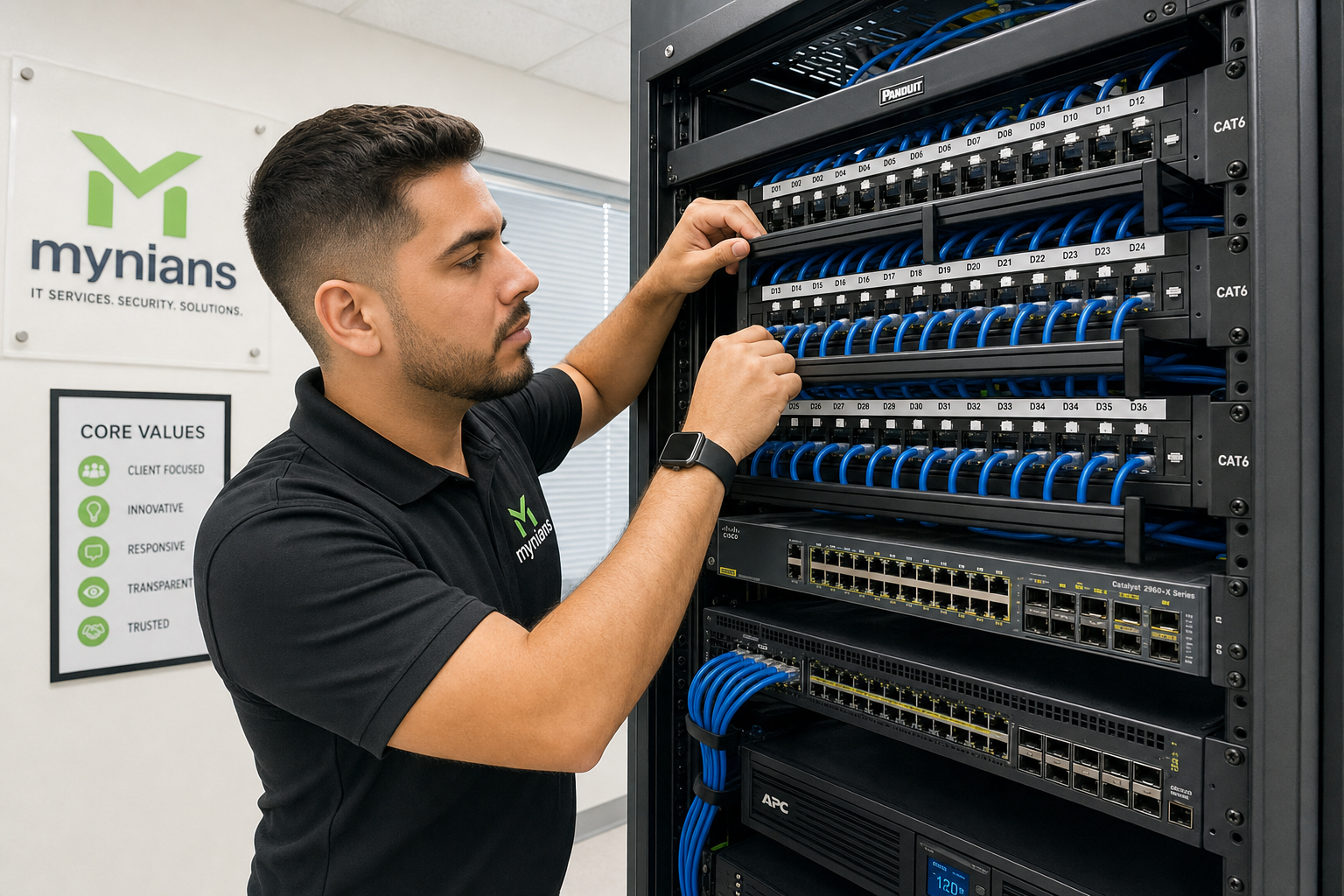
Network and Cabling Readiness
Hosted VoIP is only as good as the network it runs on. Before any Florida office migrates 30 or more extensions to a cloud phone system, three infrastructure layers need to be in order.
1. Internet Bandwidth and Reliability
Each active VoIP call uses roughly 85–100 Kbps of bandwidth depending on the codec. Thirty simultaneous calls need approximately 3 Mbps dedicated to voice — which sounds small until you factor in everything else running on the same connection. A proper assessment looks at your current utilization, peak usage patterns, and whether your ISP connection has the upload reliability that voice traffic demands. Asymmetric connections with weak upload speeds are a common problem in Florida office parks.
2. Managed Switches and VLAN Configuration
Voice traffic is sensitive to latency, jitter, and packet loss in ways that web browsing and email are not. The fix is Quality of Service (QoS) configuration on managed switches, which prioritizes voice packets over general data traffic. This requires managed switches — not the unmanaged consumer-grade hardware found in many small office network closets. The IETF’s standards for QoS and traffic prioritization underpin how every reputable VoIP platform handles this.
3. Structured Cabling Quality
VoIP phones connect over Ethernet. If your cabling was installed without proper testing, uses substandard patch cables, or has runs that exceed spec, you will see intermittent problems that are nearly impossible to diagnose remotely. The BICSI cabling standards define what a properly installed and documented low-voltage cabling system looks like. Mynians can coordinate installation and testing within one written project scope. Standard qualification is included in cabling labor; full certification and PDF reports are a separately charged add-on.
What Goes Wrong During VoIP Migrations
Most VoIP migrations that fail do not fail because the hosted platform is bad. They fail because of what happens before and during the cutover.
Number porting delays
Porting your existing business phone numbers from your old carrier to the new VoIP platform takes time — typically 2 to 4 weeks depending on the carrier. Businesses that do not plan for this end up with a gap where calls go to the wrong place or not at all. A proper migration plan accounts for porting timelines and keeps the old system live in parallel until porting is confirmed complete.
No QoS configuration
Plugging VoIP phones into an unconfigured network and hoping for the best is the most common DIY mistake. Without QoS, a large file download or a video conference can degrade every active phone call in the office simultaneously.
Skipping user training
Hosted VoIP systems have features that legacy phones do not — call forwarding rules, voicemail-to-email, softphone apps, call queues. Staff who are not trained on the new system either ignore the features or call IT repeatedly for basic questions. A 30-minute walkthrough per department prevents most of this.
No documentation handoff
After the migration, someone needs to know how the system is configured — extension assignments, call routing rules, auto-attendant scripts, admin credentials. Without clean documentation, every future change becomes a guessing game.
How a Proper Implementation Works
A well-run hosted VoIP migration for a 30+ extension Florida office follows a predictable sequence. Here is what that looks like in practice.
Step 1: Infrastructure audit
Before any platform is selected or any phone is ordered, the network, cabling, and internet connection are assessed. This surfaces problems that would otherwise show up as call quality complaints on day one.
Step 2: Platform selection and number porting initiation
The right hosted VoIP platform depends on your existing tools. Offices running Microsoft 365 may benefit from Teams Calling with Direct Routing. Others do better with a dedicated hosted PBX platform. Porting requests are submitted to the current carrier as early as possible.
Step 3: Network preparation
Managed switches are configured with QoS and VLAN separation for voice traffic. Any cabling deficiencies identified in the audit are corrected. Internet bandwidth is confirmed adequate or upgraded.
Step 4: Staged rollout
Rather than cutting over all 30+ extensions simultaneously, a staged rollout starts with a pilot group — typically one department or floor. Problems are identified and resolved before the full office migrates.
Step 5: Training and documentation
Staff are trained on the new system. Full documentation — extension maps, call routing diagrams, admin credentials, vendor contacts — is delivered and stored where your team can actually find it.

Why Local Support Matters in Florida
National VoIP providers offer competitive pricing and solid platforms. What they cannot offer is Mynians local field coordination for Orlando and Winter Garden. Onsite scheduling depends on technician availability and an accepted written scope; same-day dispatch is not guaranteed. When 30 employees cannot make or receive calls, a ticket queue and a remote support session are not the right answer.
Mynians serves businesses across Central Florida — Orlando, Winter Garden, Tampa, Miami, Jacksonville, and surrounding areas — with real local technicians, not overseas call centers. When something breaks, you get a person who knows your system, knows your building, and can show up. That is not a marketing line. It is the practical difference between a two-hour resolution and a two-day outage.
The bundled model also matters. When your IT team, your VoIP provider, and your cabling contractor are all the same company, there is no finger-pointing. If call quality drops, one team owns the problem from the network switch to the hosted platform to the patch panel. That accountability is what makes the system actually stay up.
For businesses concerned about cybersecurity alongside their VoIP migration, the Cybersecurity and Infrastructure Security Agency (CISA) publishes guidance on securing unified communications systems that is worth reviewing with your IT provider before any cloud migration.
Cost and Pricing Clarity
Hosted VoIP pricing varies by platform, feature set, and how many extensions you need. Your VoIP quote should identify recurring charges, usage limits, licenses, and any variable fees. A per-seat or per-system base may help with budgeting, but installation, features, usage, and support must be priced in the written scope. Confirm the cost of feature licenses, call overages, recording, auto-attendants, support labor, and cabling before approving a VoIP quote.
When evaluating any hosted VoIP proposal for a 30+ seat office, ask these questions:
- Is call recording included or a paid add-on?
- Are auto-attendants and call queues included?
- What are the overage charges if we exceed included minutes?
- What does adding a new extension cost, and how long does it take?
- Is network configuration and cabling included in the project, or are those separate quotes?
- What does ongoing support look like after the migration is complete?
The FCC’s resources on business VoIP services provide useful background on what providers are required to disclose about service terms and 911 obligations for hosted voice services.
Mynians uses published base pricing with separate support and project charges. The scope is defined before the project starts, and the invoice matches the quote.
Frequently Asked Questions
How long does it take to migrate 30+ extensions to hosted VoIP?
A well-planned migration for a 30 to 60 seat office typically takes two to four weeks from project kickoff to full cutover. The longest variable is number porting, which depends on your current carrier’s timeline. Network preparation and phone provisioning can happen in parallel with porting, so the total project timeline is usually driven by the port completion date rather than the technical work.
Can we keep our existing phone numbers when switching to hosted VoIP?
Yes. Number porting transfers your existing business phone numbers to the new hosted VoIP platform. The process is initiated with your current carrier and typically takes two to four weeks. During that window, your old system stays active so no calls are missed. Your provider should manage the porting process and confirm completion before the old system is decommissioned.
What internet speed do we need for 30+ VoIP extensions?
Each active VoIP call uses roughly 85 to 100 Kbps. For 30 simultaneous calls, that is approximately 3 Mbps dedicated to voice. In practice, your internet connection needs to comfortably handle voice traffic alongside all other office activity — video conferencing, cloud applications, file transfers. A proper bandwidth assessment looks at your peak usage patterns, not just your advertised connection speed. Upload reliability matters as much as raw speed for voice quality.
Do we need new phones, or can we reuse existing hardware?
It depends on what you currently have. Many modern SIP-compatible desk phones can be provisioned for a new hosted VoIP platform. Older proprietary PBX handsets typically cannot. A hardware audit during the planning phase identifies which phones can be reused and which need to be replaced, so you are not buying new equipment you do not need or discovering compatibility problems on cutover day.
What happens to 911 calls on a hosted VoIP system?
Hosted VoIP providers are required to support Enhanced 911 (E911) services, which route emergency calls to the appropriate local dispatch center and transmit location information. For offices with multiple floors or locations, it is important to configure E911 location data accurately for each extension so that emergency responders are directed to the right place. Your provider should walk you through E911 configuration as part of the setup process. The FCC publishes requirements for VoIP E911 compliance that apply to all interconnected VoIP services.
Why choose Mynians over a national VoIP provider?
National providers offer solid platforms, but they cannot send a technician to your Winter Garden or Orlando office when something breaks. Mynians handles IT, hosted VoIP, and structured cabling as one team, which means there is no vendor finger-pointing when a problem crosses system boundaries. You get local technicians, flat-rate pricing, and a single point of accountability for your entire communications infrastructure.
Update Log
- May 2026: Created and reviewed for Mynians managed IT, hosted VoIP, and structured cabling accuracy.
Next step
Ready to see what managed IT would cost your business?
Calculate your MSP base in about a minute, review the written agreement, and sign online, or call the Winter Garden team and talk it through first.

