
30-Day Managed IT Plan for Growing Florida Offices
Your team is growing, your office is busier, and your IT problems are multiplying faster than your headcount. Dropped calls, slow internet, a network closet that looks like a bowl of spaghetti, and a support ticket that nobody answered — these are not small annoyances. They cost you time, money, and credibility with your own staff and clients. This guide gives you a clear, week-by-week 30-day managed IT plan built specifically for growing Florida offices that are done tolerating recurring IT issues and ready to get things running properly.
Who This Plan Is For — and Who It Is Not
This plan is built for you if:
- You run a business in Central Florida — Orlando, Winter Garden, Tampa, Miami, Jacksonville, or surrounding areas — with a team of 5 to 75 people.
- Your office has grown faster than your IT infrastructure, and things are starting to break under the pressure.
- You are dealing with recurring issues: slow internet, dropped VoIP calls, staff onboarding delays, or a network closet nobody wants to touch.
- You have been burned by a break-fix vendor who only shows up after something fails — and bills you every time.
- You want one team handling IT, phones, cabling, and security instead of managing four separate vendors who blame each other.
This plan is NOT for you if:
- You have a full in-house IT department with dedicated staff, documented systems, and proactive monitoring already in place.
- Your office has fewer than three employees and no plans to grow in the next 12 months.
- You are looking for a one-time fix with no ongoing support relationship.
Your IT Support Options Compared
Before committing to any plan, it helps to see your real options side by side. Here is an honest comparison for a growing Florida business.
| Option | Response Time | Pricing Model | On-Site Support | VoIP + Cabling Included | Best For |
|---|---|---|---|---|---|
| Mynians (Local MSP) | Fast — local techs in Central FL | Flat-rate, no surprise bills | Yes — real on-site visits | Yes — one team, all services | Growing FL offices wanting one accountable partner |
| National MSP / Help Desk | Variable — often overseas call center | Per-user or tiered | Rarely — usually remote only | Separate vendors required | Large enterprises with internal IT staff |
| Break-Fix Vendor | Slow — only called when broken | Hourly, unpredictable | Yes, but reactive | No | Offices with very low IT needs |
| In-House IT Staff | Immediate — if available | Salary + benefits + tools | Yes | Depends on skill set | Larger companies with budget for full-time staff |
| DIY / No Support | None | Low upfront, high risk | Self-managed | No | Solo operators with minimal tech needs |
Week 1: Assessment and Documentation
Nothing gets fixed properly without knowing what you actually have. The first week of any serious managed IT engagement is about getting a clear, honest picture of your current environment — not guessing.
What happens in Week 1:
- Network audit: Every device, switch, router, firewall, and access point gets identified and logged. If your network closet has unlabeled cables running to unknown destinations, that gets documented and flagged.
- Cabling inspection: Structured cabling problems — improper terminations, missing labels, cable runs that exceed spec — are identified before they cause outages. Standards from BICSI guide proper low-voltage cabling practices.
- Software and licensing inventory: What software is installed, what licenses are active, and what is expired or unaccounted for.
- Security gap review: Are endpoints protected? Is your firewall current? Are staff using weak passwords or sharing credentials? CISA publishes baseline cybersecurity guidance that informs this review.
- Phone system review: If you are running an aging PBX or a consumer-grade VoIP setup, call quality problems and missed calls get traced back to their source here.
By the end of Week 1, you have a written baseline — not a verbal summary. That documentation becomes the foundation for everything that follows and saves hours of troubleshooting time every month going forward.
Week 2: Infrastructure and Cabling Cleanup
With a clear picture of what you have, Week 2 is about fixing what is broken, replacing what is outdated, and building a clean, documented infrastructure your team can actually rely on.
Structured cabling and network closet work:
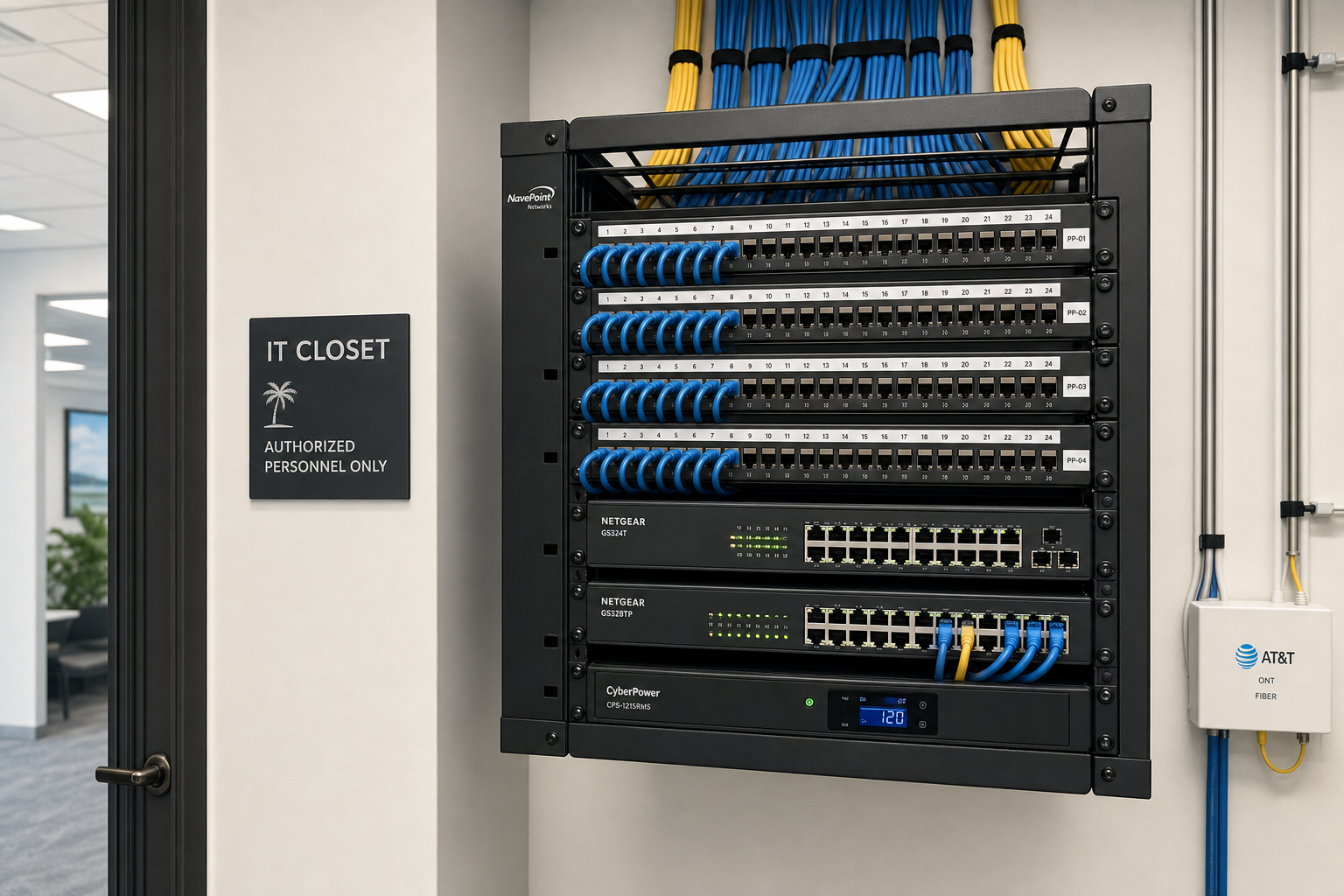
- Proper cable runs installed or corrected to spec — no more zip-tied bundles running across the ceiling tiles.
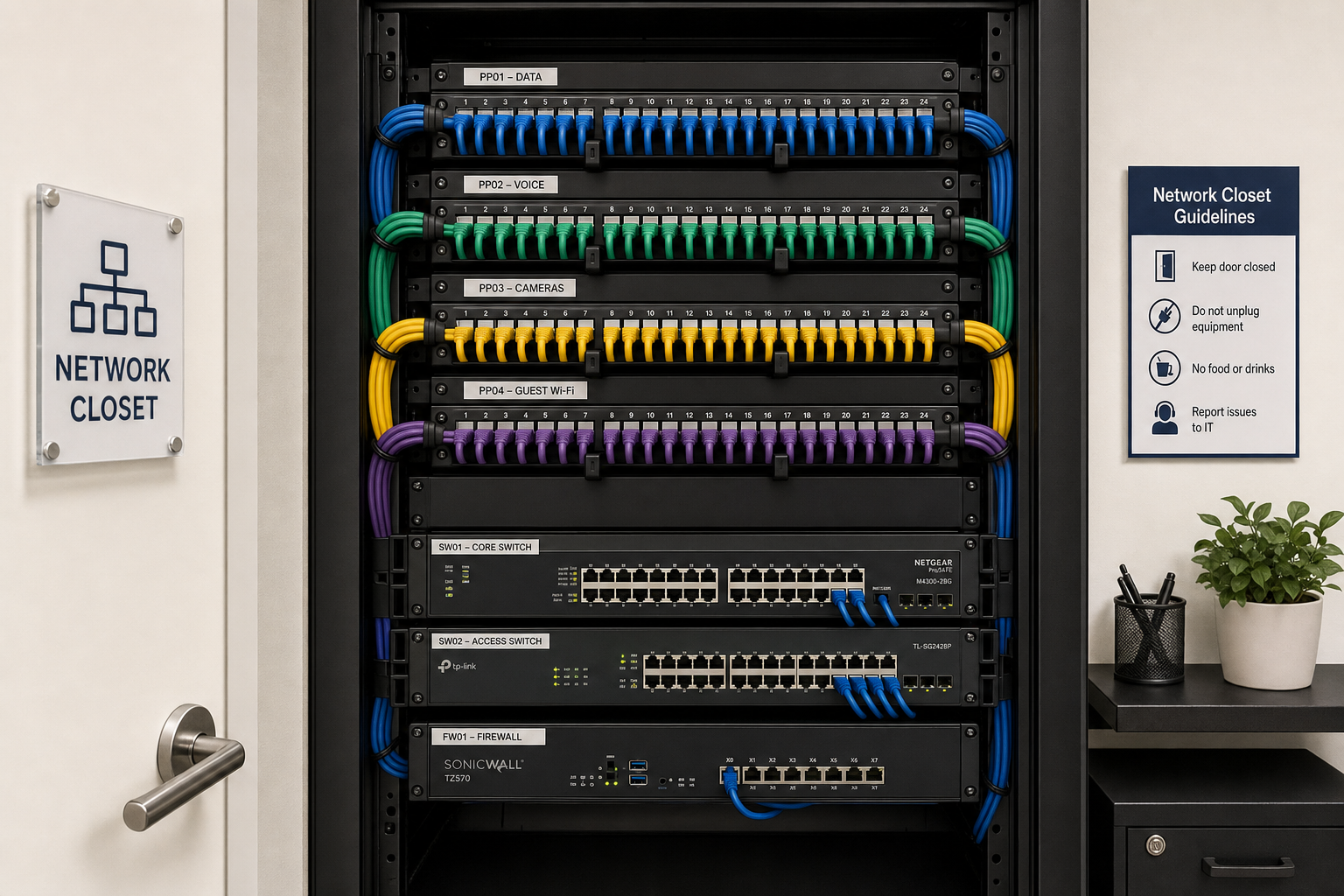
- Patch panels labeled and documented so any technician can understand the layout without calling someone who no longer works there.
- Managed switches configured with proper VLANs to separate guest Wi-Fi, staff devices, VoIP traffic, and security cameras.
- Firewall reviewed and updated — or replaced if it is end-of-life.
Workstation and server baseline:
- Operating system updates and patch management applied across all endpoints.
- Endpoint protection deployed on every workstation and laptop.
- Backup verification — confirming that backups are actually running and that data can be restored, not just assumed.
For offices in Orlando, Winter Garden, or Tampa that are moving into a new space or expanding to a second location, this is also the week where new cabling gets pulled and tested before furniture arrives — not after.
Week 3: Security, VoIP, and Cloud Setup
A clean network is only useful if it is secure and connected to the right tools. Week 3 addresses the three areas that growing Florida offices most commonly get wrong: cybersecurity posture, business phone systems, and cloud productivity platforms.
Cybersecurity hardening:
- Multi-factor authentication enabled across Microsoft 365, email, and any remote access tools. The NIST Cybersecurity Framework provides the standard reference for layered security controls.
- Email security policies reviewed — phishing filters, spam controls, and user permissions tightened.
- Staff access reviewed so former employees no longer have active credentials — a surprisingly common problem in fast-growing offices.
- Video security surveillance systems integrated with the network properly, not daisy-chained off a consumer router.
Hosted VoIP setup:
- Cloud-hosted VoIP deployed on the same managed network, with QoS (Quality of Service) rules ensuring voice traffic gets priority over general internet traffic.
- Auto-attendants, call routing, voicemail-to-email, and mobile extensions configured for your actual workflow — not a generic template.
- Number porting handled so your existing business numbers transfer without a gap in service.
- Call quality tested from every desk before the system goes live.
Cloud and Microsoft 365 integration:
- Microsoft 365 tenants reviewed for proper licensing, security defaults, and shared mailbox configurations.
- OneDrive and SharePoint set up so staff can access files from the office, from home, or from a client site without emailing attachments back and forth.
- New employee onboarding templates created so adding a new team member takes minutes, not a full day.
Week 4: Managed Support Handoff and Ongoing Plan
The final week is about making sure everything that was built in the first three weeks stays running — and that your team knows exactly how to get help when they need it.
What the handoff looks like:
- Full documentation delivered: Network diagrams, device inventory, cabling labels, software licenses, and support contacts — all in one place, not scattered across emails.
- Monitoring activated: Remote monitoring tools watch your network, servers, and endpoints 24/7. Issues get flagged and addressed before your staff notices a problem.
- Help desk access confirmed: Every staff member knows how to reach support — by phone, email, or ticket — and gets a real response from a real technician, not an overseas script reader.
- Flat-rate billing confirmed: Your monthly managed IT cost is set. No surprise bills when a workstation needs attention or a new employee gets onboarded.
Ongoing managed IT responsibilities after Day 30:
- Monthly patch management and update cycles.
- Quarterly security reviews and firewall rule audits.
- Staff onboarding and offboarding handled by the IT team, not by whoever happens to be available.
- Vendor coordination — if your internet provider, software vendor, or copier company causes a problem, Mynians handles the call so you do not have to.
Common Concerns Answered
How much does managed IT cost for a Florida small business?
Managed IT pricing varies based on the number of users, devices, and services included. Mynians uses flat-rate pricing so you know your monthly cost upfront — no hourly surprises when something breaks. The right way to get an accurate number is to start with a free IT assessment so the scope is based on your actual environment, not a generic estimate.
Will this disrupt our office during the 30 days?
Most of the work happens during off-hours or in phases that keep your team productive. Cabling work in a new or expanding space is scheduled before occupancy when possible. For existing offices, changes are staged to minimize downtime.
Why not just hire a national IT company?
National providers often route support calls through overseas help desks. When your internet is down or your phones stop working, you need a local technician who can be on-site — not someone reading from a script in a different time zone. Mynians serves businesses across Central Florida with real local technicians who know your environment.
What if we already have some IT in place?
The Week 1 assessment identifies what is working, what needs improvement, and what needs to be replaced. You do not start from zero — you start from where you actually are.
What happens after we reach out?
You get a free IT assessment — a real conversation with a Mynians technician about your current setup, your pain points, and what a managed IT plan would look like for your specific office. No pressure, no generic sales pitch. Call (407) 374-2782 or visit the contact page to get started.
Frequently Asked Questions
How long does a managed IT onboarding actually take for a small Florida office?
For most small to mid-size offices in Central Florida, a structured 30-day onboarding covers assessment, infrastructure cleanup, security and VoIP setup, and managed support activation. Larger offices or those with significant cabling work may take slightly longer, but the core systems are typically stable and monitored within the first month.
Do I need to replace all my existing equipment?
Not necessarily. The Week 1 assessment identifies what is still serviceable and what has reached end-of-life. Mynians works with what you have where it makes sense and recommends replacements only when the equipment is a genuine risk or performance problem — not to generate equipment sales.
Can Mynians handle both our IT and our business phone system?
Yes. Mynians provides managed IT, hosted VoIP, structured cabling, and cybersecurity as a single bundled service. Having one team responsible for all of it eliminates the vendor finger-pointing that happens when your IT provider blames your phone company and your phone company blames your internet provider.
What areas of Florida does Mynians serve?
Mynians is based in Winter Garden, Florida and serves businesses across Central Florida including Orlando, Winter Garden, Tampa, Miami, and Jacksonville. On-site support is available throughout the service area.
Is managed IT worth it for a business with fewer than 10 employees?
It depends on how much IT downtime costs your business. For offices where even one hour of lost productivity or a single data breach would be damaging, flat-rate managed IT is typically more cost-effective than paying break-fix rates reactively. A free assessment helps you make that comparison with real numbers for your situation.
What cybersecurity standards does Mynians follow?
Mynians references established frameworks including the NIST Cybersecurity Framework and guidance from CISA when reviewing and hardening client environments. This includes endpoint protection, multi-factor authentication, firewall configuration, patch management, and access control reviews.
Update Log
- May 2026: Created and reviewed for Mynians managed IT, hosted VoIP, and structured cabling accuracy.
