
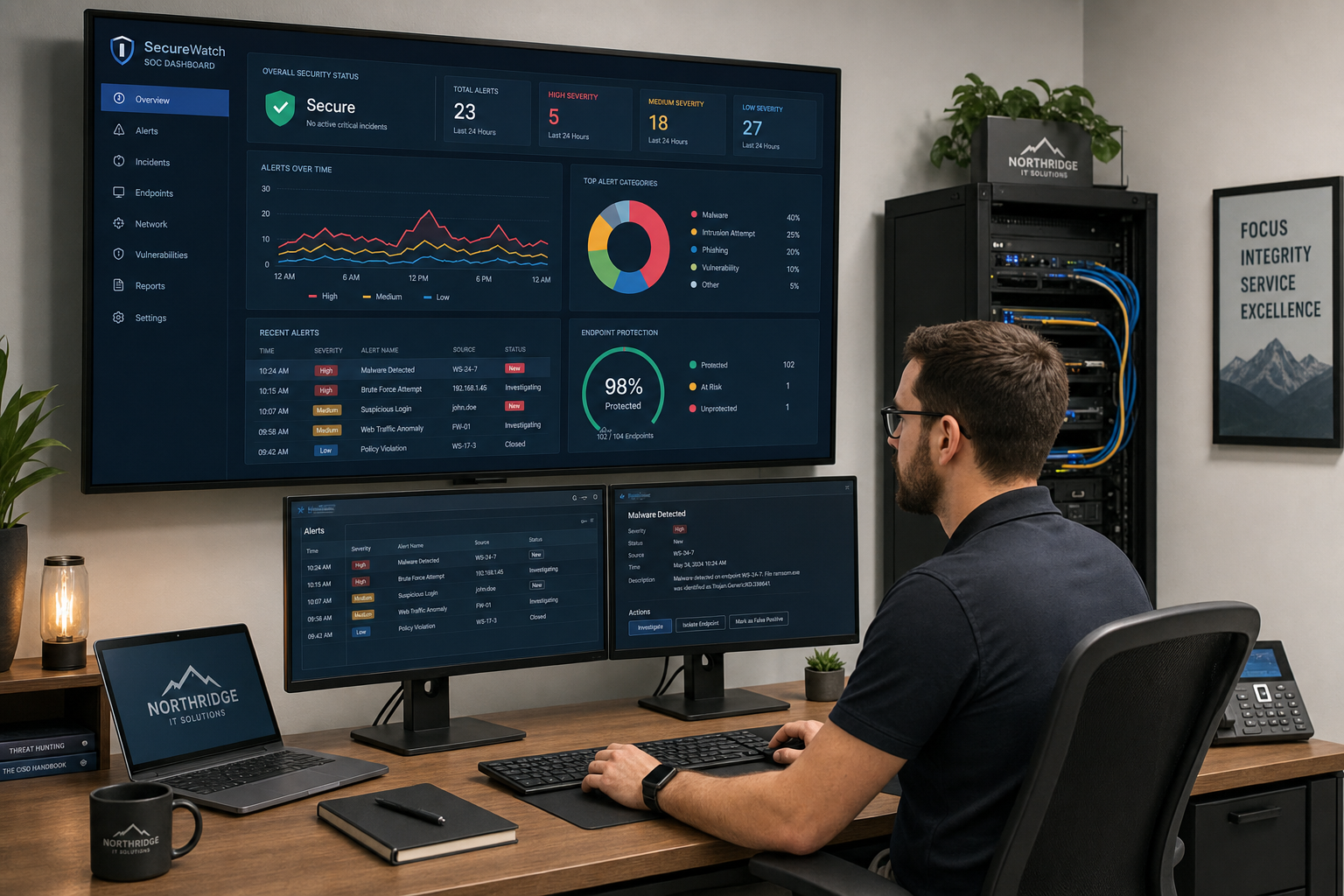
Small Business Cybersecurity Reset
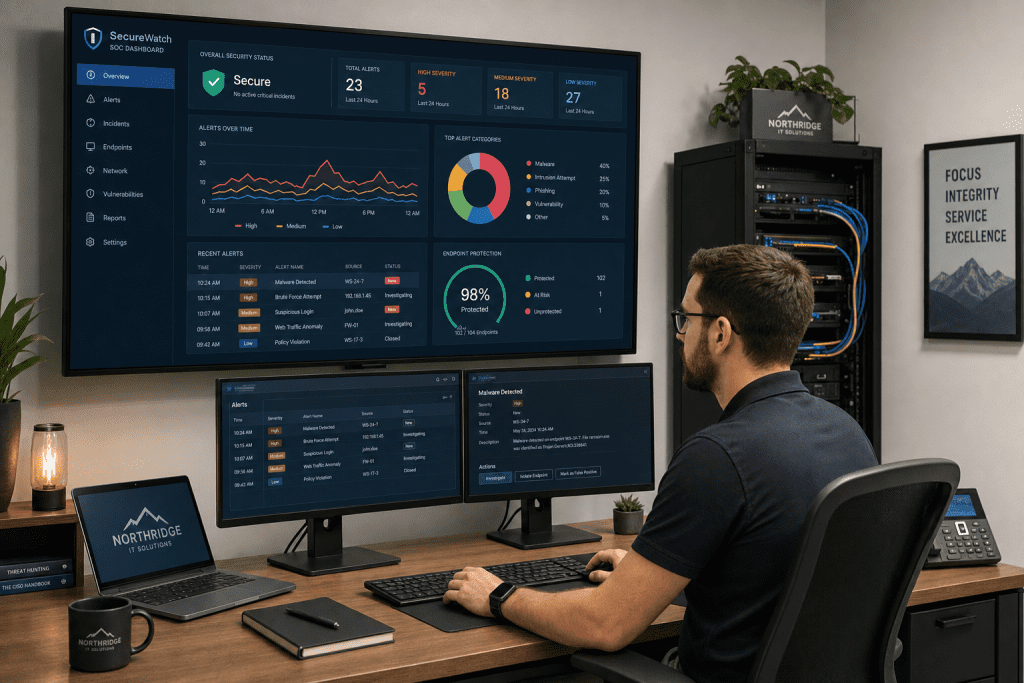
Cybersecurity Reset for Small Business Teams
If your small business is still running on the same passwords, the same email habits, and the same “we’ll deal with it later” security posture you had three years ago, this guide is for you. A small business cybersecurity reset is not a one-day project or a single software purchase. It is a structured review of every weak point attackers already know about — and a practical plan to close those gaps before they cost you real money.
Who This Is For — and Who It Is Not
This guide is for you if:
- You own or manage a small business in Central Florida with 5 to 75 employees.
- You have had a phishing scare, a suspicious email, or a ransomware warning in the past 12 months.
- Your team shares passwords, uses personal email for work, or has never gone through security awareness training.
- You are running Microsoft 365 or Google Workspace but have not reviewed your security settings since setup.
- You want a clear, prioritized action plan — not a 200-page compliance document.
This guide is NOT for you if:
- You are a large enterprise with a dedicated internal security operations center.
- You are already under a formal compliance framework like HIPAA or PCI-DSS and need specialized audit support beyond general IT security.
- You are looking for a free DIY checklist with no intention of implementing real changes.
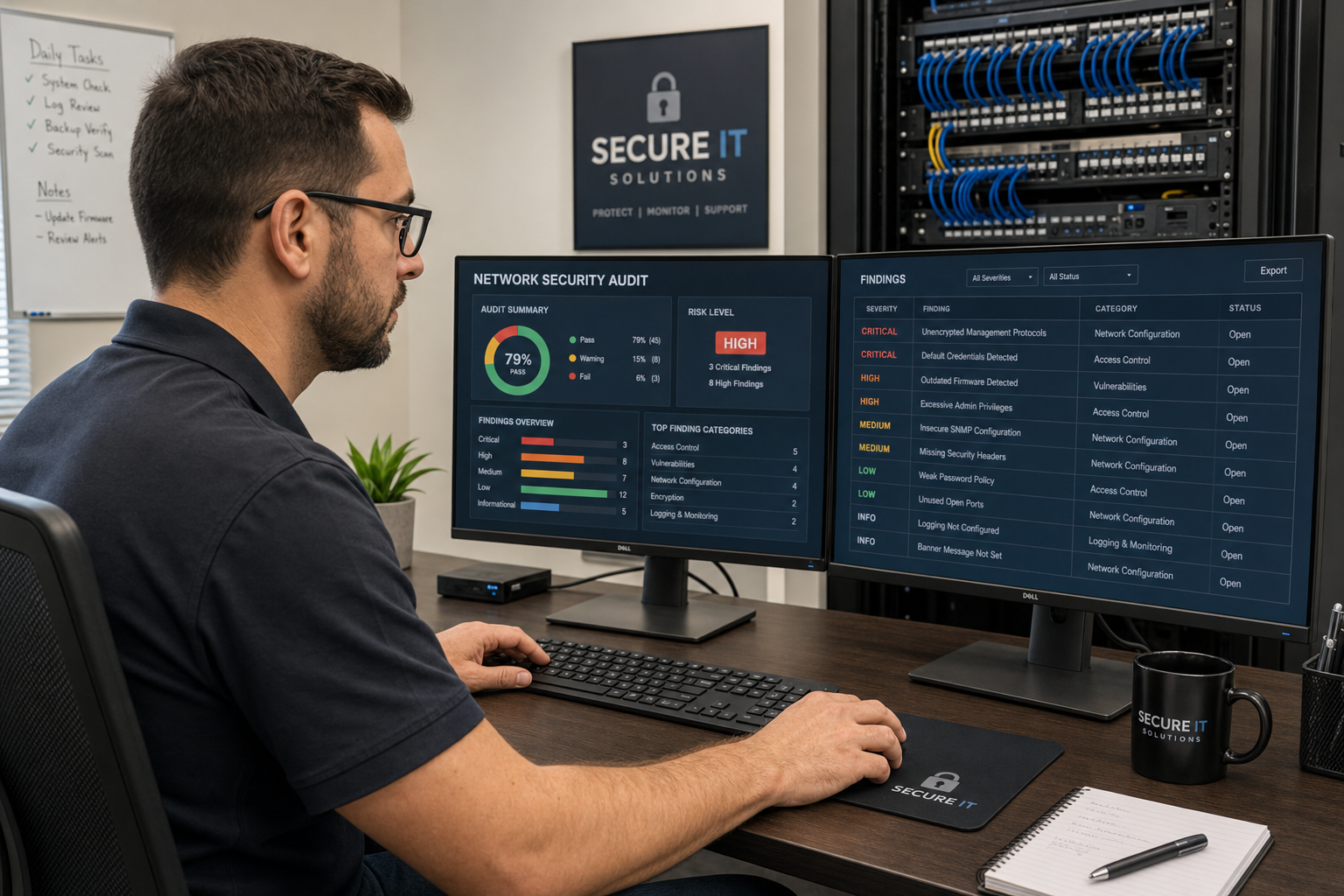
Your Options: DIY, Break-Fix, National Provider, or Local Managed IT
Before diving into the reset steps, it helps to understand what kind of support model you are working with. Here is an honest comparison for small business owners in Florida.
| Approach | Cost Model | Response Time | Security Depth | Local Accountability |
|---|---|---|---|---|
| DIY / In-House | Low upfront, high risk cost | Whenever you get to it | Shallow — gaps are common | None |
| Break-Fix IT | Per-incident billing | Hours to days | Reactive only | Varies |
| National MSP / Call Center | Monthly flat rate | Ticket queue, overseas support | Moderate — templated | Low — no local presence |
| Mynians (Local Managed IT) | MSP base plus separately billed helpdesk labor | Real local techs, fast response | Deep — audit + remediation | High — Central Florida based |
The break-fix model is especially risky for cybersecurity. By the time you call someone after a breach, the damage is already done. Proactive managed IT means problems get caught before they become incidents.
Why Small Businesses Need a Cybersecurity Reset Right Now
Small businesses are not too small to be targeted. In fact, attackers often prefer them precisely because defenses tend to be weaker and response times slower. The Cybersecurity and Infrastructure Security Agency (CISA) consistently identifies phishing, ransomware, and credential theft as the top threats facing organizations of every size.
For business owners in Orlando, Winter Garden, Tampa, and across Central Florida, the practical risks look like this:
- An employee clicks a convincing Microsoft 365 login page that is actually a phishing site. Credentials are stolen. The attacker sits in your email for weeks before you notice.
- A staff member uses the same password for their personal Netflix account and your company’s accounting software. That password shows up in a dark web data dump.
- Ransomware encrypts your file server on a Friday afternoon. You have no tested backup. Recovery takes days and costs thousands.
None of these scenarios require a sophisticated attacker. They require only that your team has not done a security reset recently.
The 7-Step Cybersecurity Reset for Small Business Teams
Step 1: Audit Every Account and Access Point
Start with a full inventory. Who has access to what? Are there former employees with active logins? Are any accounts using shared passwords? Pull your Microsoft 365 or Google Workspace admin panel and review active users, admin roles, and connected third-party apps. The NIST Cybersecurity Framework calls this the “Identify” function — and it is the foundation everything else builds on.
Step 2: Enable Multi-Factor Authentication Everywhere
MFA is the single highest-impact change most small businesses can make. Enable it on email, cloud storage, accounting software, remote access tools, and any platform that holds sensitive data. If a password gets stolen, MFA stops the attacker from using it. This is not optional in 2026.
Step 3: Deploy a Business Password Manager
Sticky notes, spreadsheets, and browser-saved passwords are not a security strategy. A business password manager gives every employee a unique vault, enforces strong passwords, and lets your IT team revoke access instantly when someone leaves. This also eliminates the shared-password problem that shows up in almost every small business we assess.
Step 4: Review and Harden Email Security
Email is the primary attack vector for phishing and business email compromise. Review your DNS records — specifically SPF, DKIM, and DMARC settings — to prevent spoofing of your domain. Enable advanced threat protection in Microsoft 365 Defender or Google Workspace’s built-in security controls. Consider adding a third-party email filtering layer if your team handles sensitive financial or client data.
Step 5: Verify Endpoint Protection Is Actually Running
Many small businesses have antivirus or endpoint detection software installed but have never verified it is active, updated, and reporting correctly. Log into your management console and confirm every device — including laptops employees take home — is covered and current. Unmanaged personal devices connecting to your network are a significant gap.
Step 6: Run a Phishing Simulation with Your Team
You cannot train your team on phishing by sending them a PDF. Run a simulated phishing campaign — a controlled fake phishing email sent to your staff — and see who clicks. Use the results to run targeted training, not to shame anyone, but to show the team what real attacks look like. The FTC’s guidance on phishing is a good starting point for building awareness materials.
Step 7: Test and Document Your Backup and Recovery Plan
A backup that has never been tested is not a backup — it is a hope. Verify that your backups are running, that they are stored off-site or in a separate cloud environment, and that you can actually restore from them. Document the recovery process so that if something happens on a weekend, someone on your team knows what to do without calling five people first.
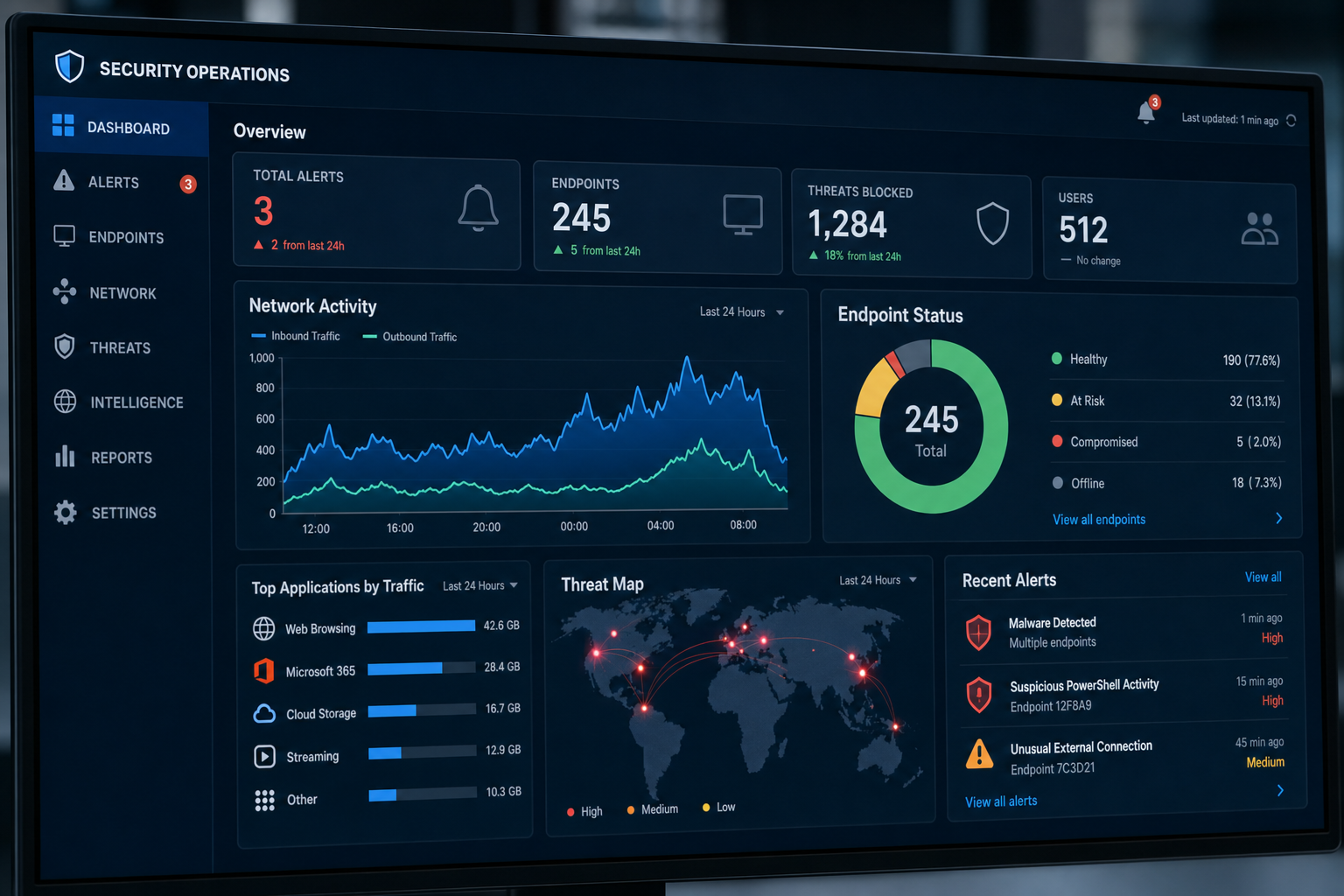
Common Mistakes That Undo a Security Reset
Treating It as a One-Time Event
A cybersecurity reset is a starting point, not a finish line. Threats evolve, staff changes, and software updates introduce new configurations. Build a quarterly review into your calendar — even a 30-minute check-in with your IT provider covers a lot of ground.
Skipping Employee Training
Technology controls only go so far. If your team does not know how to spot a phishing email or why they should not plug in a random USB drive, the best firewall in the world will not save you. Training is not a one-time HR checkbox — it needs to be ongoing and practical.
Ignoring Offboarding
When an employee leaves, their accounts, email forwarding rules, and access to shared drives need to be revoked immediately. This is one of the most common gaps we find in small business environments across Orlando and Winter Garden. A disgruntled former employee with active credentials is a serious risk.
Vendor Finger-Pointing
If your IT support, your phone system, and your internet provider are all separate vendors, you have already experienced the runaround. “That’s not our side” is not an answer when your business is down. Working with one team that handles IT, VoIP, and cabling means one call, one point of accountability, and faster resolution.
Why Local IT Support Matters for a Security Reset
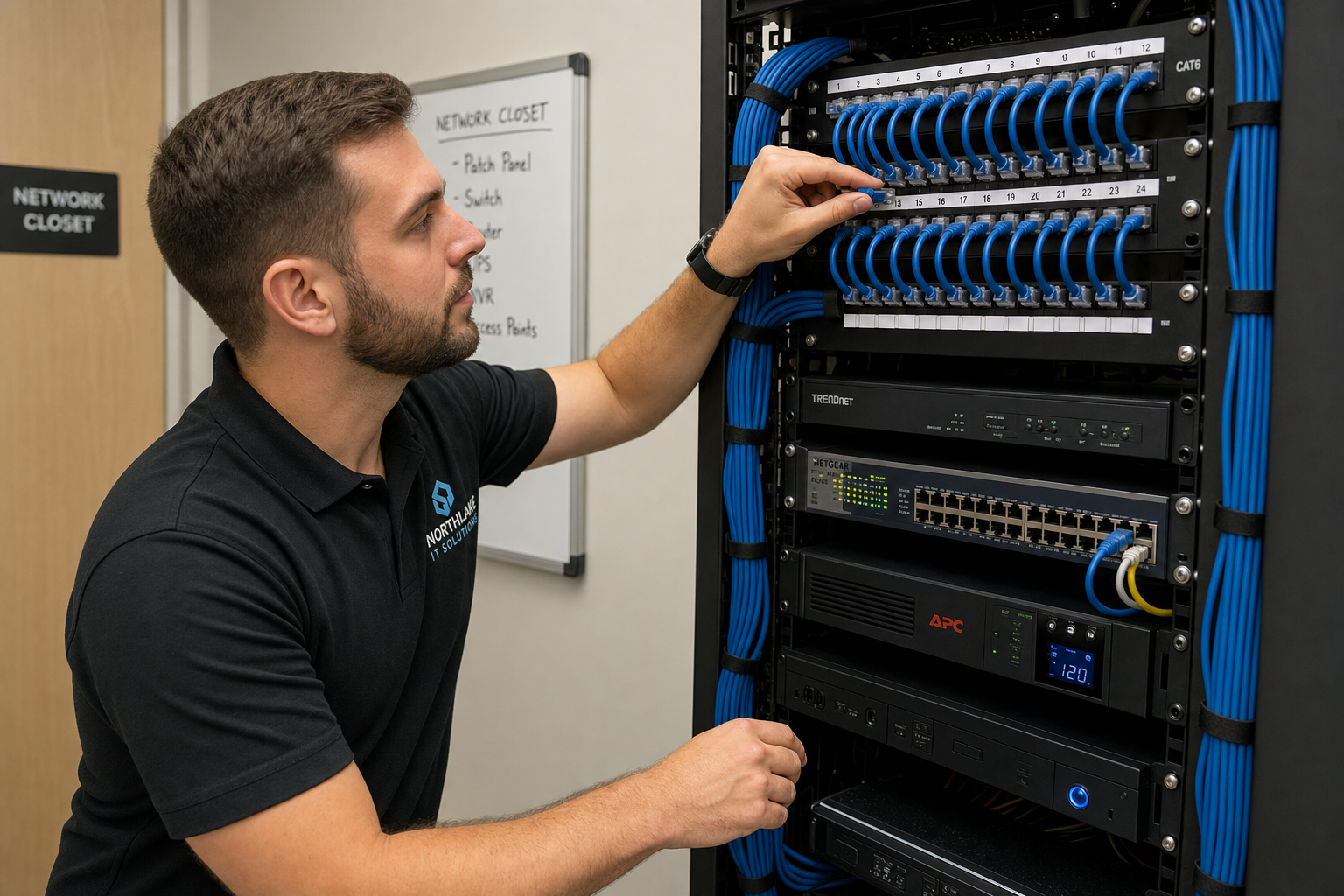
A cybersecurity reset is not something you can fully execute through a remote ticket system with an overseas support team. Some of it requires someone on-site — checking your network closet, verifying your cabling is documented, confirming your firewall is actually configured correctly and not just plugged in.
Mynians has been working with small businesses across Central Florida for over two decades. Our technicians are local — based in Winter Garden and serving Orlando, Tampa, Miami, Jacksonville, and the surrounding areas. When you call (407) 374-2782, you get a real tech who knows your setup, not a ticket number in a queue.
We handle managed IT, hosted VoIP, structured cabling, and cybersecurity under one roof. That means when we do your security reset, we are also looking at whether your network infrastructure supports the controls you need — because a security policy built on top of messy, undocumented cabling is a security policy waiting to fail.
Cost, Setup Time, and What to Expect
What does a cybersecurity reset cost?
It depends on your current state and the size of your team. Mynians uses flat-rate pricing, so you know what you are paying before work begins — published base rates and separate support charges at the end of the month. The free IT assessment is the right first step because it tells us what you actually need, rather than selling you a package that may not fit.
How long does it take?
For most small businesses with 10 to 50 employees, the critical steps — MFA, password manager, email hardening, endpoint verification — can be completed within 30 days. A full reset including phishing training, backup testing, and documentation typically runs 30 to 60 days depending on complexity and staff availability.
What happens after I reach out?
When you contact Mynians through our contact page or call (407) 374-2782, we schedule a free IT assessment. We review your current environment, identify your highest-risk gaps, and give you a prioritized action plan. You decide what to move forward with. There is no obligation and no hard sell.
Why Mynians instead of a bigger national provider?
National providers offer scale. Mynians offers accountability. You get real local technicians who can be on-site when needed, flat-rate pricing with no hidden fees, and one team that handles IT, VoIP, cabling, and security together. We fix the mess, secure the system, and keep it running — without the call-center runaround.
Frequently Asked Questions
What is a small business cybersecurity reset?
A small business cybersecurity reset is a structured audit of your current security posture — accounts, passwords, email settings, endpoint protection, employee habits, and backup systems — followed by a prioritized remediation plan. It is not a single software purchase. It is a process that closes the gaps attackers are already looking for.
How do I know if my small business needs a cybersecurity reset?
If your team has never gone through phishing simulation training, if MFA is not enabled on all accounts, if you have former employees who may still have active logins, or if you have not tested your backups in the past six months, you need a reset. A free IT assessment from Mynians will give you a clear picture of where you stand.
Is multi-factor authentication really necessary for a small business?
Yes. MFA is one of the most effective controls available and it costs nothing to enable in Microsoft 365 or Google Workspace. CISA and NIST both recommend it as a baseline requirement. Stolen credentials are the leading cause of small business breaches, and MFA stops most credential-based attacks cold.
Can Mynians help businesses outside of Winter Garden?
Yes. Mynians serves businesses across Central Florida including Orlando, Tampa, Miami, and Jacksonville. Our technicians are local and can be on-site when needed. Call (407) 374-2782 or visit our contact page to get started.
What is the difference between managed IT and break-fix IT for cybersecurity?
Break-fix IT is reactive — you call when something breaks and pay per incident. Managed IT is proactive — your provider monitors your environment, applies patches, reviews security settings, and catches problems before they become incidents. For cybersecurity specifically, reactive support means you are already in trouble by the time you make the call. Proactive managed IT is built for prevention.
Update Log
- May 2026: Created and reviewed for Mynians managed IT, hosted VoIP, and structured cabling accuracy.
Next step
Ready to see what managed IT would cost your business?
Calculate your MSP base in about a minute, review the written agreement, and sign online, or call the Winter Garden team and talk it through first.