
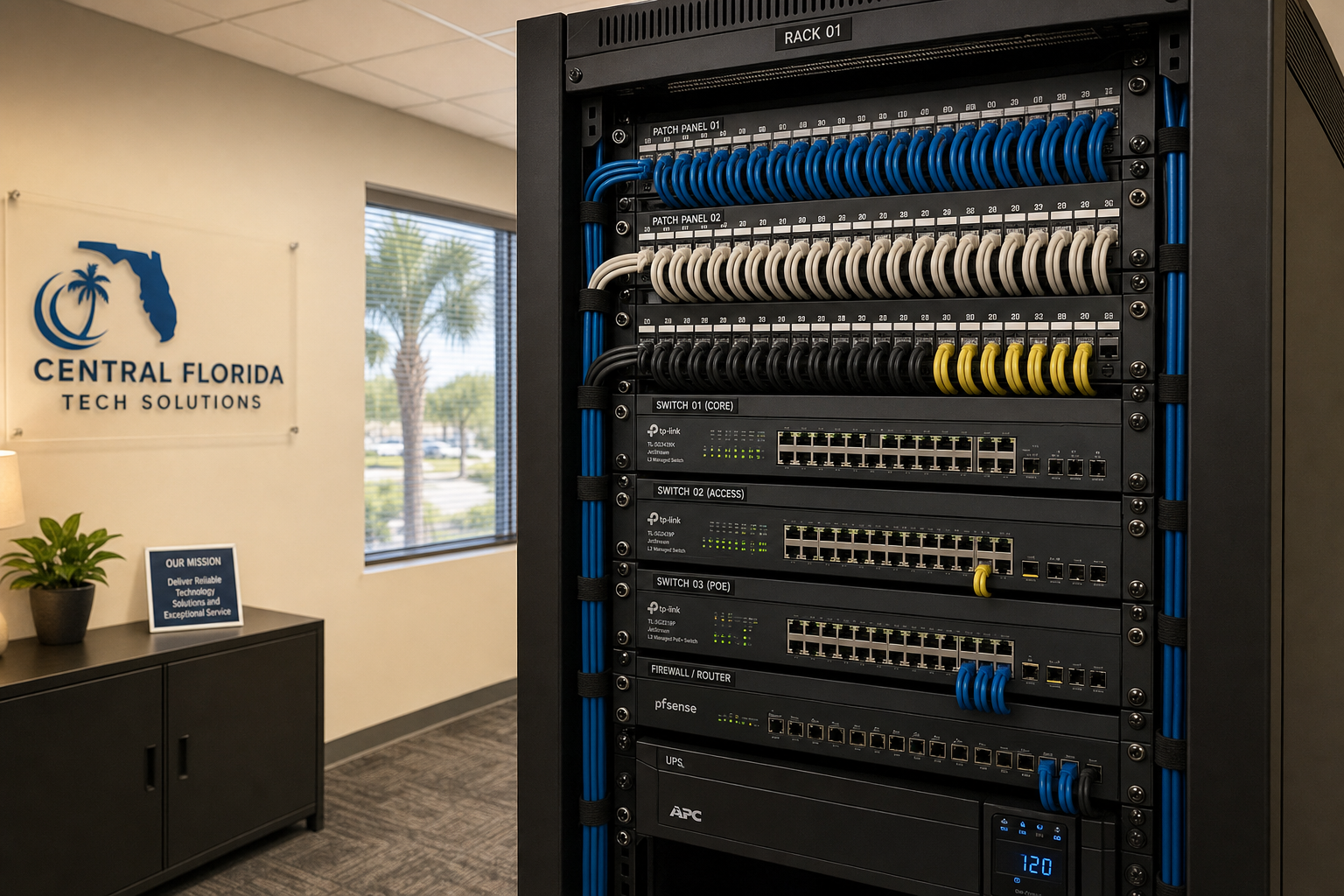
Managed IT Reset for Small Business With Slow IT Systems
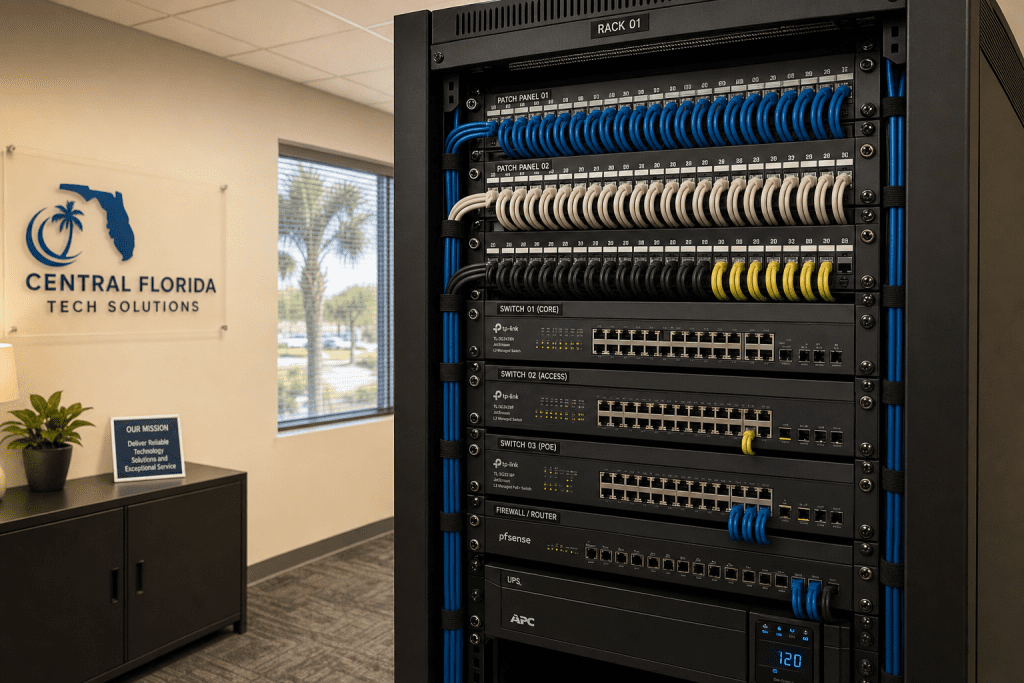
Managed IT Reset for Slow Small Business Systems
If your team is waiting on slow computers every morning, dropping calls, or watching the clock while files load, your IT infrastructure is costing you real money. A managed IT reset for small business is a structured process that identifies what is dragging your systems down, fixes it properly, and puts monitoring in place so it does not happen again. This guide walks you through what that process looks like, who it is right for, and how to get started without a long-term headache.
What Is a Managed IT Reset for Small Business?
A managed IT reset is not just rebooting your router or running a disk cleanup. It is a deliberate, documented process of evaluating your entire IT environment — devices, network, cabling, software, security, and phone systems — identifying what is broken or underperforming, and fixing it in a way that holds up over time.
Most small businesses in Central Florida reach this point after years of patchwork IT decisions: a computer added here, a new app installed there, a network closet that nobody has touched since 2019. The result is a slow, fragile environment that frustrates employees and quietly drains productivity every single day.
A proper managed IT reset gives you a clean baseline. From there, a managed IT provider monitors your systems, applies patches, handles support tickets, and keeps things running — so you are not the one fielding IT complaints at 8 a.m.
Your Options Side by Side
Before committing to any approach, it helps to see your real options clearly. Here is an honest comparison of how different support models handle a slow-system situation for a small business.
| Support Model | Initial Audit | Ongoing Monitoring | On-Site Support | VoIP + Cabling Available by Separate Quote | Predictable Pricing | Best For |
|---|---|---|---|---|---|---|
| Mynians Managed IT | Yes — full assessment | Yes — proactive | Yes — local Central FL techs | Yes — one team | Yes — flat-rate | Small businesses wanting one accountable local partner |
| National MSP | Sometimes | Yes | Rarely — mostly remote | No — separate vendors | Varies | Larger companies with internal IT staff |
| Break-Fix / On-Call Tech | No | No | Yes — when called | No | No — hourly billing | Businesses with very low IT needs |
| In-House IT Staff | Depends on skill | Depends on bandwidth | Yes | Rarely | No — salary + benefits | Mid-size businesses with budget for full-time staff |
| DIY / No Support | No | No | Self-managed | No | No — unpredictable | Solo operators with minimal IT exposure |
Who This Is For
A managed IT reset for small business is the right move if you recognize any of these situations:
- Your team’s computers are slow to boot, slow to load files, or constantly freezing during the workday.
- You are running on hardware that is five or more years old with no replacement plan.
- Your phone calls drop, sound choppy, or your VoIP system is unreliable.
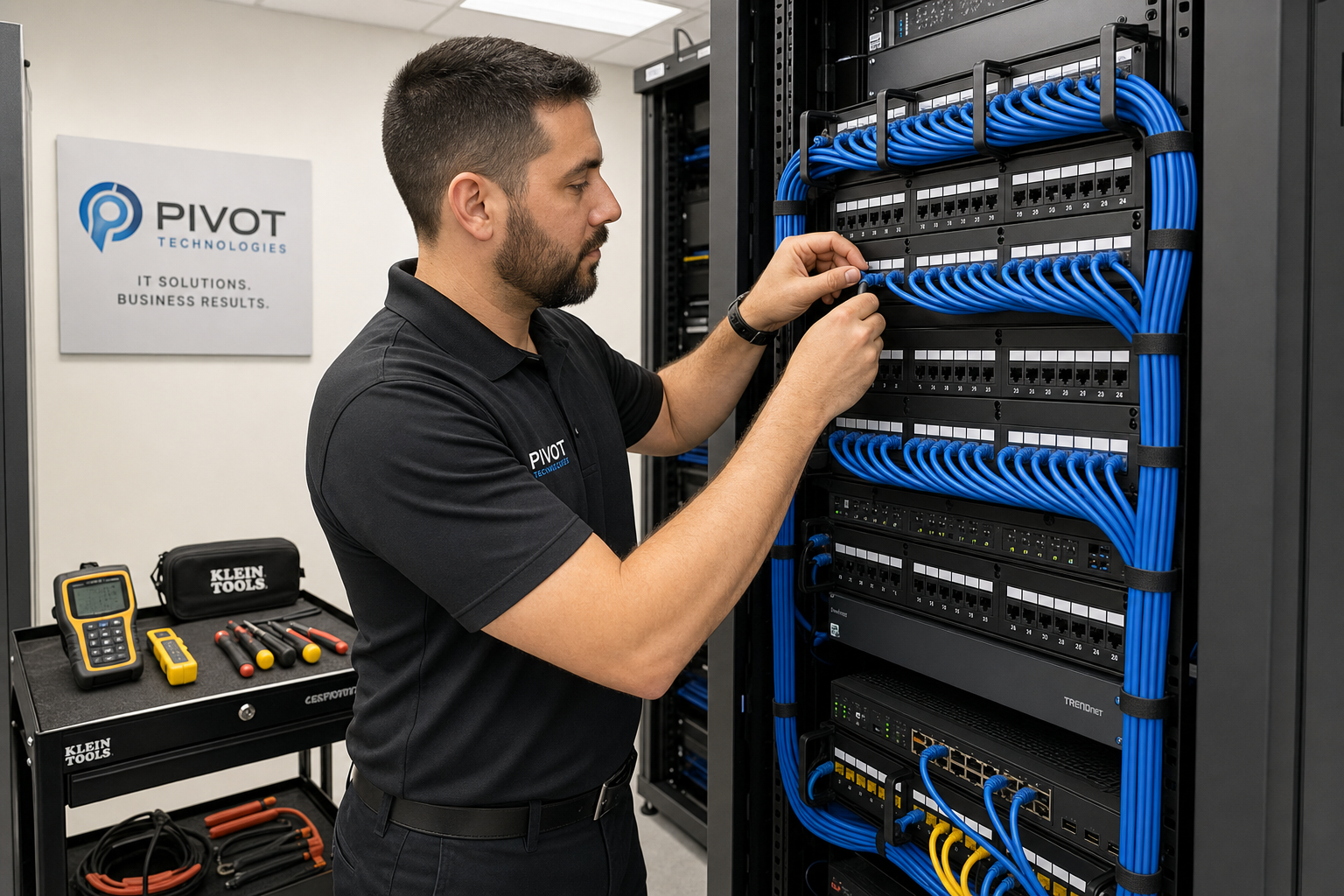
- Your network closet is a tangle of unlabeled cables with no documentation.
- You have had a cybersecurity scare, a phishing attempt, or you simply do not know what is on your network.
- You are paying multiple vendors for IT, phones, and cabling — and they all point fingers at each other when something breaks.
- You are a business owner in the Orlando, Winter Garden, Tampa, Miami, or Jacksonville area who needs local, on-site support — not an overseas call center.
Who This Is NOT For
- Solo freelancers or home-based businesses with a single device and no staff.
- Businesses that already have a dedicated, well-staffed internal IT department handling proactive monitoring and documentation.
- Companies looking for a one-time fix with no interest in ongoing support or monitoring.
- Organizations outside of Florida that need on-site support — Mynians serves Central Florida and surrounding areas.
What Is Actually Causing Your Slow Systems
Before you replace every computer in the office, it is worth understanding what is actually slowing things down. In most small business environments, the culprits fall into a few categories:
Aging Hardware With No Refresh Plan
Computers older than four to five years struggle with modern operating systems, Microsoft 365, and cloud applications. They were not built for the workloads your team runs today. A managed IT reset includes a hardware inventory so you know exactly what needs to be replaced and when.
Network Bottlenecks
A slow internet connection is not always the ISP’s fault. Consumer-grade routers, unmanaged switches, and improper network segmentation create bottlenecks that make everything feel slow — even on a fast connection. This is one of the first things a proper IT audit uncovers.
Unpatched Software and Bloatware
Systems that have not been properly maintained accumulate outdated software, failed updates, and applications nobody uses anymore. These eat memory, create security vulnerabilities, and slow everything down. The Cybersecurity and Infrastructure Security Agency (CISA) consistently identifies unpatched software as one of the top attack vectors for small businesses.
Poor Structured Cabling
Bad cabling causes packet loss, intermittent connectivity, and slow file transfers — problems that look like software issues but are actually physical. If your cabling was never properly installed or documented, it is a hidden drag on your entire network.
Cybersecurity Overhead
Conflicting security tools, misconfigured firewalls, and endpoint agents that were never properly set up can consume system resources and slow devices significantly. A clean security configuration — aligned with NIST cybersecurity guidelines — actually improves performance while reducing risk.
What a Managed IT Reset Actually Includes
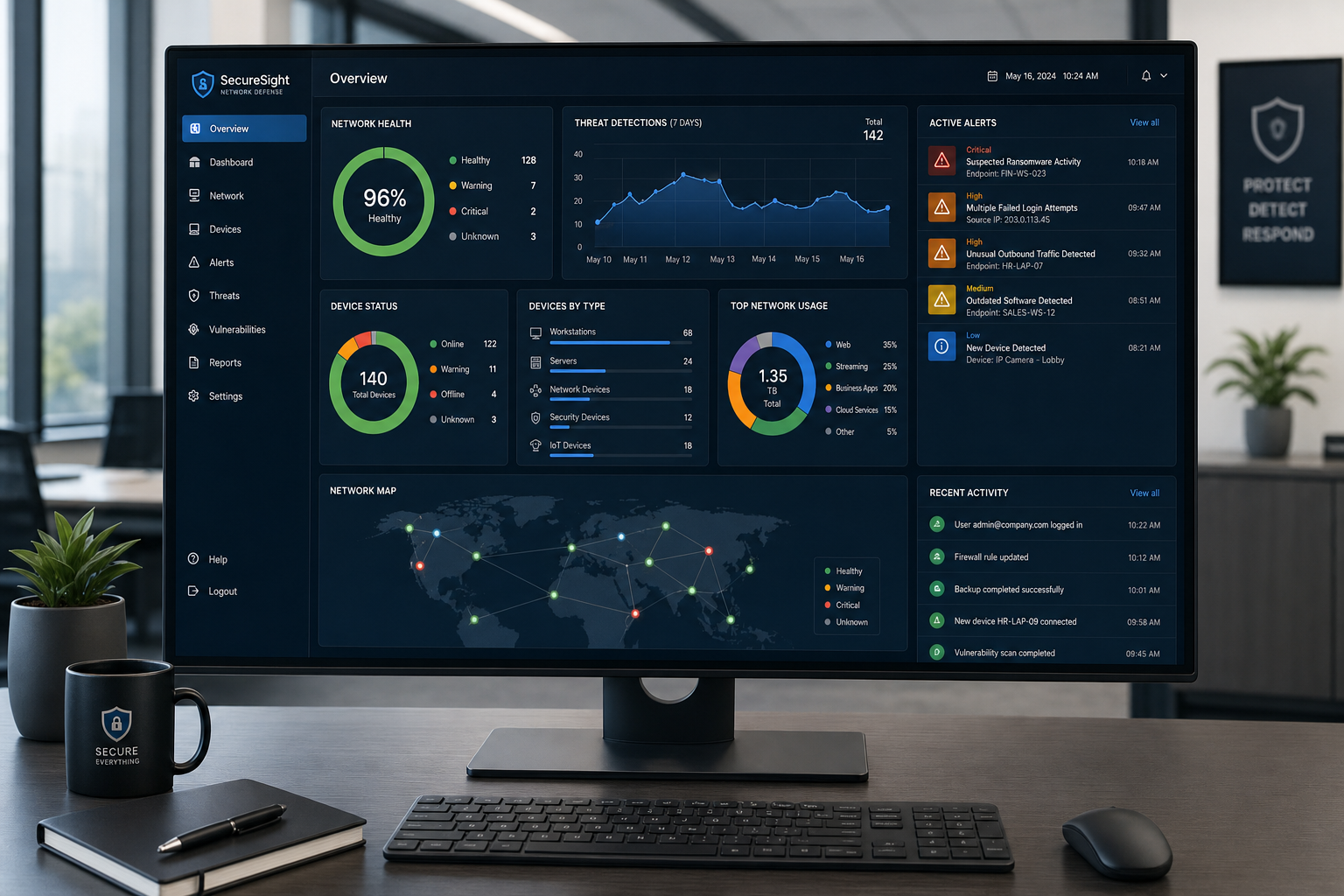
A managed IT reset is not a single afternoon of work. It is a structured engagement with clear phases. Here is what a proper reset looks like when done right:
Phase 1: Full IT Assessment
A technician — a real, local technician, not someone reading from a script overseas — comes on-site and documents your environment. This includes every device, your network topology, your cabling infrastructure, your software licenses, your security posture, and your phone system. You get a clear picture of what you have and what is broken.
Phase 2: Prioritized Remediation Plan
Not everything needs to be fixed on day one. A good managed IT provider gives you a prioritized list: what is a security risk right now, what is causing the most productivity loss, and what can be scheduled for a planned refresh. This keeps costs manageable and avoids unnecessary disruption.
Phase 3: Clean Implementation
This is where the actual work happens. Hardware gets replaced or reconfigured. Networks get properly segmented. Cabling gets labeled and documented. Software gets cleaned up. Security tools get configured correctly. Microsoft 365 environments get audited and optimized. Everything gets done with clean installs and proper documentation — not shortcuts that create the next problem.
Phase 4: Ongoing Managed IT Support
After the reset, your environment is handed off to ongoing managed IT support. This means proactive monitoring, patch management, helpdesk support for your team, and regular check-ins. Problems get caught before they become outages. Your team has a real number to call when something goes wrong.
VoIP and Cabling: The Two Things Most Businesses Overlook
When small business owners think about slow IT systems, they usually think about computers. But two of the biggest performance drags in a typical office are the phone system and the physical cabling — and both are often ignored until something breaks badly.
Hosted VoIP Performance
If your team is making and receiving calls over a VoIP system, call quality depends entirely on your network. Choppy audio, dropped calls, and one-way audio are almost always network problems — not phone problems. A managed IT reset addresses the network configuration that VoIP depends on, including Quality of Service (QoS) settings that prioritize voice traffic. The FCC’s guidance on VoIP services outlines why network quality is foundational to reliable business phone service.
Structured Cabling Audit
Cabling that was installed without following industry standards — such as those published by BICSI — causes real performance problems. Cables run too close to electrical conduit, patch panels with unlabeled ports, and cable runs that exceed length limits all contribute to intermittent connectivity and slow speeds. A structured cabling audit identifies these issues and gives you a documented, clean infrastructure that supports your network for years.
Mynians handles IT, hosted VoIP, and structured cabling under one roof. That means no vendor finger-pointing when something goes wrong — one team owns the whole environment.
Cost, Setup Time, and What Can Go Wrong
What Does a Managed IT Reset Cost?
Costs vary based on the size of your environment, how much remediation is needed, and whether hardware replacement is part of the scope. Mynians publishes MSP base rates; all user-requested helpdesk labor is billed separately and projects require written quotes. The assessment itself is free, so you get a clear picture of the scope before committing to anything.
How Long Does It Take?
A thorough IT assessment typically takes a few hours on-site. Remediation timelines depend on what is found. Minor cleanup and configuration work can often be completed within a week. Hardware replacements and cabling work are scheduled to minimize disruption to your business hours.
What Can Go Wrong?
The biggest risk in any IT reset is data loss during hardware transitions or software migrations. A proper managed IT provider backs up your data before touching anything. The second risk is scope creep — finding more problems than expected. That is why a detailed assessment upfront matters. You should know what you are getting into before work begins, not after.
What Happens After You Reach Out to Mynians?
You contact Mynians through the website or by calling (407) 374-2782. A local technician schedules your free IT assessment. After the assessment, you receive a clear summary of findings and a prioritized plan. You decide what to move forward with. There is no pressure and no obligation from the assessment itself.
Why Local IT Support Matters in Central Florida
National IT providers and overseas help desks can handle some remote tasks. But when your server goes down at 9 a.m. on a Tuesday, or your network closet needs physical work, remote support has real limits. Mynians has been serving businesses across Central Florida — including Winter Garden, Orlando, Tampa, Miami, and Jacksonville — for over two decades. Real local technicians who can be on-site when it matters is not a small thing. It is the difference between a two-hour fix and a two-day outage.
Local support also means accountability. When one team handles your IT, your VoIP, and your cabling, there is no one else to blame when something goes wrong. That accountability is built into how Mynians operates.
How to Get Started With Mynians
If your team is dealing with slow systems, unreliable phones, or an IT environment that nobody has properly documented in years, the first step is a free IT assessment. You will get a clear, honest picture of what is happening in your environment and what it will take to fix it — with no obligation and no surprise costs.
Reach out through the Mynians contact page or call (407) 374-2782 to schedule your assessment. Mynians serves businesses across Central Florida, including Winter Garden, Orlando, Tampa, Miami, and Jacksonville.
Frequently Asked Questions
What is a managed IT reset for small business?
A managed IT reset is a structured process of auditing your entire IT environment — devices, network, cabling, software, and phone systems — identifying what is broken or underperforming, remediating those issues with clean installs and proper documentation, and then transitioning to ongoing managed IT support with proactive monitoring. It is designed to give small businesses a stable, documented baseline instead of a patchwork of quick fixes.
How do I know if my business needs a managed IT reset?
Common signs include computers that are slow to boot or freeze regularly, VoIP calls that drop or sound choppy, a network closet with unlabeled cables and no documentation, recurring IT problems that never fully get resolved, and multiple vendors who blame each other when something breaks. If your team is losing productive time to IT issues on a regular basis, a reset is worth evaluating.
Does Mynians handle VoIP and cabling as part of a managed IT reset?
Yes. Mynians handles managed IT, hosted VoIP, and structured cabling under one team. This means your phone system performance, network cabling, and IT infrastructure are all assessed and managed together — with one point of accountability instead of multiple vendors pointing fingers at each other.
How long does a managed IT reset take?
The initial IT assessment typically takes a few hours on-site. Remediation timelines depend on what is found. Minor configuration cleanup can often be completed within a week. Hardware replacements and cabling work are scheduled to minimize disruption to your business operations. You will receive a clear timeline before any work begins.
What does managed IT cost for a small business in Florida?
Costs vary based on the size of your environment and the scope of remediation needed. Mynians publishes MSP base rates; all user-requested helpdesk labor is billed separately and projects require written quotes. The free IT assessment gives you a clear picture of scope and cost before you commit to anything.
Does Mynians serve businesses outside of Winter Garden?
Yes. Mynians serves businesses across Central Florida and beyond, including Orlando, Winter Garden, Tampa, Miami, and Jacksonville. Local on-site support is available throughout these service areas.
Update Log
- May 2026: Created and reviewed for Mynians managed IT, hosted VoIP, and structured cabling accuracy.
Next step
Ready to see what managed IT would cost your business?
Calculate your MSP base in about a minute, review the written agreement, and sign online, or call the Winter Garden team and talk it through first.