

Managed IT and Microsoft 365 Plan for Growing Teams
If your team has grown past ten people and you are still patching together free tools, personal email accounts, and a phone system held together with hope, you already know the problem. This guide walks operations leaders through a practical managed IT and Microsoft 365 plan for growing teams — one that covers cloud productivity, local support, VoIP, and the cabling infrastructure that makes all of it actually work.
Who This Is For — and Who It Is Not
This plan is built for you if:
- You run operations for a Florida business with 10 to 100 employees and your IT setup has not kept pace with your headcount.
- You are onboarding new staff regularly and the process is slow, inconsistent, or dependent on one person who knows where everything is.
- Your team uses a mix of personal Gmail accounts, shared passwords, and a phone system that drops calls or has no voicemail-to-email.
- You have had a security scare, a ransomware warning, or a compliance question you could not answer.
- You are opening a second location in the Orlando, Tampa, or Jacksonville area and need a repeatable IT setup.
This is NOT the right fit if:
- You are a solo operator with no plans to hire — a basic Microsoft 365 Personal plan and a consumer router will cover you for now.
- You are in a highly regulated industry with specialized compliance requirements that go beyond standard cybersecurity best practices — you will need a compliance-specific assessment first.
- You want to manage everything in-house with a dedicated internal IT department of three or more people — though even then, co-managed IT is worth a conversation.

Your Options Side by Side
Before committing to any approach, it helps to see the real tradeoffs. Here is an honest comparison of the most common paths Florida businesses take when trying to standardize their IT and cloud tools.
| Approach | Support Speed | Microsoft 365 Setup | VoIP Available by Separate Quote | Cabling Handled | Pricing Clarity | Local Presence |
|---|---|---|---|---|---|---|
| Mynians (local managed IT) | Availability and timing per written scope | Setup and administration quoted separately | Available by separate written quote | Available by separate written quote | MSP base plus separately billed helpdesk labor | Winter Garden, Orlando, Tampa, Miami, Jacksonville |
| National MSP | Varies — often overseas helpdesk | Usually included | Sometimes, separate contract | Rarely — subcontracted | Moderate — add-on fees common | No on-site local techs |
| DIY / In-house | Depends on staff availability | Manual — error-prone | No | No | Low — hidden time costs | On-site but not specialized |
| Break-fix only | Reactive — after damage is done | Not included | No | No | Unpredictable per-incident billing | Sometimes local |
| Separate vendors | Slow — vendor finger-pointing | Separate Microsoft partner | Separate VoIP provider | Separate cabling contractor | Multiple invoices, no coordination | Mixed |
The separate-vendor model is where most growing teams get stuck. When your phone system drops calls, the VoIP vendor blames the network. The network vendor blames the cabling. The cabling contractor is no longer under contract. Meanwhile, your team cannot make outbound calls. That is a real scenario Mynians gets called in to fix regularly across Central Florida.
What a Real Managed IT and Microsoft 365 Plan Includes
A proper plan is not just buying Microsoft 365 licenses and hoping for the best. Here is what a complete implementation actually covers.
1. Licensing and Tenant Configuration
Microsoft 365 has multiple business tiers and the wrong one costs you either money or features. Beyond picking the right plan, your tenant needs proper security defaults, conditional access policies, and multi-factor authentication enabled before a single user logs in. Skipping this step is one of the most common reasons business email gets compromised.
2. User Provisioning and Onboarding Workflow
Every new hire should get a configured account, the right app access, a working email signature, and a VoIP extension within a defined window — not three days later when someone remembers to set it up. A managed IT plan builds that workflow once and runs it every time.
3. Data Organization: SharePoint and OneDrive
Files scattered across personal drives, a shared network folder no one has mapped correctly, and a Dropbox account from 2019 are not a document strategy. SharePoint gives your team a structured, permission-controlled file environment. OneDrive handles individual file sync. Setting these up correctly from the start prevents the painful migration you will otherwise face in two years.
4. Microsoft Teams as Your Communication Hub
Teams replaces the need for a separate chat tool, reduces internal email volume, and integrates directly with your hosted VoIP system when configured properly. It also supports external calls, meeting rooms, and screen sharing — all under one license you are likely already paying for.
5. Cybersecurity Baseline
Microsoft 365 includes Defender for Business at certain tiers, but it does not configure itself. Endpoint protection, email filtering, and backup policies need to be set and monitored. The Cybersecurity and Infrastructure Security Agency (CISA) recommends multi-factor authentication and regular access reviews as baseline controls for any business using cloud productivity tools.
Choosing the Right Microsoft 365 Tier
Microsoft offers several business plans. Here is a practical breakdown for growing teams. For full, current pricing and feature details, refer to the official Microsoft 365 business plans comparison page.
Microsoft 365 Business Basic
Web and mobile apps only — no desktop Office installs. Works for teams that live in a browser, but creates friction for staff who need Word, Excel, or Outlook as full desktop applications.
Microsoft 365 Business Standard
The most common fit for growing teams. Includes desktop Office apps, Teams, SharePoint, OneDrive, and Exchange. This is the tier most Central Florida businesses land on when they want a complete cloud productivity environment.
Microsoft 365 Business Premium
Adds Intune device management, Azure AD Premium, and Defender for Business. The right choice if you have remote workers, company-owned devices you need to manage, or a higher cybersecurity posture requirement. Worth the additional cost for teams handling sensitive client data.
VoIP and Cabling: The Infrastructure Layer Everyone Ignores Until It Breaks
Microsoft 365 handles your cloud productivity. Your phone system and physical network handle everything else. These are not optional add-ons — they are the foundation your cloud tools run on.
Hosted VoIP
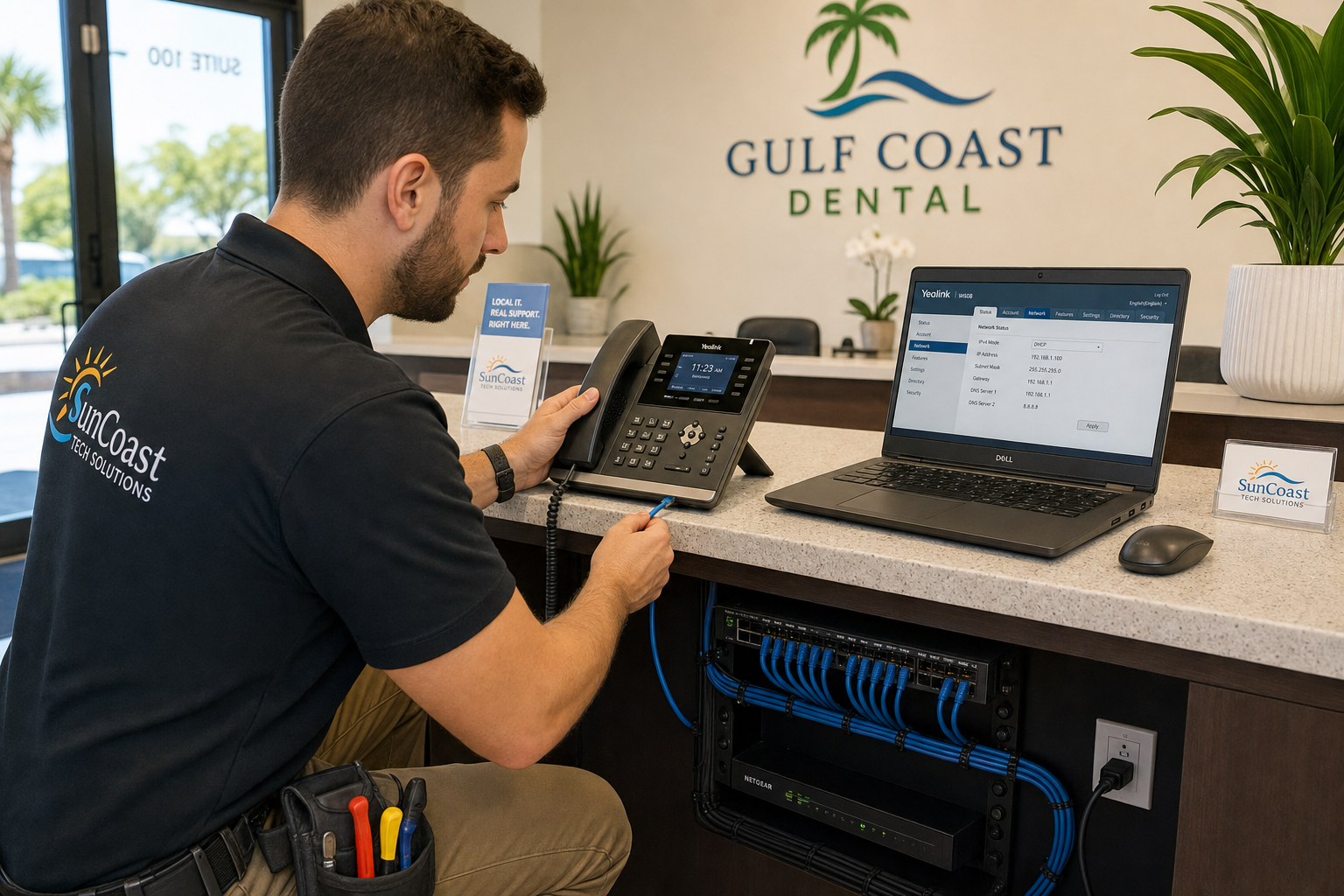
A hosted VoIP system replaces your old phone lines with internet-based calling that integrates with Microsoft Teams, supports remote workers, and gives you call routing, auto-attendants, voicemail-to-email, and call recording without expensive on-premise hardware. When your VoIP and your Microsoft 365 environment are managed by the same team, call quality issues get resolved faster because there is no vendor finger-pointing.
Structured Cabling
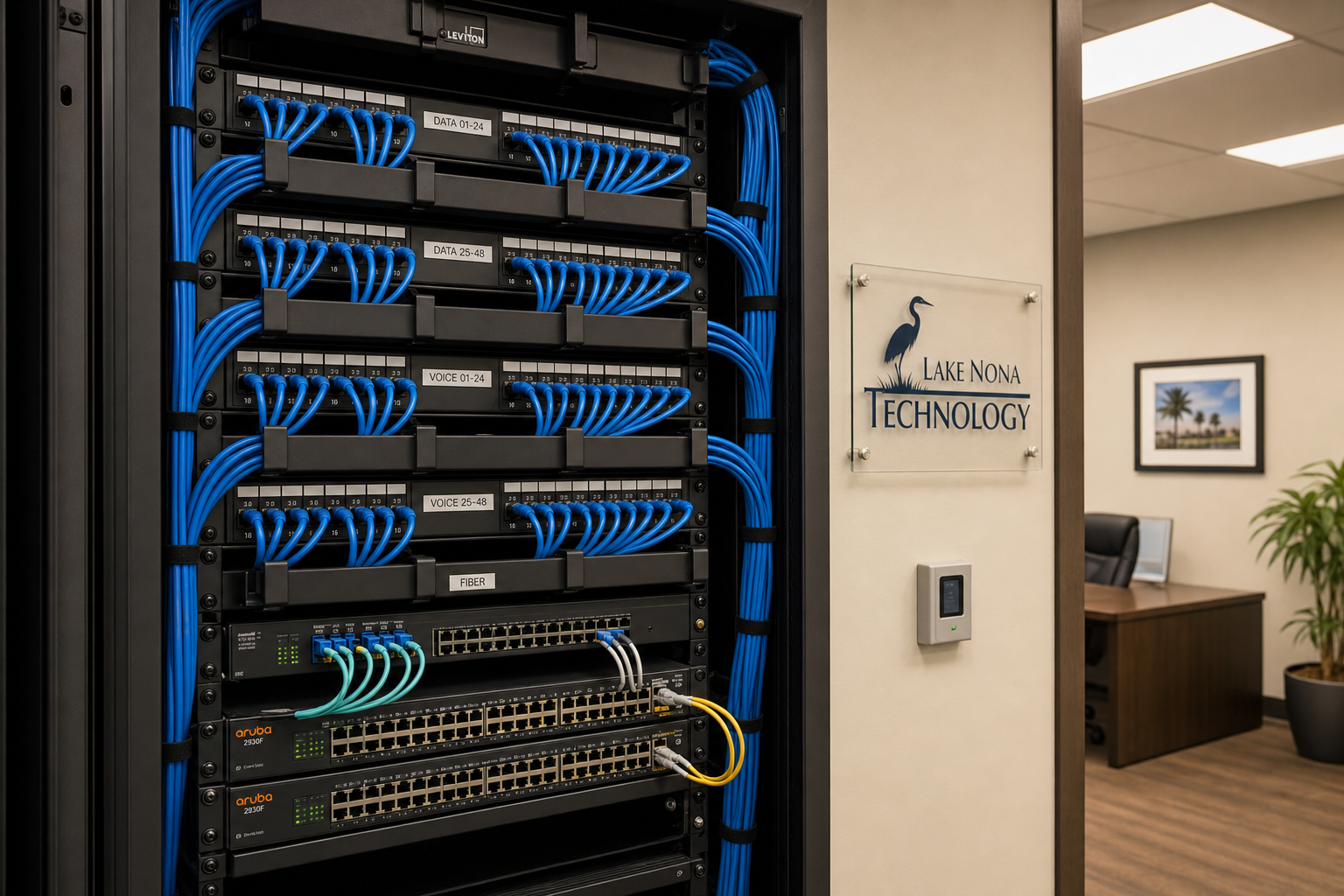
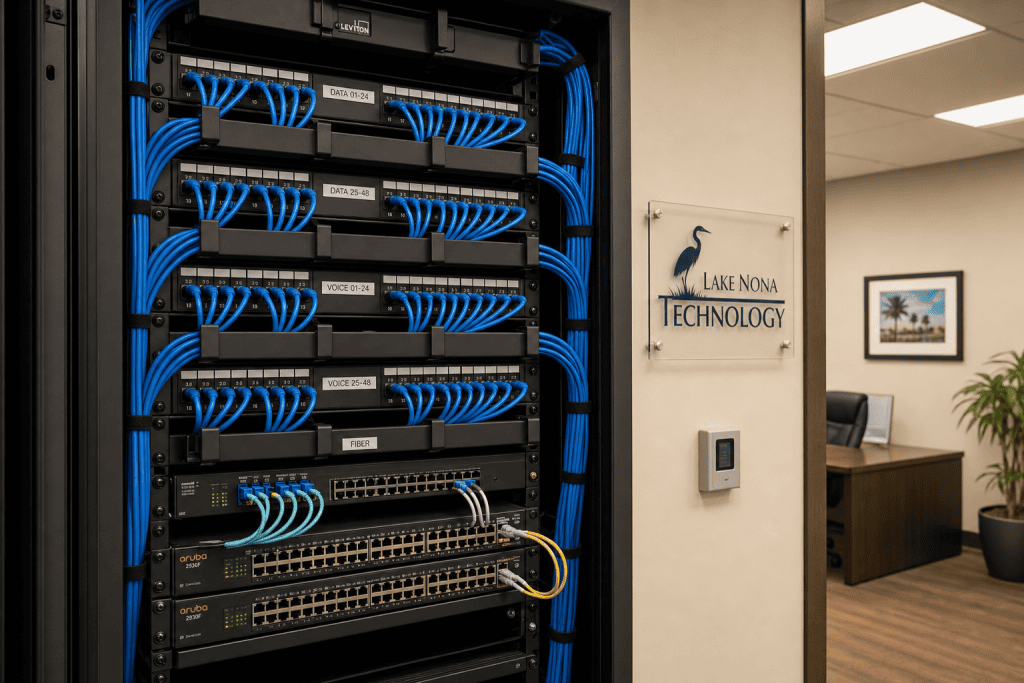
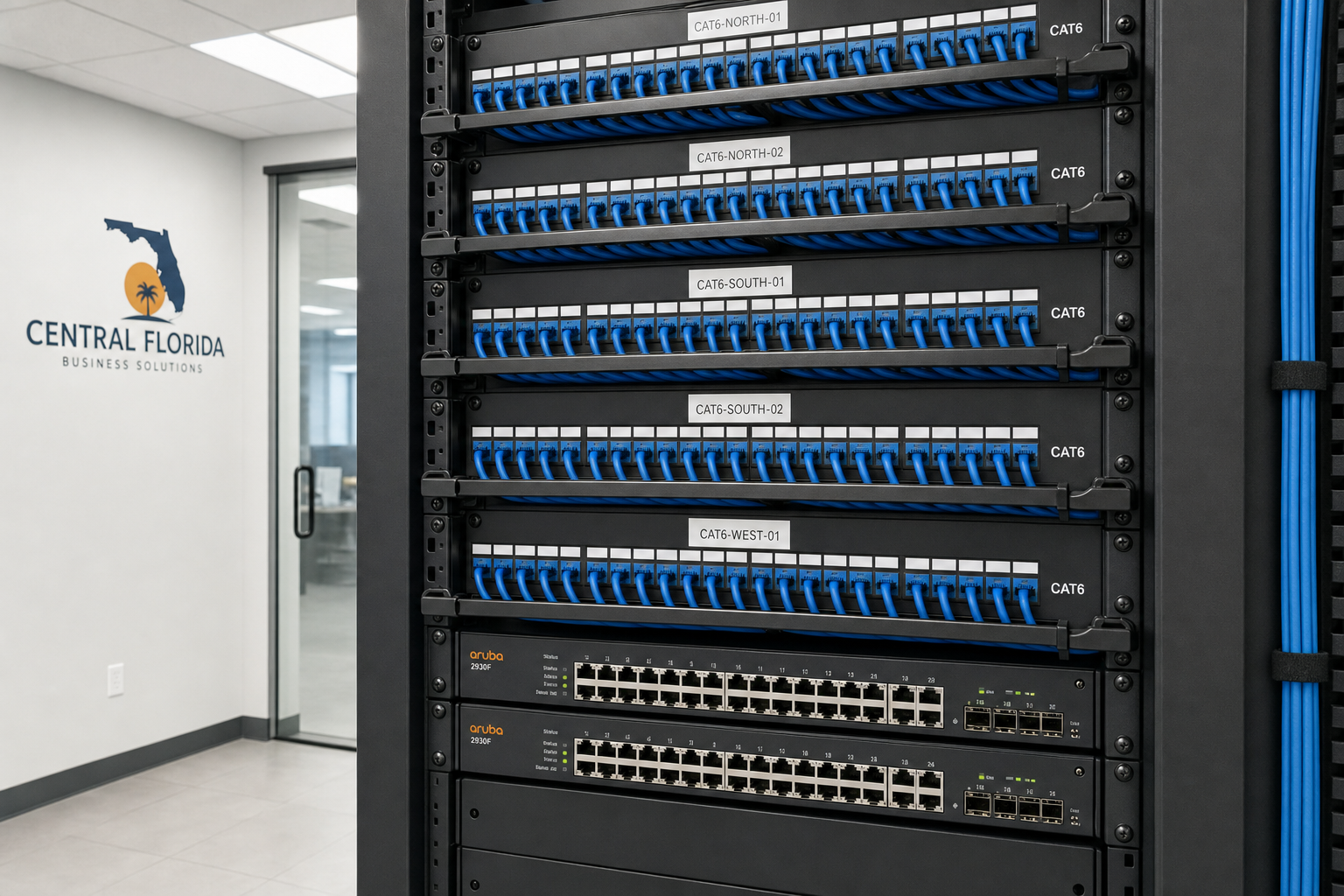
Bad cabling causes intermittent network drops, slow speeds, and VoIP call quality problems that no software fix will resolve. Proper Cat6 or Cat6A structured cabling, installed clean with full documentation and labeled patch panels, is the difference between a network closet that works and one that causes a support call every other week. Standards from organizations like BICSI define best practices for low-voltage cabling installations — the kind of work Mynians does on-site across Central Florida.
Network Infrastructure
Managed switches, a properly segmented network, and a business-grade firewall are prerequisites for Microsoft 365 to perform reliably. Consumer-grade routers from a big-box store are not built for 30 simultaneous Teams calls and cloud file sync.
Implementation Steps: How This Actually Gets Built
Here is the practical sequence Mynians follows when building a managed IT and Microsoft 365 environment for a growing team.
Step 1 — Discovery and Assessment
Audit the current environment: existing licenses, hardware, cabling, phone system, and security posture. Document what exists before touching anything.
Step 2 — Microsoft 365 Tenant Setup
Configure the tenant with proper security defaults, MFA enforcement, conditional access, and admin roles. Assign licenses to the right plan tier for each user group.
Step 3 — Email Migration
Migrate existing email from whatever the team was using — Google Workspace, GoDaddy, on-premise Exchange, or a mix of all three — into Exchange Online. This step requires careful planning to avoid lost mail or downtime.
Step 4 — SharePoint and OneDrive Buildout
Create the SharePoint site structure, set permissions by department or role, and configure OneDrive sync on all devices. Migrate files from shared drives or legacy storage.
Step 5 — VoIP Deployment
Port existing numbers, configure auto-attendants and call routing, deploy desk phones or softphones, and integrate with Microsoft Teams where applicable.
Step 6 — Cabling and Network Verification
Inspect and test all cabling runs. Replace or re-terminate anything that does not meet performance standards. Label everything and produce documentation the next technician can actually use.
Step 7 — Endpoint Management and Security
Enroll devices in Intune if on Business Premium, deploy endpoint protection, configure backup policies, and set up monitoring alerts.
Step 8 — Staff Onboarding and Training
Walk the team through Teams, SharePoint, and the new phone system. Document the onboarding checklist so every future hire gets the same experience.
Step 9 — Ongoing Managed Support
The MSP base includes 24/7 security monitoring, MDR, and automated patch management. Microsoft 365 licenses, administration, helpdesk support, and project work are billed separately under Schedule B or a written quote.
Common Mistakes Growing Teams Make
Buying licenses without configuring security
Microsoft 365 ships with security defaults that are better than nothing but not sufficient for a business environment. MFA, conditional access, and email filtering need to be actively configured. The FTC’s cybersecurity guidance for small businesses specifically calls out account security as a top priority.
Skipping the cabling inspection before a new office move
Teams move into a new space, plug everything in, and spend the next six months dealing with dropped calls and slow file transfers. A cabling inspection before move-in costs far less than troubleshooting after the fact.
Using shared mailboxes as personal accounts
A shared info@ or admin@ mailbox used by multiple people with no audit trail is a security and compliance problem. Each user needs their own licensed account.
Relying on Microsoft’s default backup
Microsoft retains deleted items for a limited period, but that is not a backup strategy. A separate backup solution for Exchange, SharePoint, and OneDrive is necessary for real data protection.
Mixing personal and business devices without policy
Staff accessing company SharePoint and email from personal phones with no mobile device management policy is a data loss risk. Intune solves this, but only if it is configured.
Cost, Timeline, and What Happens After You Call
What does this cost?
Managed IT pricing varies based on headcount, the Microsoft 365 tier you need, whether VoIP and cabling are included, and the complexity of your current environment. Mynians uses flat-rate pricing — you know what you are paying each month before the invoice arrives. The base covers proactive security, monitoring, and automated maintenance. All user-requested support calls and troubleshooting are billed separately under Schedule B; Microsoft 365 licenses and projects are separate.
How long does setup take?
A straightforward Microsoft 365 migration and managed IT onboarding for a team of 15 to 30 people typically takes two to four weeks depending on the complexity of the email migration and whether cabling work is needed. Larger teams or messier existing environments take longer. The assessment phase gives you a realistic timeline before any work begins.
What happens when I reach out?
When you contact Mynians, you talk to a real local technician — not an overseas call center or a sales rep reading from a script. The first step is a free IT assessment where we look at what you have, identify the gaps, and give you a clear picture of what a proper plan looks like for your team. No obligation, no pressure. You can reach us at mynians.com/contact-us or call (407) 374-2782.
Why Mynians instead of a bigger national provider?
National providers often route your support calls through overseas helpdesks with high turnover and no knowledge of your specific setup. When you need someone on-site in Winter Garden, Orlando, Tampa, or Jacksonville, a national provider sends a subcontractor who has never seen your network. Mynians sends the same local team that built it.
Frequently Asked Questions
Do I need Microsoft 365 Business Premium or will Business Standard work for my team?
Business Standard covers most growing teams well — you get desktop Office apps, Teams, SharePoint, OneDrive, and Exchange. Business Premium adds Intune device management and Defender for Business, which matters if you have remote workers on company devices or handle sensitive client data. The right choice depends on your headcount, device situation, and risk tolerance. A quick assessment makes this decision straightforward.
Can Mynians migrate us from Google Workspace to Microsoft 365?
Yes. Email, calendar, and contact migrations from Google Workspace to Microsoft 365 are a standard part of what Mynians handles. The migration requires careful planning around DNS cutover timing to avoid mail delivery gaps, and we document the process before touching anything in your live environment.
What if our office cabling is already installed — do we still need an inspection?
Yes, especially if the cabling was installed by a previous tenant, a general contractor, or an unknown vendor. Unlabeled runs, improper terminations, and mixed cable categories are common in Florida commercial spaces. A cabling inspection before you deploy VoIP and cloud tools prevents the kind of intermittent problems that are expensive to diagnose after the fact.
How does flat-rate managed IT pricing work?
Flat-rate pricing means you pay a fixed monthly amount per user or per device that covers proactive security, monitoring, and automated patching under the Mynians MSP base. All user-requested helpdesk support is billed separately under Schedule B. Standard user-requested support is $129.99 per technician per hour, with a one-hour minimum then half-hour increments unless quoted. This makes your IT budget predictable and removes the incentive for your IT provider to let problems linger so they can bill more hours to fix them.
Does Mynians serve businesses outside of Winter Garden?
Yes. Mynians serves businesses across Central Florida and beyond, including Orlando, Tampa, Miami, and Jacksonville. On-site work is available throughout these areas, and remote support covers clients wherever they operate.
What cybersecurity standards should our Microsoft 365 setup follow?
At minimum, your Microsoft 365 environment should follow the security baseline recommendations from CISA and align with NIST guidelines for identity and access management. This includes enforced MFA, conditional access policies, email filtering, endpoint protection, and a documented backup strategy. The NIST Cybersecurity Framework is a practical reference for any business building out these controls.
Update Log
- May 2026: Created and reviewed for Mynians managed IT, hosted VoIP, and structured cabling accuracy.
Next step
Ready to see what managed IT would cost your business?
Calculate your MSP base in about a minute, review the written agreement, and sign online, or call the Winter Garden team and talk it through first.

