

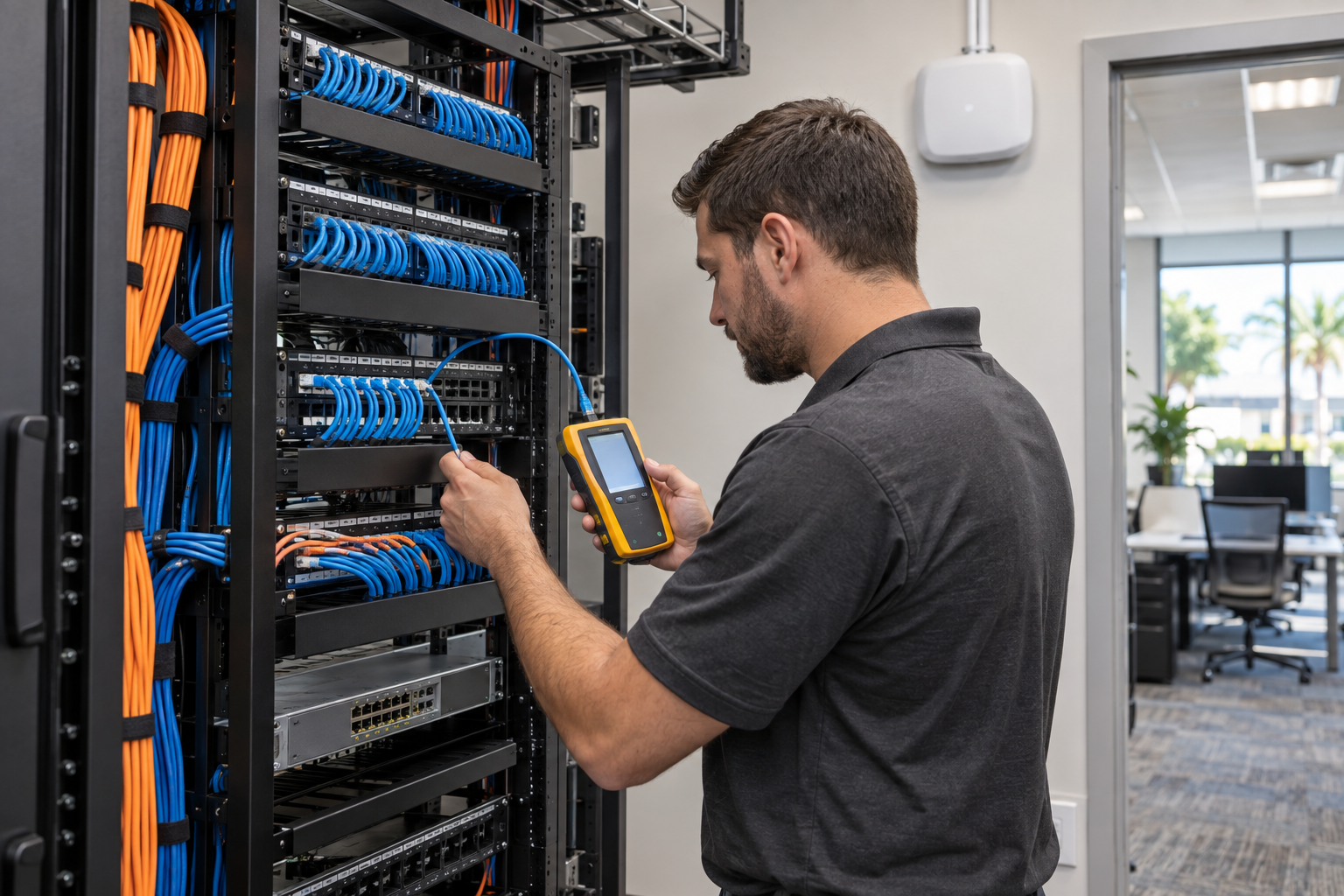
Cat6 Structured Cabling for Reliable Wi-Fi After 30 Users
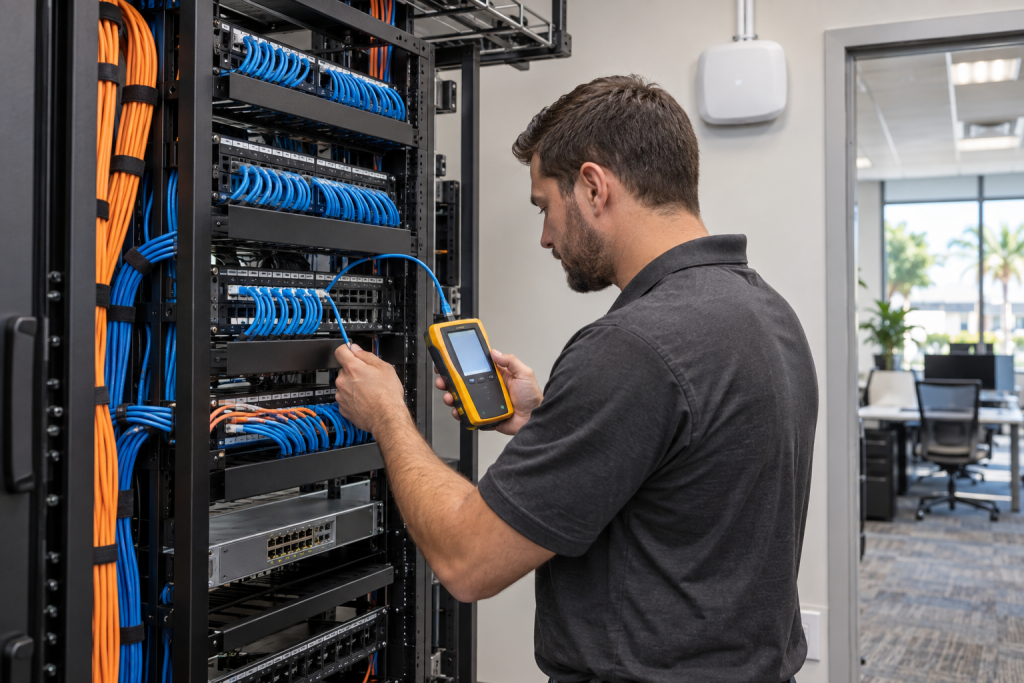
Once an office passes roughly 30 users, Wi-Fi problems usually stop being just a wireless problem. In many Florida offices, the real issue is the wired foundation behind the wireless network: old patchwork runs, weak switch capacity, poor access point placement, messy network closets, and undocumented low-voltage wiring. If your team is dealing with dropped calls, dead zones, Microsoft 365 lag, or random slowdowns even after an internet upgrade, it may be time to look at Cat6 structured cabling for reliable Wi-Fi.
Why Wi-Fi Problems Often Start Once Your Office Passes 30 Users
Small offices can get away with a lot in the early years. A few consumer-grade access points, a switch added here and there, and cable runs installed whenever a desk gets moved may work for a while. Then headcount grows. More laptops join the network. More VoIP phones come online. More Teams or Zoom calls happen at the same time. Cameras, printers, guest Wi-Fi, and cloud backups add traffic in the background.
At that point, wireless performance depends heavily on the wired backhaul feeding each access point. If those links are inconsistent, mislabeled, damaged, too long, poorly terminated, or connected through overloaded switching, users feel it as weak Wi-Fi even though the actual problem starts in the cabling plant.
This is especially common in Central Florida offices moving into older buildings, expanding into adjacent suites, or inheriting wiring from previous tenants. The Wi-Fi complaints are real. The root cause is often deeper.
Compare Your Options
| Option | Best Fit | Pros | Tradeoffs |
|---|---|---|---|
| Mynians local cabling + IT + VoIP team | Florida businesses that want one accountable provider | Real techs, real answers; clean installs; documentation; one team for network, phones, and support | Requires planning instead of a quick patch job |
| National provider | Multi-state standardization projects | Large coverage area | Can mean slow handoffs, subcontractors, and less local ownership |
| DIY or in-house patchwork | Very small temporary setups | Low upfront spend | Usually creates future troubleshooting, labeling, and performance problems |
| Break-fix wiring vendor | Single urgent cable issue | Fast for isolated repairs | No bigger office network design plan, no ongoing accountability |
| Separate vendors for Wi-Fi, phones, and cabling | Businesses already locked into multiple contracts | Specialized scopes | More vendor finger-pointing when problems overlap |
If your office relies on Wi-Fi, cloud apps, and VoIP every day, piecemeal fixes usually cost more over time. A documented structured cabling plan is built for uptime.
Need a second set of eyes on your setup? Get a free IT assessment.
How Scattered Cabling Creates Bottlenecks, Dead Zones, and Dropped Calls
When businesses describe weak Wi-Fi, they are often dealing with several overlapping issues:
Bad backhaul to access points
An access point can only perform as well as the cable run and switch port serving it. If the cabling is old, damaged, terminated poorly, or undocumented, the AP may negotiate at lower speeds or behave inconsistently.
Overloaded or undersized PoE switching
Modern Wi-Fi access points, VoIP phones, and cameras often rely on PoE switching. If the switch cannot deliver enough power or bandwidth across the office, devices may reboot, underperform, or compete for limited resources.
Messy network closet design
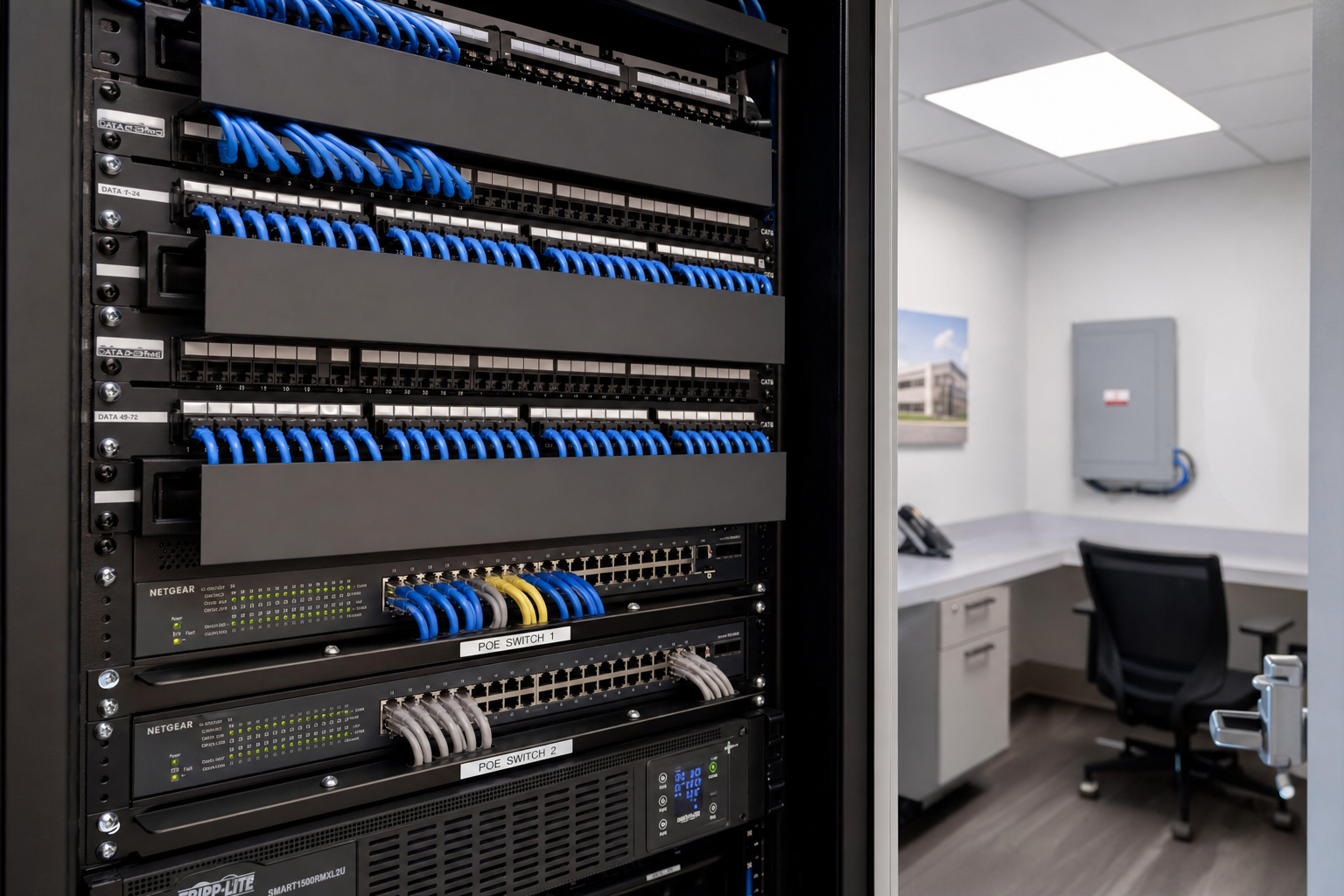
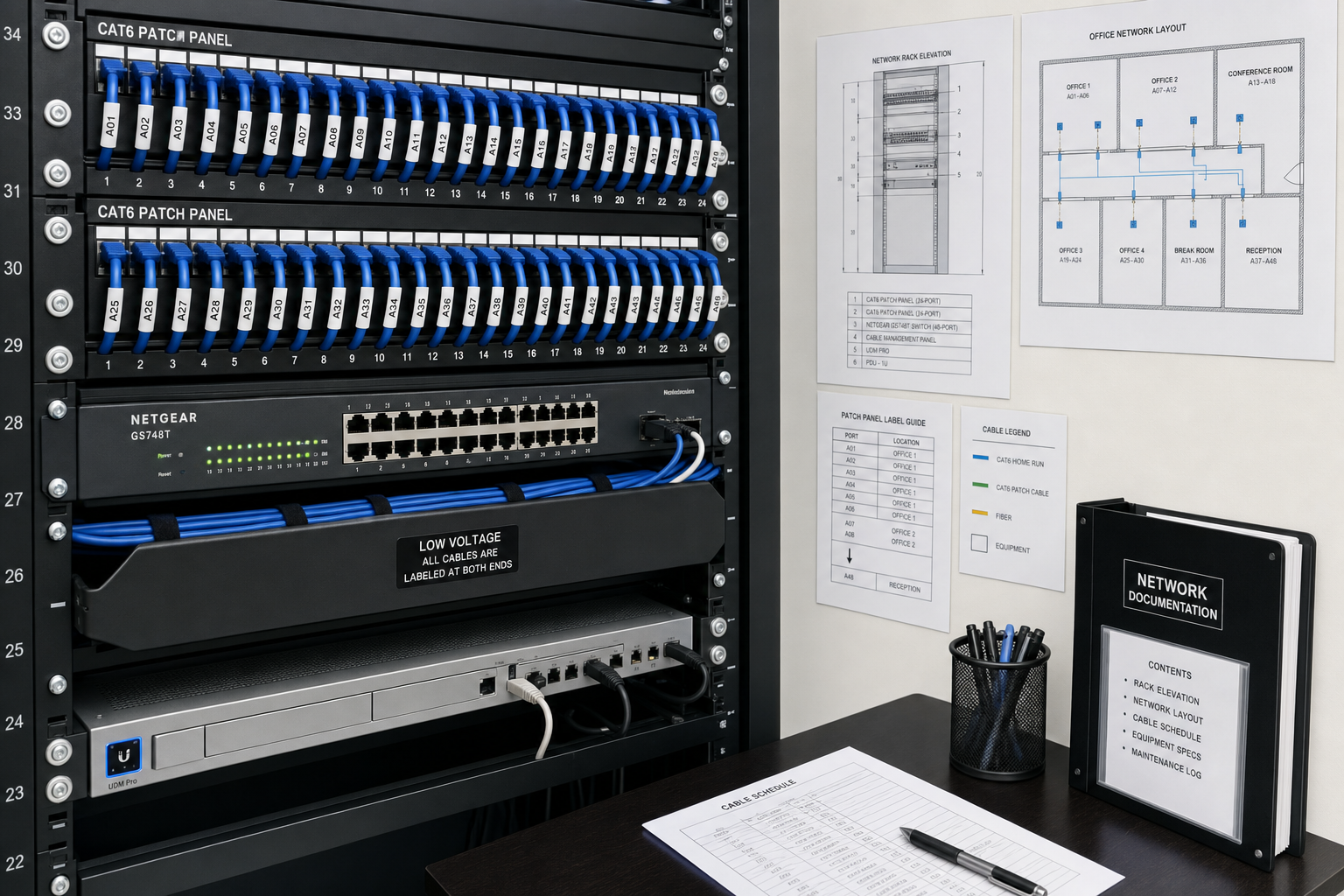
A crowded network closet with unlabeled patch panels, unmanaged patching, and mixed hardware creates operational drag. Troubleshooting takes longer. Moves and adds are riskier. Minor changes can trigger larger outages.
Poor AP placement
Some offices keep adding access points without redesigning placement. That can create overlap, dead zones, interference, and wasted spend. Cabling and wireless planning need to work together.
What Cat6 Structured Cabling Changes for Wireless Performance
Cat6 structured cabling for reliable Wi-Fi gives your network a standard, supportable foundation. That matters most once user count, device count, and traffic loads increase.
With a proper Cat6 design, your office gets:
- Consistent cable standards across work areas, access points, phones, and uplinks
- Clean terminations at patch panels and jacks
- Documented runs that make support faster
- Better support for modern switching and PoE devices
- Clearer pathways for office growth, moves, and add-ons
Just as important, structured cabling for 30+ users makes future troubleshooting more direct. Instead of guessing which cable feeds which room or patching around old mistakes, your support team can test, trace, and isolate issues quickly.
That reduces downtime and eliminates a lot of the blame shifting between internet providers, phone vendors, and internal staff.
Where Access Points, Switches, and Cable Runs Matter Most
A business Wi-Fi cabling upgrade should not start with cable category alone. It should start with office network design.
Access point locations
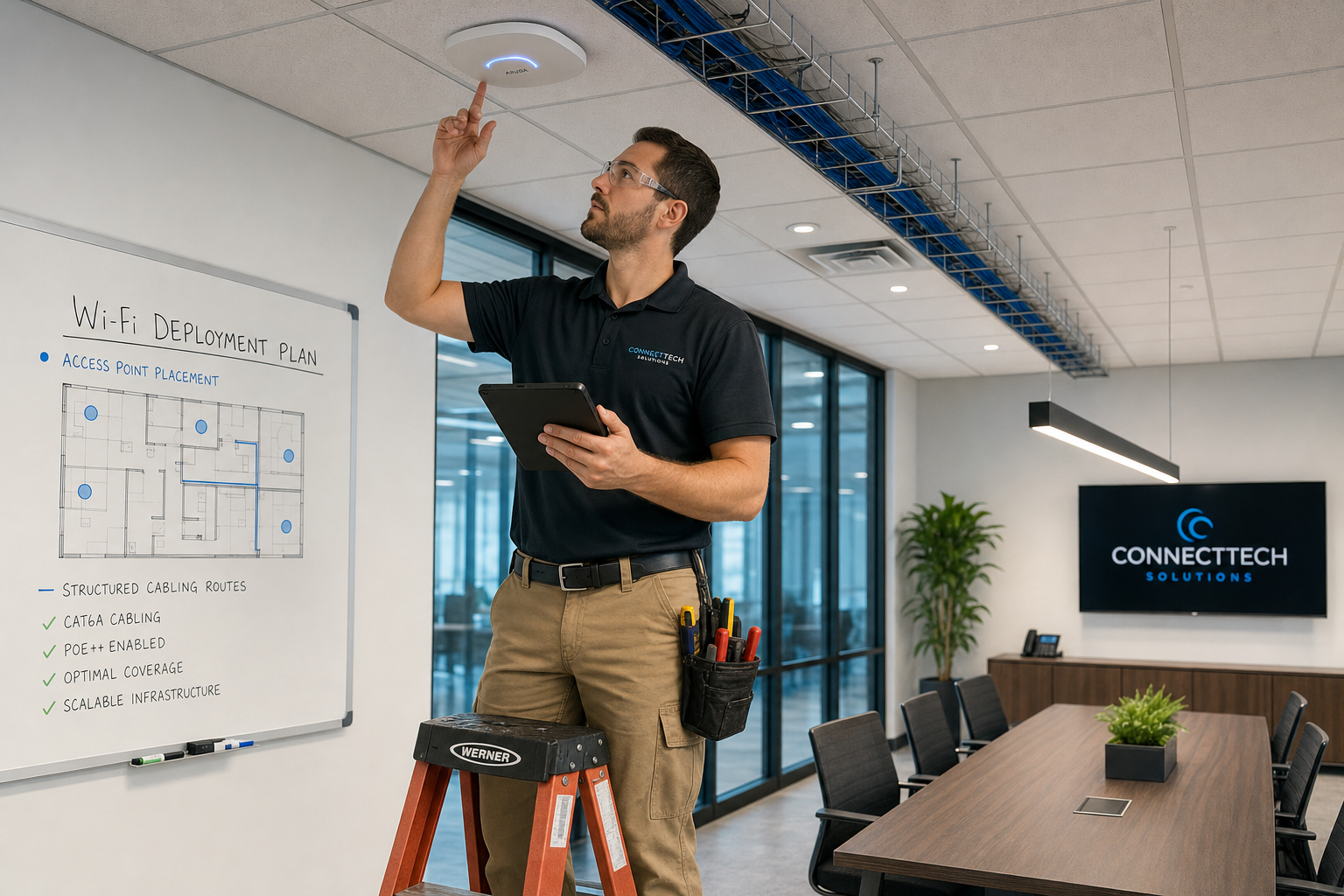
Conference rooms, open office zones, front desks, warehouse edges, and break areas all have different usage patterns. The right number of Wi-Fi access points depends on layout, walls, materials, and device density, not just square footage.
Switch location and uplink planning
Switches should support both current and near-future demand. That includes enough ports, enough PoE budget, and a clean path back to the core network. An office with 30 to 50 users can outgrow an improvised switch stack quickly.
Network closet organization
Patch panels, labeling, cable management, and rack layout matter. A neat closet is not just cosmetic. It shortens troubleshooting time and lowers the risk of accidental outages during changes.
Cable testing and certification
Professional cable certification helps confirm that installed runs meet expected performance standards. That matters when a business is trying to eliminate mysterious slowdowns or intermittent wireless complaints.
How Better Cabling Supports VoIP, Microsoft 365, and Managed IT Stability
Weak cabling affects more than Wi-Fi. It shows up in business operations.
VoIP systems are especially sensitive to network inconsistency. Jitter, latency, and packet loss can turn routine calls into dropped audio, clipped conversations, or random registration issues. When offices blame the phone system alone, they often miss the underlying LAN problem.
Microsoft 365 performance can also suffer when users hit bandwidth bottlenecks inside the office. File syncing, Outlook connectivity, Teams meetings, and cloud collaboration all rely on a stable local network before traffic ever reaches the internet. Microsoft publishes service guidance that assumes a properly functioning business network underneath the apps.
Structured cabling also helps with cybersecurity and segmentation. If you need to separate guest Wi-Fi, cameras, phones, workstations, and admin systems, the physical and logical design should support that cleanly. Guidance from organizations like CISA and NIST reinforces the value of documented infrastructure and controlled network design.
For Florida businesses using one provider for managed IT, hosted VoIP, and cabling, this is where the advantage shows up. One team can trace the issue across the whole environment instead of passing the problem around.
Signs Your Business Has Outgrown Patchwork Wiring
Your office may be ready for Cat6 cabling for office Wi-Fi if any of these sound familiar:
- Wi-Fi gets worse as more staff come in each day
- Internet upgrades did not solve performance complaints
- VoIP calls drop or sound inconsistent during busy hours
- Access points were added over time without a full design review
- The network closet is crowded, unlabeled, or hard to service
- Moves, adds, and employee onboarding take too long
- Different vendors blame each other when problems happen
- Your office expansion inherited old or unknown low-voltage wiring
These are business risk signals, not just technical annoyances. They affect staff productivity, customer communication, and day-to-day uptime.
What a Proper Cabling Project Plan Should Include
A professional structured cabling project should be more than a quote for new wire. It should include a practical implementation plan for your live office.
At a minimum, the project plan should cover:
- Site walk and current-state review
- User count, device count, and growth planning
- Access point placement strategy
- Switching and PoE requirements
- Network closet layout and patch panel approach
- Cable pathways, labeling, and documentation standards
- Testing and cable certification expectations
- Cutover sequence and downtime planning
- Post-install cleanup and updated diagrams
For businesses in Orlando, Winter Garden, Tampa, Miami, Jacksonville, and across Central Florida, rollout planning matters even more in active offices with front desks, conference schedules, and customer-facing staff. Clean installs and good communication matter as much as the hardware list.
How Florida Businesses Can Avoid Downtime During a Cabling Upgrade
The best cabling projects are staged carefully. That usually means working around business hours where needed, upgrading in phases, testing before cutover, and documenting every run so there is no confusion on the day of change.
Older Florida buildings can add complications such as mixed construction types, difficult pathways, limited closet space, and legacy runs left by prior tenants. That is why local experience matters. You want real techs, real answers, and a team that understands how to keep an office functioning while the infrastructure gets fixed.
Mynians brings managed IT, hosted/cloud VoIP, structured cabling, cybersecurity, and security systems under one roof. That makes project coordination simpler for business owners who do not want separate vendors arguing over root cause. We fix the mess, secure the system, and keep it running.
Who This Is For
- Offices with 30 or more users seeing recurring Wi-Fi complaints
- Businesses with dropped VoIP calls, poor Teams performance, or dead zones
- Companies moving, expanding, or reworking office layouts
- Florida businesses tired of messy closets and scattered low-voltage wiring
- Owners who want one accountable local team for cabling, IT, and phones
Who This Is NOT For
- Very small temporary offices with only a few users
- Businesses looking for the cheapest patch job with no documentation
- Locations that only need a single simple cable repair
- Companies not ready to address switching, AP placement, and closet design along with wiring
Frequently Asked Questions
At what point should a business move from patchwork wiring to Cat6 structured cabling?
Usually when user count, device count, and support issues start growing together. For many offices, that becomes obvious around 30 users, especially when Wi-Fi complaints, VoIP issues, and moves or adds become frequent.
Can new Cat6 cabling fix poor Wi-Fi if we already upgraded our internet?
It can, if the bottleneck is inside the office. Faster internet does not correct bad cable runs, poor AP backhaul, overloaded switches, or messy patching. A structured review can show whether the weak point is your ISP connection or your internal network.
How does structured cabling affect VoIP call quality in a busy office?
VoIP depends on a stable local network. Better cabling and organized switching help reduce the packet loss, power issues, and congestion that can cause dropped or poor-quality calls.
How many access points does a 30 to 50 user office usually need?
There is no safe one-size-fits-all number. Layout, wall materials, conference room density, and device usage all matter. A proper office network design review is the right way to size and place access points.
Should we install Cat6 or Cat6A for a growing small business?
Many offices do well with Cat6, but the right choice depends on run lengths, expected throughput, future plans, and building design. The better question is not just cable category, but whether the full switching and cabling plan fits your growth path.
Can a cabling upgrade be done without disrupting daily operations?
Often yes, with proper staging. The key is phased work, clear cutover planning, testing before changes, and a team that understands how to work around a live business environment.
What should be included in a professional cabling project plan?
It should include site review, current-state findings, future growth needs, AP placement, switch requirements, network closet design, labeling standards, test plans, cutover scheduling, and final documentation.
How do we know if our network closet is causing Wi-Fi and speed issues?
If the closet is unlabeled, overcrowded, patched inconsistently, or built around hardware added over many years, it may be contributing to your problems. Slow troubleshooting and recurring mystery outages are common warning signs.
Update Log
- August 2026: Created and reviewed for Mynians managed IT, hosted VoIP, and structured cabling accuracy.
Next step
Ready to see what managed IT would cost your business?
Calculate your MSP base in about a minute, review the written agreement, and sign online, or call the Winter Garden team and talk it through first.

