


VoIP Features That Matter After 30 Users

Once a business reaches around 20 to 30 employees, phone issues usually stop being random annoyances and start becoming operational problems. Front desk overload, missed transfers, dropped calls, messy ring rules, and internet outages all hit harder when more departments, more direct numbers, and more customer calls are involved. For Florida businesses, the right hosted VoIP setup is not about piling on fancy features. It is about getting call handling, failover, network readiness, and one accountable local team in place so phones stay usable when business gets busy.
Why phone problems show up around the 30-user mark
At 5 users, almost any cloud phone system looks fine. At 30 users, weak design starts to show. More staff means more extensions, more transfers, more inbound call paths, and more chances for a customer to get stuck in the wrong place.
Operations managers often notice the same pattern: the receptionist is carrying too much load, departments want their own routing rules, new hires need direct numbers, and leadership expects calls to keep moving even if the office internet has a problem. If your current setup was built like a basic small-office phone package, it may not have enough structure for the way your team actually works today.
That is the tipping point where call handling becomes an operations issue, not just a telecom issue.
Your practical options
| Option | Best fit | Pros | Watch-outs |
|---|---|---|---|
| Mynians | Florida SMBs that want one local team for VoIP, IT, and cabling | Real techs, real answers; separately scoped support; network and wiring accountability; local on-site help | Best fit for businesses that value local support over bargain-basement DIY pricing |
| National VoIP provider | Businesses with simple call flows and strong in-house IT | Large platform options, broad feature menus | Support can be slower or less hands-on; network and cabling may still be your problem |
| DIY or in-house rollout | Teams with telecom and network expertise on staff | More direct control | Easy to miss QoS, VLAN, PoE, failover, and documentation details |
| Legacy phone provider | Businesses delaying a change | Familiar setup | Often less flexible, less scalable, and weaker for failover and modern workflows |
| Separate phone, IT, and cabling vendors | Businesses already split across providers | Can work in stable environments | Common source of vendor finger-pointing when calls drop or routing breaks |
If you want help sorting out which option fits your office, staff size, and current wiring, get in touch with Mynians for a practical conversation instead of a generic demo pitch.
The call handling features growing teams need first
For a business phone system for 30 employees, the first priority is not advanced analytics or niche add-ons. It is getting the core routing right.
Auto attendant
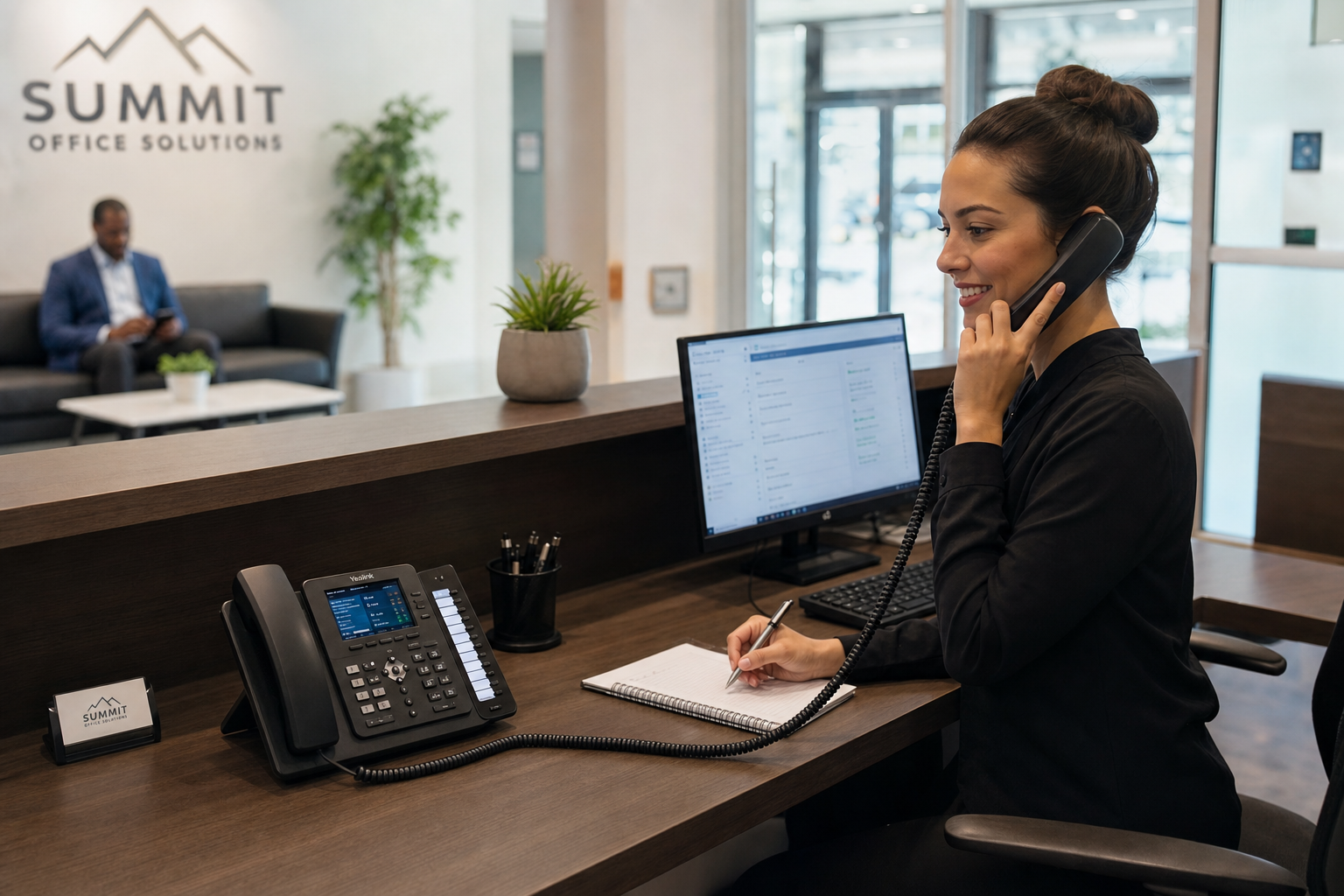
An auto attendant answers calls and directs callers to the right department, person, or action. At this size, it reduces front desk overload and gives after-hours callers a cleaner path. It also helps when different locations, departments, or service lines need separate greetings.
Ring groups and hunt groups
Ring groups send calls to a defined set of users. Hunt groups control the order or pattern for who gets the call next. These are useful for sales, service, dispatch, and shared admin functions where multiple people can answer.
Call queues
Queues matter when multiple calls can arrive at once. Instead of letting calls bounce around or hit voicemail too early, a queue lets callers wait in an organized flow until someone is available.
Direct inward dialing
DID numbers let staff or departments have direct reach without forcing every caller through the same main line. That reduces transfer friction and supports cleaner communication with vendors, clients, and field staff.
Failover routing
Failover routing is essential once missed calls have a real cost. If your office loses power or internet, calls should automatically reroute to mobile devices, another office, voicemail, or a backup answering path.
How auto attendants, ring groups, and call queues work together
These features solve different problems, and they work best together.
A simple example: the main auto attendant answers and offers options for sales, support, and accounting. Sales rings a hunt group during business hours. Support goes to a queue because several callers may arrive at once. Accounting rings a small ring group and then rolls to voicemail if no one answers. After hours, all three paths change based on schedule rules.
That is why generic feature lists are not enough. The question is not whether a provider offers these features. The question is whether they can be planned around your actual staffing, hours, call volume, and backup needs.
For operations managers, this is where complexity should be handled behind the scenes. Your team should not need to babysit routing rules every time someone is on vacation, a new employee starts, or an office move changes how departments sit.
Why failover and business continuity matter more than fancy features
For many SMBs, the most valuable part of a cloud phone system is not what happens on a normal day. It is what happens when something goes wrong.
Florida businesses know outages happen. Internet problems, power events, office moves, and storm-related disruptions can all break inbound calling if your setup has no fallback path. With proper failover routing, the business does not disappear just because the office does.
Good business continuity planning can include alternate routing to mobile devices, temporary reroutes to another site, voicemail-to-email, and documented emergency call handling. The FCC provides business-facing telecom guidance, and cybersecurity and continuity planning resources from CISA and NIST help frame the bigger operational picture.
The point is simple: a missed call during an outage can be more damaging than a missing feature during normal operation.
The hidden infrastructure issues behind dropped calls and unreliable routing
This is where many vendor pages fall short. Phones do not live in isolation. Voice quality and routing reliability depend on the network carrying the calls.
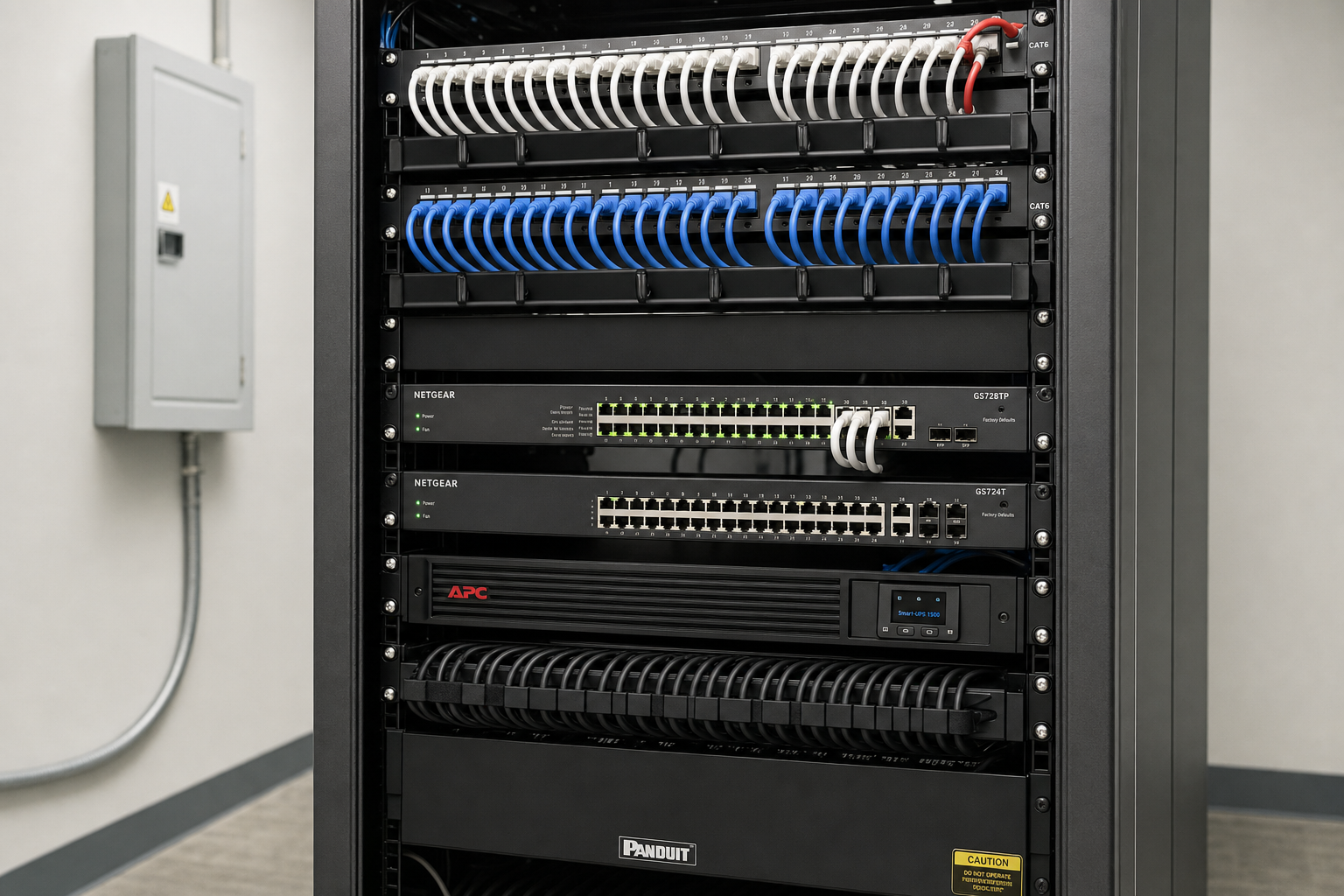
Common trouble spots include undersized or aging switches, missing PoE capacity, poor cabling, unmanaged network growth, bad patching in the network closet, no VLAN separation for voice traffic, and no QoS policies to prioritize calls. Even a strong hosted platform can sound bad on a weak local network.
Structured cabling also matters more than many buyers expect. Sloppy cable runs, unlabeled patch panels, and poor documentation create long troubleshooting cycles. BICSI standards are a useful industry reference point for cabling and infrastructure planning, especially when offices are expanding or moving into a new suite.
When a provider can only see the cloud side, they may blame your network. When your IT vendor cannot touch the phones, they may blame the carrier. That blame loop wastes time your team does not have.
Signs your current provider or setup is holding your team back
You may have outgrown your current setup if:
- Calls drop or sound poor during busy times
- Transfers fail or go to the wrong people
- One receptionist or admin carries too much call volume
- New employees are hard to onboard into the phone system
- Your provider cannot clearly explain failover routing
- You do not know whether your switches support PoE properly
- Your network closet is messy or undocumented
- Microsoft 365, Teams, or mobile workflows are disconnected from your phone setup
- Different vendors keep blaming each other
If any of that sounds familiar, the issue may not be one bad setting. It may be that the whole environment needs to be right-sized for your current headcount and workflow.
What a right-sized hosted VoIP rollout looks like for Florida SMBs
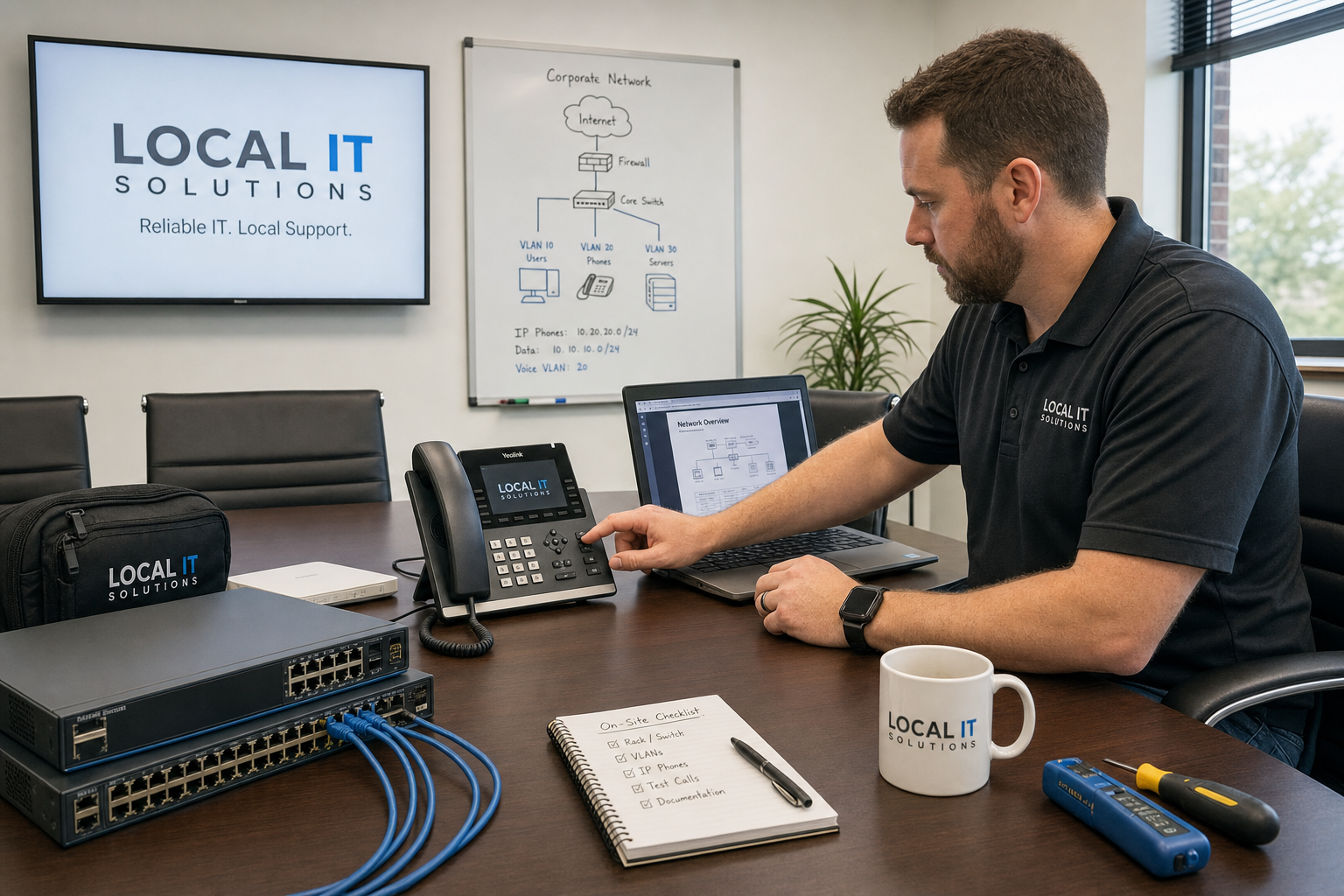
A good rollout starts with discovery, not equipment drops. That means reviewing your users, departments, main numbers, direct numbers, business hours, after-hours handling, remote staff, office internet, switch capacity, wireless coverage if softphones are in play, and current cabling condition.
Then the call flow gets mapped. Who answers first? What happens if no one answers? Which departments need queues versus ring groups? What should happen during an outage? How are new hires added? How are old numbers ported cleanly?
After that comes network readiness. That may include switch review, PoE planning, VLAN segmentation, QoS setup, and cabling cleanup. Official Microsoft documentation is also worth reviewing when Teams and Microsoft 365 workflows need to coexist with your cloud phone environment.
Implementation for a 30-user office is usually very manageable when the planning is done first. The trouble comes when the business tries to migrate without documenting numbers, extensions, hardware, wiring, and fallback procedures.
Who this is for
- Operations managers who need better call handling without more complexity
- Florida SMBs with roughly 20 to 50 users
- Businesses opening a new office, moving suites, or cleaning up a messy network closet
- Teams tired of vendor finger-pointing between phones, IT, and cabling
- Companies that need local support in Orlando, Winter Garden, Tampa, Miami, Jacksonville, and across Central Florida
Who this is NOT for
- Very small teams that only need a basic main number and a few extensions
- Businesses with strong in-house telecom and network staff that already manage QoS, VLANs, and call flow design internally
- Buyers focused only on the lowest monthly price with no need for local accountability
How Mynians ties VoIP, IT support, and cabling into one accountable plan
Mynians serves businesses across Winter Garden, Orlando, Central Florida, Tampa, Miami, and Jacksonville with hosted VoIP, managed IT, and structured cabling under one roof. That matters because phones, switches, patch panels, internet connectivity, user onboarding, and security do not fail as separate systems in real life.
With over two decades of hands-on experience, Mynians brings real techs, real answers, clean installs, proper documentation, and published base pricing with separate support and project charges. If the issue is in the call routing, the switch, the patch panel, or the Microsoft 365 side of the workflow, you are not stuck bouncing between providers.
That is the practical difference many growing businesses want after they cross the 30-user mark: one team that can fix the mess, secure the system, and keep it running.
Frequently Asked Questions
How many users is the tipping point for needing a more advanced hosted VoIP setup?
Many businesses feel the pressure somewhere between 20 and 30 users. That is usually when shared numbers, transfers, department routing, and outage planning get too complex for a basic phone setup.
What is the difference between auto attendant, ring groups, and call queues?
An auto attendant answers and routes callers by menu choice. A ring group sends a call to multiple people or a defined team. A call queue holds callers in line when all available staff are already on calls.
How does failover keep calls moving during an internet or power outage?
Failover routing automatically redirects inbound calls to backup destinations such as mobile devices, voicemail, or another office path when the primary office cannot receive them. It supports business continuity during outages and disruptions.
Can a hosted VoIP system work with Microsoft 365 and Teams workflows?
Yes, in many environments it can. The exact setup depends on how your team uses Microsoft 365, Teams calling, mobile apps, calendars, and shared communication workflows.
Do we need new network wiring or switches before upgrading our business phone system?
Not always, but it should be assessed first. Switch PoE capacity, VLAN support, QoS capability, cable condition, and patch panel organization all affect voice performance.
Why do calls drop or route incorrectly after a company grows past 20 to 30 employees?
Growth often exposes weak call flow design, overloaded shared numbers, aging switches, inconsistent QoS, bad cabling, and poor documentation. The phone platform may not be the only problem.
Can one provider handle our phones, IT support, and cabling so vendors stop blaming each other?
Yes. That is one of the biggest advantages of working with a company like Mynians that handles hosted VoIP, managed IT, and structured cabling together.
How long does it take to migrate a 30 user office to a hosted VoIP platform?
It depends on number porting, call flow complexity, network readiness, and hardware needs. For most offices this is very manageable when planning, documentation, and testing happen before cutover.
Update Log
- August 2026: Created and reviewed for Mynians managed IT, hosted VoIP, and structured cabling accuracy.
Next step
Ready to see what managed IT would cost your business?
Calculate your MSP base in about a minute, review the written agreement, and sign online, or call the Winter Garden team and talk it through first.

