


Business VoIP Florida for 30+ Locations and Hybrid Teams

If you are managing 30 or more offices across Florida while supporting remote staff, a basic phone setup usually stops being practical long before your team realizes it. The real issue is not just phone features. It is whether your provider can support call quality, branch routing, number porting, network readiness, cabling, Microsoft 365 integration, and local support when something breaks. For Florida businesses, a reliable business VoIP platform has to be built for uptime, hurricane disruption, office growth, and the reality of hybrid work.
Who this is for
This guide is for Florida business owners, operations leaders, and IT decision-makers managing 30 or more locations, multiple departments, and remote staff who still need one consistent phone experience. It is especially relevant if you are dealing with dropped calls, uneven support across offices, messy network closets, poor documentation, branch-office expansion, or a mix of legacy phone systems and newer cloud apps.
Who this is NOT for: small single-office companies with basic call needs, businesses looking only for the cheapest dial tone, or teams that are not ready to review switches, firewalls, Wi-Fi, and cabling as part of the phone project.
Why Florida businesses with 30+ locations outgrow basic phone systems
Once a company reaches dozens of locations, phone issues stop being isolated. A bad switch at one site, poor structured cabling in another, and inconsistent internet at a third office all affect the user experience. Add remote staff, call queues, auto attendants, and Microsoft 365 workflows, and the old approach of piecing together local carriers, separate IT vendors, and break-fix support starts to fail.
Common pain points include:
- Different call flows at different offices
- Slow user onboarding when new hires need phones quickly
- No clear ownership when voice quality drops
- Legacy handsets tied to outdated circuits
- Branch offices with weak firewall or VLAN setup
- Moves, adds, and changes that depend on multiple vendors
For Florida businesses, there is also the storm factor. If a site loses internet or power, calls should not just die. They should reroute to another office, mobile users, or backup destinations based on a defined continuity plan.
Your practical options
| Option | Best Fit | Pros | Limitations |
|---|---|---|---|
| Mynians local managed approach | Florida businesses needing one team for IT, VoIP, and cabling | Real techs, real answers; local site support; flat-rate pricing; wiring, switches, firewalls, and phones handled together | Best fit for businesses that want operational support, not just a low-cost dial tone vendor |
| National VoIP provider | Companies focused mainly on software features | Large platform ecosystem; broad brand recognition | Often limited local hands-on help; infrastructure issues may still be your problem |
| DIY or in-house rollout | Teams with strong internal telecom and network resources | Direct control over setup | Higher internal workload; harder to coordinate 30+ sites; more room for missed cabling and QoS problems |
| Break-fix support plus separate phone vendor | Short-term patching | May appear cheaper upfront | Vendor finger-pointing, slower resolution, inconsistent standards across locations |
| Legacy phone provider | Organizations delaying modernization | Familiar setup | Less flexibility for hybrid teams, weaker central management, harder disaster rerouting |
If you want a local team to review your current setup before you commit, contact Mynians for a free IT assessment.
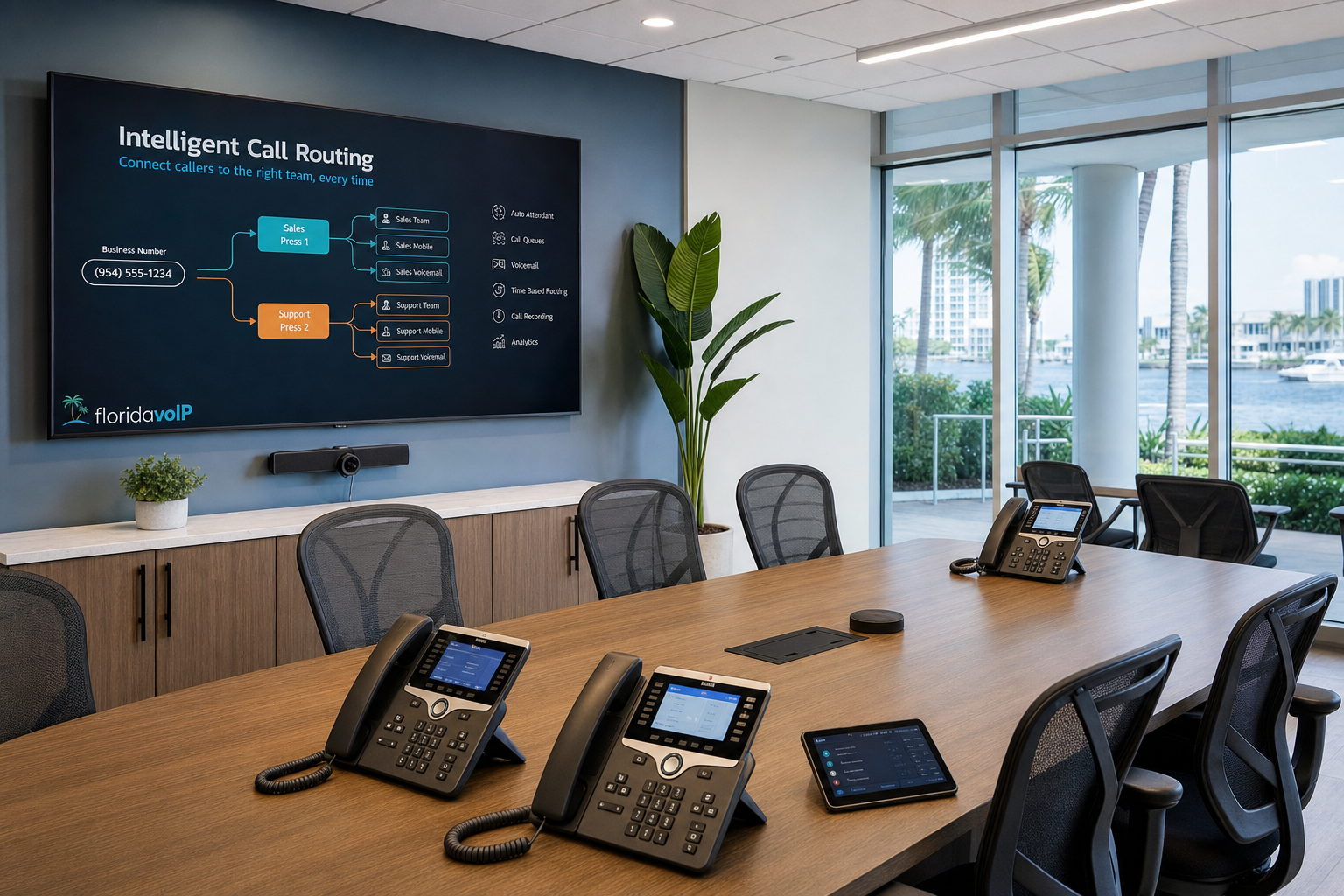
What hybrid teams need from a business VoIP platform
Hybrid work changes the phone requirement from “does the desk phone ring?” to “can every user answer, transfer, route, and collaborate from anywhere without confusion?” A strong hosted VoIP Florida deployment should support desk phones, softphones, mobile apps, voicemail access, role-based call flows, and consistent caller identity across office and remote users.
Core requirements for hybrid operations
- Centralized call routing for all offices
- User profiles that move easily between desk and mobile
- Reliable voicemail, queue, and receptionist workflows
- Clear extension management across locations
- Support for remote workforce communications without exposing security gaps
- Microsoft 365 and Microsoft Teams integration where appropriate
Many businesses buy a cloud phone system and assume that alone solves hybrid work. It does not. If home users have poor endpoint setup, if office Wi-Fi is overloaded, or if branch firewalls are not voice-aware, users still experience echo, jitter, one-way audio, or dropped calls.
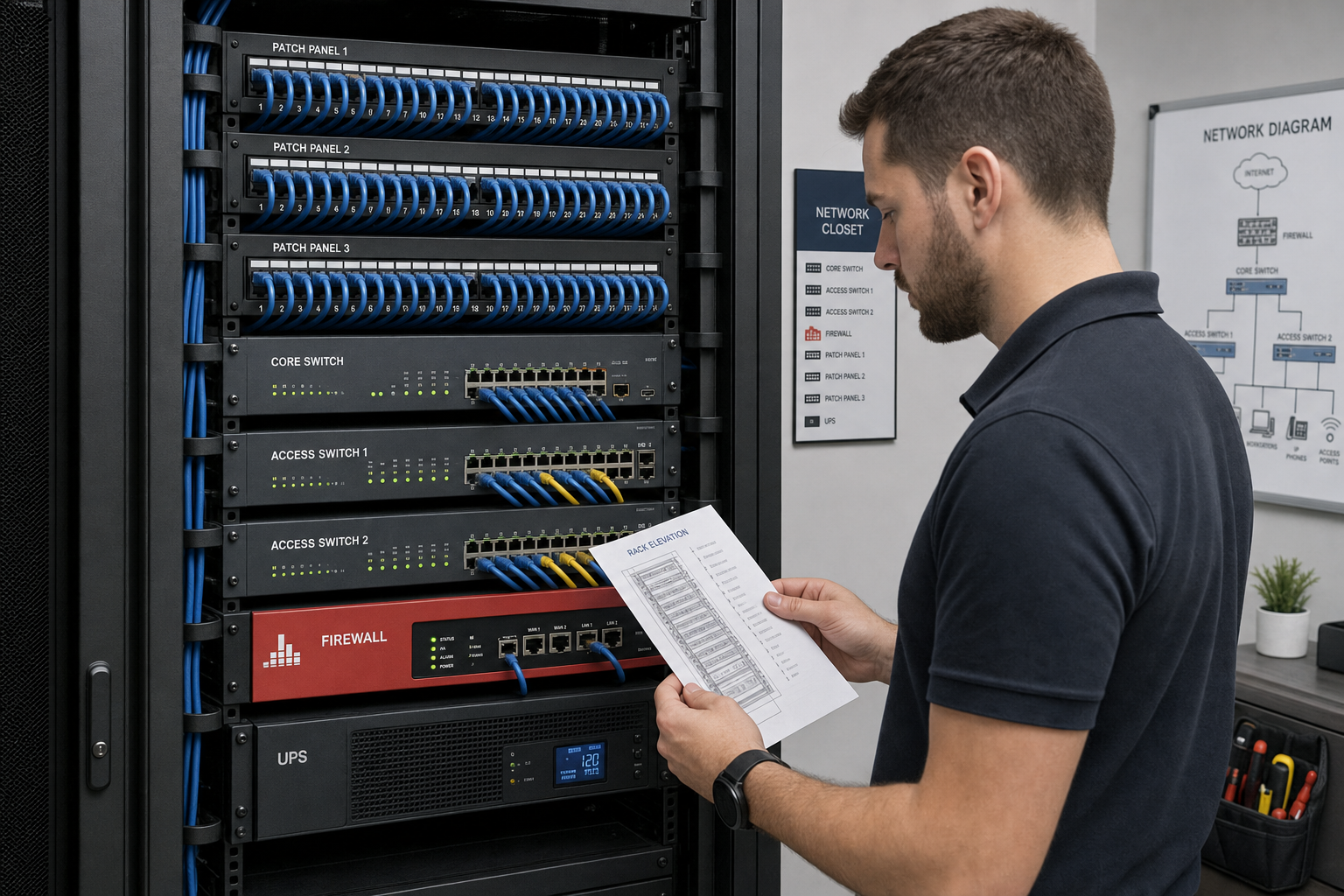
The network, internet, and cabling requirements that make VoIP reliable
This is where many generic vendor pages fall short. The success of a multi-location business phone system Florida depends heavily on site readiness.
What to check before rollout
- Switching: Managed switches should support voice VLANs and QoS for voice traffic.
- Firewall setup: Firewalls should be configured to support stable SIP and RTP handling without creating avoidable latency issues.
- LAN health: Congestion, loops, and poor segmentation can hurt call performance fast.
- Wi-Fi: Wireless calling can work, but weak coverage and dense environments can create unstable audio.
- Structured cabling: Clean terminations, labeled patch panels, and documented desk drops matter more than most companies realize.
- Internet resiliency: Critical offices may need redundant connectivity or automatic failover planning.
Industry guidance from BICSI helps frame structured cabling best practices, while standards bodies like IETF help define the protocols behind modern voice traffic. On the security side, CISA is a useful reference for communication and infrastructure resilience.
In plain terms: if the network closet is messy, the patching is undocumented, and every site is different, your cloud phone system will inherit those problems.
How hosted VoIP simplifies multi-location call routing and management
When designed well, a cloud phone system gives larger organizations much better control than legacy branch-by-branch setups. You can standardize auto attendants, move users between offices, assign local or shared numbers, and route calls based on department, time of day, office status, or outage conditions.
What that looks like in practice
- Main numbers can route to central reception, then branch by region or department
- Remote employees can appear as part of the same office workflow as on-site staff
- Calls can fail over to another office or mobile destination during a site outage
- Admins can manage adds, moves, and changes from one system instead of many
- Number porting can consolidate scattered phone ownership under one plan
This is especially useful for businesses opening new locations in Central Florida or supporting teams across Orlando, Winter Garden, Tampa, Miami, and Jacksonville. Instead of recreating a separate phone stack each time, you build one documented standard and apply it consistently.
Security, compliance, and business continuity for cloud phone systems
Business buyers should ask about security controls just as seriously as call features. Voice systems touch user accounts, mobile devices, voicemail, and administrative access. They also depend on the wider IT environment.
At a minimum, your planning should include:
- Admin access controls and password hygiene
- User offboarding processes
- Firewall review and segmentation
- Endpoint management for softphone users
- Documentation of call routing during outages
- Backup contact paths during internet or power disruption
Florida continuity planning is not optional. If a hurricane or localized outage affects one office, calls should continue to route based on preapproved rules. That is one reason businesses often prefer a provider that understands both hosted VoIP and the local branch infrastructure it depends on.
How to migrate 30 locations and remote staff without disruption
The most successful migrations are phased, documented, and tested. They do not begin with shipping phones. They begin with an assessment.
A practical migration sequence
- Inventory numbers, users, call flows, devices, carriers, and site conditions
- Review switching, firewall, Wi-Fi, and cabling readiness at each location
- Design standard call routing, failover, and user templates
- Plan number porting carefully so billing and ownership are clear
- Pilot a small set of sites and remote users first
- Train admins, reception staff, and end users
- Cut over in waves with support available during each phase
- Document final configurations and escalation paths
What usually causes trouble? Incomplete number ownership records, poor internal communication, old network gear, unlabeled cabling, and assuming all locations are technically identical when they are not.
What to ask a Florida VoIP provider before you sign
Do not just ask which features are included. Ask who owns the outcome.
- Will you assess our switches, firewalls, Wi-Fi, and cabling before rollout?
- Who handles number porting and issue escalation?
- What happens if one Florida office loses internet during business hours?
- Can remote employees use the same call flows and caller ID as office staff?
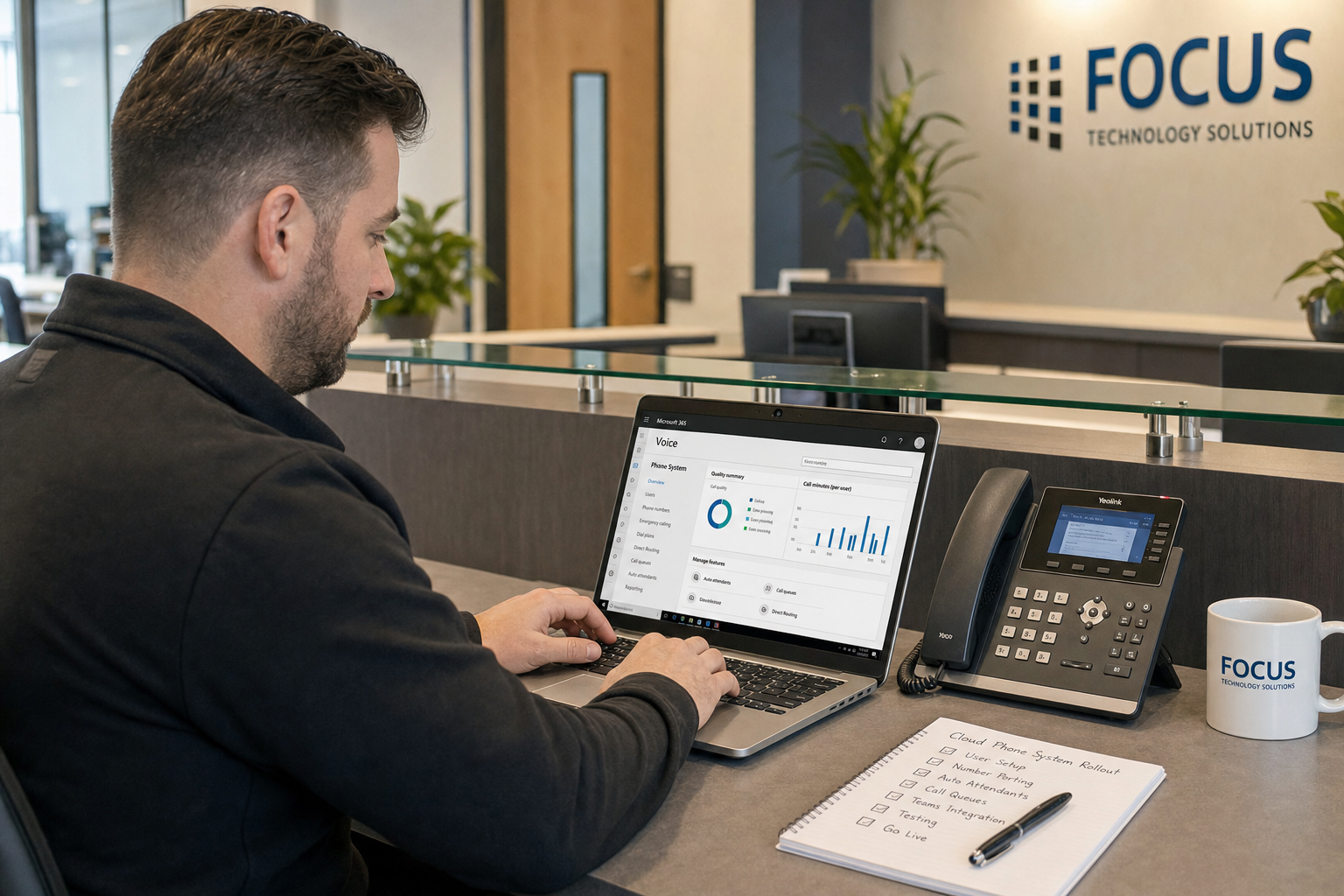
- Do you support Microsoft 365 or Teams integration?
- Will one team handle phones, IT, and structured cabling, or do we manage multiple vendors?
- How are moves, adds, and new-office rollouts documented?
- Is pricing flat-rate, or should we expect surprise bills?
How Mynians connects VoIP, managed IT, Microsoft 365, and structured cabling
Mynians serves businesses across Central Florida with over two decades of hands-on experience. The advantage is practical: one local team can review the network closet, clean up cabling issues, document desk drops, configure switching and firewall needs, support Microsoft 365 environments, and deploy a hosted VoIP solution that is built for uptime.
That matters because larger organizations do not need another vendor that only points at the app. They need real techs, real answers. They need clean installs, proper documentation, published base pricing with separate support and project charges, and a support team that can fix the mess, secure the system, and keep it running.
If your phone environment spans offices and remote users, the right project starts with visibility. Not guesswork.
Frequently Asked Questions
What is the best business VoIP setup for a company with 30 or more locations?
Usually a hosted cloud phone system with centralized administration, documented call routing, strong QoS, and site-by-site network readiness review. The best setup also includes one support team that can handle IT, voice, and cabling together.
Can remote employees use the same business phone system as office staff?
Yes. With the right platform, remote users can use desk phones, softphones, or mobile apps while staying part of the same extension plan, caller ID standards, and call routing rules as office staff.
How long does a multi-location VoIP migration usually take?
It depends on the number of sites, current carriers, number porting complexity, and network readiness. Larger projects usually move faster and more safely when handled in phases rather than as a single cutover.
Will my existing phone numbers transfer to a hosted VoIP provider?
In most cases, yes. Number porting is common, but it requires accurate records, current carrier details, and planning so billing and service timing line up correctly.
Do I need new switches, firewalls, or cabling for reliable VoIP?
Not always, but many multi-site organizations do need some upgrades or cleanup. Managed switches, proper firewall configuration, and documented structured cabling are often key to reliable call quality.
How do I prevent dropped calls across multiple Florida offices?
Start with LAN and WAN assessment, apply QoS for voice, verify firewall behavior, review Wi-Fi where relevant, and define failover plans for outages. Reliable VoIP depends on the network as much as the phone platform.
Can hosted VoIP integrate with Microsoft 365 and Teams?
Yes, many business VoIP environments can align with Microsoft 365 workflows and support Teams-related communication use cases, depending on the platform design and licensing approach.
What happens to calls during an internet outage or hurricane disruption in Florida?
With proper planning, calls can reroute to another office, mobile users, or backup destinations. That continuity plan should be designed before the outage happens, not during it.
Update Log
- August 2026: Created and reviewed for Mynians managed IT, hosted VoIP, and structured cabling accuracy.
Next step
Ready to see what managed IT would cost your business?
Calculate your MSP base in about a minute, review the written agreement, and sign online, or call the Winter Garden team and talk it through first.

