

30-Day Managed IT Plan for Growing Florida Offices
Your team is growing, your office is expanding, and your IT problems are multiplying faster than your headcount. Dropped calls, slow internet, a network closet that looks like a bowl of spaghetti, and a help desk ticket that’s been open for two weeks—sound familiar? This 30-day managed IT plan is built specifically for Florida business owners who are scaling and need their technology to keep up. No fluff, no jargon. Just a clear, week-by-week roadmap to get your office running the way it should.
Who This Plan Is For
This 30-day managed IT plan is written for business owners and office managers in Florida who are actively growing—adding staff, opening new locations, or moving into a larger space—and who keep running into the same IT headaches over and over.
This is a good fit if you:
- Have 10 to 100 employees and are adding people regularly
- Are dealing with recurring network outages, slow internet, or dropped VoIP calls
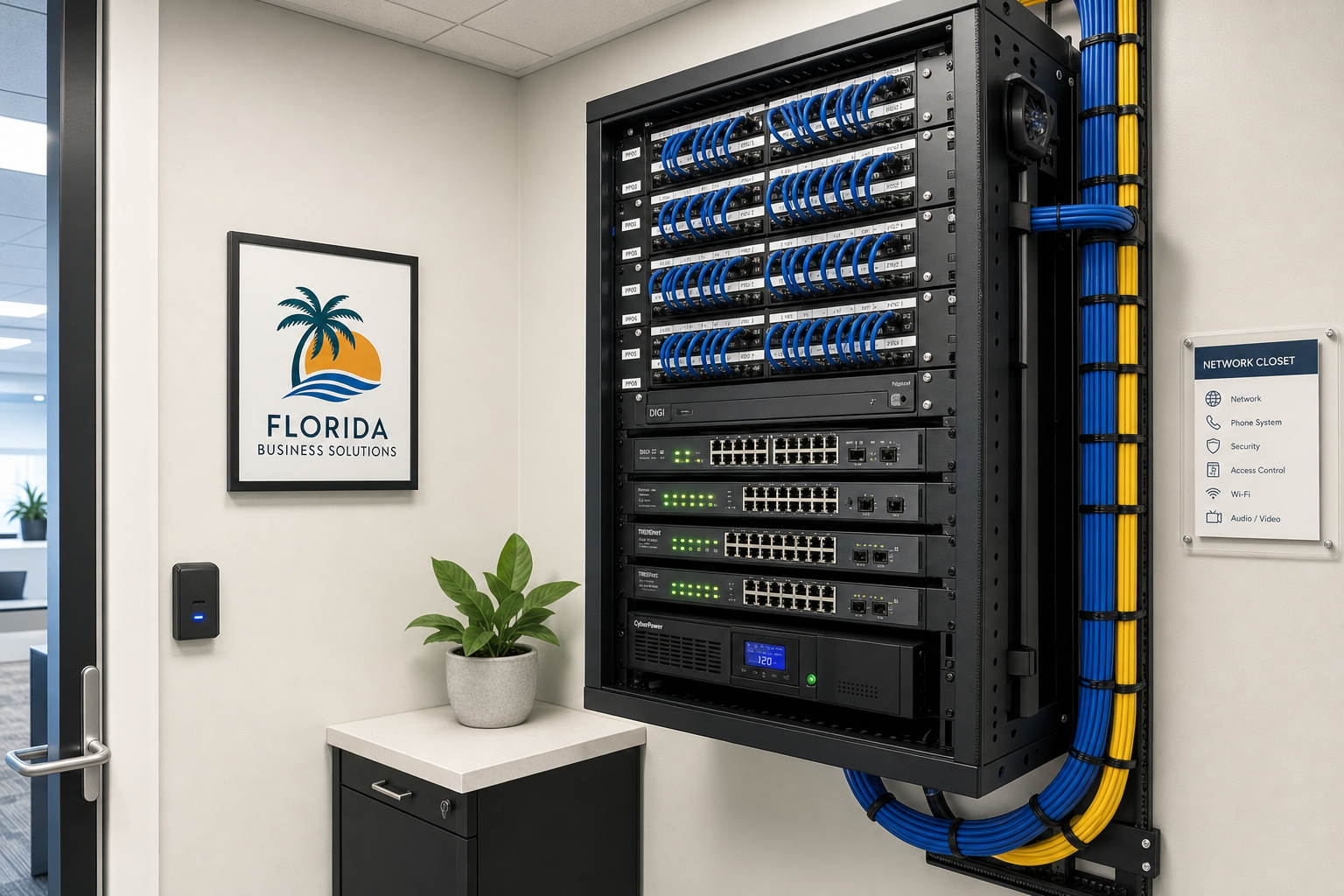
- Have a network closet with unlabeled cables and no documentation
- Are onboarding new staff and have no consistent IT process
- Are moving into a new office in Orlando, Winter Garden, Tampa, Miami, or Jacksonville
- Are tired of calling three different vendors and getting blamed by all of them
- Want predictable monthly IT costs instead of emergency repair bills
This is NOT the right fit if you:
- Have a fully staffed internal IT department with documented processes already in place
- Are a solo operator with one laptop and no office infrastructure
- Are looking for a one-time break-fix visit with no ongoing relationship
- Need enterprise-scale data center management with hundreds of servers
Comparing Your IT Support Options
Before committing to any plan, it helps to understand what your real options are. Here is an honest comparison of the most common approaches Florida business owners consider when their IT situation starts getting out of hand.
| Option | Response Time | Pricing Model | Local On-Site Support | VoIP + Cabling Available by Separate Quote | Best For |
|---|---|---|---|---|---|
| Mynians (Local MSP) | Availability and timing per written scope | Flat-rate monthly | Yes — Central Florida | Yes — one team | Growing Florida offices wanting one accountable provider |
| National MSP | Varies — often remote only | Tiered or per-device | Rarely | Sometimes, via subcontractors | Large enterprises with standardized environments |
| Break-Fix / On-Call | Slow — reactive only | Hourly, unpredictable | Yes, but only when called | No | Very small offices with minimal IT needs |
| In-House IT Staff | Fast when available | Salary + benefits | Yes | Depends on skill set | Larger companies with budget for full-time staff |
| Separate Vendors (IT + VoIP + Cabling) | Varies per vendor | Multiple invoices | Inconsistent | Separate contracts | Offices willing to manage multiple relationships |
The biggest problem with separate vendors is the blame game. When your phones go down, the VoIP company points at the network. The network company points at the cabling. The cabling contractor is unreachable. With Mynians, one team owns all of it.
Week 1: Assessment and Documentation
You cannot fix what you have not mapped. The first week of any serious managed IT engagement is about understanding exactly what is in your environment—hardware, software, network topology, user accounts, and security posture.
What happens in Week 1:
- Full IT audit: Every device, switch, router, firewall, and access point gets inventoried. If it is on your network, it gets documented.
- Network diagram creation: Most growing offices have no accurate network diagram. We build one from scratch.
- User account review: Active Directory or Microsoft 365 accounts are audited. Former employees with active credentials are a real cybersecurity risk—this is one of the most common gaps we find in Florida offices.
- Security gap scan: We check for unpatched systems, open ports, weak firewall rules, and missing endpoint protection. The Cybersecurity and Infrastructure Security Agency (CISA) consistently identifies unpatched software and poor access controls as top attack vectors for small businesses.
- VoIP and phone system review: If you have an existing phone system, we assess call quality, configuration, and whether it is worth keeping or replacing with a hosted VoIP solution.
By the end of Week 1, you have a clear picture of what you are working with—and a prioritized list of what needs to be fixed first.
Week 2: Infrastructure Cleanup and Structured Cabling
Once you know what you have, Week 2 is about fixing the physical layer. Bad cabling is the root cause of more network problems than most business owners realize. Intermittent outages, slow speeds, and dropped calls often trace back to a patch panel that was never properly terminated or Cat5e cable running next to an electrical conduit.
What happens in Week 2:
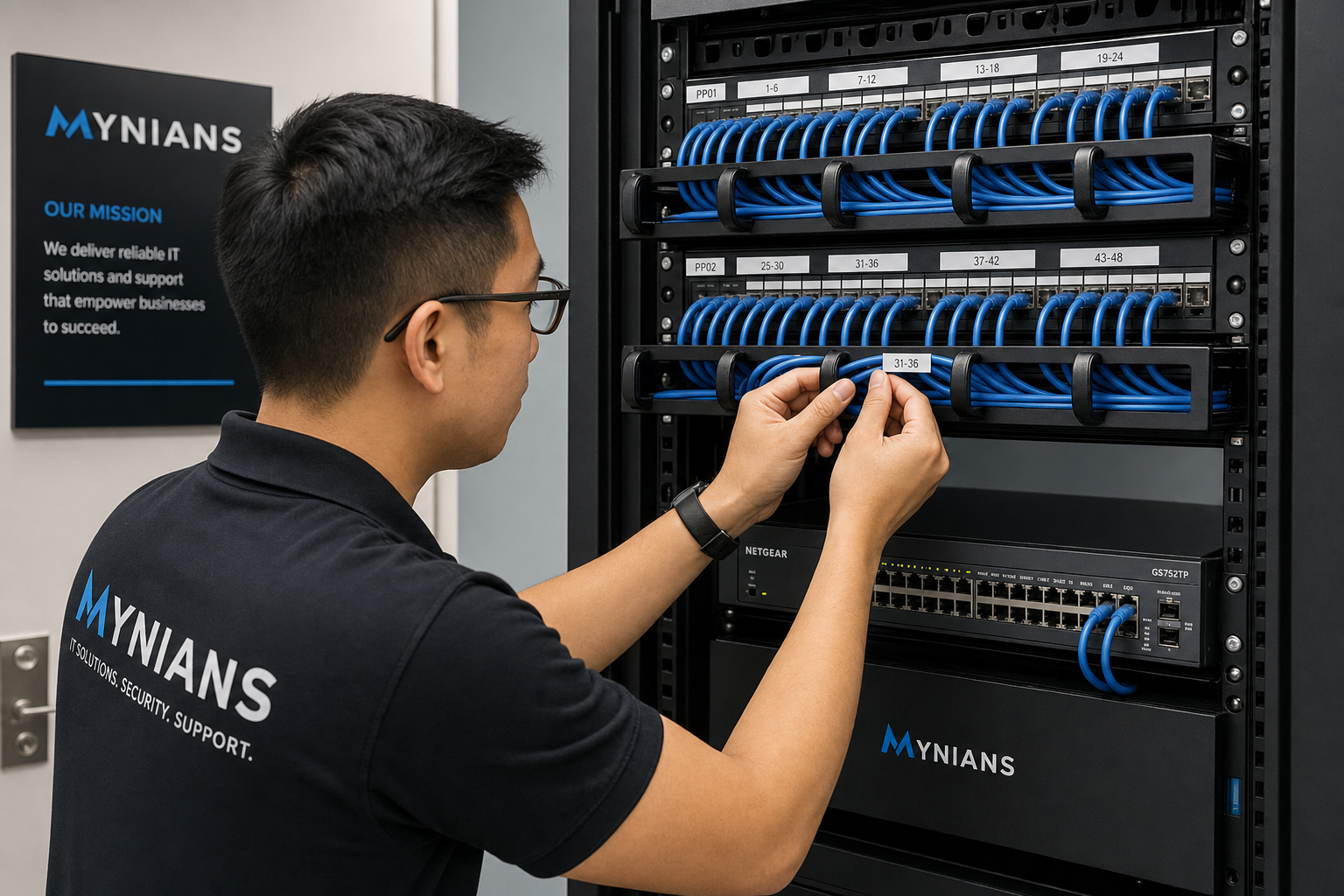
- Structured cabling cleanup or installation: Cables get labeled, routed properly, and documented. New runs are installed where needed using the right cable category for your bandwidth requirements. Proper structured cabling follows BICSI standards for performance and longevity.
- Network closet organization: Patch panels, switches, and power strips get mounted, labeled, and documented. A clean network closet is not just aesthetic—it makes troubleshooting faster and reduces the chance of accidental disconnections.
- Switch and router configuration: VLANs, QoS settings for VoIP traffic, and proper firewall rules get configured or corrected.
- Wi-Fi assessment and access point placement: Dead zones in conference rooms and back offices get addressed with properly placed and configured access points.
For offices in Orlando, Winter Garden, or anywhere across Central Florida that are moving into new space, this is also when we handle the full cabling build-out before your team moves in—so Day 1 in the new office is not a disaster.
Week 3: VoIP, Cloud, and Cybersecurity
With a clean, documented infrastructure in place, Week 3 is where the tools your team actually uses every day get configured properly—phones, cloud applications, and security layers.
Hosted VoIP setup:
If your current phone system is aging, unreliable, or tied to a physical PBX that requires a specialist to change a voicemail greeting, a hosted VoIP system is the practical upgrade. Calls route over your internet connection, features like auto-attendants and call forwarding are managed through a web portal, and your team can take calls from anywhere. For growing Florida offices adding staff regularly, VoIP scales without requiring new hardware for every seat.
The FCC’s guidance on business VoIP is a useful reference for understanding what to expect from hosted voice services.
Microsoft 365 and cloud integration:
- User accounts provisioned with proper licensing and security defaults
- Multi-factor authentication enabled across the organization
- OneDrive and SharePoint configured for file access and backup
- Email security policies set to reduce phishing exposure
Cybersecurity baseline:
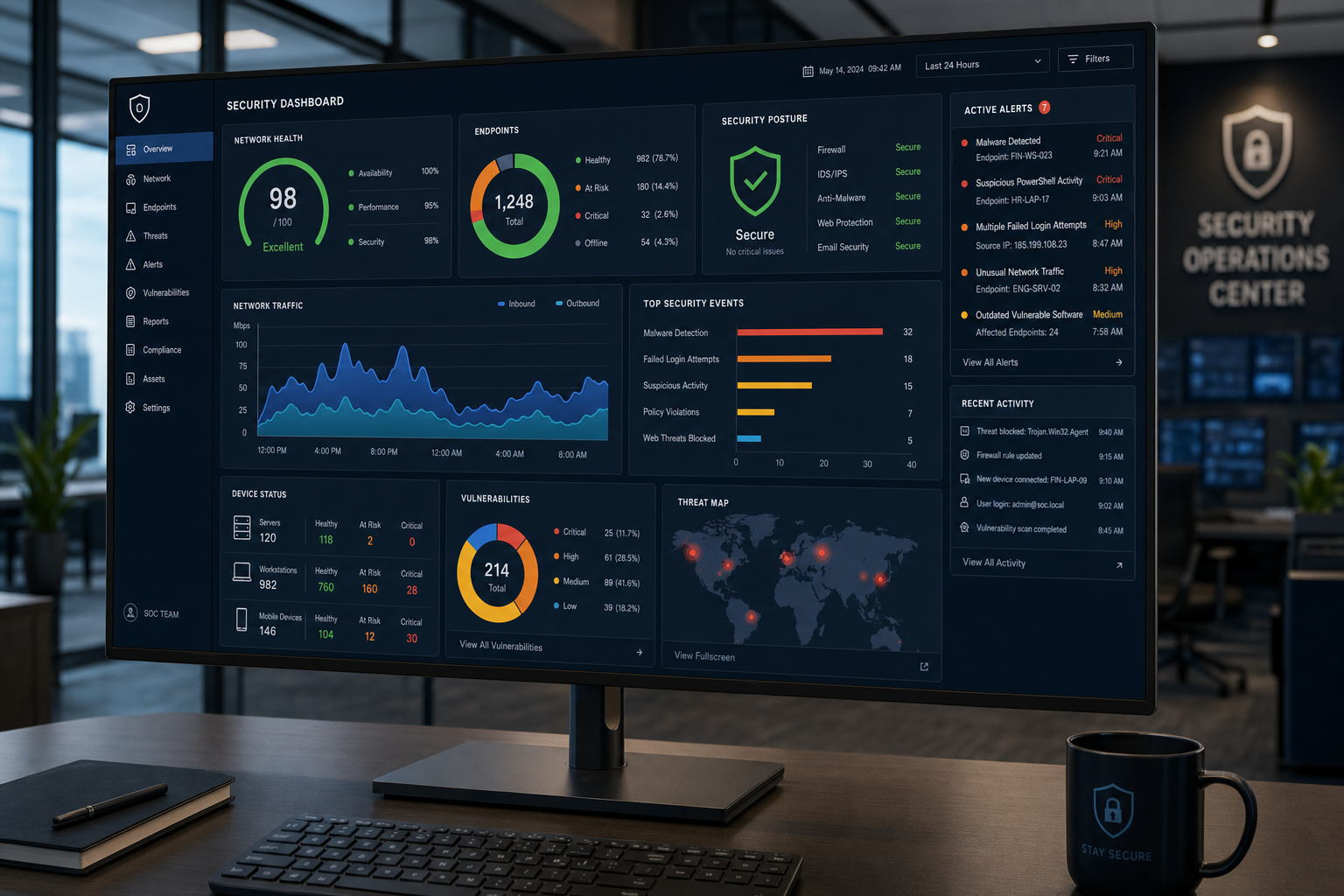
- Endpoint detection and response (EDR) deployed on all workstations
- Firewall rules reviewed and tightened
- Automated patch management enabled so systems stay current without manual intervention
- DNS filtering to block malicious sites before they reach your users
The NIST Cybersecurity Framework provides the structure we use to prioritize security controls for small and mid-size businesses. You do not need to read the whole framework—you just need a provider who has.
Week 4: Monitoring, Handoff, and Ongoing Support
The last week of the initial 30-day plan is about making sure everything holds—and that you have a real support structure in place going forward.
What happens in Week 4:
- Remote monitoring and management (RMM) deployment: Every managed device gets a monitoring agent. We see hardware failures, disk health warnings, and security alerts before they become outages.
- Help desk onboarding: Your staff gets a direct line to real technicians—not an overseas call center reading from a script. When someone calls Mynians, they talk to a local tech who knows your environment.
- Documentation handoff: You receive a complete, up-to-date record of your network, devices, accounts, and configurations. This documentation belongs to you.
- 30-day review meeting: We walk through what was found, what was fixed, and what the ongoing maintenance schedule looks like. No surprises.
After the 30-day onboarding, your office moves into a standard managed IT cadence: proactive monitoring, monthly patching, quarterly reviews, and on-call support when something unexpected happens.
Common Mistakes Growing Florida Offices Make
After more than two decades working with businesses across Central Florida, these are the patterns we see repeatedly in offices that have outgrown their current IT setup:
- Waiting for something to break: Break-fix IT is expensive and disruptive. By the time you call, the damage is done.
- Using consumer-grade equipment in a business environment: A $60 router from a big-box store is not built for 30 users and a VoIP system running simultaneously.
- No offboarding process for departing employees: Active accounts for former staff are one of the most common entry points for unauthorized access.
- Assuming the internet provider handles network security: Your ISP provides a connection. Security is your responsibility—or your managed IT provider’s.
- Splitting IT, phones, and cabling across three vendors: When something breaks, everyone points at someone else. You lose hours of productivity while vendors argue.
- No documentation: When the person who set up your network leaves, nobody knows the passwords, the IP scheme, or where anything is plugged in.
Cost, Setup Time, and What Can Go Wrong
What does managed IT cost for a growing Florida office?
Managed IT pricing varies based on the number of users, devices, and services included. Mynians uses flat-rate monthly pricing—you know exactly what you are paying each month, and there are separate helpdesk charges when something needs attention. The cost of a managed IT plan is almost always lower than the cost of a single major outage or data breach handled reactively.
How disruptive is the 30-day onboarding?
Most of the work happens in the background or during off-hours. Cabling work and network closet cleanup can be scheduled around your business hours. Your team will notice the improvement—not the process.
What can go wrong?
The most common friction points in IT onboarding are: discovering older equipment that needs to be replaced sooner than expected, finding security issues that require immediate remediation, and coordinating with existing vendors who are slow to provide account credentials or documentation. A good managed IT provider anticipates these and has a process for handling them without stalling the project.
Why a local Florida provider instead of a national one?
National providers often rely on subcontractors for on-site work, which means you may get a different technician every time—someone who does not know your environment. Mynians sends real local technicians who know your office, your equipment, and your team. When something breaks at 8 a.m. on a Monday before a big client meeting, that matters.
The FTC’s small business guidance also recommends that businesses vet IT vendors carefully, including understanding who actually performs the work and what data access they are granted.
Frequently Asked Questions
How long does it actually take to get a managed IT plan running?
The 30-day timeline is realistic for most growing Florida offices. Week 1 is assessment and documentation, Week 2 is infrastructure and cabling, Week 3 is VoIP and cloud setup, and Week 4 is monitoring deployment and handoff. Larger offices or those with significant infrastructure problems may need a few additional weeks for specific projects, but the core managed IT relationship and monitoring are active within 30 days.
Does Mynians handle VoIP and cabling, or just IT support?
Mynians handles managed IT, hosted VoIP, structured cabling, cybersecurity, video security surveillance, and cloud integration—all under one roof. You get one team, one invoice, and one point of contact. No vendor finger-pointing when something goes wrong.
What areas of Florida does Mynians serve?
Mynians is based in Winter Garden, Florida and serves businesses across Central Florida including Orlando, Winter Garden, Tampa, Miami, and Jacksonville. If you are in the region and need local on-site support, call (407) 374-2782 or visit the contact page to get started.
What happens if we already have some IT infrastructure in place?
The Week 1 assessment is designed to work with whatever you already have. Mynians will document your existing environment, identify what is working, flag what needs to be replaced or reconfigured, and build the plan around your actual situation—not a generic template.
Is there a contract required for managed IT services?
The standard MSP agreement is a 12-month commitment. Its termination provisions require 30 days of written notice; prepaid fees are nonrefundable subject to applicable law. Additional projects use separate written scopes. Mynians uses published base pricing with separate support and project charges. The best way to understand the specific terms for your office is to start with a free IT assessment and have a direct conversation about what you need.
How does Mynians handle cybersecurity for small businesses?
Mynians deploys a layered security approach: endpoint protection, firewall configuration, DNS filtering, multi-factor authentication, patch management, and user account audits. The approach is aligned with the NIST Cybersecurity Framework and CISA guidance for small and mid-size businesses. The Elite Cybersecurity Suite with 24/7 MDR, monitoring, and automated patching is included in the MSP base. Additional firewall, identity, DNS, audit, and remediation work is quoted separately.
Update Log
- May 2026: Created and reviewed for Mynians managed IT, hosted VoIP, and structured cabling accuracy.

