
Structured Cabling Tune-Up for New Offices
You found the space, signed the lease, and now you’re staring at bare walls and an empty network closet. What happens in the next few weeks — specifically, how your cabling gets planned and installed — will determine whether your office runs reliably for the next decade or becomes a source of constant IT headaches. This guide is for business owners building out a new office who want to get the wiring right the first time, not fix it later at twice the cost.
Who This Is For — and Who It Is Not
This guide is for you if:
- You are a business owner or office manager in Central Florida building out or moving into a new office space.
- You have 5 to 100 employees and need a reliable network from day one.
- You want to avoid the mess of unplanned cabling — unlabeled runs, overloaded patch panels, or a closet that looks like a bowl of spaghetti.
- You are also setting up VoIP phones, Wi-Fi, or IP security cameras and want one team to handle it all.
- You have been burned before by a low-bid cabling contractor who disappeared after the job.
This guide is NOT for you if:
- You are a home user looking for basic router setup help.
- You are a national enterprise with an in-house facilities and IT team already managing structured cabling projects.
- You need a purely theoretical overview of cabling standards with no interest in implementation.
Your Options: How They Stack Up
Before diving into the technical details, here is an honest look at how your main options compare when it comes to structured cabling for a new office in Florida.
| Option | Who Does the Work | Documentation | Ongoing Support | IT + VoIP + Cabling Together | Best For |
|---|---|---|---|---|---|
| Mynians (local MSP) | Local techs, on-site | Full labeling and as-built docs | Same team, flat-rate | Yes — one vendor | Florida businesses wanting reliability and accountability |
| National cabling contractor | Subcontractors, varies | Inconsistent | Separate IT vendor needed | No — siloed | Large national rollouts with dedicated PM |
| DIY / in-house | Your staff | Rarely done | None built in | No | Very small setups with low stakes |
| General electrician | Electrician, not IT-trained | Minimal | Not their scope | No | Pulling conduit only, not terminating data runs |
| Break-fix IT shop | Reactive, as-needed | Rarely | Hourly, unpredictable cost | Sometimes | Businesses with no budget for proactive planning |
Why Cabling Is the Foundation, Not an Afterthought
Every device in your office — computers, VoIP phones, Wi-Fi access points, IP cameras, printers, and point-of-sale terminals — depends on your physical network infrastructure. Wireless handles convenience; wired cabling handles reliability. When the cabling is bad, everything built on top of it is unstable.
The Building Industry Consulting Service International (BICSI) sets the industry standards for telecommunications cabling infrastructure. Their guidelines exist because poorly installed cabling causes real business problems: dropped VoIP calls, slow file transfers, failed security camera recordings, and Wi-Fi dead zones caused by access points that never got a clean wired backhaul.
In a new office buildout, you have one window to do this correctly — before the walls close. Once drywall is up and furniture is in, adding or correcting cable runs becomes expensive and disruptive. Business owners in Orlando, Winter Garden, and across Central Florida who skip proper planning during buildout often call us six to twelve months later asking us to fix what a low-bid contractor rushed through.
Common Mistakes in New Office Cabling
1. Underestimating port count
A 20-person office is not a 20-port job. Factor in two ports per workstation, ports for VoIP phones, Wi-Fi access points, IP cameras, conference room displays, and a few spares. Running out of ports in year two means pulling new cable through finished walls.
2. Using the wrong cable category
Cat5e is outdated for new installations. Cat6 is the current standard minimum, supporting 10 Gbps at shorter runs and handling PoE (Power over Ethernet) for phones and cameras without the heat buildup issues of older cable. Cat6A is worth considering for high-density environments or future-proofing for 10GbE to the desktop.
3. Skipping the telecom room plan
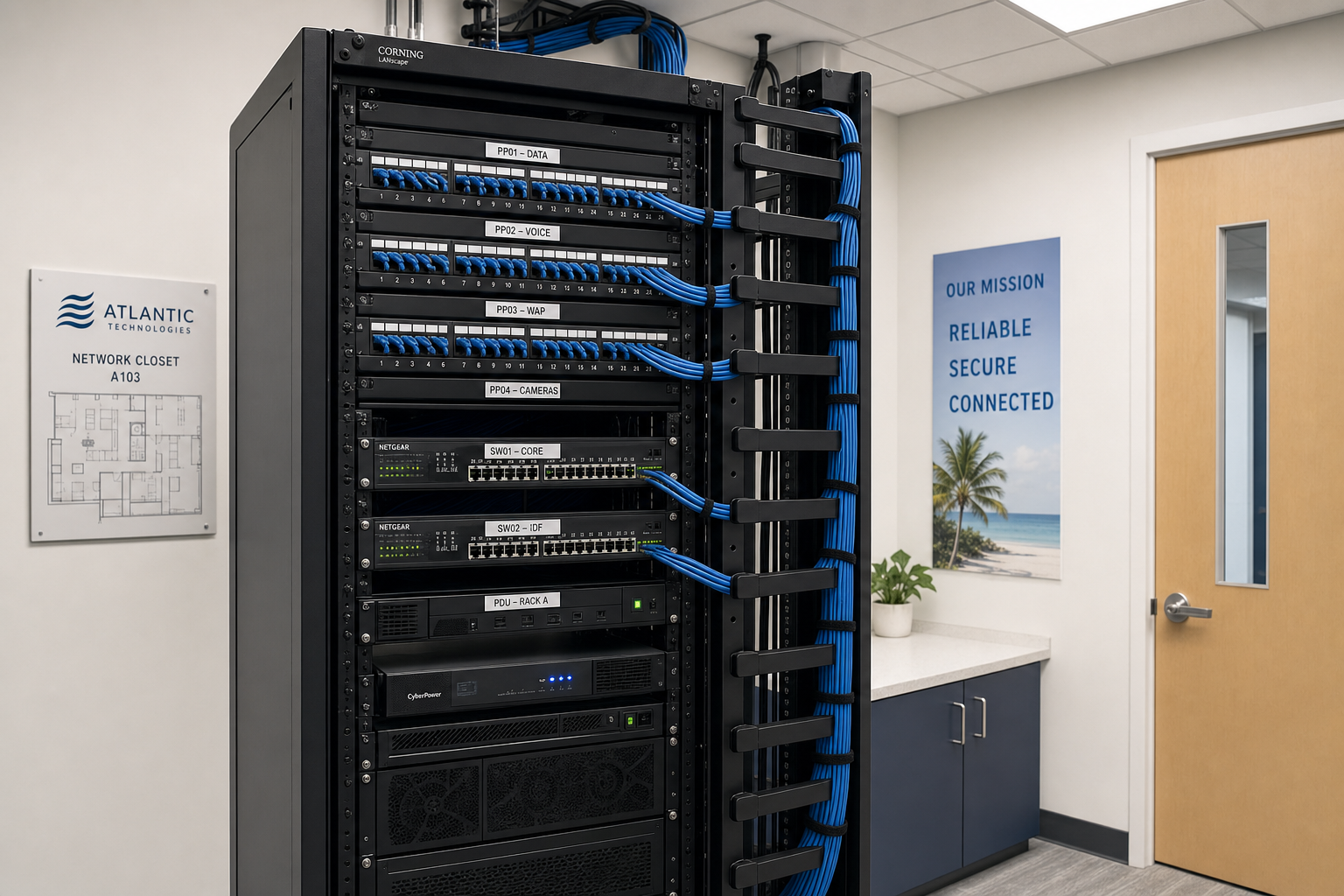
A network closet without a proper rack, patch panel, and cable management system becomes a liability. Cables get pulled, ports get mislabeled, and troubleshooting becomes guesswork. Plan the telecom room before the first cable is pulled.
4. Mixing low-voltage and electrical runs
Running data cable parallel to electrical conduit without proper separation causes interference. This is a code issue and a performance issue. Your cabling contractor needs to coordinate with your electrician — they are not interchangeable roles.
5. No testing or certification
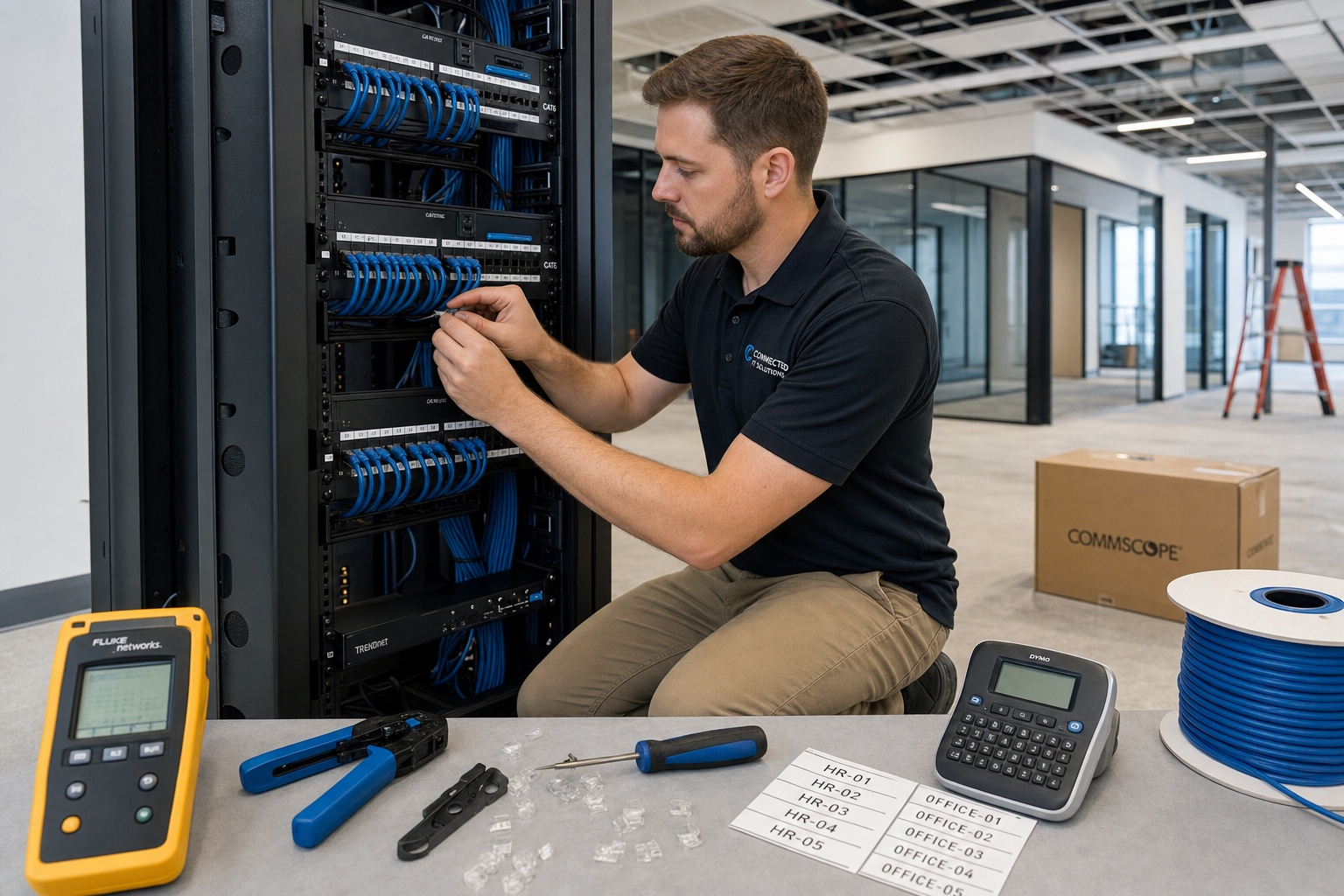
Every run should be tested with a cable certifier, not just a basic continuity tester. Certification confirms that the run meets the performance spec for its rated category. Untested runs that fail under load are a common source of intermittent network problems that are frustrating and time-consuming to diagnose.
What a Proper Structured Cabling Install Looks Like
A clean, professional structured cabling installation for a new office includes these components working together:
Horizontal cabling
Individual runs from the telecom room to each wall plate or ceiling-mounted access point. Each run is a single continuous cable — no splices — terminated at both ends with proper connectors and keystones. Runs are bundled, routed through conduit or cable trays where required, and kept away from electrical interference sources.
Patch panels and rack organization
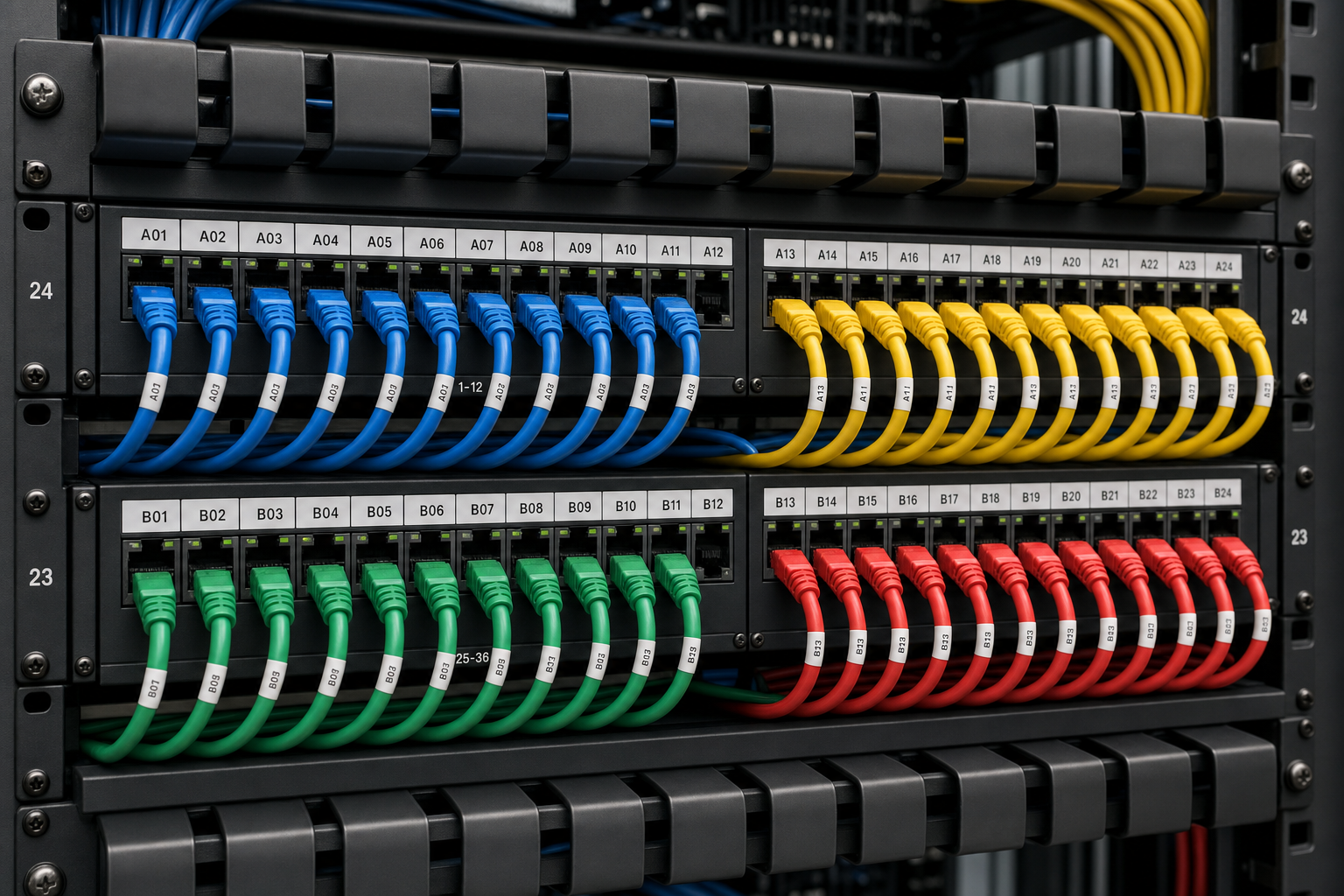
All horizontal runs terminate at a patch panel in the telecom room. The patch panel is labeled to match the wall plates. A managed switch connects to the patch panel via short patch cables. Cable management arms keep the rack clean and serviceable. Every port is documented.
Labeling and documentation
Every wall plate, patch panel port, and cable run gets a unique, consistent label. An as-built diagram shows the floor plan with port locations and their corresponding patch panel positions. This documentation is handed to you at project completion — not kept by the contractor.
Testing and certification
Each run is tested to confirm it meets the performance standard for its cable category. Results are logged. Any run that fails is corrected before the job is signed off.
VoIP Phones and Your Cabling Plan
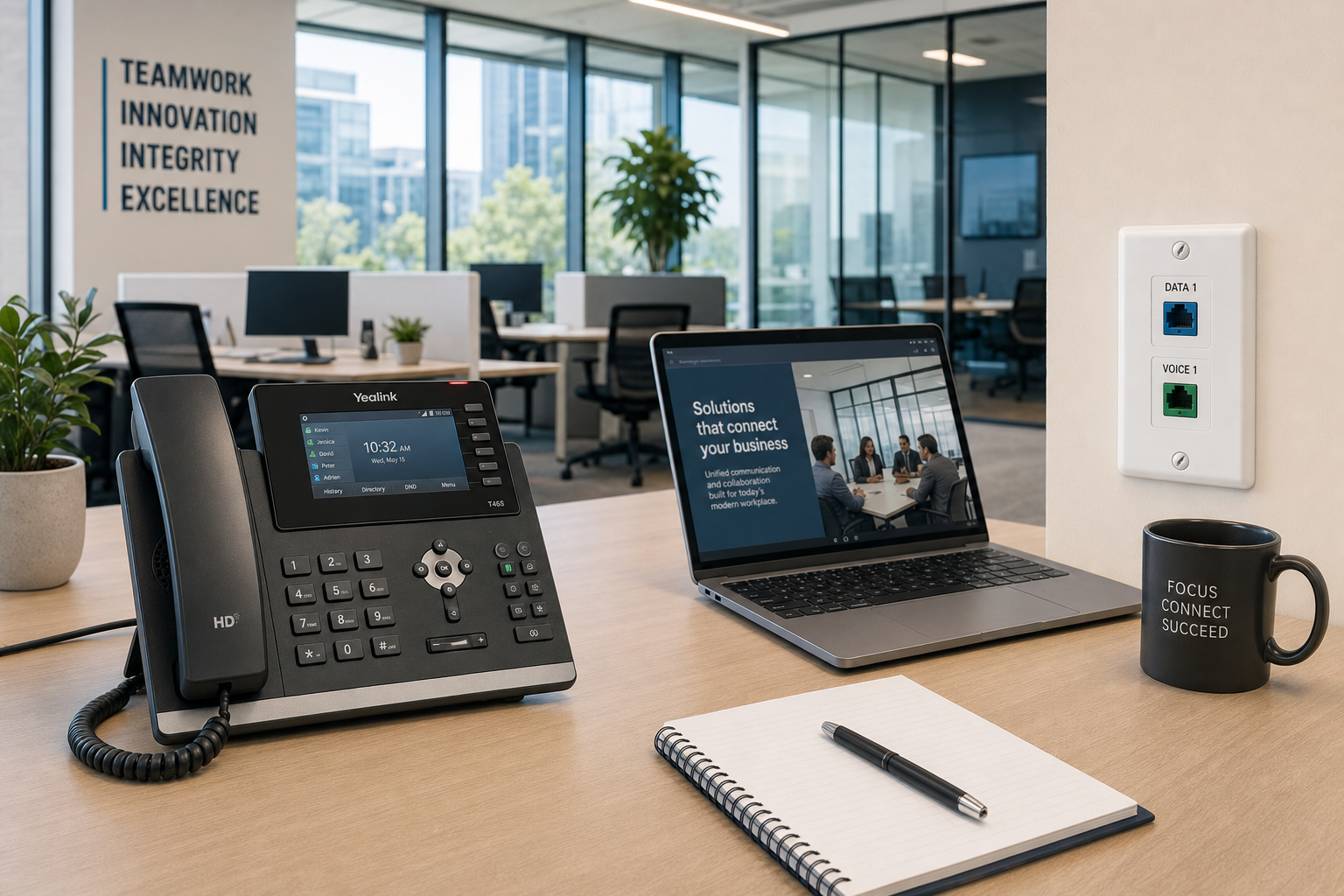
If you are moving to hosted VoIP — which most Florida businesses should consider for a new office — your cabling plan needs to account for it from the start. VoIP phones typically run on the same Cat6 infrastructure as your data network, powered by PoE from your managed switch. That means:
- Every desk that needs a phone needs a dedicated data port, or a phone with a built-in switch to share a single run with a computer.
- Your managed switch needs to support PoE and have enough budget (wattage) for all connected phones and access points simultaneously.
- VoIP traffic should be separated from general data traffic using VLANs — a configuration step that happens at the switch level but depends on having a properly installed and documented cabling infrastructure underneath it.
- Call quality problems are often blamed on the VoIP provider when the real cause is a marginal cable run, a bad termination, or a switch that is overloaded.
The FCC provides guidance on VoIP service reliability that is worth reviewing if you are evaluating hosted phone systems for your new office. When Mynians handles both the cabling and the hosted VoIP setup, there is no finger-pointing between vendors when a call quality issue comes up — we own the whole stack.
Your Structured Cabling Project Plan
Here is a practical, phase-by-phase plan for getting your new office cabling done correctly. Use this as a checklist when evaluating contractors or planning your buildout timeline.
Phase 1: Pre-Construction Planning (Before Walls Close)
- Finalize floor plan with workstation locations, conference rooms, reception, and any specialty areas.
- Identify telecom room or IDF location — ideally central to the floor, with power, cooling, and physical security.
- Count all required ports: workstations, phones, Wi-Fi APs, IP cameras, printers, conference room equipment.
- Add 20–25% spare capacity to your port count for growth.
- Confirm cable category (Cat6 minimum, Cat6A for high-density or future-proofing).
- Coordinate with electrician on conduit routing and separation requirements.
- Get your cabling contractor on-site before drywall — not after.
Phase 2: Rough-In (Walls Open)
- Pull all horizontal cable runs from telecom room to wall plate locations.
- Install conduit or cable tray where required by code or for future flexibility.
- Leave sufficient service loops at both ends for termination.
- Mark all runs at both ends with consistent labeling before walls close.
Phase 3: Termination and Rack Build (After Drywall, Before Furniture)
- Terminate all runs at wall plates and patch panel.
- Build out the telecom room: rack, patch panel, managed switch, UPS, cable management.
- Label all patch panel ports to match wall plates.
- Install Wi-Fi access points and IP cameras on their dedicated runs.
Phase 4: Testing, Certification, and Documentation
- Test every run with a cable certifier — not just a continuity tester.
- Correct any failed runs before sign-off.
- Produce as-built documentation: floor plan with port locations, patch panel map, test results.
- Hand all documentation to the client.
Phase 5: IT and VoIP Integration
- Configure managed switch: VLANs for data, voice, and cameras.
- Connect hosted VoIP phones and confirm call quality on each extension.
- Connect workstations and confirm network access.
- Test Wi-Fi coverage across all areas.
- Confirm IP camera feeds are recording correctly.
Cost, Timeline, and Common Objections
“Can’t we just use Wi-Fi for everything?”
Wi-Fi is a convenience layer, not a reliability layer. High-density Wi-Fi in a busy office — with video calls, file transfers, and VoIP all competing for airtime — degrades under load. Wired connections for workstations and phones are faster, more stable, and more secure. Wi-Fi access points themselves need wired backhaul to perform well.
“We’ll just run cables ourselves to save money.”
DIY cabling in a commercial office creates problems that show up months later: untested runs that fail under load, unlabeled ports that make troubleshooting a guessing game, and terminations that look fine but don’t meet spec. The cost of rework — pulling new cable through finished walls — almost always exceeds what a professional install would have cost upfront.
“How long does a new office cabling project take?”
For a typical small-to-mid-size office in Central Florida, rough-in cabling during active construction takes one to three days depending on size and complexity. Termination, rack build, and testing add another one to two days. The key is coordinating with your general contractor so cabling happens at the right phase — not as an afterthought after the space is finished.
“Why Mynians instead of a larger national provider?”
National providers often subcontract local work to whoever is available. You get a different crew each time, inconsistent documentation, and a support line that routes to an overseas call center when something goes wrong. Mynians sends real local technicians — the same team that installed your cabling — and we handle your IT, VoIP, and cabling under one flat-rate agreement with no surprise bills. When something breaks, you call us directly at (407) 374-2782.
For businesses in Orlando, Winter Garden, Tampa, Miami, and Jacksonville, having a local team that can be on-site the same day is a practical advantage that a national provider simply cannot match.
The National Institute of Standards and Technology (NIST) publishes frameworks for IT infrastructure planning that reinforce why documentation, testing, and standards compliance matter — not just for performance, but for security. A properly documented cabling infrastructure is also easier to audit and secure.
Frequently Asked Questions
What cable category should I use for a new office in 2025 and 2026?
Cat6 is the current minimum standard for new commercial installations. It supports 10 Gbps at runs up to 55 meters and handles PoE for phones and cameras without the heat issues of older cable. Cat6A extends 10 Gbps performance to the full 100-meter run length and is worth the modest cost increase for high-density offices or environments where you want to avoid re-cabling in five years. Cat5e is outdated and should not be specified for new installations.
How many data ports does a new office actually need?
Plan for at least two ports per workstation (one for the computer, one for a VoIP phone or spare), plus dedicated ports for each Wi-Fi access point, IP camera, conference room display, and printer. Add 20–25% spare capacity for growth. It is far cheaper to pull extra cable during construction than to add runs through finished walls later.
Can my VoIP phones share a cable run with my computer?
Yes — most business VoIP phones include a built-in two-port switch that allows a computer to connect through the phone on a single cable run. This works well and is a common configuration. However, it requires proper VLAN configuration on your managed switch to keep voice and data traffic separated for quality and security. This is a setup step that your IT provider handles at the switch level.
What is included in structured cabling documentation?
Proper documentation includes a floor plan showing the location of every wall plate and its assigned port number, a patch panel map correlating each patch panel port to its corresponding wall plate, cable test results for every run, and a rack diagram showing how equipment is mounted in the telecom room. This documentation should be handed to you at project completion — not kept by the contractor.
Does Mynians serve businesses outside of Winter Garden?
Yes. Mynians serves businesses across Central Florida and beyond, including Orlando, Winter Garden, Tampa, Miami, and Jacksonville. For new office buildouts, we coordinate with your general contractor and can be on-site at the right phase of construction regardless of your location within our service area.
Update Log
- May 2026: Created and reviewed for Mynians managed IT, hosted VoIP, and structured cabling accuracy.