


Why Office Phones Sound Bad During Peak Hours
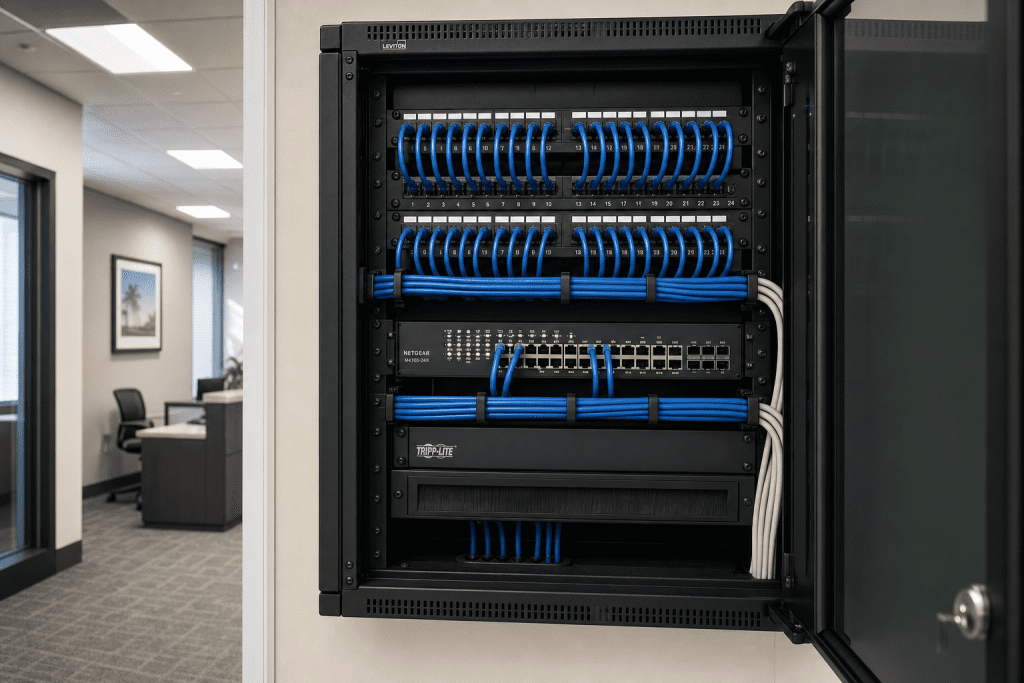
Why Office Phones Fail at Peak Hours
Your phones sound perfectly fine at 8 a.m. By 10 a.m., when your team is fully staffed, customers are calling in, and your staff is juggling video calls and file transfers, the audio turns choppy, calls drop, and clients start asking you to repeat yourself. If this pattern sounds familiar, you are not dealing with a bad phone system. You are dealing with a network that was never built to handle VoIP traffic under real business load — and that is a fixable problem.
Why Peak Hours Break VoIP
VoIP is not like a traditional phone line. A traditional analog or PRI circuit reserves a dedicated channel for each call. VoIP sends voice as data packets across the same network your computers, printers, security cameras, and cloud applications use. When that network is quiet, packets arrive on time and calls sound clear. When the network gets busy, those packets compete for bandwidth — and voice traffic loses.
The technical symptoms have specific names. Jitter is the variation in packet arrival time that causes choppy, robotic-sounding audio. Latency is the delay that creates awkward pauses and talk-over moments. Packet loss is what causes words to drop out entirely. All three get dramatically worse when your network is under load — which is exactly why your phones sound fine at 7:45 a.m. and terrible by mid-morning.
The Internet Engineering Task Force (IETF) defines the technical standards that govern how VoIP protocols like SIP and RTP handle packet delivery. When your network infrastructure does not support those standards under real-world load, call quality suffers in predictable ways.

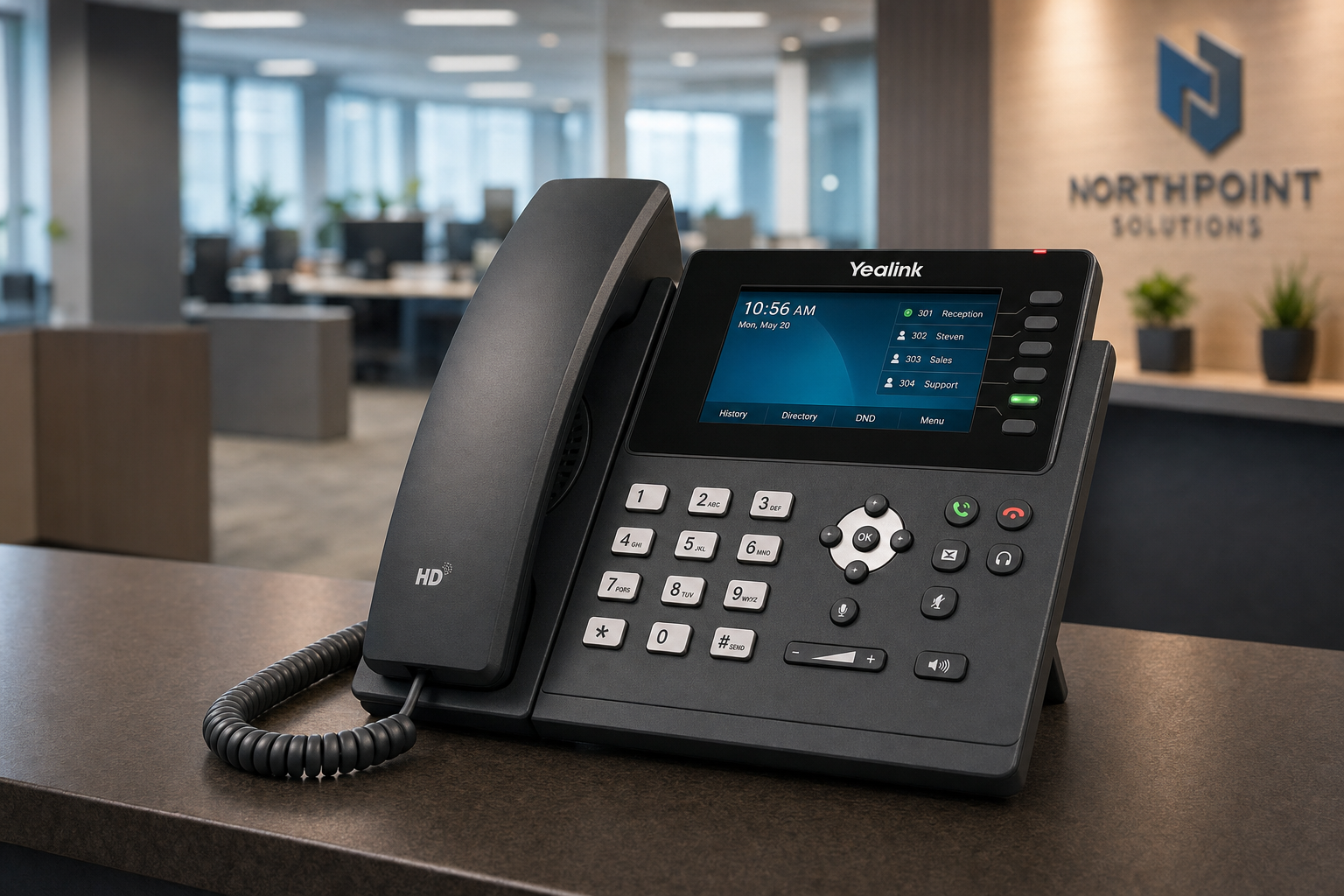
Your Options: Compared Honestly
| Option | What You Get | What You Risk | Best For |
|---|---|---|---|
| Mynians (local managed IT + VoIP + cabling) | One team handles network, VoIP config, QoS, and cabling. Real local techs on-site in Central Florida. Flat-rate pricing. | Requires a conversation and assessment upfront | Businesses that want the problem solved once, correctly, with one point of contact |
| National VoIP-only provider | Hosted phone platform, remote support | They blame your network. Your IT person blames them. Nobody fixes the cabling. Problem persists. | Businesses with a strong in-house IT team managing the network layer |
| DIY / in-house IT | Full control, no vendor fees | QoS configuration and SIP trunk sizing require specialized VoIP knowledge most generalist IT staff do not have | Larger organizations with dedicated network engineers |
| Break-fix / call when it breaks | Low upfront cost | Peak-hour problems are intermittent and hard to diagnose reactively. You pay for emergency visits repeatedly. | Businesses with very low call volume and no client-facing phone dependency |
| Legacy phone provider (PBX hardware) | Dedicated voice circuits, no packet competition | High hardware cost, limited features, no remote work support, aging infrastructure | Businesses not yet ready to move to hosted VoIP |
Who This Is For
This article is written for business owners and office managers in Central Florida — Orlando, Winter Garden, Tampa, Miami, Jacksonville, and surrounding areas — who are experiencing a specific and frustrating pattern: phone calls that sound acceptable in the morning and deteriorate noticeably during the busiest part of the workday. If your team has started using cell phones as a workaround, if clients are complaining about audio quality, or if your current IT vendor keeps telling you the phones are fine, this guide is for you.
Who This Is NOT For
If your call quality is consistently poor at all hours of the day, the problem is likely your internet circuit, your hosted VoIP provider’s platform, or a fundamental cabling failure — not peak-hour congestion. That is still a solvable problem, but the diagnosis and fix are different. Similarly, if you are running a single-person office with minimal call volume, the network congestion issues described here are unlikely to apply to your environment.
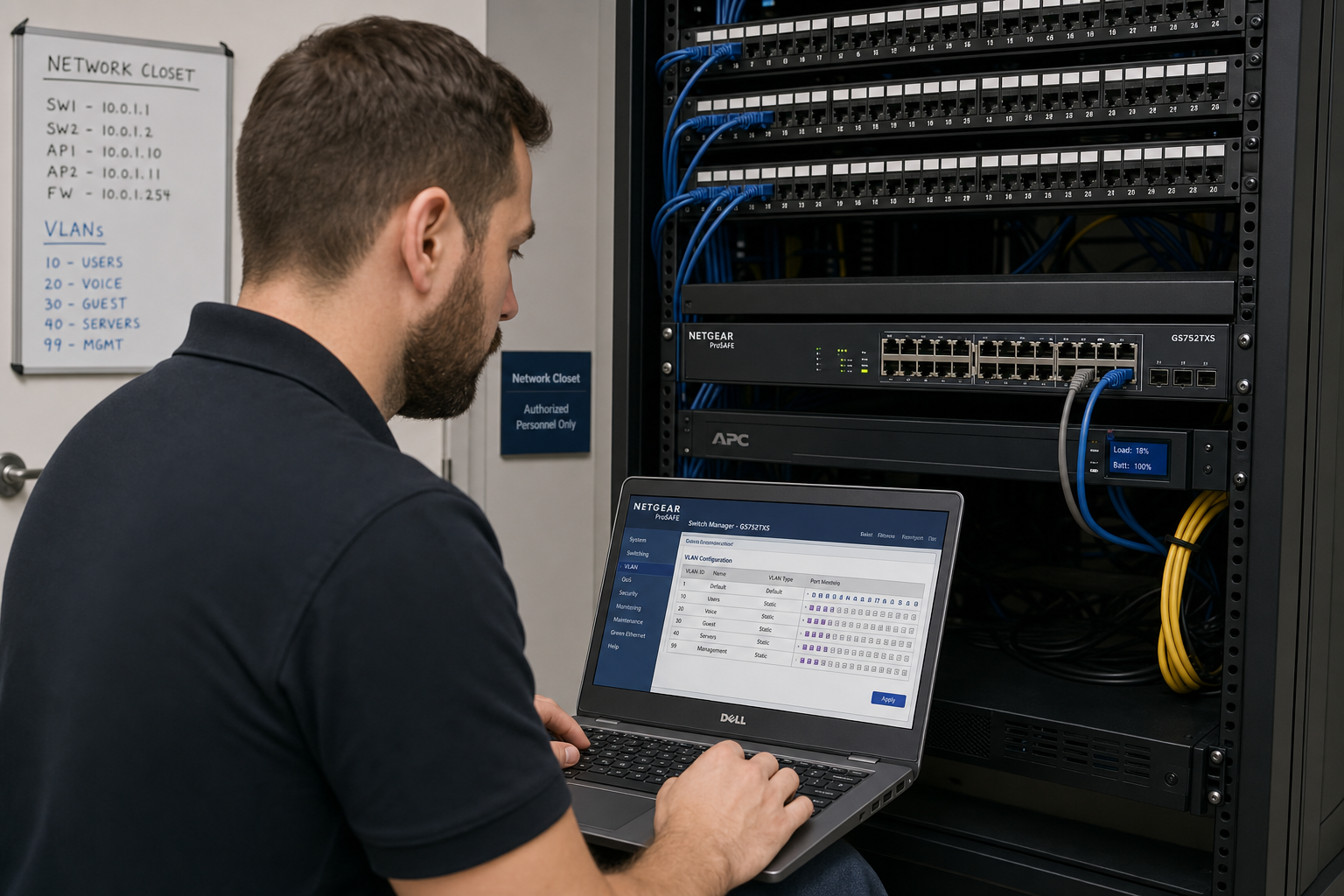
The Four Root Causes Most Businesses Miss
1. No Quality of Service (QoS) Configuration
QoS is a set of rules that tells your network equipment to prioritize certain types of traffic over others. Without QoS, your managed switch treats a VoIP call the same as a large file upload, a cloud backup job, or a video stream. When bandwidth gets tight during peak hours, voice packets wait in line — and waiting is fatal to call quality. The FCC’s guidance on broadband and VoIP acknowledges that network management practices directly affect VoIP performance. Proper DSCP tagging and queue prioritization on your switch and router resolve this at the infrastructure level.
2. Insufficient SIP Trunk Capacity
Every simultaneous call your business makes or receives requires a SIP channel. If your hosted VoIP plan includes fewer channels than your peak-hour call volume demands, calls will queue, drop, or degrade. Many small businesses are undersized here because they set up their VoIP plan based on average call volume, not peak call volume. A proper capacity review — looking at your actual concurrent call data — tells you exactly how many channels you need.
3. Structured Cabling Problems Under Load
A marginal cable connection that passes a basic test at low traffic can fail under the electrical load of a busy network. Poorly terminated patch cables, cables run too close to electrical conduit, and unmanaged cable bundles in a messy network closet all introduce interference that compounds under load. The Building Industry Consulting Service International (BICSI) sets the standards for proper structured cabling installation. When cabling is installed to those standards and documented correctly, you eliminate an entire category of intermittent, hard-to-diagnose problems.
4. Shared Internet Circuit Without Traffic Shaping
If your business internet connection is shared between VoIP, cloud applications, video conferencing, and general browsing without any traffic shaping at the router level, peak-hour internet usage will directly compete with your phone calls. A business-grade router with proper WAN traffic shaping — or a dedicated voice VLAN — separates voice traffic from data traffic at the network edge and protects call quality regardless of what else is happening on the network.
What a Real Fix Looks Like
A proper resolution to peak-hour VoIP problems follows a specific sequence. Skipping steps is how businesses end up paying for the same problem twice.
Step 1: Network Assessment and Traffic Analysis
Before touching any configuration, a technician needs to see what is actually happening on your network during peak hours. This means reviewing bandwidth utilization, identifying competing traffic sources, checking switch and router configurations, and auditing your current VoIP setup including SIP trunk count and codec settings.
Step 2: QoS Configuration on Switches and Router
Once the assessment identifies the congestion points, QoS rules get applied at the switch and router level. Voice traffic gets tagged and prioritized. Backup jobs and large file transfers get deprioritized during business hours. This is not a complicated change, but it requires someone who understands both networking and VoIP — not just one or the other.
Step 3: VLAN Segmentation for Voice Traffic
Separating voice traffic onto its own VLAN keeps it isolated from data traffic at the network layer. This is standard practice for any business running hosted VoIP alongside cloud applications and is one of the most effective ways to protect call quality long-term.
Step 4: Cabling Inspection and Remediation
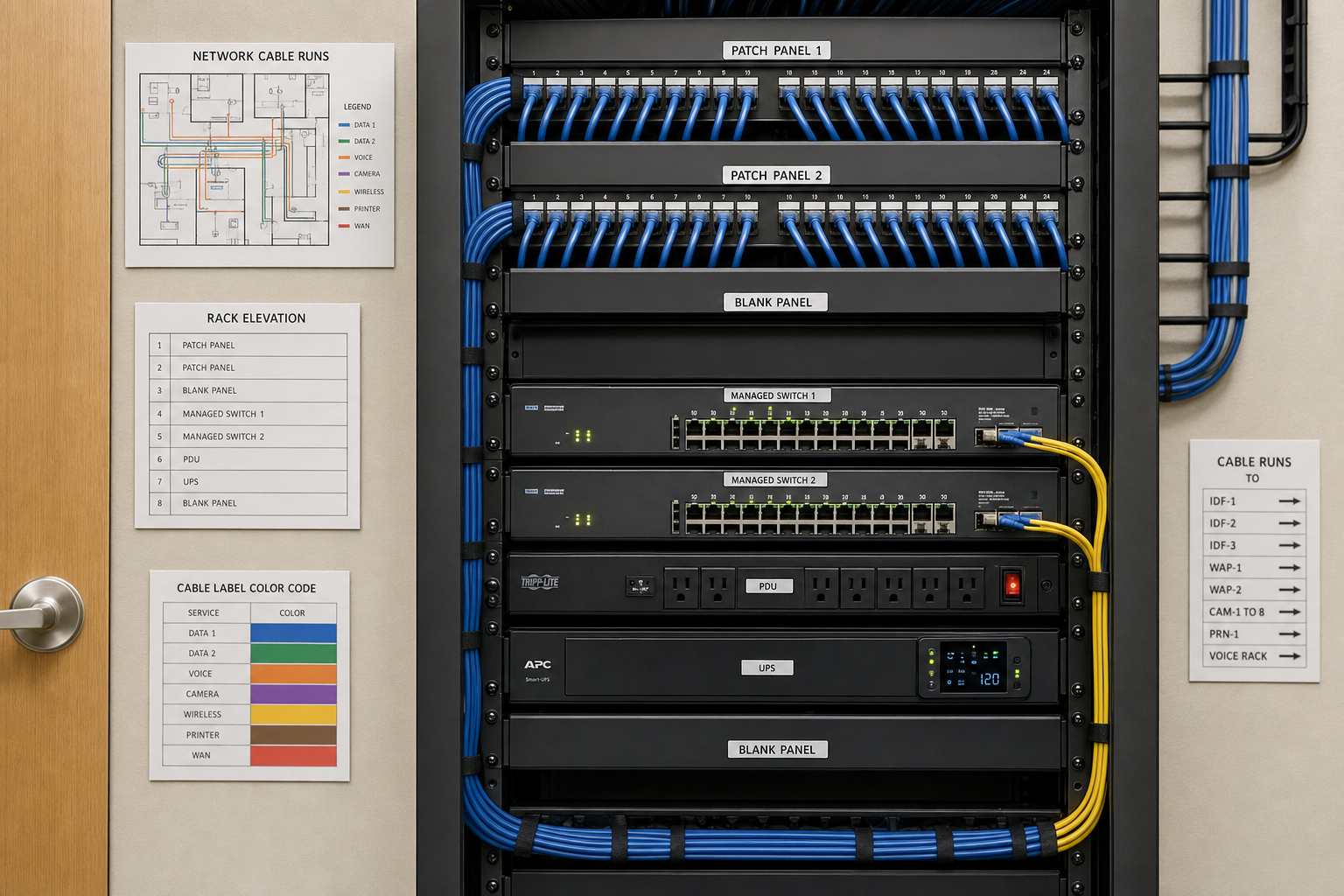
A physical inspection of patch cables, wall jacks, and the network closet identifies any cabling issues contributing to the problem. Marginal connections get replaced. Cable runs get properly documented. The network closet gets organized so that future troubleshooting takes minutes instead of hours.
Step 5: SIP Trunk Right-Sizing
After the network is configured correctly, actual concurrent call data gets reviewed to confirm your SIP trunk capacity matches your real peak-hour demand. If you are undersized, channels get added. If you are oversized, you may be able to reduce costs.
Why Local Support Matters Here
Peak-hour VoIP problems are intermittent by definition. They happen when your business is busiest. Remote support from a national provider cannot watch your network in real time during your actual peak hours, cannot physically inspect your cabling, and cannot sit at your network closet and make configuration changes while monitoring the results live.
Mynians serves businesses across Central Florida — Winter Garden, Orlando, Tampa, Miami, and Jacksonville — with real local technicians who can be on-site when the problem is actually happening. When your IT, VoIP, and cabling are all handled by one team, there is no vendor finger-pointing. If the problem is the switch configuration, we fix the switch. If it is the cabling, we fix the cabling. If it is the SIP trunk count, we adjust it. One call, one team, one resolution.
Flat-rate pricing means you know what you are paying before we start. No surprise bills after the assessment. No separate invoices from three different vendors who each blame the other two.
The Cybersecurity and Infrastructure Security Agency (CISA) recommends that businesses treat their communications infrastructure — including VoIP — as critical infrastructure requiring proper configuration and ongoing management. For a Central Florida business that depends on phone calls to serve clients, that recommendation is practical, not theoretical.
Frequently Asked Questions
Why do my office phones only sound bad during busy times of day?
VoIP calls share your network with all other business traffic. During peak hours, competing traffic — file transfers, cloud backups, video calls, and general internet use — consumes bandwidth and causes VoIP packets to be delayed or dropped. Without Quality of Service rules in place, voice traffic has no priority over other data, and call quality suffers under load. The fix is network-level configuration, not new phones.
How long does it take to fix peak-hour VoIP problems?
In most small and mid-size business environments, QoS configuration and VLAN setup can be completed in a single on-site visit once the network assessment is done. Cabling remediation, if needed, may require additional time depending on the scope. Most businesses see immediate improvement in call quality after the network configuration changes are applied.
Will I need to replace my phones or my phone system?
In the majority of peak-hour call quality cases, the phones themselves are not the problem. The issue is the network infrastructure supporting them. Replacing phones without fixing the underlying network configuration will not resolve choppy audio, jitter, or dropped calls during busy periods. A proper assessment identifies whether any hardware changes are actually needed.
What is QoS and do I really need it for VoIP?
Quality of Service (QoS) is a set of configuration rules applied to your network switches and router that prioritize certain types of traffic — like voice calls — over others. For any business running hosted VoIP on a shared network, QoS is not optional if you want consistent call quality during peak hours. Without it, your voice packets compete equally with every other type of data on your network, and they lose when bandwidth is constrained.
Can Mynians help if we are already using a hosted VoIP provider?
Yes. Most peak-hour call quality problems are on the network side, not the hosted VoIP platform itself. Mynians can assess and configure your local network infrastructure — switches, router, cabling, and VLANs — to support your existing hosted VoIP service correctly. If there are also issues with your SIP trunk capacity or provider configuration, we can identify those as well and help you work through them.
Does Mynians serve businesses outside of Winter Garden?
Yes. Mynians serves businesses across Central Florida including Orlando, Winter Garden, Tampa, Miami, and Jacksonville. Call (407) 374-2782 or visit mynians.com/contact-us to discuss your location and schedule an assessment.
Publication date
October 15, 2026
Next step
Ready to see what managed IT would cost your business?
Calculate your MSP base in about a minute, review the written agreement, and sign online, or call the Winter Garden team and talk it through first.

