


VoIP Migration Checklist for 30+ Numbers

Once a phone migration moves past 30 numbers and extensions, the project stops being a simple provider swap. It becomes an operations exercise involving carrier records, extension dependencies, call flows, E911, switch capacity, cabling, training, and go-live support. This guide gives Florida operations teams a practical VoIP migration checklist to plan a cutover with fewer surprises and less finger-pointing.

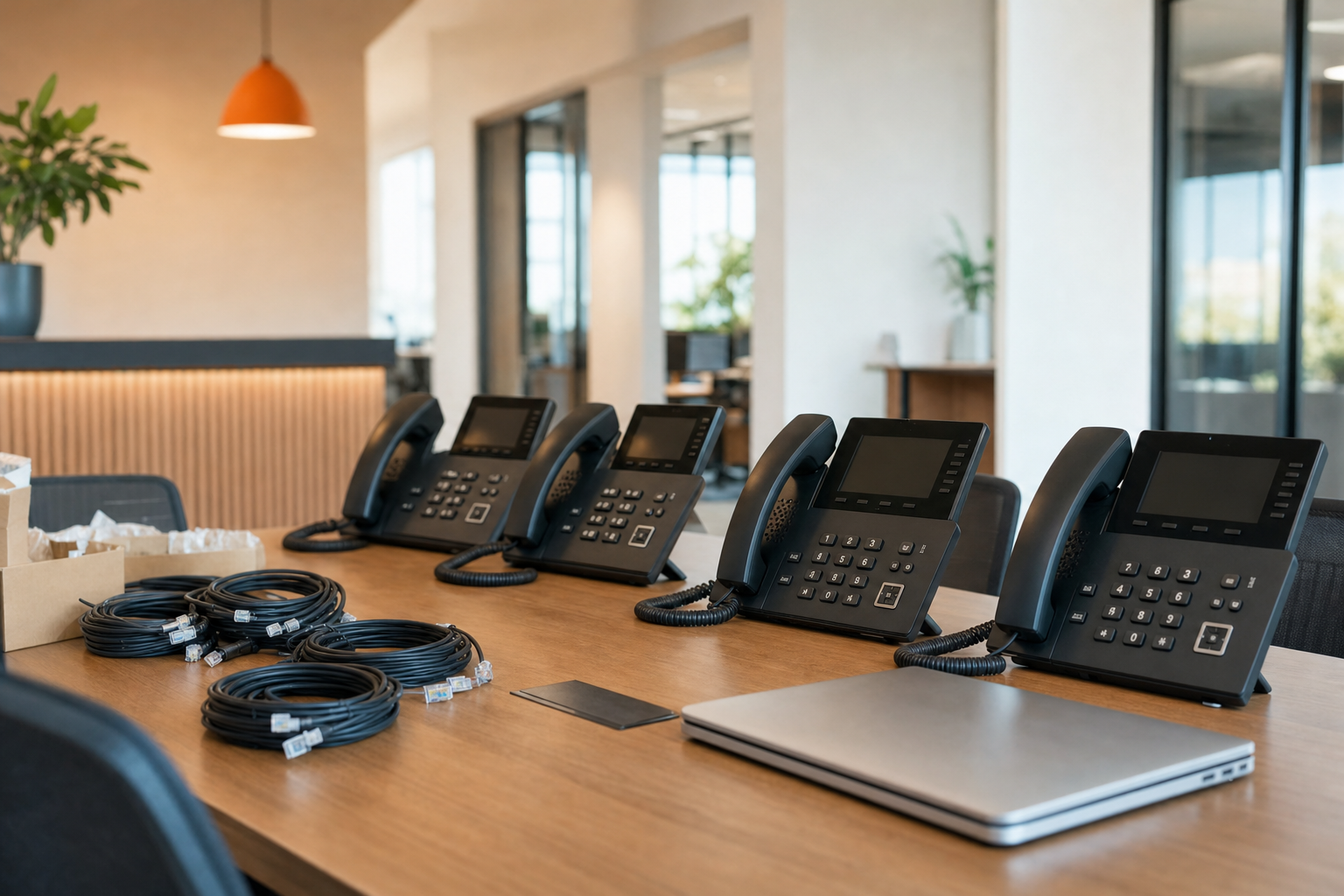
Key takeaways
- Porting problems usually start with bad records, not the final port date.
- After 30 users, extension mapping, call flows, E911, and failover need written ownership.
- Switching, VLANs, QoS, Wi-Fi limitations, and old cabling directly affect call quality.
- Post-cutover validation matters as much as the go-live window itself.
Who this is for
Operations leaders, office managers, IT managers, and multi-department businesses in Central Florida planning a hosted PBX migration or number port for 30 or more users.
Who this is not for
Very small teams with only a handful of direct lines and no ring groups, queues, or multi-site routing needs. Those projects are usually simpler and do not need this level of cutover planning.
Why migrations get harder after 30
Small phone moves can sometimes get by with a spreadsheet and a port request. Larger migrations cannot. Once you have multiple departments, direct inward dial numbers, auto attendants, fax lines, conference rooms, common area phones, remote staff, and after-hours routing, one missed dependency can send calls to the wrong person or nowhere at all.
That is why many generic checklists fall short. They talk about “switching to VoIP” but skip the real work: matching carrier records, validating DIDs, confirming extension ownership, checking Power over Ethernet capacity, documenting hunt groups, and deciding what happens if the carrier misses the port date.
| Factor | National provider | DIY in-house | Mynians managed IT |
|---|---|---|---|
| Carrier coordination | Usually ticket-driven, less local oversight | Your team manages rejections and follow-ups | One local team tracks porting and escalations |
| Network readiness | Often limited to basic recommendations | Depends on internal switch and VoIP knowledge | IT, VoIP, and cabling reviewed together |
| On-site cutover help | May rely on remote support | Internal staff handles desk moves and patching | Real techs on-site across Central Florida |
| Cabling issues | May send you to another vendor | You source and manage separate installers | Clean installs and documentation from one team |
| Post-go-live support | Ticket queue | Shared with other internal priorities | Local support with clear ownership |
| Billing clarity | Can involve multiple vendors | Internal labor plus outside carriers and parts | Flat-rate approach with no surprise bills |
If you want phone migration support tied to infrastructure, local hands, and business continuity, review Mynians business VoIP and cloud phone systems alongside the underlying IT and cabling work that makes the cutover hold up in the real world.
Pre-migration audit
The fastest way to delay a port is to submit incomplete or mismatched records. Before you schedule anything, complete a pre-migration audit and make sure one person owns the master list.
What to inventory first
- All carrier account names, service addresses, billing telephone numbers, and recent invoices
- Every number to port, including main lines, fax lines, toll-free numbers, alarm or elevator lines if applicable, and unused DIDs that still matter
- Current extensions, who uses them, and which ones must stay the same
- Ring groups, call queues, reception routing, after-hours schedules, voicemail boxes, and auto attendants
- Desk phones, conference phones, headsets, adapters, and any analog devices
- Remote users, mobile app users, and shared devices in lobbies, break rooms, or warehouse spaces
What commonly breaks the port request
- Service address on the port order does not match the carrier record
- Business name formatting differs from the underlying account
- Some numbers belong to a different carrier than expected
- Numbers are bundled with circuits or legacy services no one documented
- Partial ports were planned without identifying what remains behind
If your business also needs user provisioning, Microsoft 365 planning, or broader project coordination during the change, Mynians can tie those workstreams together through IT strategy and consulting.
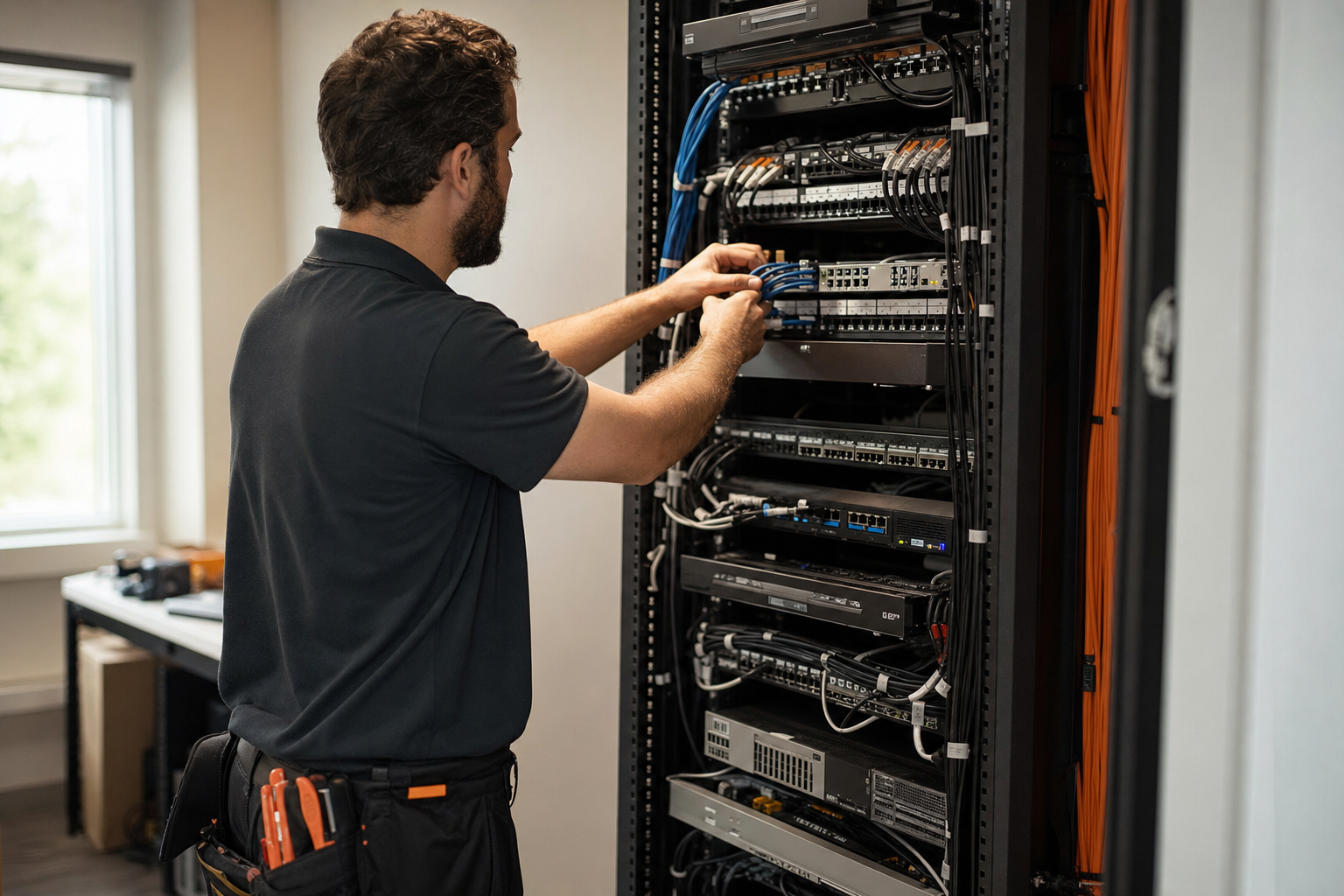
Network and cabling readiness
Voice quality problems are often blamed on the phone provider when the real issue is local infrastructure. Before cutover, verify the network can support VoIP traffic under normal business load.
Network readiness checklist
- Confirm internet stability and expected failover path if the primary connection drops
- Review switch capacity, available PoE budget, and patch panel labeling
- Decide whether phones will use a dedicated voice VLAN
- Configure QoS for VoIP so voice traffic is prioritized
- Identify where Wi-Fi-only phones or softphones may perform poorly
- Check firewall and NAT behavior for hosted PBX traffic
- Make sure remote sites and work-from-home users know minimum connectivity expectations
Cabling matters more than many teams expect
Messy wiring closets, unknown cable paths, unlabeled drops, and mixed-vendor patching create avoidable cutover delays. If you are deploying desk phones at scale, this is the time to replace questionable runs, clean up racks, and document what goes where. For businesses moving offices or refreshing older workspaces, structured cabling is often the difference between a smooth deployment and a long day of chasing dead jacks.
Mynians handles that side as well through structured cabling solutions for reliable networks, which is especially useful when a phone migration overlaps with an office move, expansion, or network closet cleanup.
Build the cutover plan
Once the audit and infrastructure checks are done, build the actual project plan. This is where a good VoIP migration checklist becomes a business phone system cutover checklist.
- Set the target carrier port date and identify who owns carrier communication.
- Map every DID to its destination: user, queue, ring group, auto attendant, or failover route.
- Confirm extension mapping, caller ID rules, voicemail settings, and shared line appearances.
- Build auto attendants, business hours, holiday schedules, and after-hours call handling.
- Assign E911 locations for each device, office area, and remote user based on how the system supports location management.
- Define failover behavior for internet outages, carrier delays, and partial port scenarios.
- Prepare user communication, phone labeling, training notes, and support coverage for go-live day.
E911 and multi-location planning
E911 setup deserves its own review. If users sit in different suites, floors, warehouses, satellite offices, or work from home, location information must be planned carefully. Use the hosted phone platform’s supported location features and verify records before go-live. The FCC is a useful authority for understanding emergency calling expectations and related telecom guidance.
Failover should be decided before it is needed
If the port is delayed or internet service fails, where do main calls go? Common options include temporary forwarding to mobile numbers, alternate office routing, or preserving a backup inbound path. The key is not which option you choose. The key is documenting it, testing it, and making sure reception and department leads know the plan.
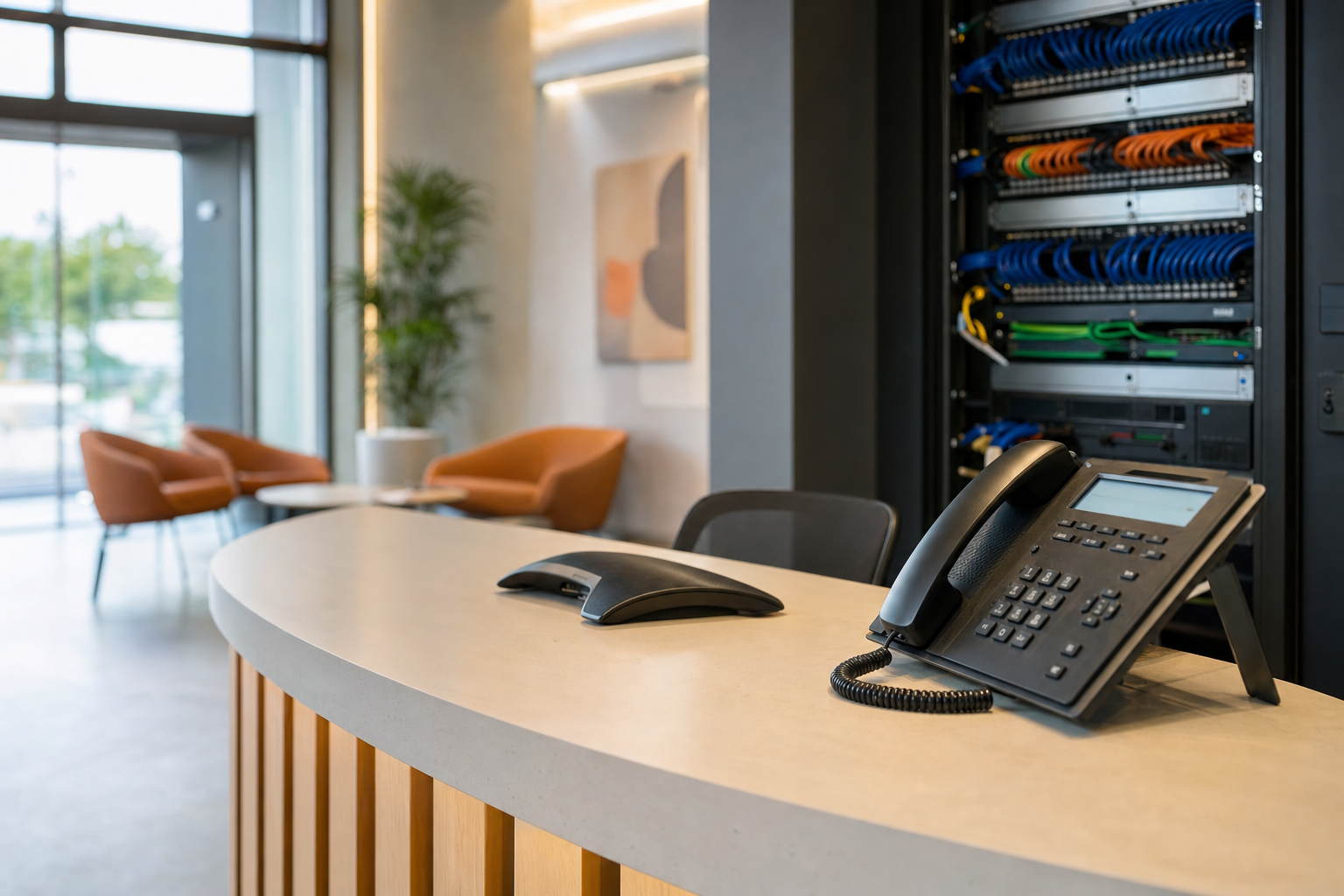
Testing before go-live
Testing should happen before the carrier port window, not during it. A hosted PBX migration is much easier when users, devices, and call flows have already been staged and validated.
Pre-go-live test list
- Inbound and outbound calling from sample users in each department
- Extension-to-extension dialing and voicemail delivery
- Auto attendant prompts, menu options, and time-based routing
- Ring groups, queues, overflow behavior, and voicemail fallbacks
- Caller ID presentation for main numbers and direct lines
- Conference phones, lobby phones, and any analog adapters still in use
- Mobile and desktop app sign-in for staff who will not use desk phones
- E911 test process according to provider-supported procedures
For technical best practices around networking and traffic behavior, teams may also reference standards bodies such as the IETF and structured cabling guidance from BICSI.
Go-live day checklist
On cutover day, keep the team focused on a controlled sequence rather than ad hoc troubleshooting.
- Confirm the port window, carrier contacts, and escalation path
- Have the current number inventory and extension map open
- Verify phones are powered, patched, and assigned to the right locations
- Test main inbound numbers first, then department DIDs, then individual numbers
- Verify reception routing, ring groups, and after-hours logic if timing overlaps
- Check outbound caller ID and voicemail on sample users
- Monitor support requests and track issues by priority
- Keep old service active until the port and validation are confirmed where possible
This is where local support matters. For businesses in Winter Garden, Orlando, Tampa, Miami, Jacksonville, and surrounding Central Florida areas, having one team that can handle patching, switch checks, phone swaps, and user questions removes a lot of vendor finger-pointing.
Post-cutover validation
Do not treat the first successful call as the end of the project. The first one to three business days usually reveal routing gaps, training issues, and odd edge cases.
What to validate after cutover
- Call quality by department, site, and remote-user group
- Any missed routes involving queues, overflow paths, or alternate greetings
- User login issues for desktop or mobile apps
- Desk phone placement, labeling, and undocumented shared devices
- Support tickets tied to confusion, not actual technical failure
- Updated documentation for future adds, moves, and changes
If the migration is part of a larger modernization effort, many businesses also review related security, device management, onboarding, and support ownership at the same time. That is where bundled managed IT services can help reduce gaps between telecom, infrastructure, and daily support.
Common VoIP migration mistakes that cause downtime and dropped calls
- Requesting the port before validating carrier records and number ownership
- Ignoring old cabling, weak switch capacity, or lack of PoE
- Assuming Wi-Fi is fine for every desk phone location
- Skipping QoS and blaming the hosted PBX for local congestion
- Not documenting auto attendant and ring group logic in plain language
- Forgetting E911 location details for remote or multi-office staff
- Leaving reception and department managers out of testing
- Failing to define what happens if the carrier misses the port date
Most of these problems are preventable with planning, written ownership, and local execution support. If you want a practical project plan instead of a sales script, you can contact Mynians to review your current setup and cutover risks.
Frequently asked questions
How far in advance should we plan a VoIP migration for 30 or more users?
Start planning as early as practical because larger projects involve carrier validation, number inventories, extension mapping, device deployment, and network readiness. The more departments, locations, and call flows you have, the more value you get from documenting the project before a port date is requested.
Can we keep all our current phone numbers when moving to hosted VoIP?
Usually, many or most business numbers can be ported, but success depends on clean carrier records, account details, and how the current services are provisioned. A full DID and billing audit helps identify which numbers are portable, which may have dependencies, and which need a different plan.
What information is needed to port business phone numbers successfully?
You typically need the exact business name on the carrier account, service address, billing telephone number, account details, recent invoices, and a clear list of numbers being ported. It also helps to identify whether any numbers are tied to circuits, fax lines, or other services that could be affected by a partial port.
How do we avoid downtime during a phone system cutover?
Reduce downtime by auditing everything first, staging phones in advance, testing call flows before go-live, and documenting failover options if the carrier port is delayed. Keep ownership clear for carrier communication, on-site support, user communication, and post-cutover validation.
Do we need new switches, VLANs, or QoS for VoIP?
Not every environment needs new hardware, but many larger deployments need a real network readiness assessment. Switch PoE capacity, VLAN design, QoS, internet stability, and cabling quality all affect call quality, especially once you have dozens of phones and mixed traffic on the same network.
How do extensions, ring groups, and auto attendants get mapped during migration?
They should be documented line by line before the cutover, with each number and extension mapped to a user, queue, ring group, or menu destination. That map should also include business hours, after-hours behavior, voicemail handling, and any shared or departmental routing rules.
Last updated October 12, 2026.
Next step
Ready to see what managed IT would cost your business?
Calculate your MSP base in about a minute, review the written agreement, and sign online, or call the Winter Garden team and talk it through first.

